Table of Contents
At Made on YouTube 2025, YouTube announced Live features covering horizontal and vertical broadcasts, games, rehearsal, highlights, and monetization. These additions serve different workflows; check which controls are available to your channel before planning a broadcast around one.
This article explains that announcement, rather than claiming every feature is new or universally available now. YouTube’s original Live update post provides the launch context.
Horizontal and vertical formats in one broadcast
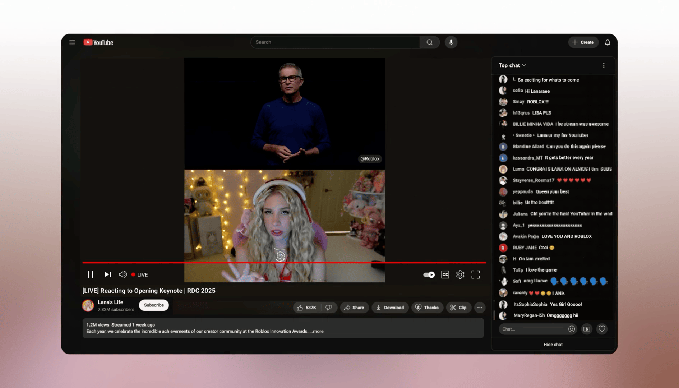
Dual-format streaming is intended to serve viewers watching on different screens while keeping a shared conversation. A landscape composition can suit a presentation or game, while a portrait composition can better use a phone screen.
Check the horizontal and vertical previews separately. Cropping a wide layout can hide captions, faces, or essential controls. YouTube’s current live-stream setup guide describes the available Live Control Room workflow; use it for configuration rather than relying on an announcement image.
Playables and live reactions
Playables on Live adds lightweight games as an interactive activity during eligible streams. Choose a game available in the current tool rather than assuming every title from the general Playables catalog is supported in Live.
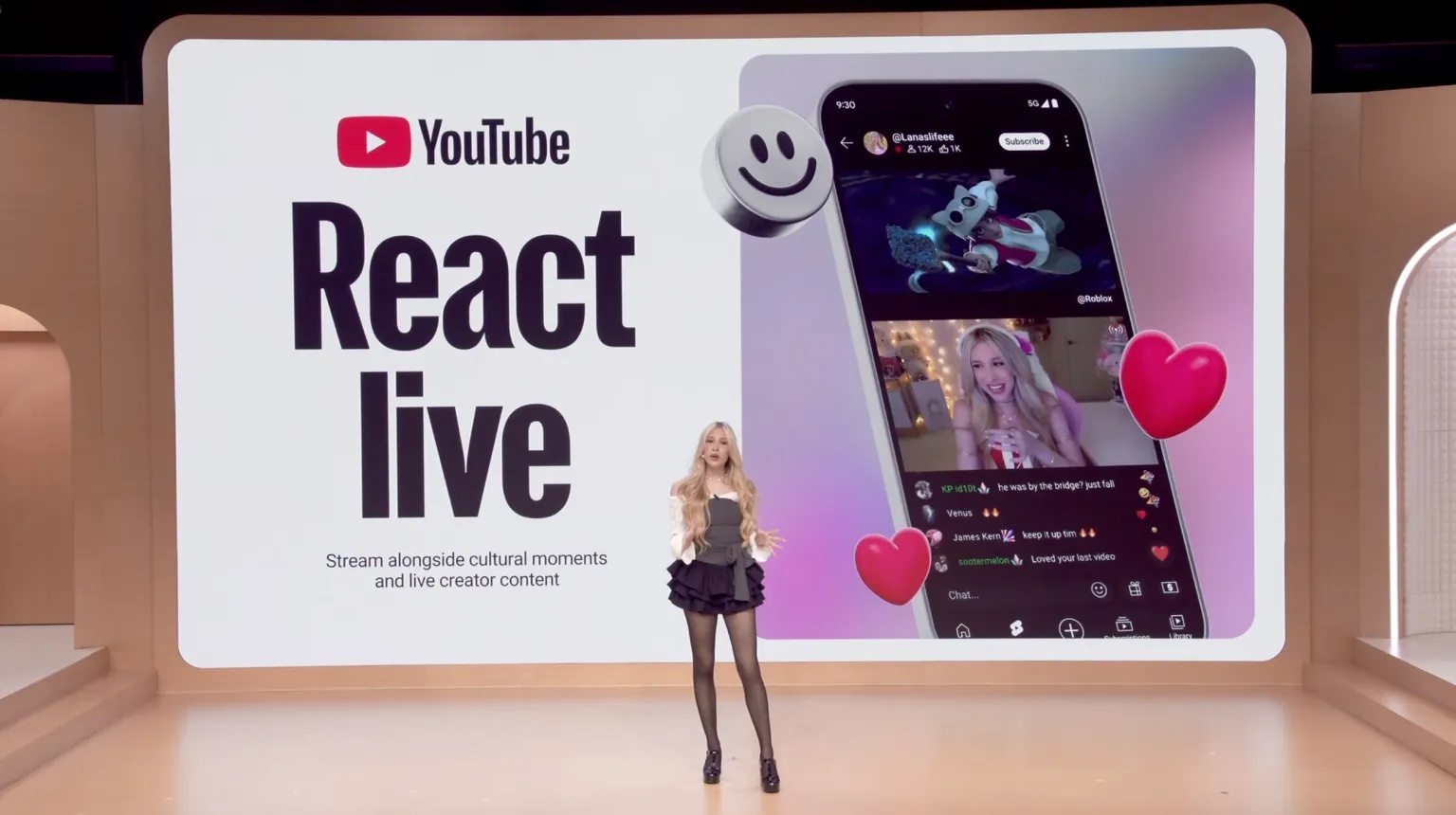
YouTube also announced ways for creators to react alongside eligible live content. Eligibility matters: the feature is not blanket permission to rebroadcast any event or another creator’s video.
Practice before going public
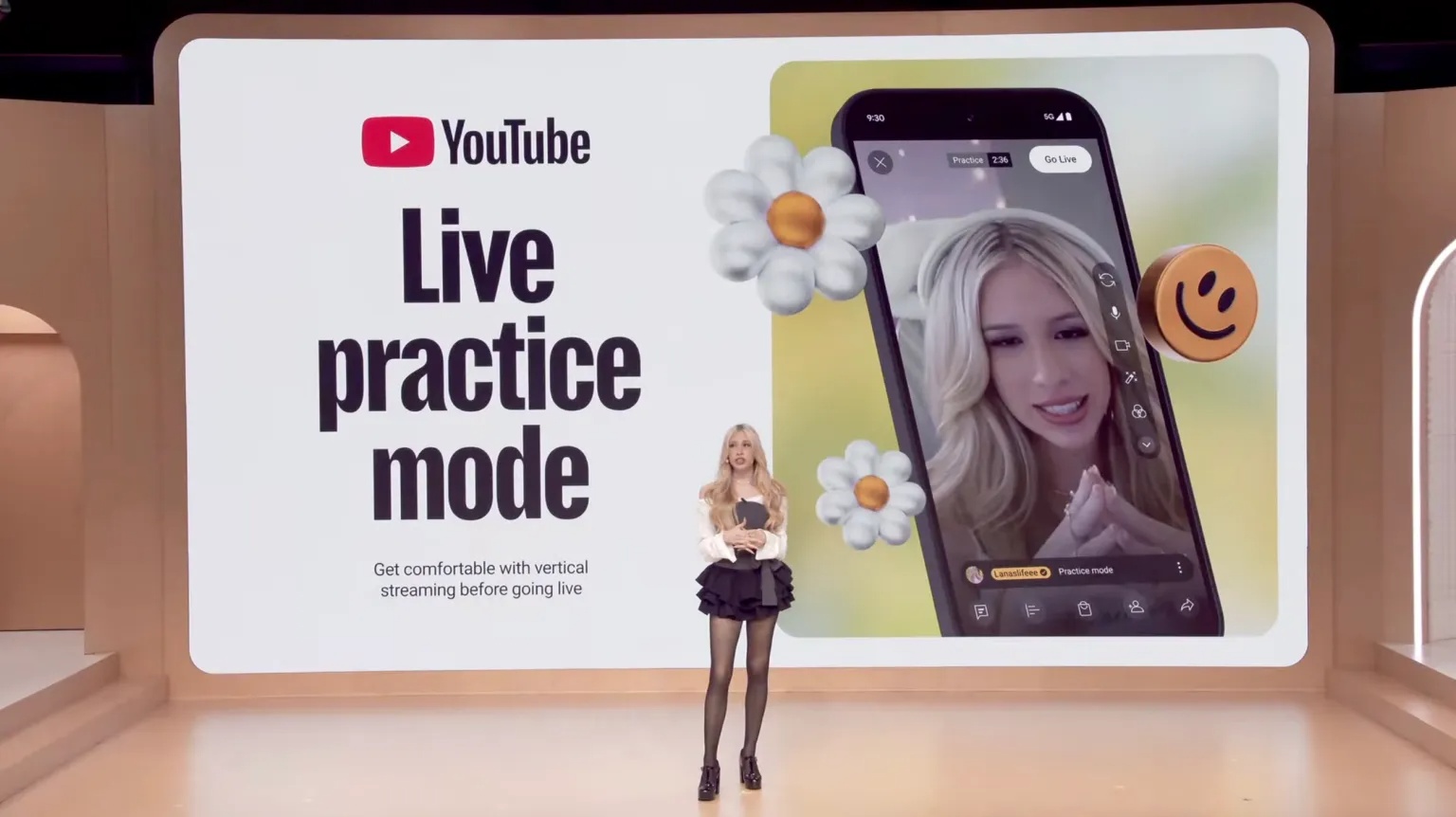
Practice mode gives creators a private rehearsal space in the mobile app. Test framing, sound, lighting, and your opening before switching to a public broadcast.
Read the audience and live-status controls carefully before going live. A rehearsal is useful for setup, but you still need to check the actual broadcast’s visibility, title, and account. The mobile Live help page describes the current practice workflow.
Review AI-generated highlights
The announcement included AI-assisted highlights that turn selected moments into shorter shareable clips. Treat a suggested clip as a draft: watch it from beginning to end, confirm it preserves context, and check captions and framing before publishing.
A moment that is visually lively may not be the most useful excerpt for a viewer unfamiliar with the full stream.
Advertising and members-only transitions
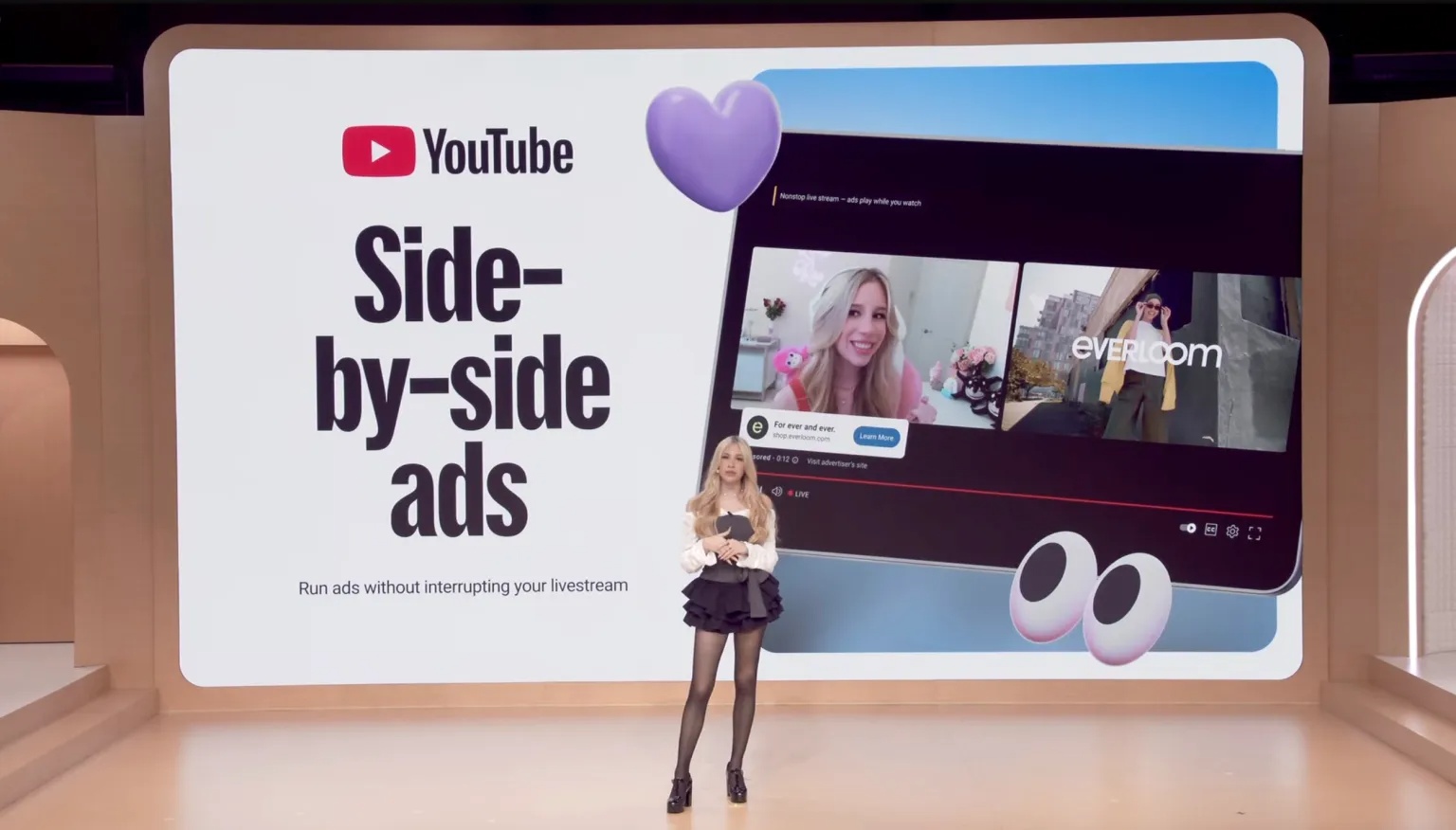
Side-by-side ads were introduced as a format that can display advertising alongside the live content. That does not mean every viewer sees an identical ad experience or that monetization is available to every channel.
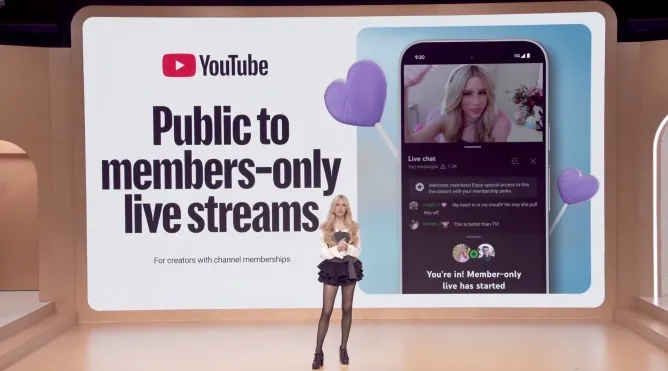
YouTube also announced a transition from a public live stream to a members-only stream for eligible creators. Explain the change to viewers and check the available membership controls before using it in a scheduled show.
Prepare the basic stream first
Confirm channel eligibility, connectivity, audio, moderation, and visibility before adding interactive features. Our guides cover mobile YouTube streaming and computer-based streaming setup. Match older screenshots to the current interface and keep stream keys private.
Related Articles
 How to play videos directly on YouTube from Android phones and iOS devices
 Guide live streaming, streaming live video on Youtube using computer, laptop
 How to Live Stream on YouTube From Your Phone
 5 Best Streaming Platforms for Live TV
 Is Twitch, Mixer or YouTube Live the best streaming platform?
 Instructions on how to Live Video Stream to YouTube
Reader Comments 0
Sign in with email or Google to join the discussion.