Table of Contents
A clean panorama starts with a slow, level sweep across a scene that stays reasonably still. Decide where to start and stop before you hit the shutter. If you can see broken edges, duplicate people or stripes of different brightness, use the symptom to decide what to change on the next attempt.
Blurry details or a crooked horizon
In your phone’s Pano or Panorama mode, move smoothly and keep the on-screen guide aligned. Plant your feet and rotate steadily instead of stepping sideways. If the camera asks you to slow down, follow the prompt. For the controls on different phones, see the Android and iPhone panorama guide or the iPhone Pano walkthrough.
An empty frame or a subject cut off at the edge
Pick a subject and rehearse the sweep before recording. Leave a little room at the edges so you can crop an uneven border. Stop once the scenery stops adding to the image. You don’t have to sweep through the full range the camera allows.
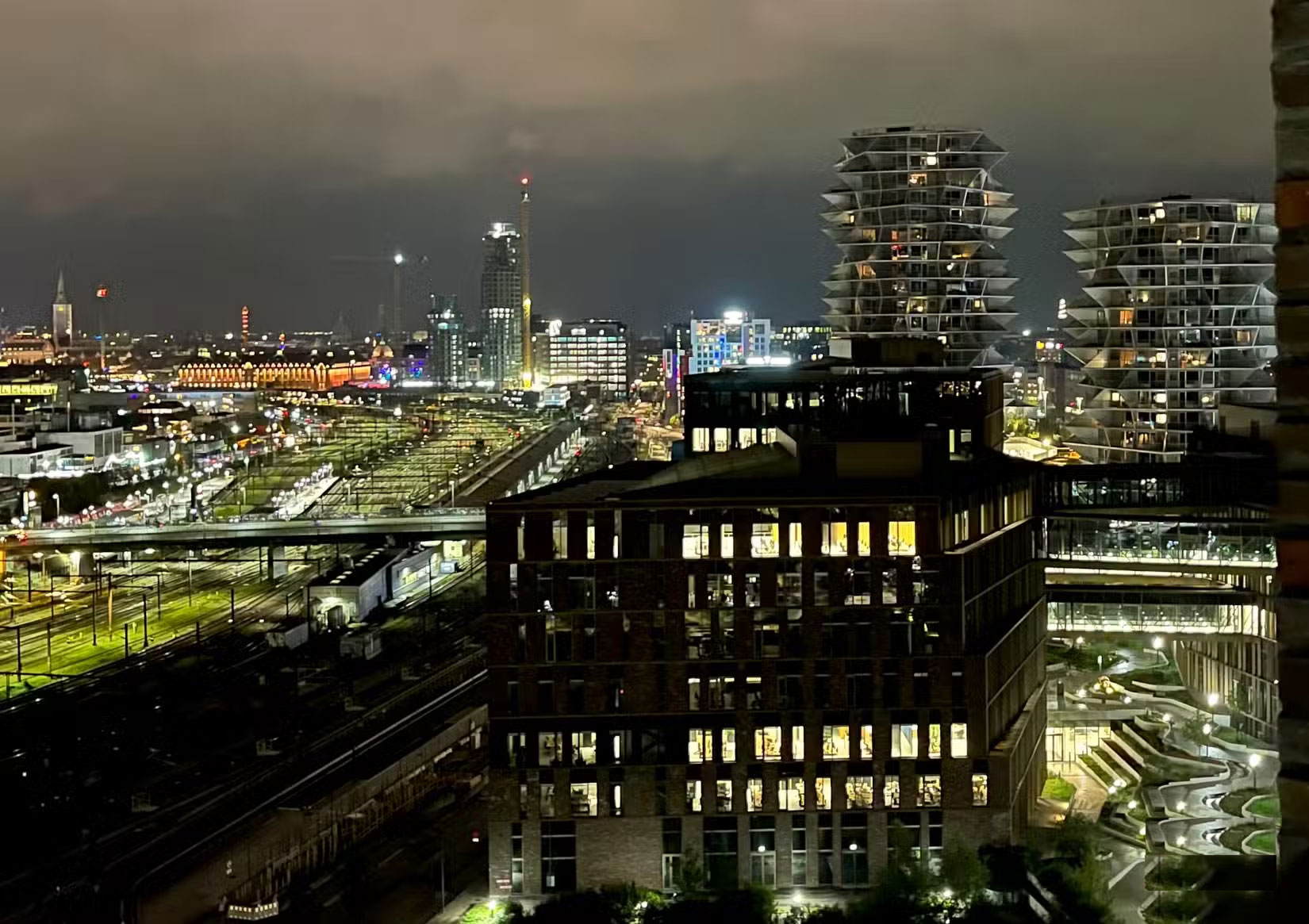
Visible seams, doubled objects or broken lines
Wait for people or cars to pass before you start. When a nearby railing or doorway breaks at a seam, step back and try again. Nearby objects shift more against the background when you change your viewpoint, which makes the images harder to align. If you’re taking separate frames to stitch later, keep the camera in the same spot and overlap the frames enough to show several recognizable features in both shots.
Bright and dark bands across the panorama
Preview the brightest and darkest parts of the sweep. If the light varies sharply, try a narrower angle or shoot when it’s more even. When stitching separate frames, use consistent exposure and white balance if your camera allows it. Check that bright areas still have detail before capturing the whole sequence.
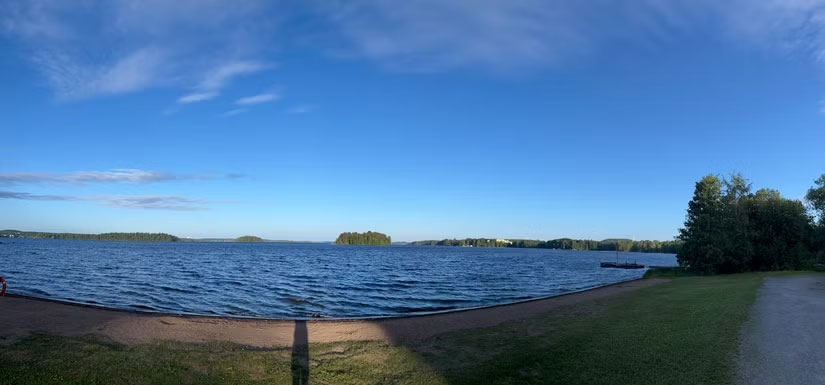
The scene looks stretched
Take a second version with a shorter sweep. If your camera offers lens choices in panorama mode, compare them from the same position. A single wide photo may work better when straight lines near the edge matter or the scene is full of movement.
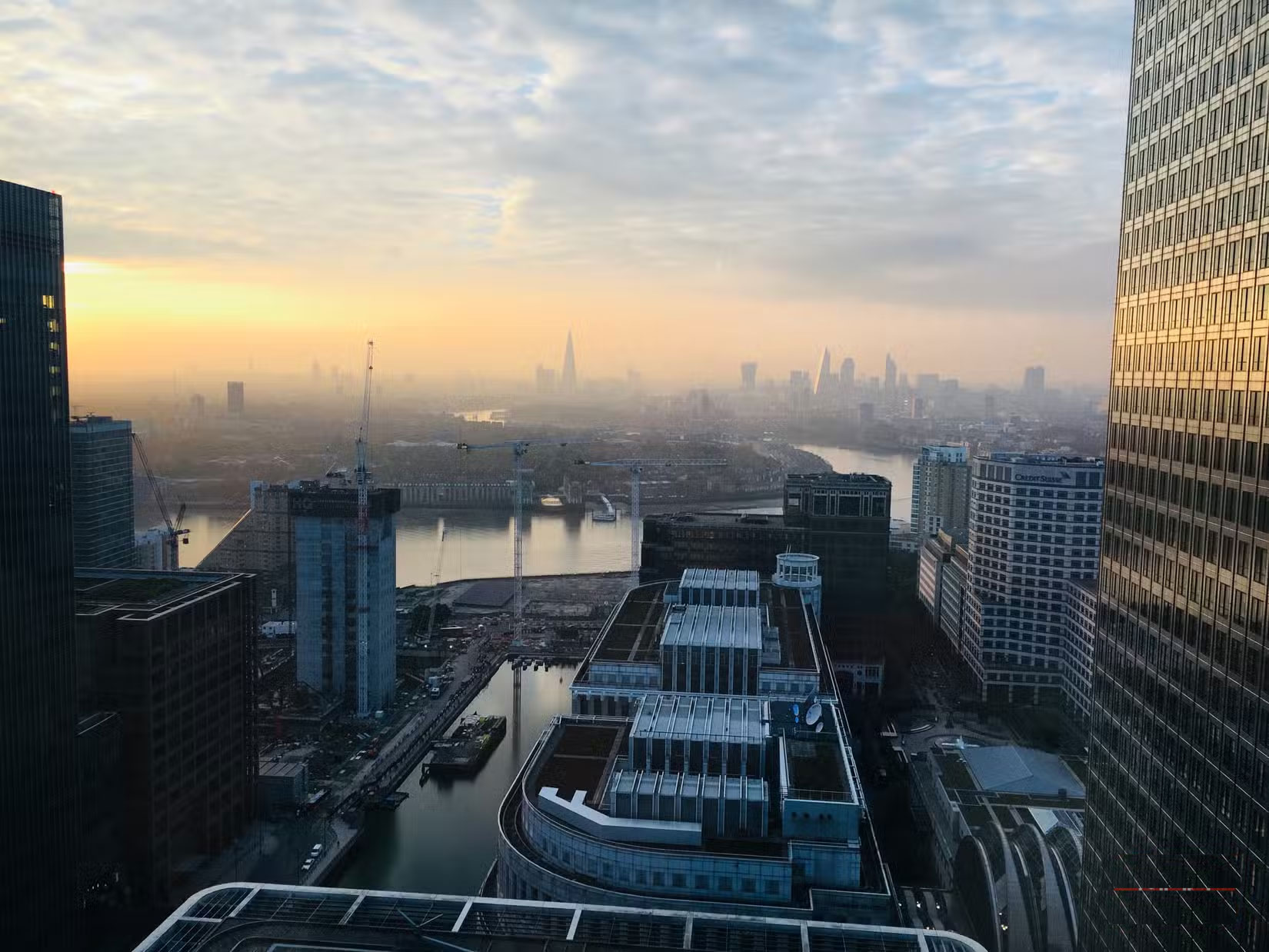
There is no clear focal point
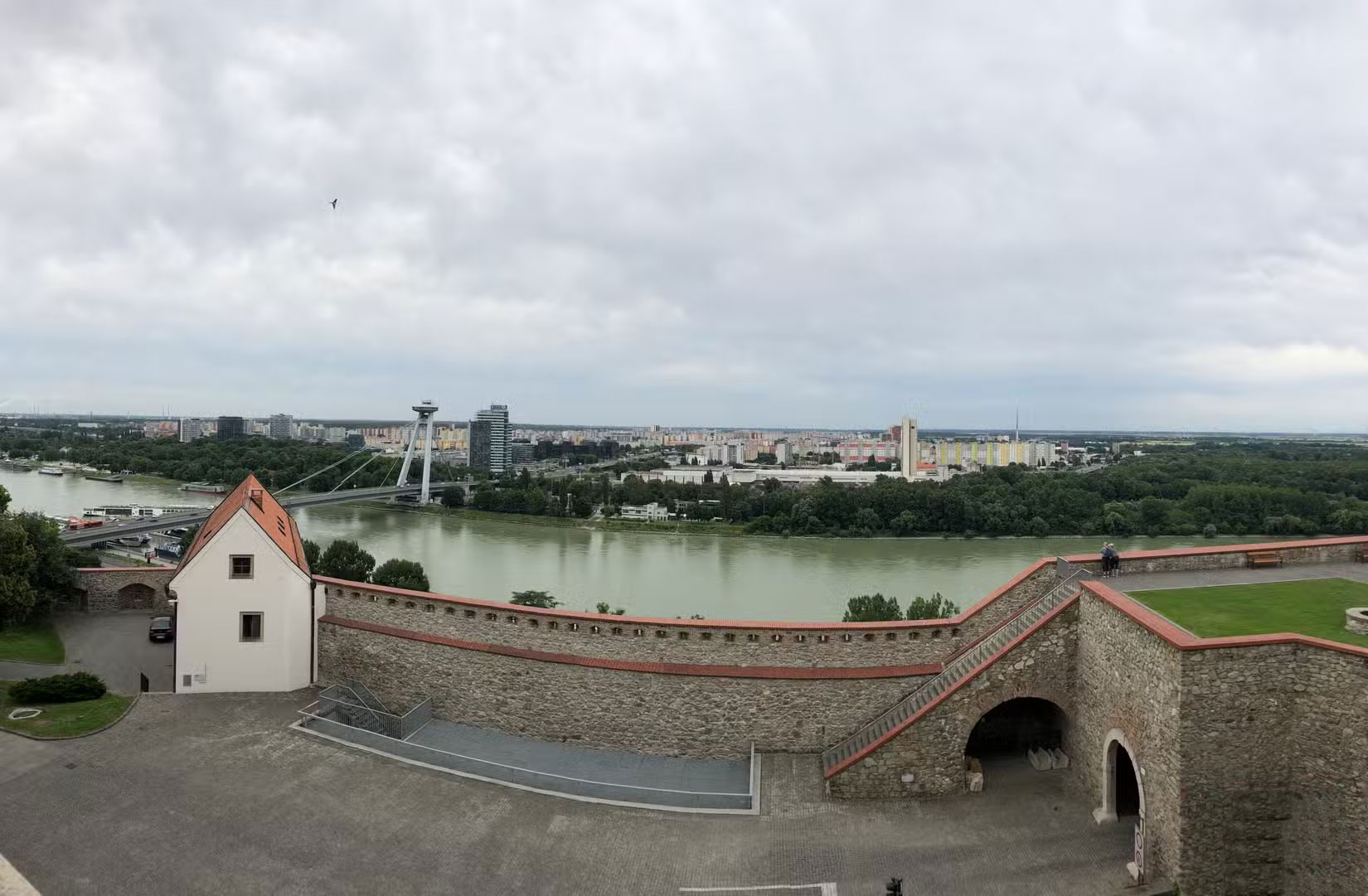
Use a path, shoreline or distant structure to lead the eye through the frame. A nearby doorway can also frame the view, but check its edges at full size. If it won’t stitch cleanly, step back or frame the scene as a single shot.
Related Articles
 How to post photo spheres to Instagram
 4 Vietnam photos in the top most beautiful panoramas of the EPSON 2019 photography contest
 How to apply call minutes on network, off-net when the money runs out
 How to convert hours to minutes in Excel
 How to Prepare for the 'Every 15 Minutes' Program
 Chinese phone fully charged in just 5 minutes
Reader Comments 0
Sign in with email or Google to join the discussion.