Table of Contents
Discover why should you replace chrome with duckduckgo on Windows and explore the main causes, risks, practical effects, and recommended actions.
Among the many browsers tested, one that some people unexpectedly liked was DuckDuckGo. It's a browser focused on privacy!
The internet is a little quieter and more peaceful now
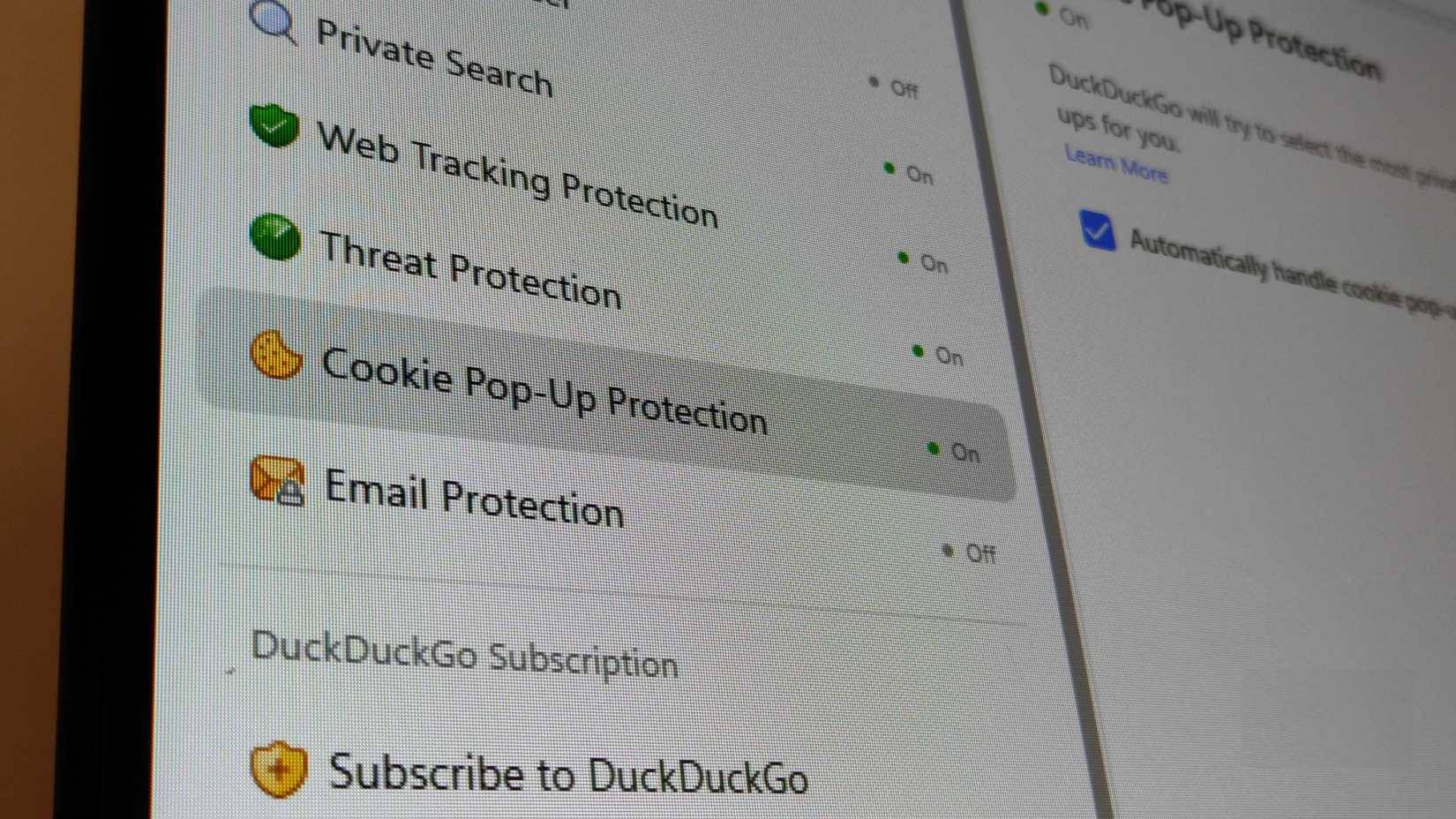
Every time you open a link, even before scrolling down, you see a pop-up window asking you to "accept" cookies, followed by three options: Accept all, Manage preferences, and Decline. On a laptop, this is annoying because it takes up almost half the screen space and is intrusive.
This is precisely the problem that DuckDuckGo's cookie management feature solves. It's an improvement many people never thought they needed. When DuckDuckGo detects a pop-up asking for cookie consent, it selects the most private option (usually "Necessary Only" or "Reject All") and completely hides the pop-up.
This gives you peace of mind knowing that you won't be storing any unnecessary or potentially harmful cookies on the system, while also saving a little bandwidth and improving loading speed. When you don't have to pause for two seconds on each new tab to ignore legal notices, the web becomes smoother. This makes many people realize how much "administrative work" Chrome has been making them do on each website.
This feature helps to improve the YouTube feed
Duck Player changes the way YouTube videos are streamed
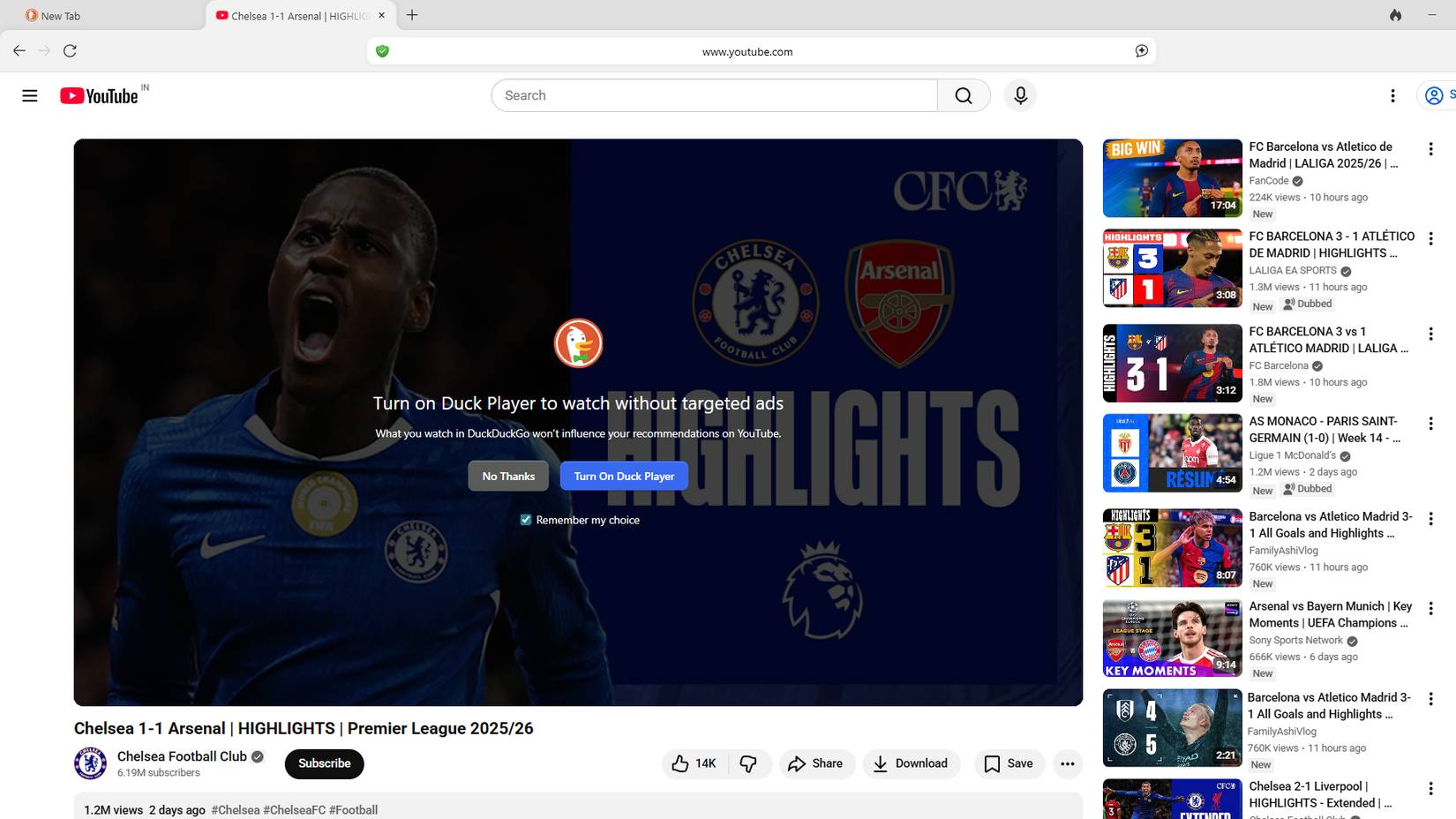
Duck Player is an overlay built into the DuckDuckGo browser that runs when you watch YouTube. It plays YouTube videos in a clean, distraction-free environment, removes targeted ads, and prevents your viewing history from influencing recommendations.

This gives you peace of mind that your feed won't be overloaded with the topic of the video you're watching. People are fed up with monitoring influencing what they watch, not what they subscribe to, when they open YouTube.
Preserving history
Erase traces with just one click
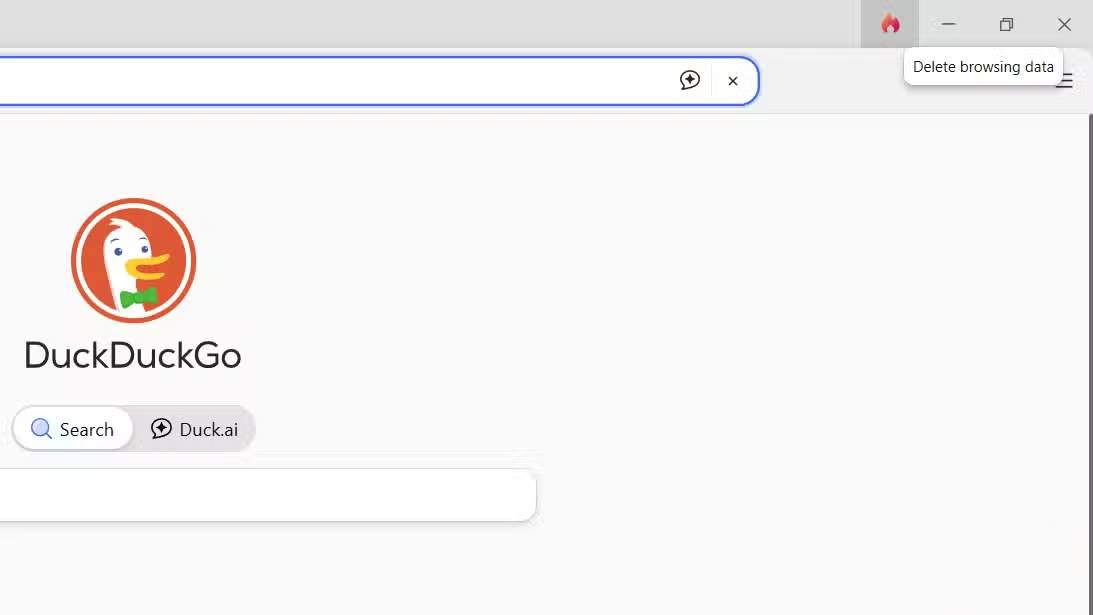
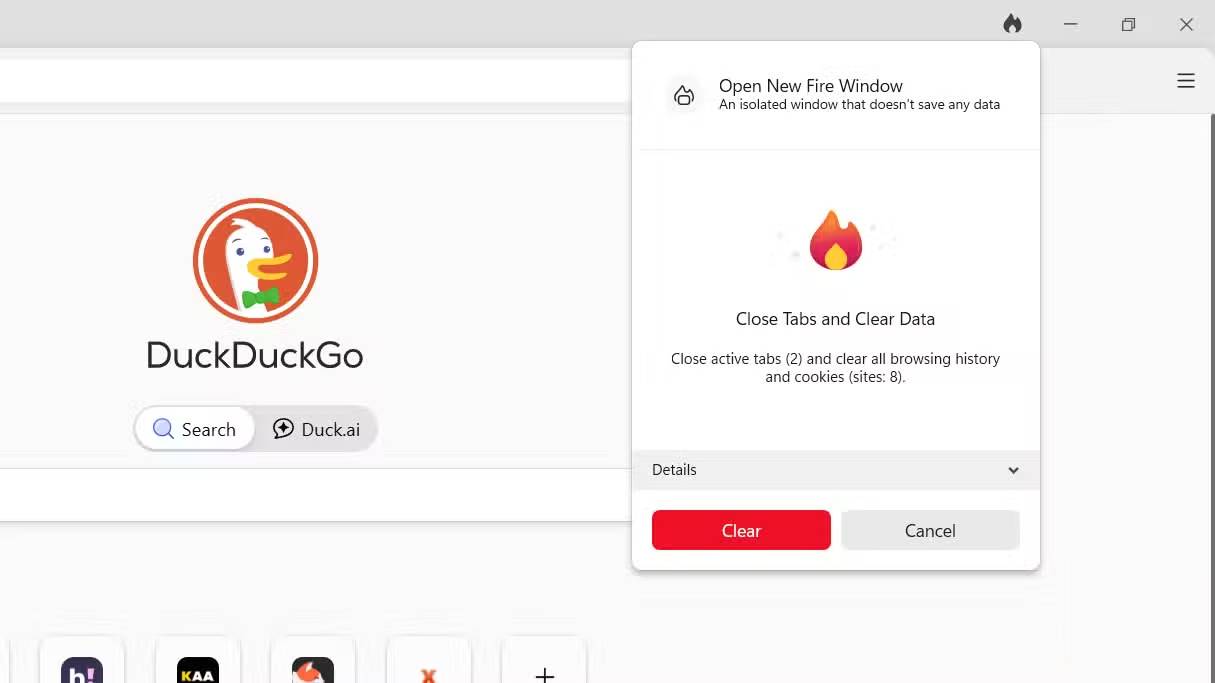
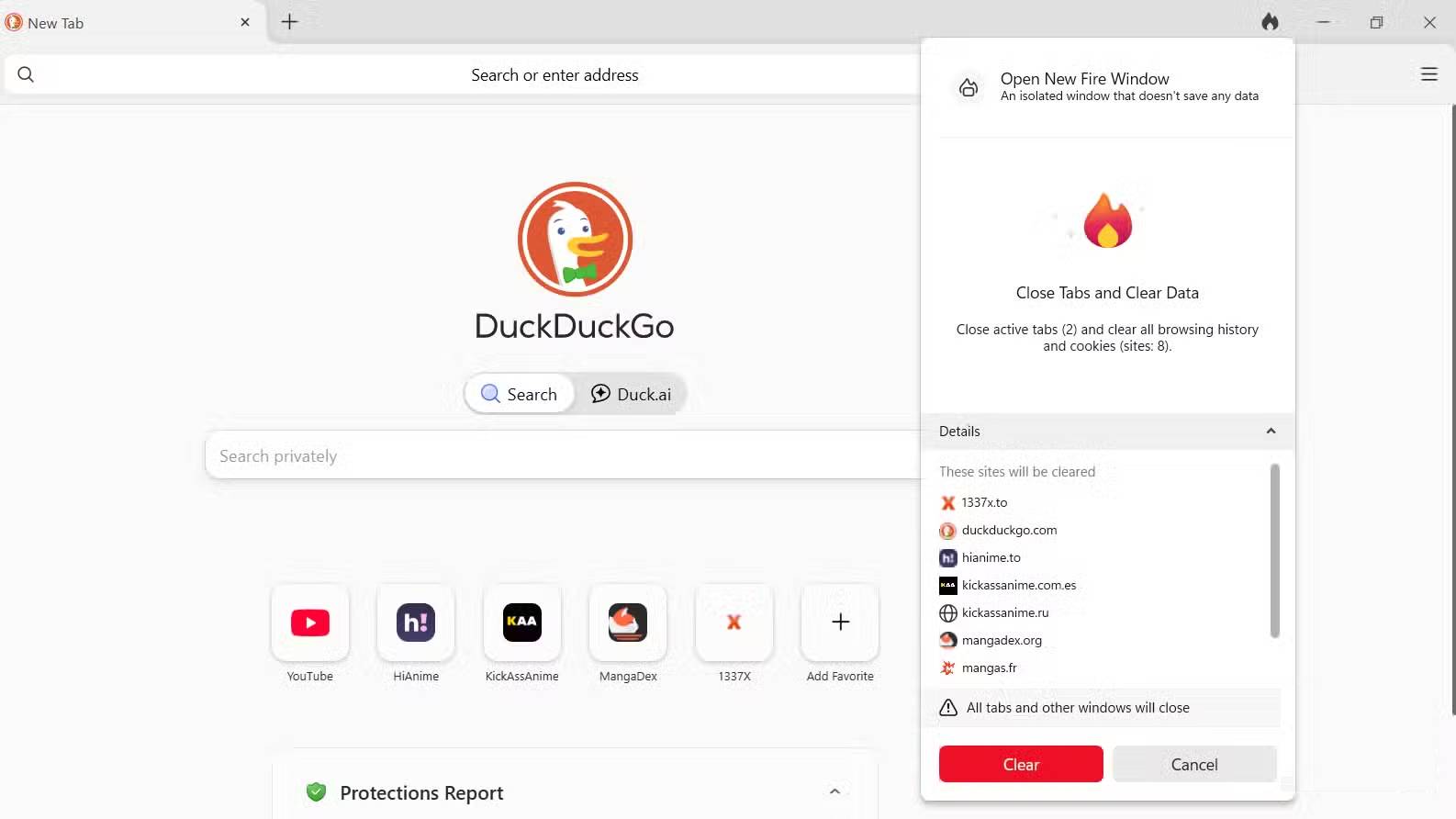
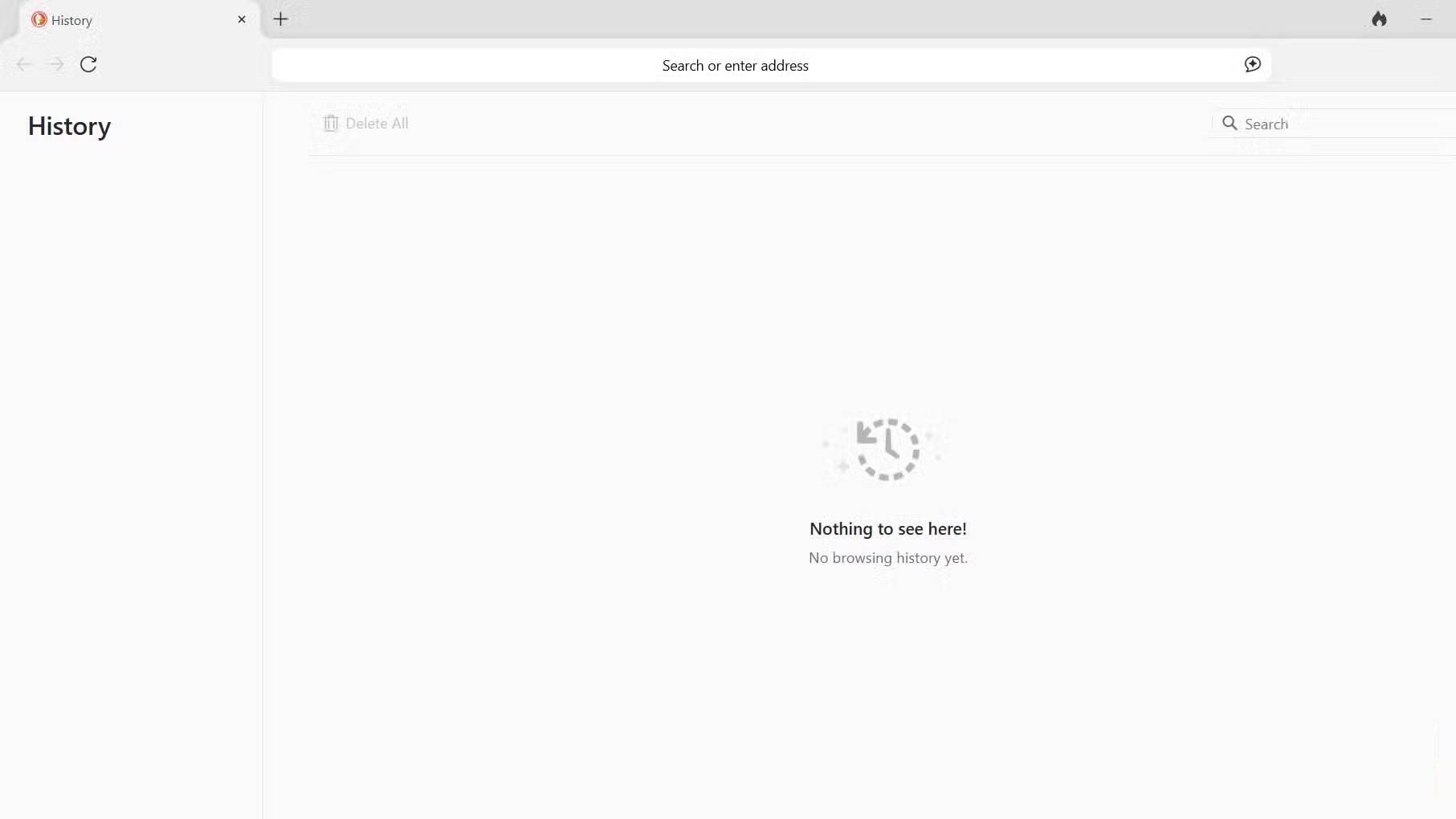
When you browse content, leftover files from previous browsing sessions, such as cookies, cache, and browsing history, can affect your subsequent browsing sessions. To delete them in Chrome, you have to follow a complicated process: Open Settings -> Privacy and security -> Clear browsing data to delete history and cookies.
Additionally, you have to select each history individually from your browsing session and delete them one by one. This feature is designed to be inconvenient for you, so you shouldn't do it frequently.
And overall, privacy isn't Chrome's strongest point. DuckDuckGo, on the other hand, has turned this process into a game with its Fire Button . It's located in the upper right corner of the browser. With just one click, a flame will clear your most recent browsing session, allowing you to start over.
It effectively divides browsing sessions. You'll find yourself using it multiple times a day, treating each research session as a fresh start, ensuring that followers from your morning shopping session don't follow you into your afternoon research.
Duck AI
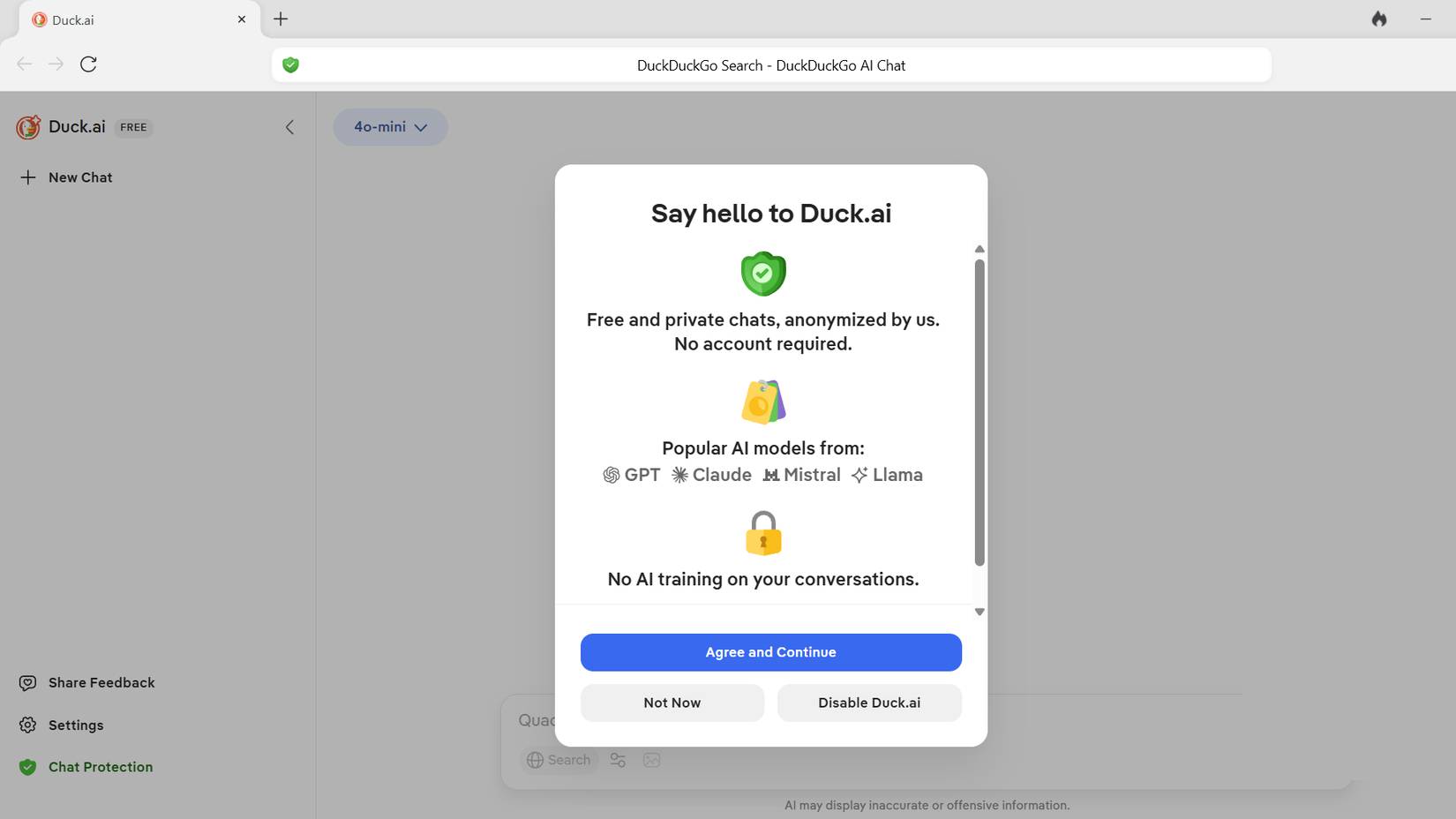
DuckDuckGo also allows you to use AI tools like ChatGPT without worrying about privacy issues. DuckDuckGo recently integrated Duck.ai (or AI Chat), a feature that lets you access powerful models like OpenAI's GPT-4o mini, Anthropic's Claude 3 Haiku, and other open-source options like Llama 3.1 – all free and completely anonymous.
Typically, using these AI chatbots requires creating an account and agreeing to let your data train their models. DuckDuckGo acts as a secure intermediary; it removes your IP address and metadata before sending queries to the AI provider.
Providers never know who's asking, and DuckDuckGo doesn't save your conversations. It's located right in the sidebar (or accessible via the! ai shortcut), so you can request code snippets or summaries without providing your personal data to the tech giant's training algorithms.
Added email protection features
Don't hesitate to sign up for the newsletter
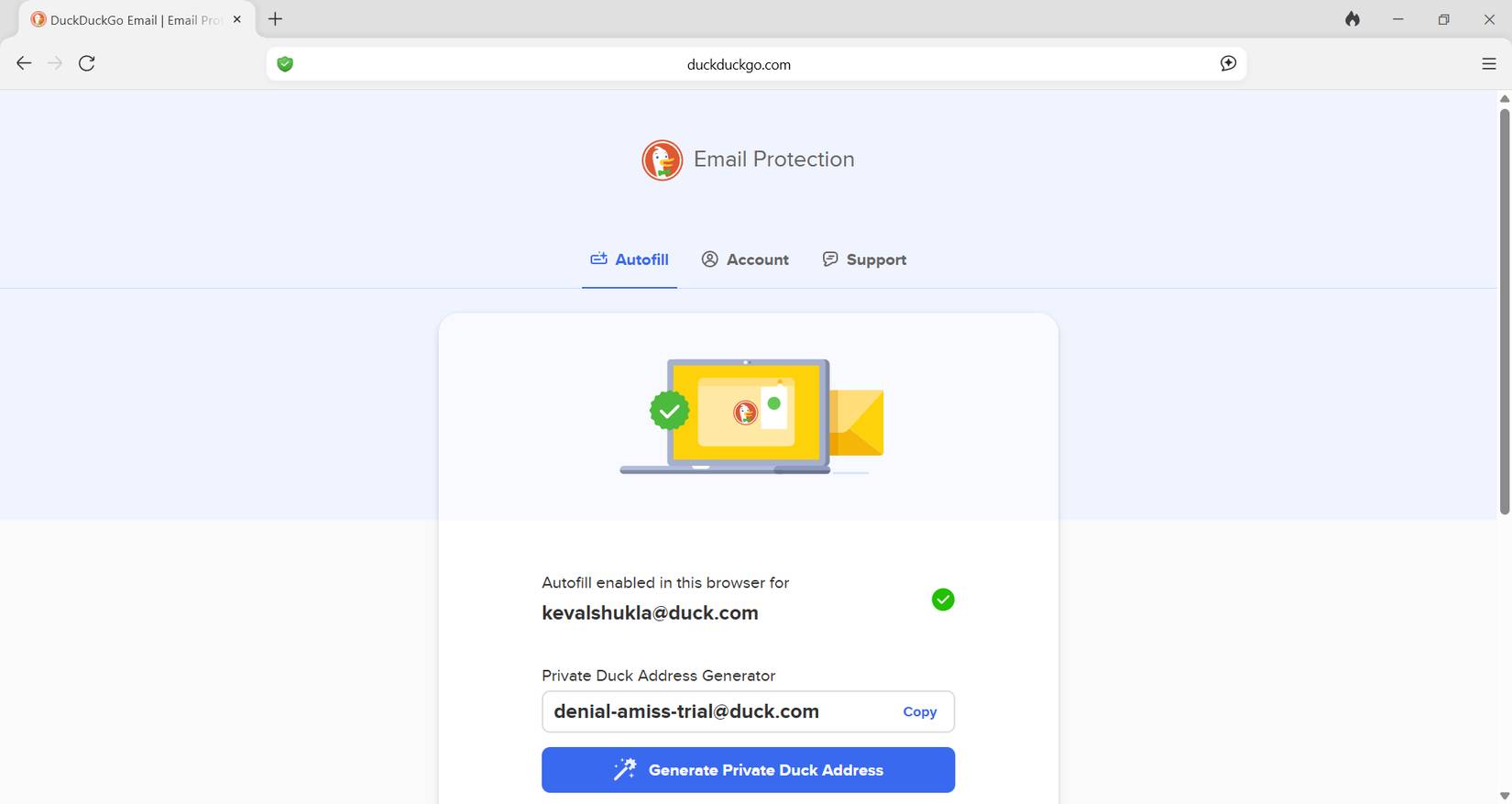
DuckDuckGo's built-in Email Protection feature allows you to create an @duck.com alias when signing up for newsletters. This feature enables DuckDuckGo to remove any hidden trackers from any incoming emails before forwarding them to your real email address.
Seeing the summary list of blocked trackers grow this week is a striking indicator of the amount of data Chrome has allowed access to.
Final Thoughts
Understanding why should you replace chrome with duckduckgo on windows makes it easier to evaluate the information and apply the most relevant recommendations. Focus on the key points above and verify details that may change over time.
FAQ
What is why should you replace chrome with duckduckgo on windows?
Discover why should you replace chrome with duckduckgo on Windows and explore the main causes, risks, practical effects, and recommended actions.
What key points does this article cover?
The article focuses on The internet is a little quieter and more peaceful now, This feature helps to improve the YouTube feed, Duck Player changes the way YouTube videos are streamed, with practical explanations and examples.
How can you use this information in practice?
Use the explanations to compare options, verify important details, and make a more informed decision. Apply the recommendations that best match your goals and situation.
Related Articles
 Don't Trust Chrome's Incognito Mode! Use DuckDuckGo Browser!7 minutes read
 Pros and Cons of Privacy-Friendly Desktop Browser DuckDuckGo7 minutes read
 How to Filter AI-generated Images in DuckDuckGo Search Results5 minutes read
 Duckduckgo Offers Free Access to Anonymous AI Chat with 43 minutes read
 6 Features You'll Miss Most When You Switch from Google to DuckDuckGo8 minutes read
 Best Web Browser to Replace Safari for iPhone5 minutes read
Reader Comments 0
Sign in with email or Google to join the discussion.