Table of Contents
Ethernet can improve smart TV streaming if Wi-Fi is weak or inconsistent. A cable avoids the wireless interference and signal drops between the TV and router. If your current Wi-Fi connection already plays reliably, switching to Ethernet may make little difference.
Stability matters more than peak speed
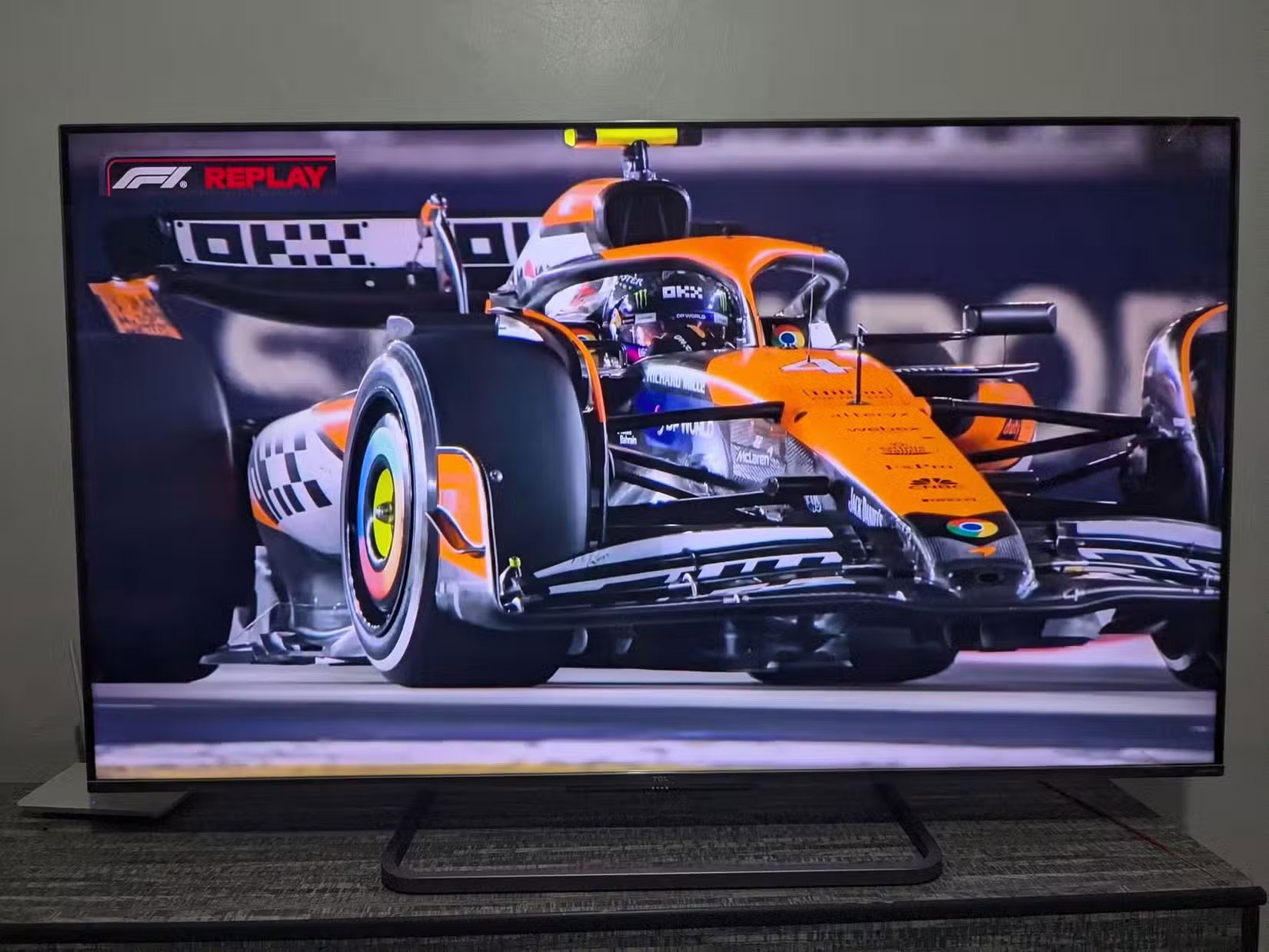
A TV’s Ethernet port may be limited to 100 Mbps, even when its Wi-Fi can run faster. That can still be plenty for online video. For example, Netflix recommends a stable 15 Mbps connection for 4K. High-bitrate files streamed from a local media server may need more capacity, so compare both connections with the files you actually watch.
Wired connections can reduce delay and variation on your home network. A live service may still be behind the event because of its encoding and buffering. See how Ethernet and Wi-Fi compare.
Connect and test before running a permanent cable
- Plug an Ethernet cable into a LAN port on the router or switch and the TV’s LAN port.
- Open the TV’s network settings and choose Wired or Ethernet. Confirm the TV reports a connection. A typical home network assigns settings automatically.
- Replay a title that often buffers, at the same time of day if possible. Check whether start-up time or playback interruptions improve.
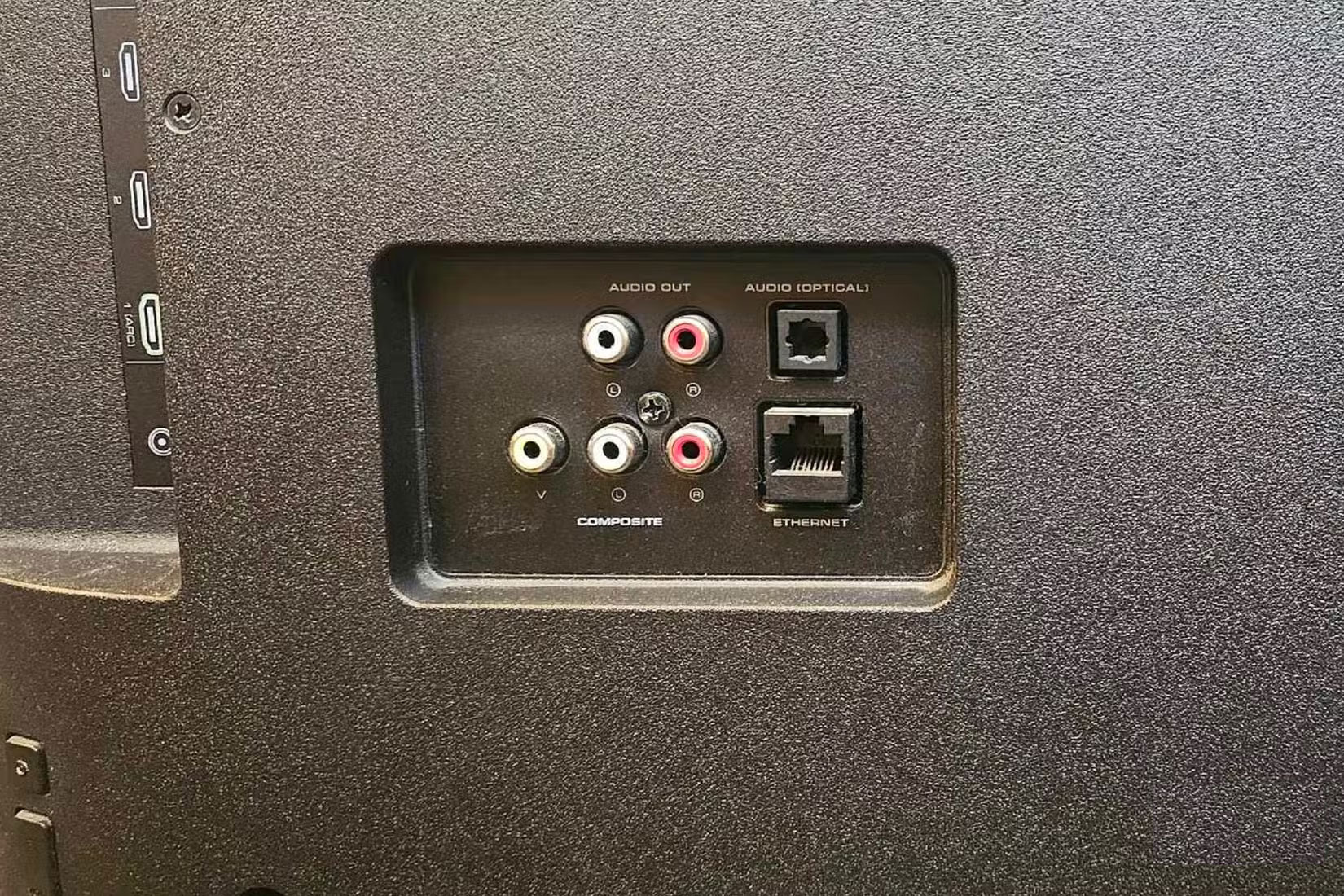
A normal wired connection does not require entering your Wi-Fi password. If it connects but buffering continues, try a different cable or router port and check whether other devices have the same internet problem. See how to connect a smart TV to the internet and how to compare connection speeds.



Reader Comments 0
Sign in with email or Google to join the discussion.