Table of Contents
People often stay with Apple's ecosystem because their devices and daily habits already work together. Moving a task between an iPhone and Mac, finding the same notes on an iPad, or using familiar apps can save enough friction that changing platforms feels less worthwhile.
That convenience is most valuable when you actually use several compatible Apple devices. It is less persuasive if your work depends on software, games, accessories, or collaboration tools that fit another platform better.
Devices can share tasks and accessories
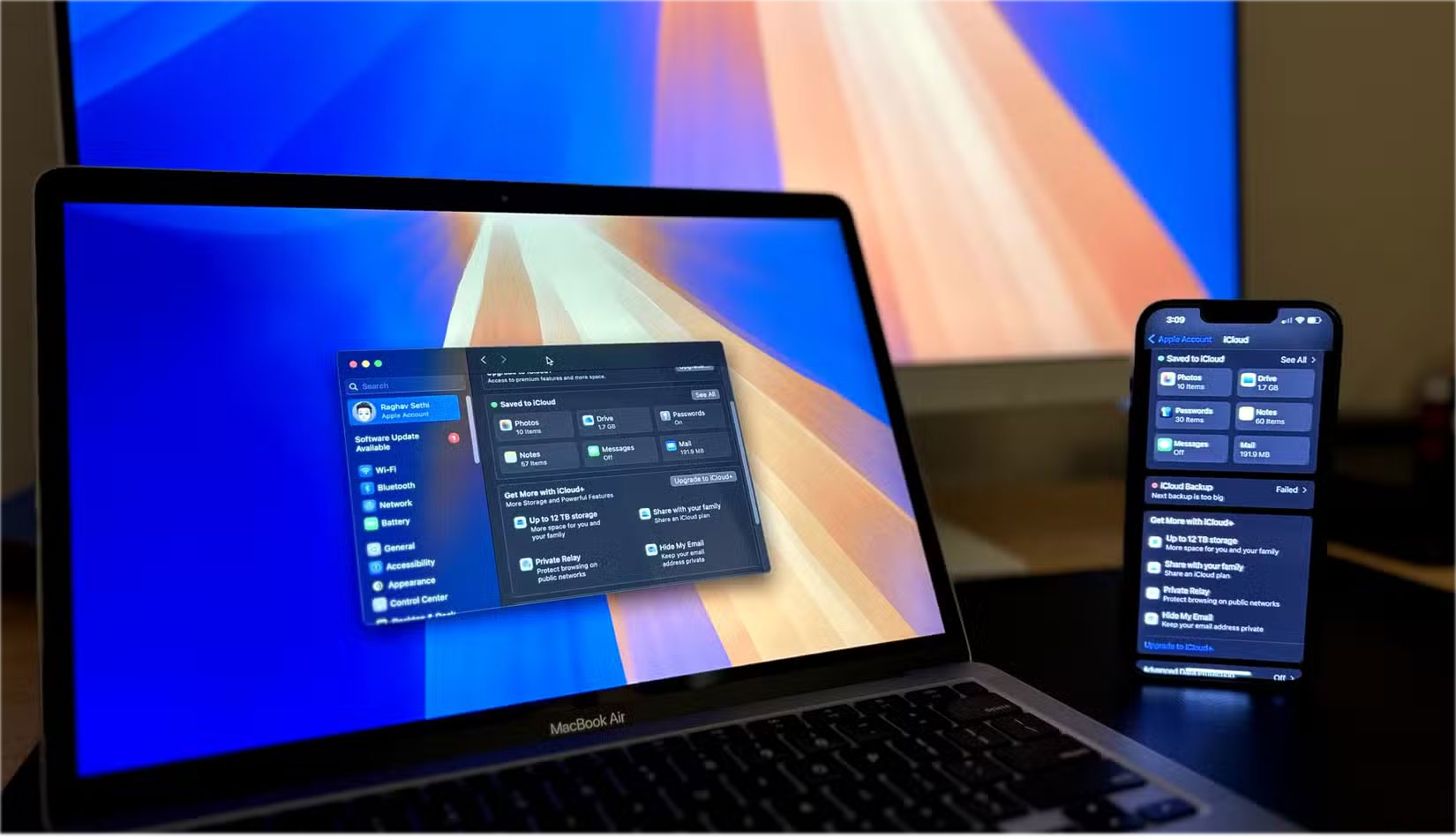
Apple's Continuity features connect supported devices: Handoff lets compatible apps resume a task elsewhere, and Sidecar can use an iPad as a Mac display. Other features help move files or switch compatible accessories between devices.
These are specific capabilities with requirements, not a guarantee that every Apple product works with every feature. Check supported models, operating-system versions, account settings, and connectivity before buying a device for one function. See using an iPad as a Mac display and pairing AirPods with different devices.
Familiar apps reduce everyday setup
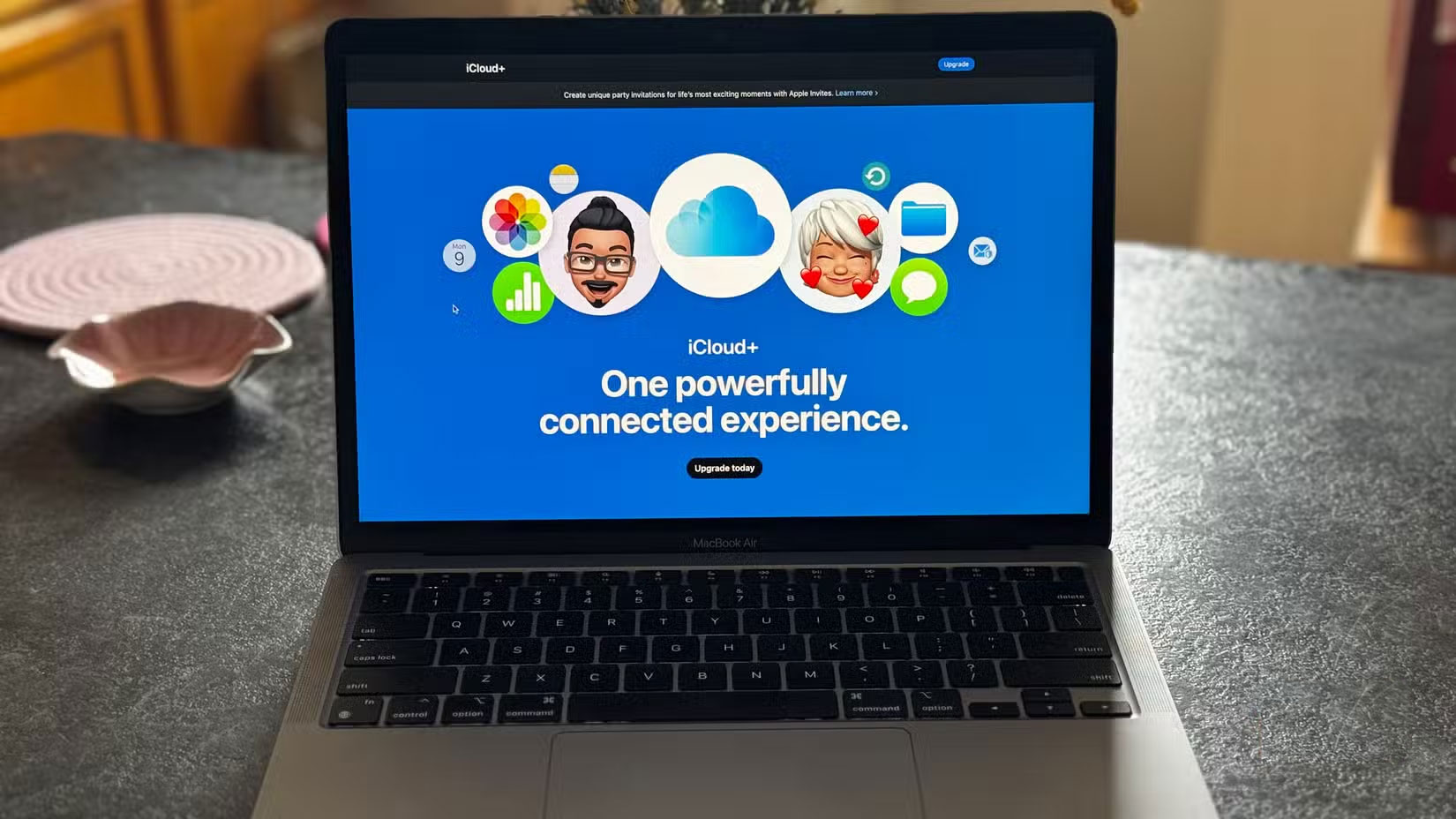
Notes, Mail, Reminders, and other built-in apps cover common tasks. When accounts and syncing are configured, information can be available across devices without repeatedly exporting files or rebuilding a workflow.
Specialist apps can also influence the decision. Someone who depends on Final Cut Pro or Xcode has different requirements from someone whose work happens mostly in a browser. Compare the applications you need, their subscription costs, and file compatibility instead of assuming one store has the best software for everyone.
Security features help, but settings still matter
Apple offers account protection, device security controls, and encrypted services. These can be reasons to stay, but they do not make phishing, account theft, malware, or data loss impossible.
Not all iCloud data is end-to-end encrypted by default. Apple's iCloud security overview distinguishes standard protection from optional Advanced Data Protection and lists exceptions. Review the protection and recovery arrangements for the particular data you store rather than assuming Apple cannot access any cloud file.
Hardware value depends on the whole ownership cost

A device that still meets your needs after several years can be good value. Build quality, battery condition, repair options, storage capacity, and continued software compatibility all affect how long it remains useful.
An older Mac still turning on does not establish that it receives current security updates or runs the software you need. Check the exact model and support status. Include likely battery service, repairs, accessories, and storage subscriptions when comparing the total cost of staying or switching.
Familiar software can make staying comfortable
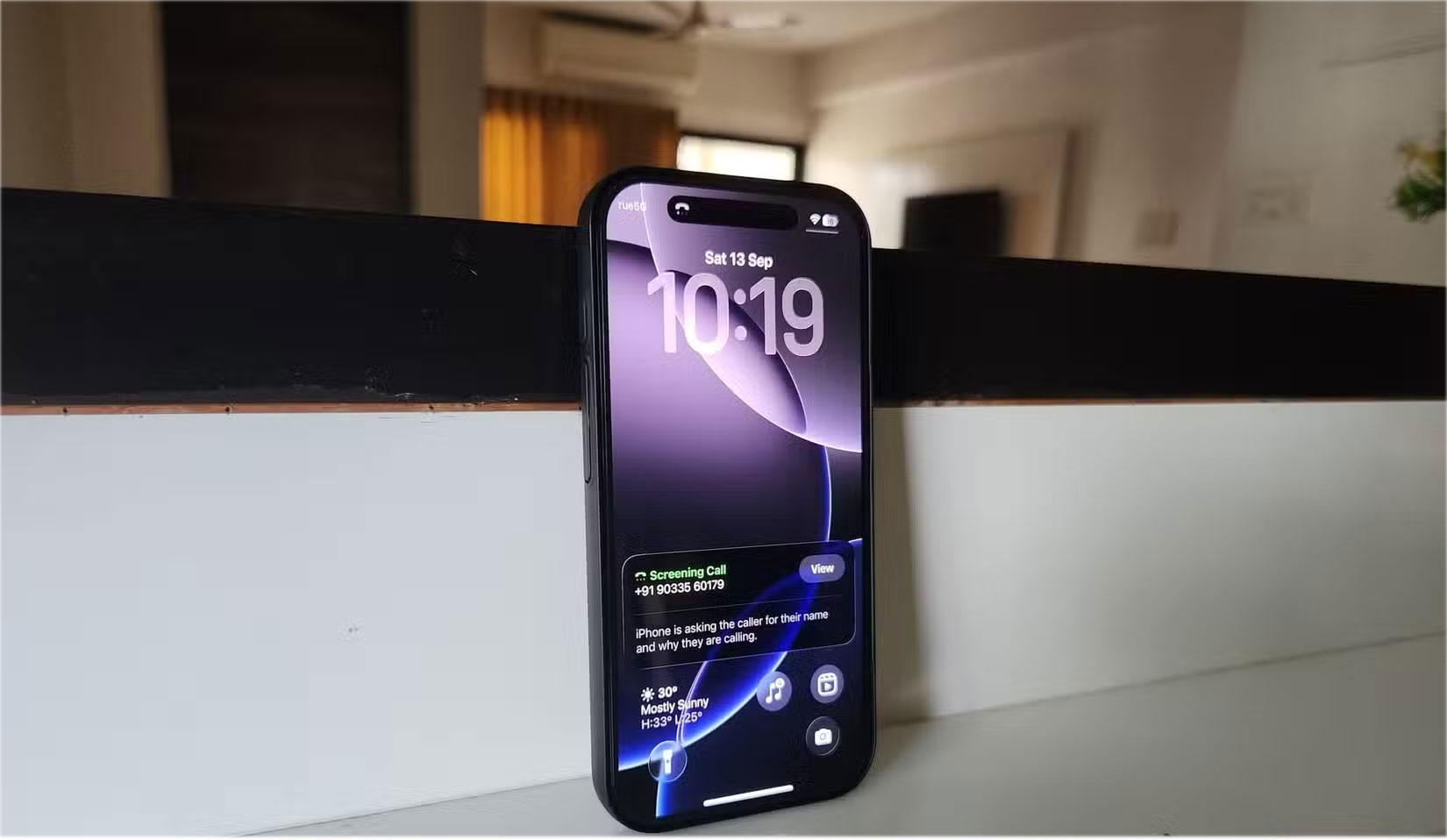
Knowing where settings are and how apps behave reduces the time spent learning a replacement. Updates may add useful capabilities, but they can also change workflows or introduce problems. Back up before major upgrades and check critical app compatibility.
An iPad may handle a person's everyday work well without replacing every desktop application. Test the actual tasks—file handling, multitasking, external displays, and specialist software—before treating any tablet as a complete laptop replacement.
Decide based on the tasks you use
List the cross-device features you use each week, the apps you cannot easily replace, and the cost of moving data and accessories. Then compare that with what another platform would improve. Staying can be a practical choice, but past purchases alone should not decide the next one.
If you are considering a tablet change, see reasons people move from Android tablets to iPad and check whether those reasons apply to your workflow.
Related Articles
 Invite to watch videos longer than 4 minutes, summarizing 12 years of iOS operating history
 A good tip for a non-stick pan is to be durable and not be close
 Apple’s AI Opportunity: Siri, App Intents, and Connected AI Platforms
 Experience of buying and using non-stick pans
 7 Fire TV Stick Apps You Shouldn't Miss
 6 Reasons to Skip Your Smart TV and Buy a Streaming Stick Instead
Reader Comments 0
Sign in with email or Google to join the discussion.