Table of Contents
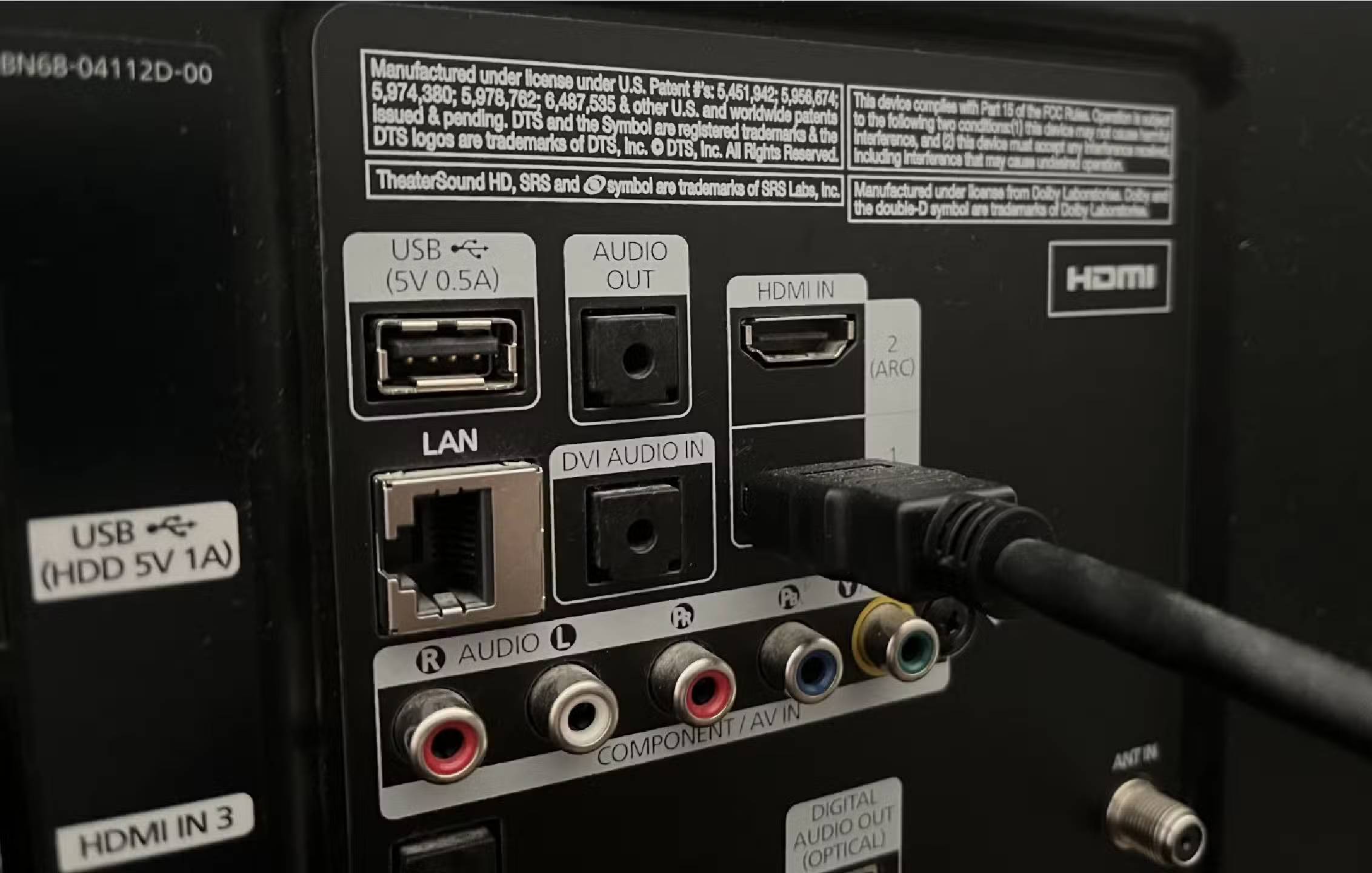
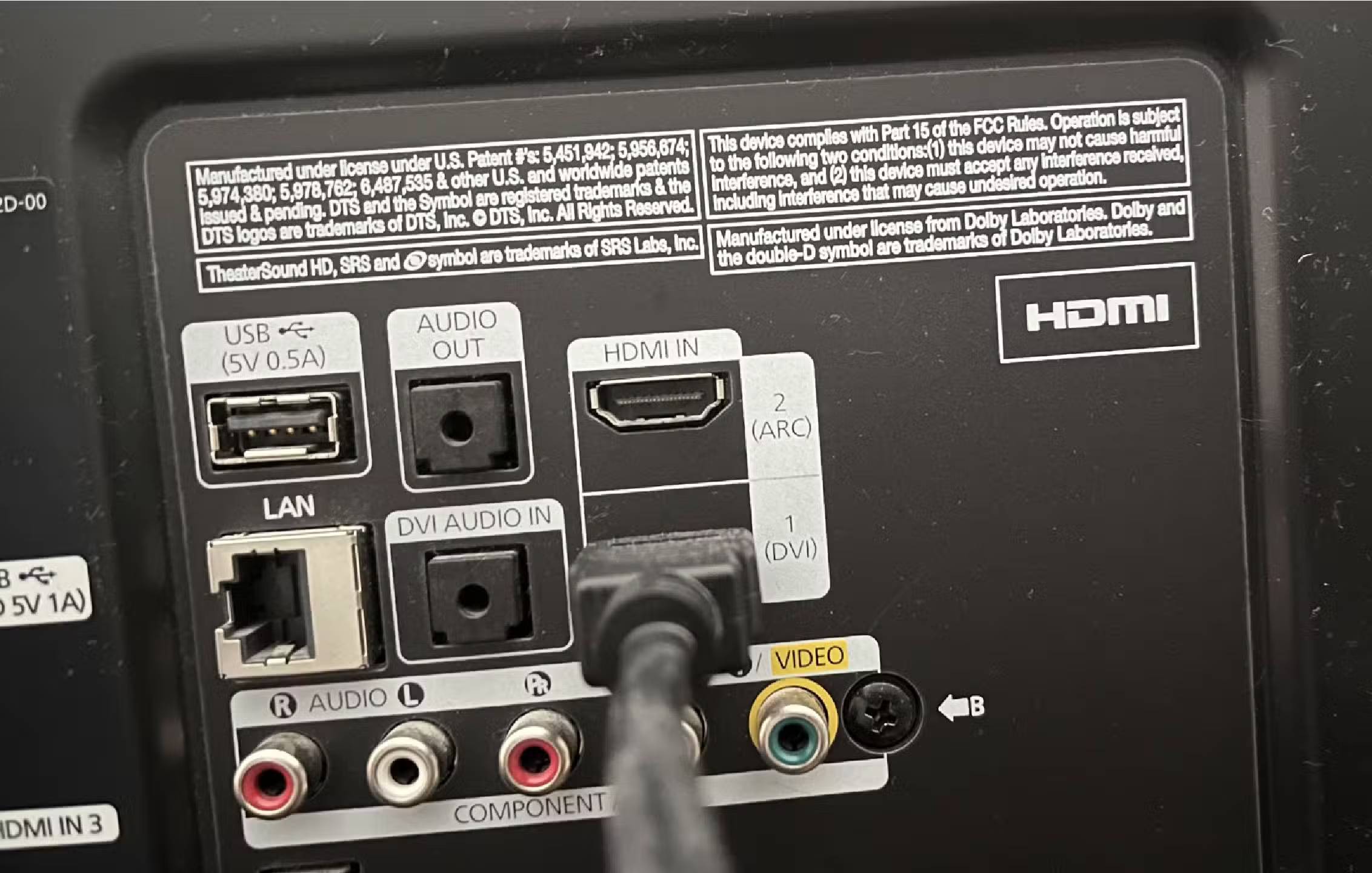
Some TVs today have HDMI ports with the additional symbol ARC. ARC stands for Audio Return Channel.
Let's face it: TV speakers aren't great. You'll probably have to turn up the volume 40 or 50 times to hear them clearly in a larger room, and if you wall-mount your TV, you're probably blocking some of the sound. TV speakers aren't designed to be great, because most people don't buy TVs for the sound quality alone.
You worry about the picture, the resolution, the screen technology, and the speakers are secondary. That's why the soundbar industry still exists, because so many people have realized how bad their speakers are. Many TVs made in the last 20 years have multiple HDMI ports, allowing you to plug in peripherals like game consoles, Blu-ray players, and soundbars. But only one of those HDMI ports is for audio.
What is ARC?
It makes sense to take full advantage of this feature.
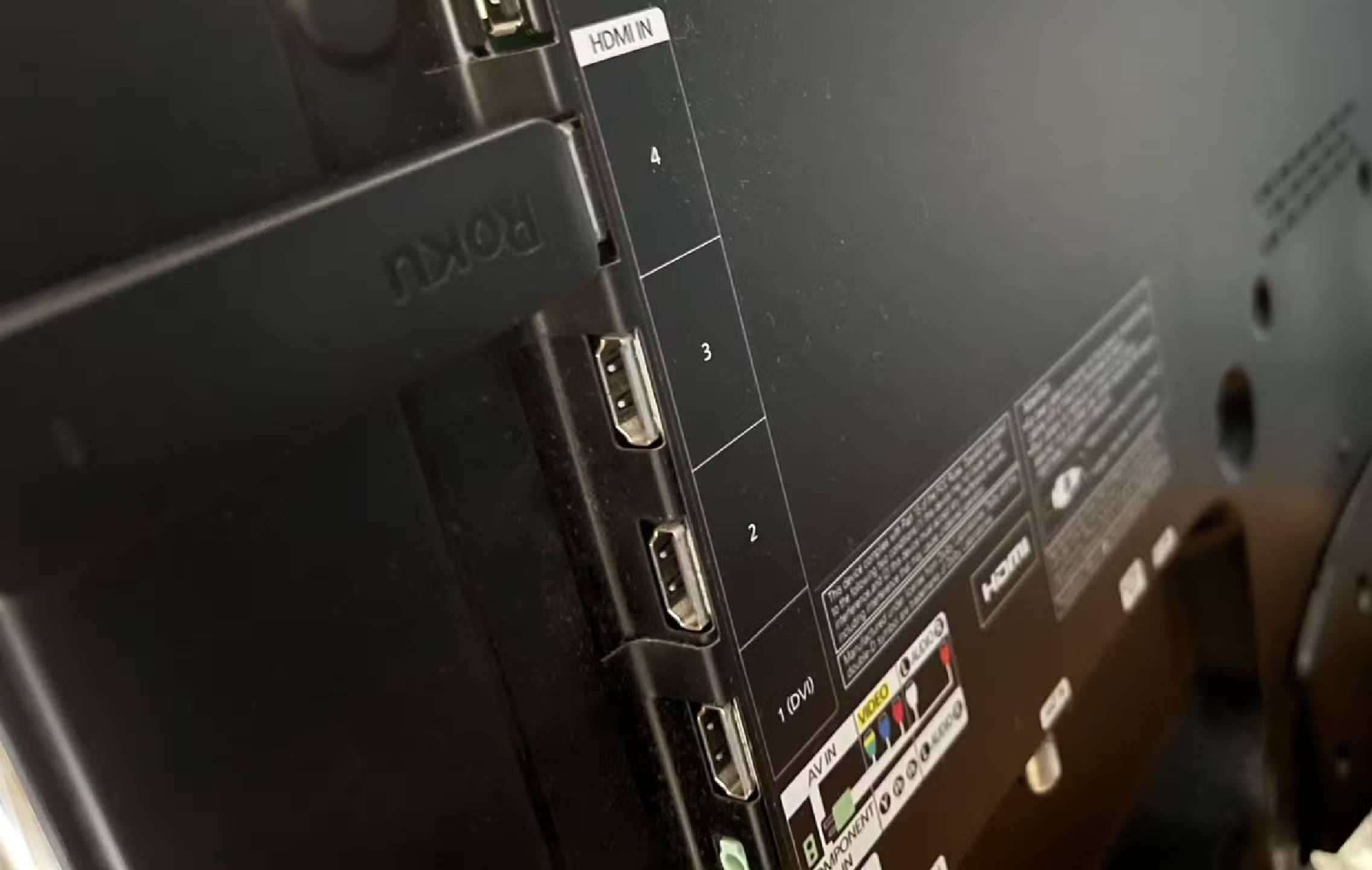
Note : Your TV doesn't necessarily need to have an HDMI ARC or eARC port. But this is the primary way to get a good audio connection to another device.
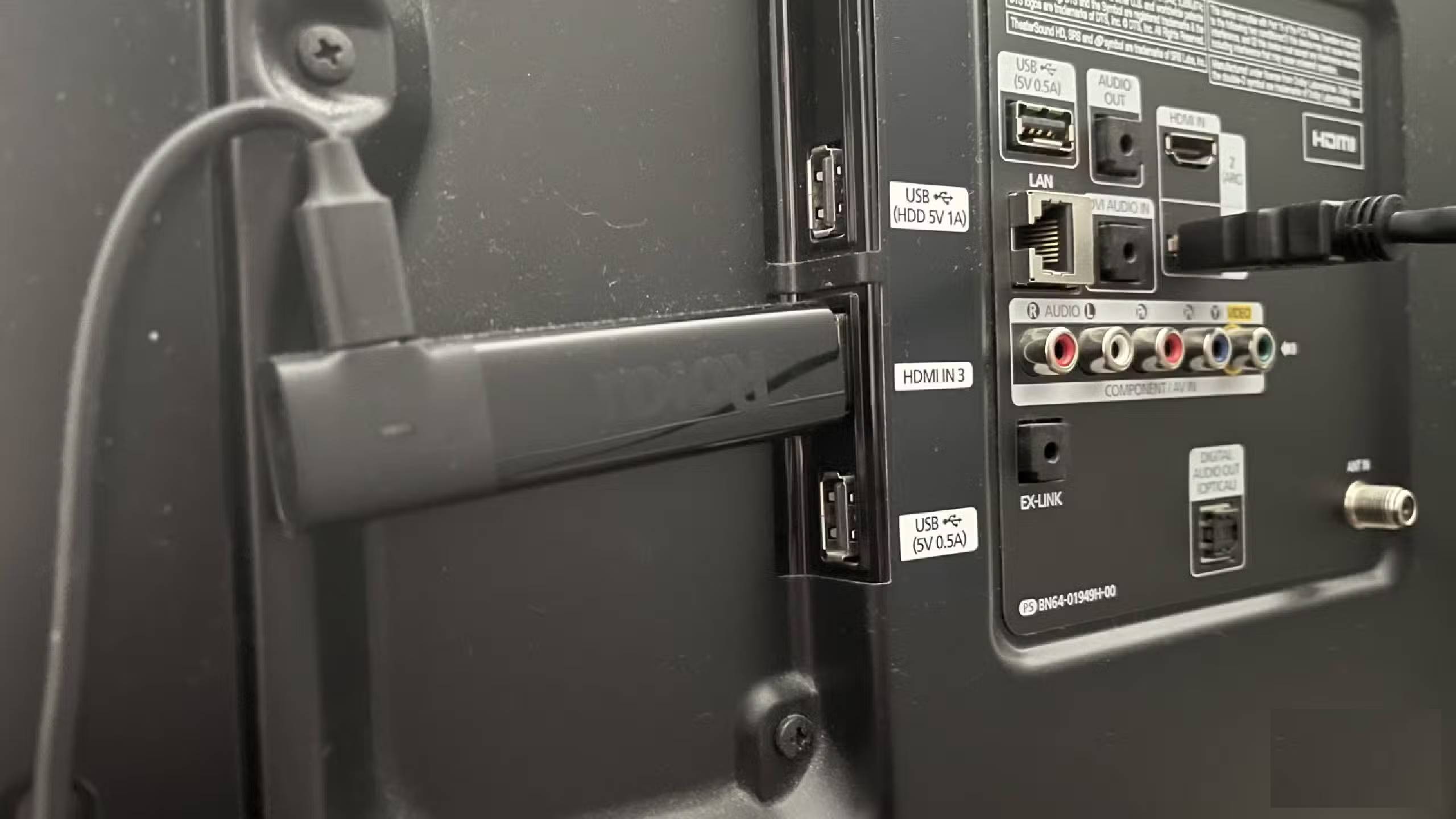
You may notice on your TV that one of the HDMI ports says HDMI ARC. ARC stands for Audio Return Channel. This is the port used for HDMI cables to connect audio devices to your TV. By connecting an HDMI cable to an audio device like a speaker, soundbar, or any device that can output sound, and then plugging the other end into your TV, you are creating a connection between the two devices.
Many soundbars and speakers can use Bluetooth, but you won't get the same connection and audio streaming through the speakers as you would with a direct connection. Likewise, Ethernet speeds are often faster than Wi-Fi speeds due to a direct connection.
The HDMI ARC protocol appeared on TVs in 2009 and has been used ever since, with speakers, soundbars, and AV receivers now incorporating these ports. It's much more efficient than the old method of plugging a coaxial cable from your TV into the receiver's audio port. HDMI ARC uses any type of HDMI cable, so you don't have to find a specific cable to match your audio.
Why might this affect the TV sound?

First of all, if you're connecting your soundbar to your TV, you'll want to simplify the process of controlling both your TV and soundbar. If you choose an HDMI cable with HDMI CEC built-in, this allows the devices to communicate with each other through more than just the audio connection. Basically, if you have an HDMI CEC cable, you can use one remote to control both your TV and soundbar.
Ultimately, HDMI ARC is all about making your life a little easier. It's used to reduce the number of cables needed, as you can plug an HDMI cable from your TV directly into your soundbar, creating a two-way connection between the devices. This ensures that all the sound from your TV comes out of the soundbar or external speakers. In most cases, soundbars have more speakers than the ones built into your TV. In practice, your audio experience will be improved.
What is HDMI eARC port?
This is a special plus for your TV.
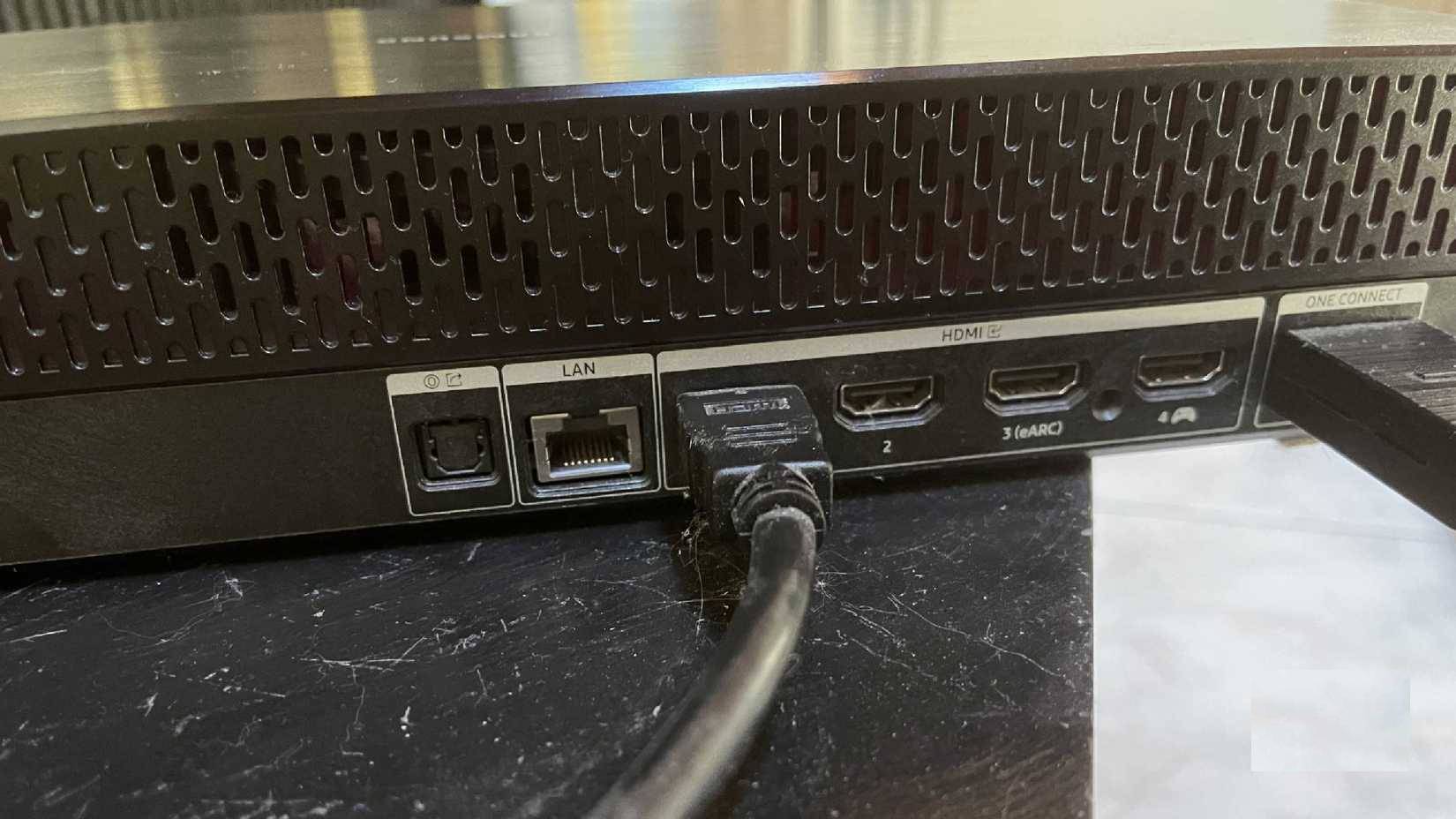
You may notice that your TV has an HDMI eARC port instead of an ARC port. In practice, your TV is newer and compatible with the more advanced technology. eARC is an Enhanced Audio Return Channel (EAC) technology that debuted in 2017 after HDMI 2.1 was announced.
The difference between ARC and eARC is that eARC can handle higher quality audio than ARC. This two-way network has more bandwidth and is faster, allowing better sound to reach your speakers. eARC can deliver up to 32 channels of audio, giving you more options.
For eARC to work, the device you plug the other end of the HDMI cable into also needs to have an eARC port. You can't plug one end into eARC and the other end into ARC. The same goes for ARC into a regular HDMI port. You don't actually need a newer HDMI cable for eARC to work, but it's better if you have one.
Make sure you are using the correct port
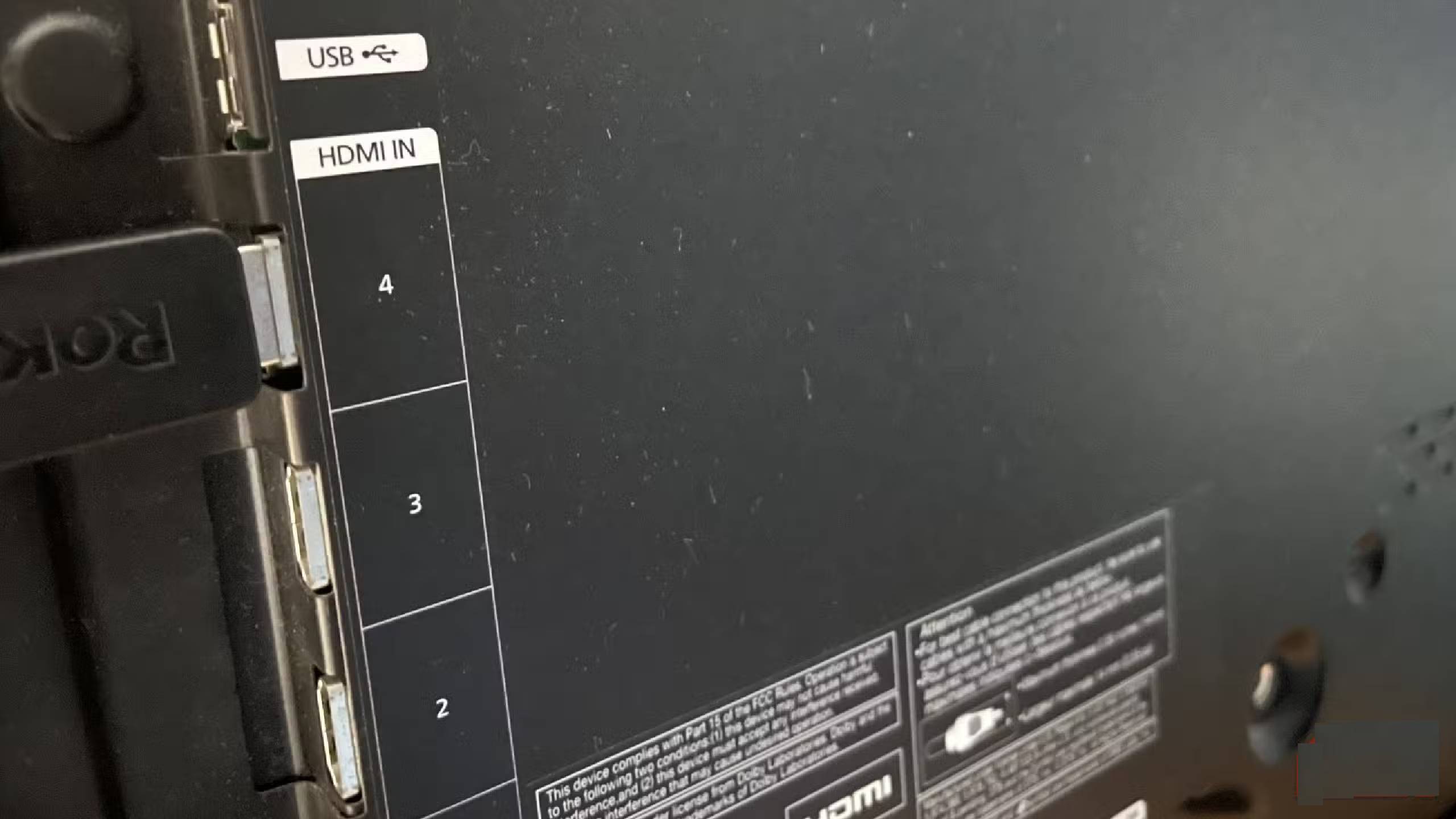
People typically plug devices into the HDMI port on their TV. However, there may be a port labeled ARC, which is reserved for your soundbar or audio receiver. This is a dedicated port that can connect two devices using an HDMI cable to transmit audio directly. If your TV has an eARC port, it can handle improved audio. If you have a soundbar, plug it into the HDMI ARC port and should continue to do so.
Hope the above article is useful to you!
See the following articles:
- How to connect laptop to TV using HDMI port
- How to connect mouse and keyboard to Smart TV
- Instructions on how to increase processing speed for Smart TV
FAQ
What should you know about which HDMI ports on the TV support ARC?
In practical terms, some TVs today have HDMI ports with the additional symbol ARC. ARC stands for Audio Return Channel.
Why does which HDMI ports on the TV support ARC matter?
The article highlights that you may notice on your TV that one of the HDMI ports says HDMI ARC.
What is the main takeaway?
The main takeaway is that you may notice that your TV has an HDMI eARC port instead of an ARC port.
Related Articles
 5 Ways to Make Use of Spare HDMI Ports8 minutes read
 Distinguishing HDMI 2.1, 2.0 and 1.45 minutes read
 5 Top HDMI Switches in 2023: Top Picks and Buying Guide8 minutes read
 What Are VGA, DVI, HDMI, DP (DisplayPort) Ports on the Computer? How to7 minutes read
 HDMI ARC Port Explained: How It Works and Key Features10 minutes read
 HDMI, Mini HDMI vs. Micro HDMI: Key Differences8 minutes read
Reader Comments 0
Sign in with email or Google to join the discussion.