Table of Contents
If AirPods Pro 3 feel loose, fall out, or create uncomfortable pressure, do not assume that both ears need the same tip. Try the five supplied sizes, adjust the insertion angle, and run the Acoustic Seal Test. The best fit should feel secure but not tight, with a reliable acoustic seal and no persistent pain.
Try every supplied ear-tip size
AirPods Pro 3 include five silicone-foam tip sizes: XXS, XS, S, M, and L. Medium tips are attached at the factory, but they are only a starting point. Roll back the edge of a tip to see its size marking near the base.
A larger tip may improve the seal when an earbud feels loose, but bigger is not always better. If a tip creates pressure, works its way outward, or becomes painful, try a smaller size. It is normal to need different sizes in the left and right ears.
Use tips made for AirPods Pro 3. AirPods Pro generations use different tip materials and acoustic mesh designs, so tips from AirPods Pro 1 or 2 are not the best substitute even if they appear similar.
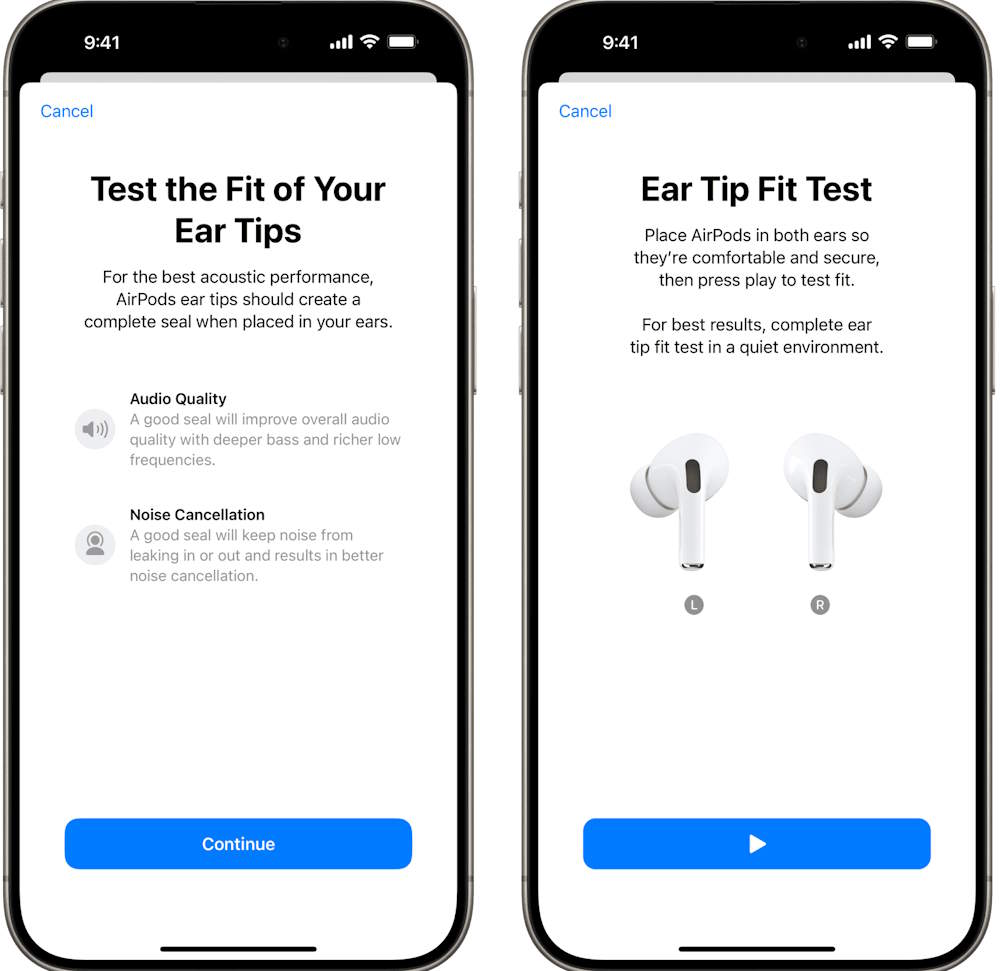
Insert and rotate the earbuds correctly
- Place the ear tip at the opening of the ear canal rather than forcing it deeply inside.
- Gently press the AirPod into place.
- Rotate the stem toward your face at roughly a 45-degree angle.
- Move your head, speak, and walk for a few minutes to check stability.
The earbud should remain seated without constant adjustment. Clean, dry ear tips and ears also matter; moisture or skin oils can reduce grip. Follow Apple’s cleaning guidance and let every part dry completely before use.
Run the Acoustic Seal Test
AirPods Pro 3 use the Acoustic Seal Test, while earlier AirPods Pro models call the feature Ear Tip Fit Test. With AirPods Pro 3 in your ears and connected to an iPhone or iPad running a compatible software version:
- Open Settings > Bluetooth.
- Tap the information button beside the AirPods.
- Select Acoustic Seal Test.
- Tap Continue, then start the test in a quiet room.
If the result recommends an adjustment, reposition the AirPod and repeat the test. If the same side still fails, change that ear’s tip size. A good seal improves bass response, active noise cancellation, and hearing-protection performance.
Check the fit separately for heart-rate recording
The AirPods Pro 3 heart-rate sensor needs contact with the skin inside the ear. Apple notes that the best tip for sensor contact may not be the same size that produces the best acoustic seal.
If workout readings are inconsistent, make sure the sensors are clean and dry, check the fit in a mirror, and try another tip size. Do not force the earbud deeper to obtain a reading; it should remain comfortable.
Be cautious with third-party fit accessories
Foam tips, wings, and hooks can improve stability for some people, but they may alter sound, noise cancellation, sensor contact, or charging-case fit. Confirm that an accessory is specifically designed for AirPods Pro 3 and remove anything that prevents the earbuds from sitting correctly in the case.
For a clearer explanation of how sealed in-ear designs differ from ordinary earbuds, see in-ear monitors versus earbuds.
When a different design is the better answer
Ear anatomy varies, and no tip can make one shell shape fit everyone. If all five sizes feel painful or the earbuds repeatedly fall out, return or exchange them within the seller’s allowed period rather than forcing the fit.
AirPods 4 use an open, tip-free shape and may suit people who dislike a sealed ear canal, although their fit is also individual. Other brands offer different shell shapes, wing tips, or stabilizing fins; this AirPods Pro and Galaxy Buds comparison illustrates some design differences.
Stop using any earbud that causes persistent pain, skin irritation, or injury. Comfort is a requirement, not something that should need to be endured for better noise cancellation.
Related Articles
 How to Keep AirPods from Falling Out of Your Ears: Complete Guide8 minutes read
 Detailed Comparison of Airpods Pro 3 vs Airpods Pro 2: Should You: Key Facts6 minutes read
 Comparing Airpods Pro and Airpods, Is It Worth Upgrading?6 minutes read
 What to Do If the Airpods Get Wet?5 minutes read
 How to Connect and Use Airpods14 minutes read
 Ways to Fix AirPods That Only Work in One Ear11 minutes read
Reader Comments 0
Sign in with email or Google to join the discussion.