Table of Contents
A virtual data center (VDC) is a managed pool of computing, storage, and networking resources that you allocate through software. It can run on your own hardware or a provider’s infrastructure. A virtual machine is one resource inside the pool. The VDC also provides the networks, storage, quotas, and access controls needed to operate multiple workloads.

What a virtual data center contains
- Compute: A hypervisor runs virtual machines and allocates virtual CPUs and memory across physical servers.
- Storage: Virtual disks and shared storage hold the operating systems and application data.
- Networking: Virtual switches, private subnets, routing, firewalls, and load balancers connect the workloads and control traffic.
- Management: A console or API controls provisioning, quotas, access, templates, and monitoring.
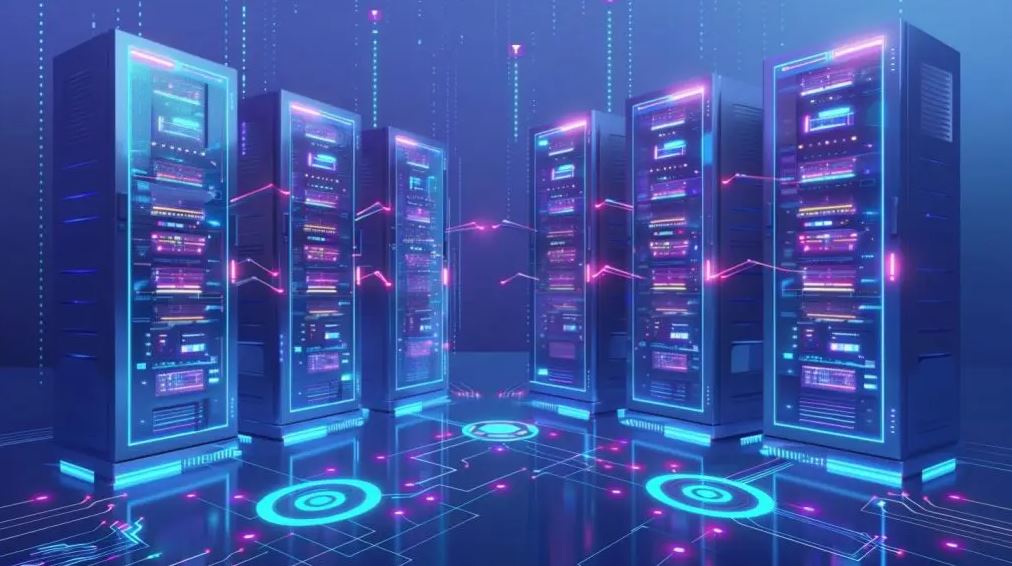
What is a virtual data center?
Example: A web app with a private database
A team provisions two web servers behind a load balancer and puts the database on a private network. The load balancer receives public traffic, while only the application tier can connect to the database. The team can add another web server from a tested template if it has spare capacity. Its operating plan still needs patching, database backups, and monitoring.
Compare a hosted VDC with running your own infrastructure
A hosted VDC avoids buying the provider’s physical servers and can reduce provisioning time. Compare the full cost, including virtual machines, storage, snapshots, network egress, licensing, and support. A local deployment gives you more control over hardware and location and leaves your team responsible for facility and hardware operations.
For hosted infrastructure, confirm what the provider manages and what your team manages. Guest updates, application configuration, and access settings commonly remain with the customer, as shown in AWS’s shared responsibility example.
What to verify before a migration
- Inventory the applications, dependencies, and networks you need to move. Confirm storage performance and any location requirements.
- Define how much downtime and data loss the application can tolerate. Test recovery from an independent backup before scheduling the cutover.
- Pilot one workload and measure performance, operating cost, and recovery behavior against the existing setup.
Related Articles
 The reasons for Data Center crash
 Types of data center design
 The impressive images of the data center are located at a depth of 35m on the seabed of Microsoft
 Microsoft CEO Satya Nadella will bring the data center to the sea
 Recover data in a virtual environment
 For the first time, Vietnam has a data center of international standard
Reader Comments 0
Sign in with email or Google to join the discussion.