Table of Contents
This guide provides a clear, practical overview of what is egpu? how to speed up laptop?, with useful context, important details, and straightforward takeaways for everyday readers.
1. What is eGPU?
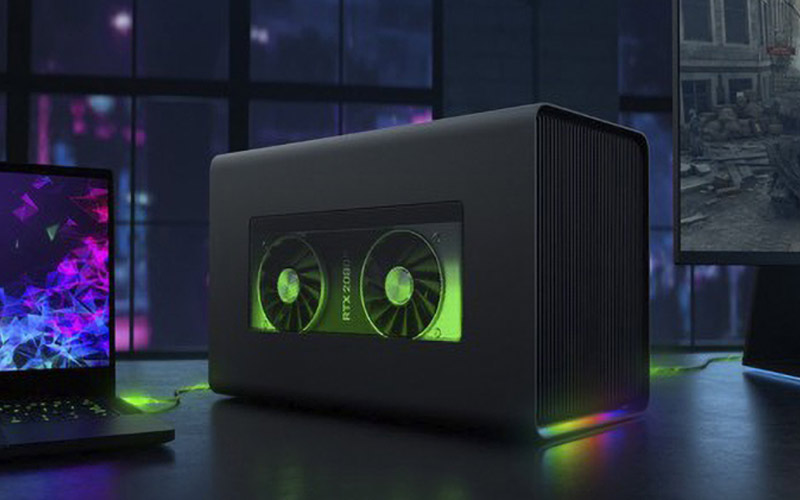
External GPU, also known as eGPU, is a set of external video cards for laptops that use the video cards on desktop PCs to provide performance for thin and light laptops to increase the ability to render graphics or play. game.
2. Common eGPU connection ports
Thunderbolt 2
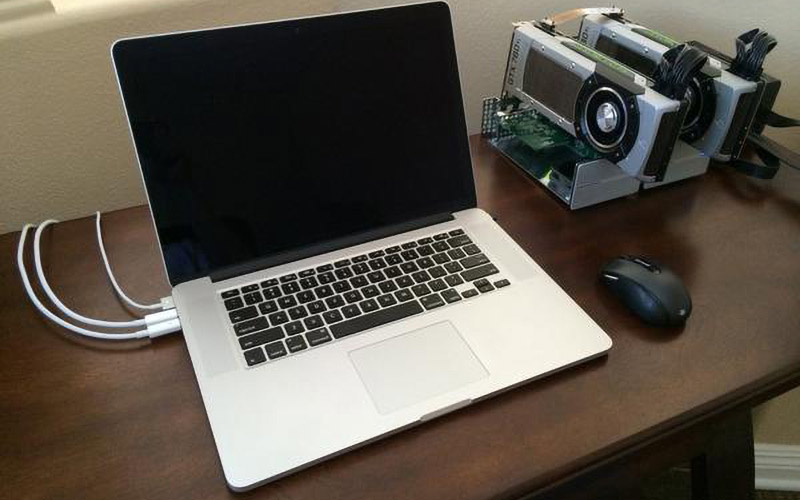
Thunderbolt 2 is a dedicated connection port available on the Apple MacBook line from 2015 and earlier. This connection standard for bandwidth speed between eGPU and laptop up to 20 Gbps equivalent to speeds of 2500Mb / s. Because it is a unique connection, the eGPU using this connection is often very expensive.
USB Type C - Thunderbolt 3
The thunderbolt 3 standard is twice as fast as thunderbolt 2 with 40Gbps equivalent to 5Gb / s speed, reducing latency and higher performance than eGPUs using thunderbolt 2.

3. Is the performance of eGPU really good?
The power that eGPU gives laptops depends on the video card mounted on the eGPU, the higher the performance and the higher the processing speed you want, the better the GPU, the better the better to serve your needs. In addition, you must use the correct connection standards to deliver the highest performance, the greater the bandwidth, the more performance available on the video card. Typically, you can only get 70% - 80% of the power of the video card found on the eGPU.
4. Cautions for using eGPU
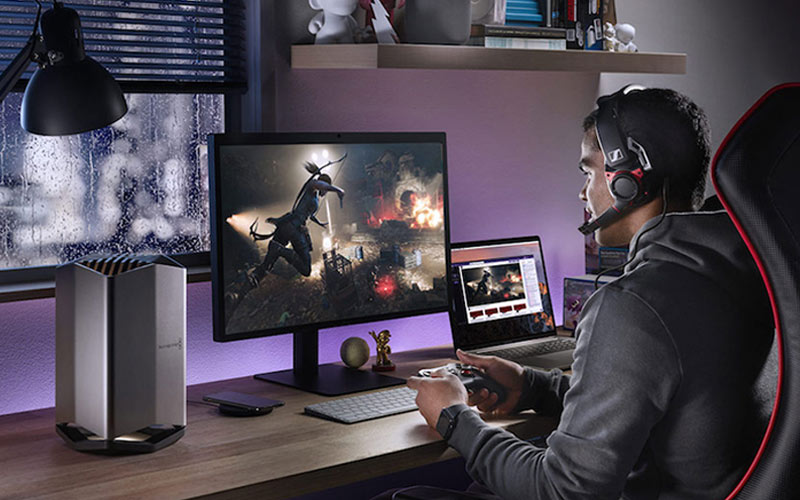
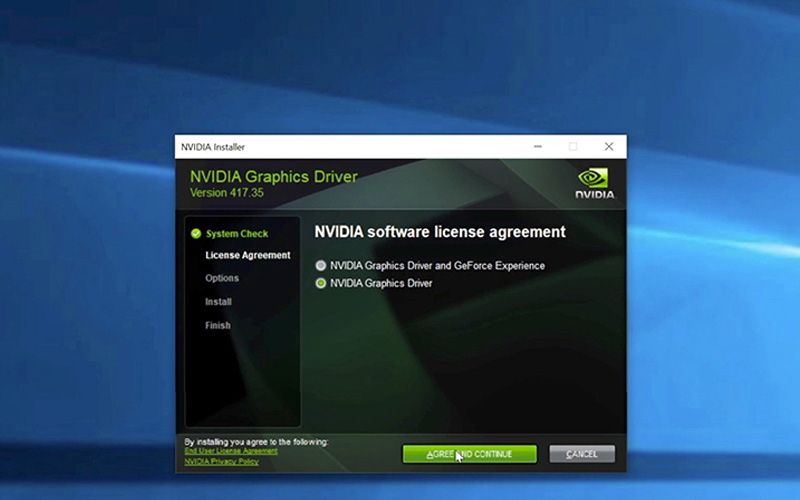
To get the most out of the power, you should use the eGPU series with thunderbolt 3 connections, along with that after connecting the eGPU to your laptop you should install the driver for the video card. In addition, choosing a GPU mounted on the eGPU is also important because the stronger the video card results in higher performance.
The above article has clarified the information related to eGPU. Leave a comment if you have any questions or concerns!
Key Takeaways
Use the information above as a practical reference for what is egpu? how to speed up laptop?. Review each step carefully, confirm any requirements, and choose the option that best fits your situation.
FAQ
What does this guide explain about What Is Egpu? How to Speed up Laptop?
It explains the main concepts, practical considerations, and useful steps related to what is egpu? how to speed up laptop without requiring advanced knowledge.
Who can benefit from learning about What Is Egpu? How to Speed up Laptop?
This information is useful for readers who want a clear overview, practical guidance, and reliable steps related to what is egpu? how to speed up laptop.
What should I check before applying this information?
Review the requirements, confirm that your device, software, or situation matches the instructions, and back up important data before making major changes.
Related Articles
 How to Make Your Own eGPU for Laptop7 minutes read
 What Is Egpu? What Is Egpu Used for? the Most Popular Types10 minutes read
 eGPU and 5 Things Laptop Users Need to Know Before Buying7 minutes read
 eGPU Explained15 minutes read
 MSI Launches a Gaming Laptop That Automatically Adjusts CPU Speed3 minutes read
 How to Speed up Computer Effectively - Speed up Computers, Laptops7 minutes read
Reader Comments 0
Sign in with email or Google to join the discussion.