Table of Contents
Windows 11 is Microsoft's current desktop operating-system family, with a redesigned interface, stronger hardware-security requirements, improved window management, and continuing feature updates. If you are moving from Windows 10, check compatibility and make a verified backup before downloading anything.
What changed from Windows 10
- Start and taskbar: centered by default, with a simplified Start menu and revised Quick Settings.
- Snap layouts and desktops: improved tools for arranging windows and separating workspaces.
- File Explorer: tabs, a modern command bar, updated context menus, and continuing interface changes.
- Security baseline: requirements include TPM 2.0 and Secure Boot capability on supported hardware.
- Gaming: Auto HDR and DirectStorage are available with compatible displays, games, and storage.
- Accessibility and input: expanded voice, caption, touch, pen, and keyboard features, depending on release and hardware.
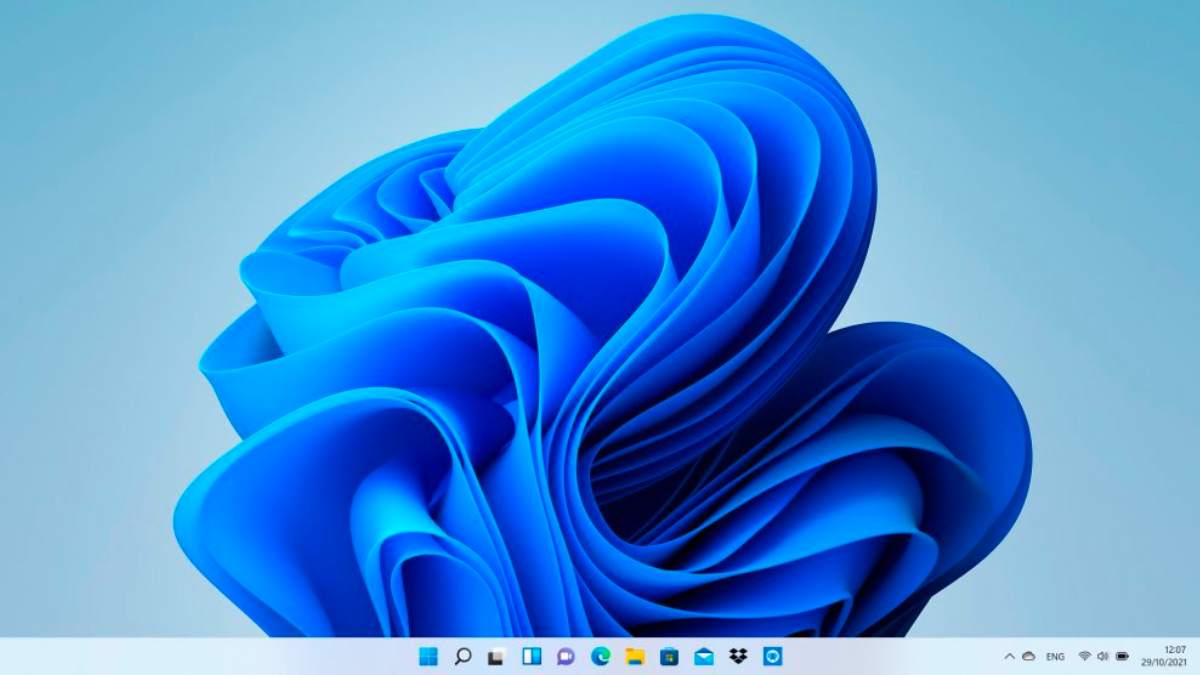
Features that changed after launch
Launch-era descriptions are no longer a reliable feature list. Chat/Teams integration has changed, widgets and Copilot experiences have evolved, and Microsoft ended Windows Subsystem for Android and Amazon Appstore support in 2025. Do not upgrade solely for a feature mentioned in an old announcement; check Microsoft's documentation for the Windows release installed on the PC.
Minimum compatibility checks
Windows 11 generally requires a compatible 64-bit processor, 4 GB of RAM, 64 GB of storage, UEFI firmware with Secure Boot capability, TPM 2.0, and DirectX 12-compatible graphics. Some features require more. Microsoft's supported-processor lists and PC Health Check provide the authoritative result.
Unsupported-install workarounds can leave a PC without reliable update or support guarantees. Keep the Windows 10 end-of-support status in mind when deciding whether to upgrade hardware.
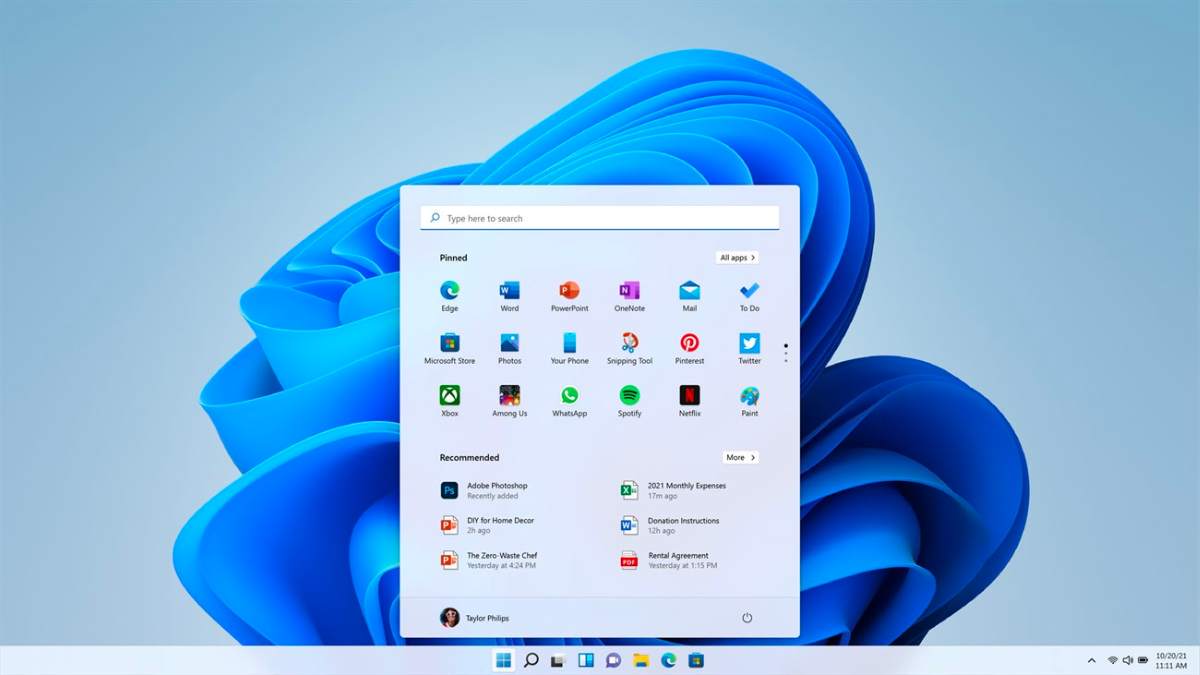
Upgrade through Windows Update
- Back up files and save the BitLocker recovery key.
- In Windows 10, open Settings > Update & Security > Windows Update.
- Select Check for updates.
- If Windows 11 is offered and the PC is eligible, choose Download and install.
- Keep the laptop connected to power and do not interrupt firmware or installation stages.
This route preserves files and installed apps in a normal supported upgrade, but a backup is still essential.
Download Windows 11 from Microsoft
Microsoft provides the Installation Assistant, media-creation tool, and ISO on its official Windows 11 download page. Use only the official site. The media-creation route can erase the selected USB drive, while booting from media can erase partitions if you choose a clean installation.
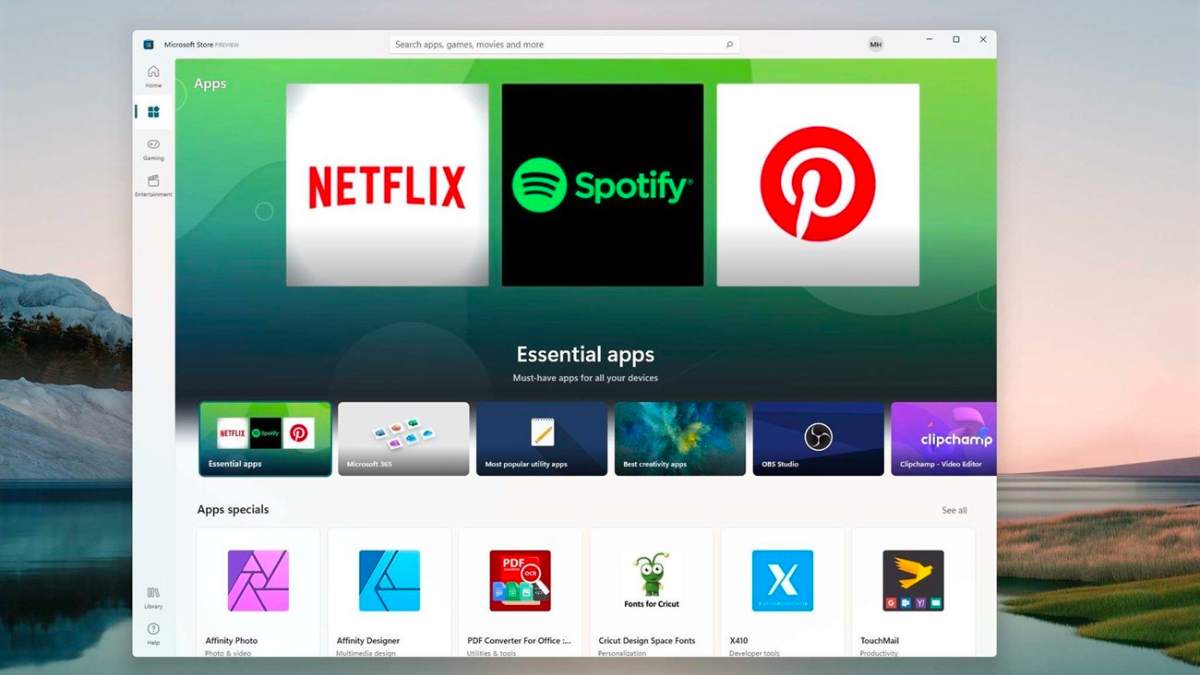
Should you upgrade?
Upgrade when the PC is officially supported, required apps and peripherals are compatible, and you are ready for interface changes. Delay briefly if a critical vendor driver or business application is not certified, but use a supported security-update path. For preparation, see how to check Windows 11 compatibility and what to do before upgrading.
After installation
Run Windows Update, install manufacturer drivers only where needed, check activation, test peripherals, and confirm the backup still opens. Keep the old installation or recovery media until you are satisfied the migration is stable.
Related Articles
 How to Download Windows 10 ISO Files Quickly and Easily9 minutes read
 How to Easily and Quickly Download Instagram Videos to Your Phone or Computer4 minutes read
 How to Download Videos from YouTube to Your Phone Quickly4 minutes read
 How to Download YouTube Videos on a MacBook Quickly4 minutes read
 How to Quickly Restore 7 Windows 10 Features10 minutes read
 Download Data from Social Networks to the Hard Drive4 minutes read
Reader Comments 0
Sign in with email or Google to join the discussion.