Table of Contents
Install a VPN where you need its network coverage. A phone app can cover more than browser traffic, a browser extension can limit the change to browsing, and a compatible router can route selected home devices through the VPN. In each case, you move some trust from the local network to the VPN provider.
1. Phone or tablet
Use the operating system’s VPN settings or the provider’s official app if you need device-level coverage on both Wi-Fi and cellular. Check split tunneling settings to see which apps are included. Most websites already use HTTPS. A VPN offers a different kind of coverage and does not stop phishing or account tracking.
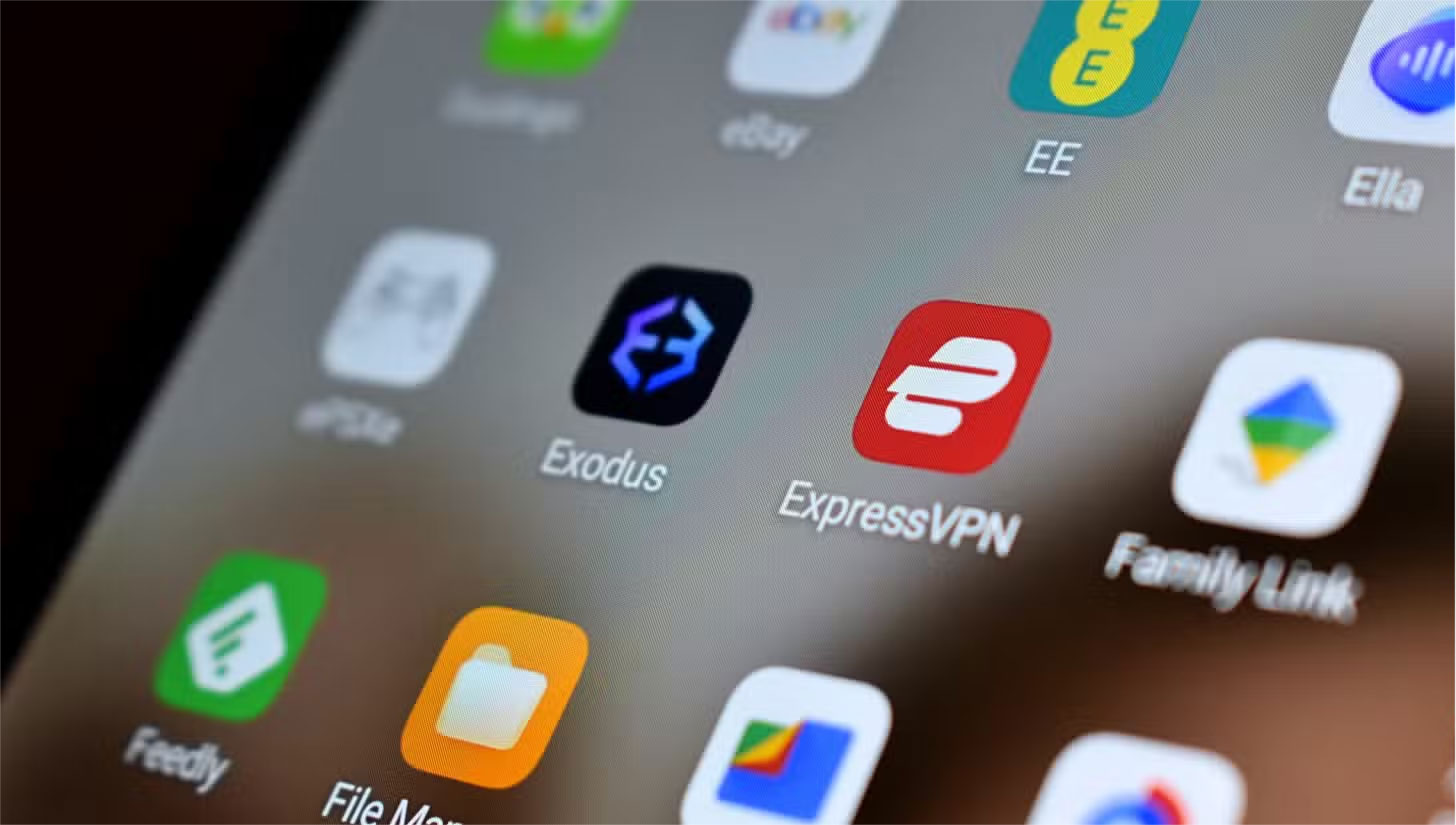
2. Web browser
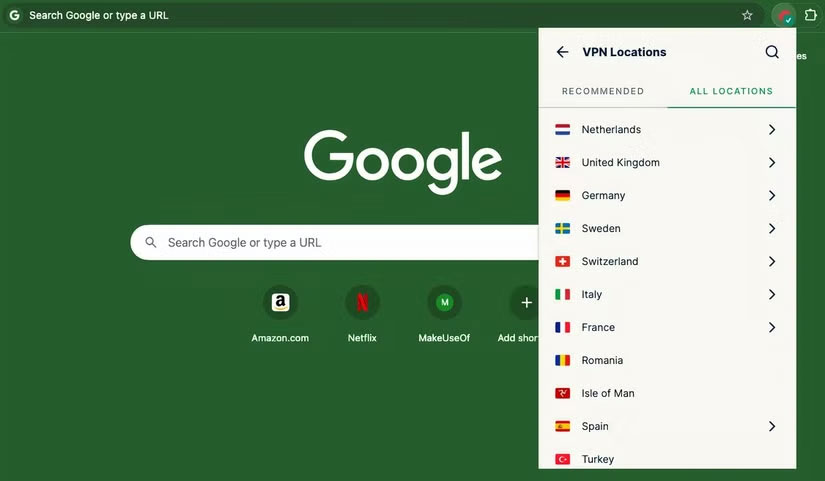
Many “VPN extensions” are browser proxies. Check how the extension handles encryption and what permissions it requests. Use a browser-only option if you want other apps to keep using the normal connection.
3. Smart TV
Check whether the TV’s app store has an official VPN app for your model. If it does not, a router VPN may cover the TV. Confirm that the apps you need continue to work and test picture quality after changing the connection.
4. Game console
A VPN can change the route to a server, which can raise or lower latency depending on the path. Compare the same game server without and with the VPN before drawing conclusions. Many consoles need a compatible router for this setup.
5. Home router
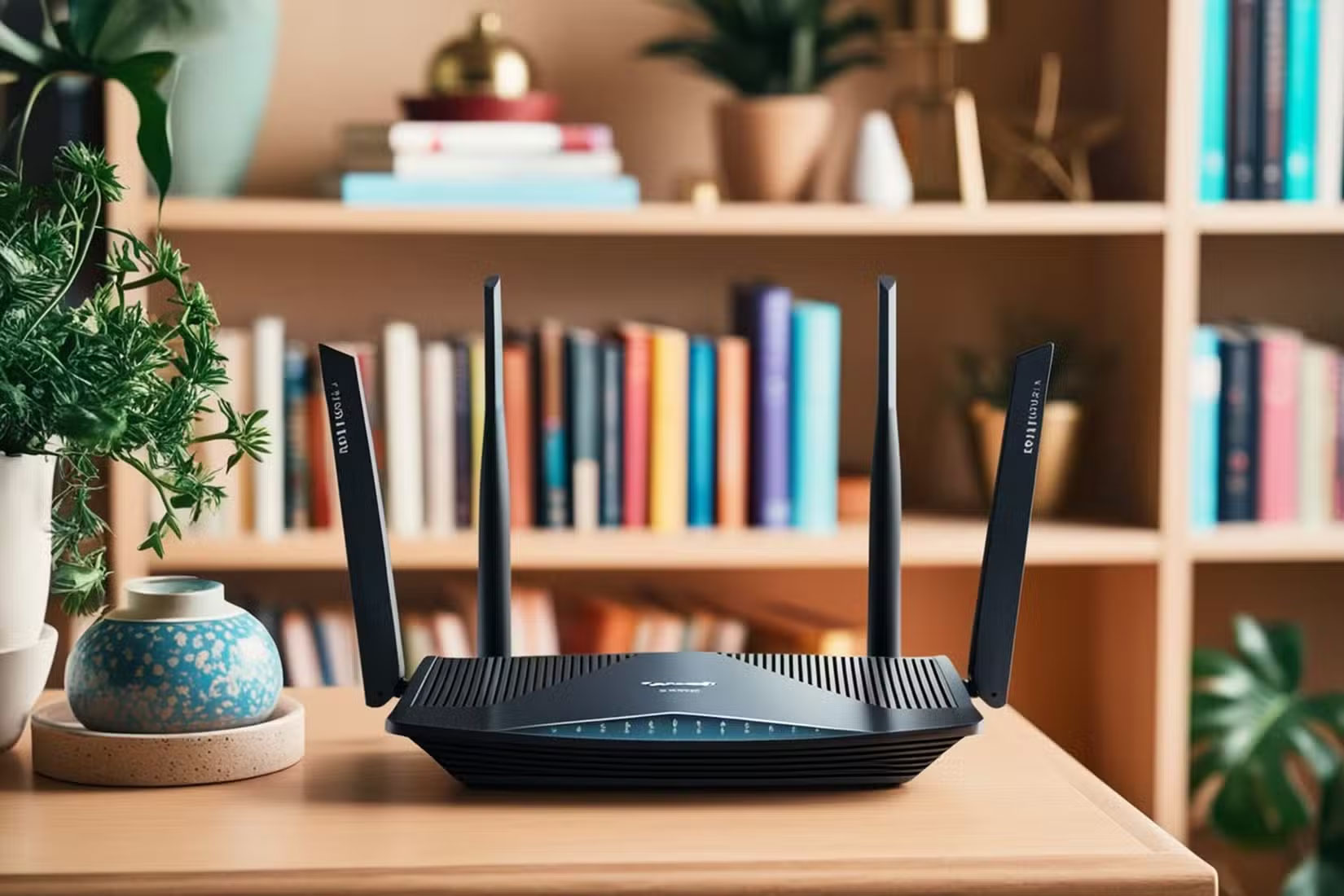
Check whether the router supports VPN client mode. If it has routing rules by device, start with one device instead of changing the whole household. Then check connection speed, casting, and local device access. A router VPN only covers traffic that goes through it.
For a comparison of how a VPN and a proxy handle connection traffic, see how to change your public IP with a VPN or proxy.





Reader Comments 0
Sign in with email or Google to join the discussion.