Table of Contents
This guide covers toshiba expands its low-cost laptops with c600 and l600 with practical context and easy-to-follow details. Use it to understand the subject and apply the information confidently.
Satellite L600 series will have 5 new models including L635 13-inch screen, L645 14-inch screen, L655 15. 6-inch screen and L675 17. 3-inch screen. All of these models use Toshiba's Fusion X2 sinking printing technology. The L600 series will have the option of Intel Core i3, i5 processors or AMD processors including AMD Athlon II, Turion II dual-core, Phenom II 3-core and 4-core. The starting price for the above models is only about $ 515 (excluding the optional ATI Radeon 5145 discrete graphics card).
Meanwhile, models of the C600 series have even more attractive prices with only $ 449 at the starting level. The C600 series will include two new models, the C645 14-inch screen and C655 15. 6-inch screen. The duo is equipped with an Intel Celeron processor, Pentium or AMD chips, Athlon V120.
Page 2: See more C600 series photos
Below is the official image of Satellite L600 series and C600 series
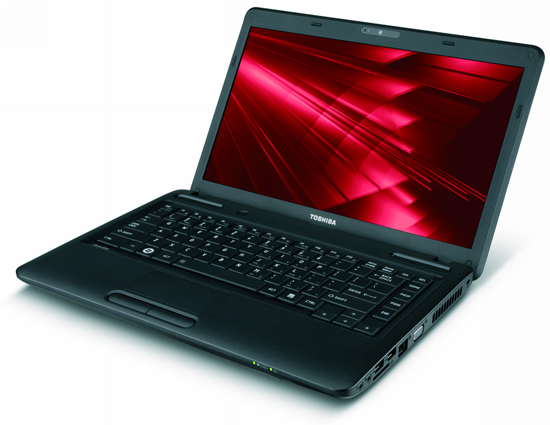
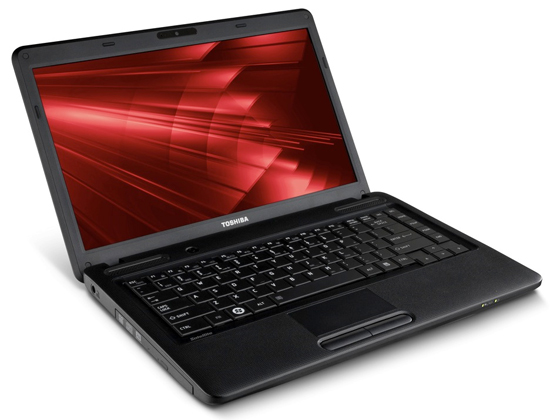
 Toshiba Satellite C645
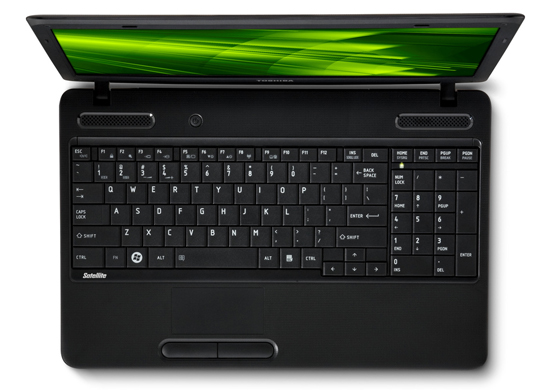
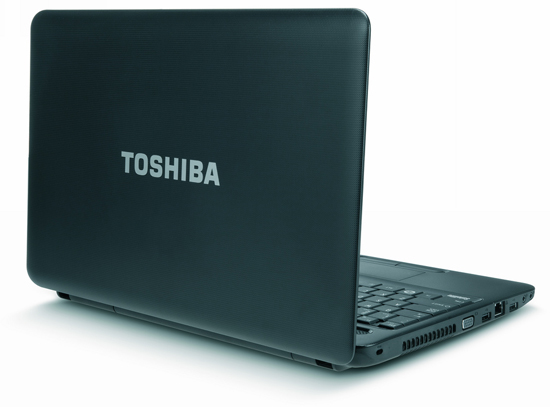
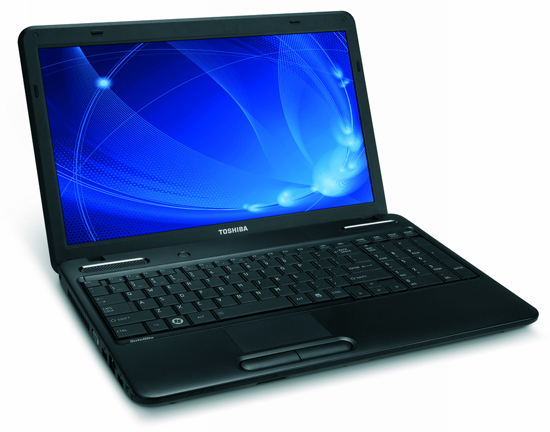 Toshiba Satellite C655
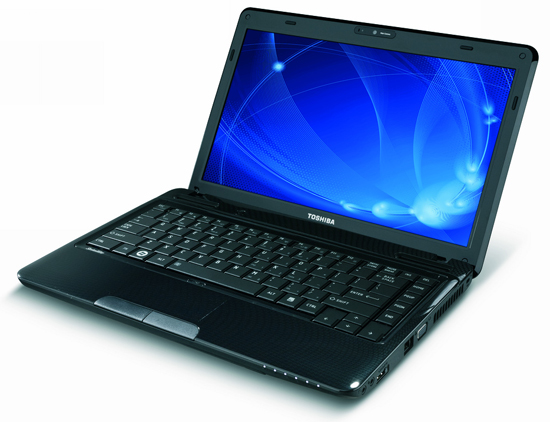
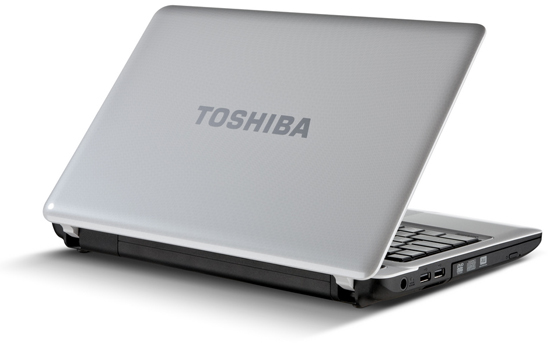 Toshiba Satellite L635
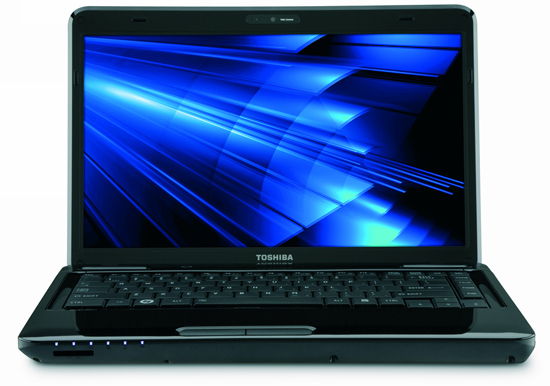
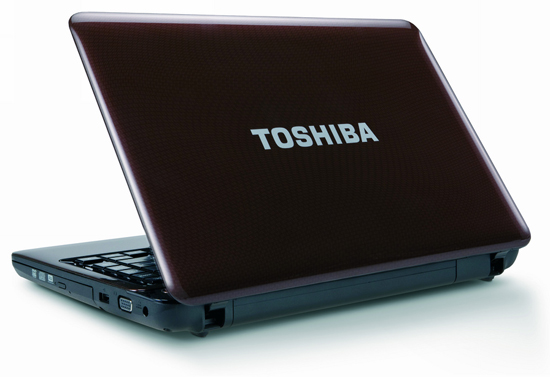 Toshiba Satellite L645
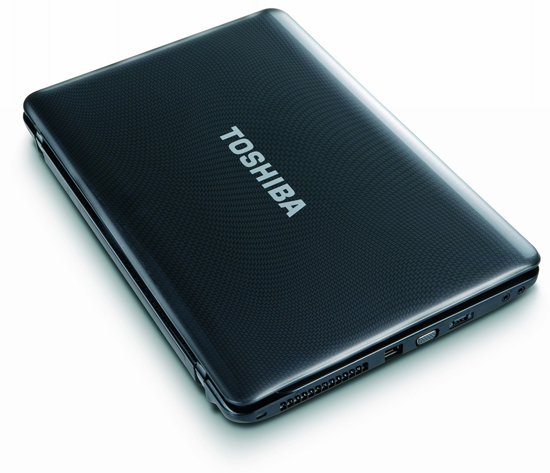
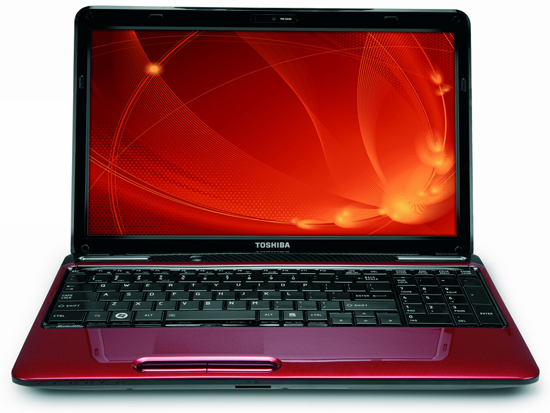 Toshiba Satellite L655
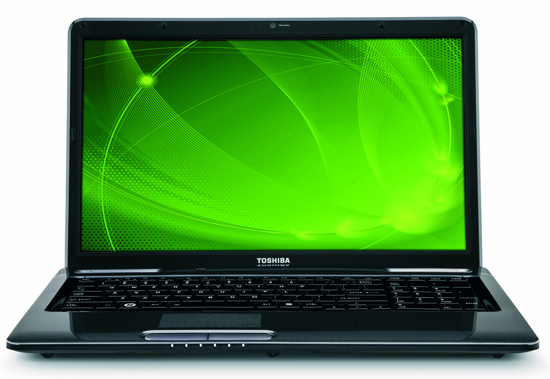
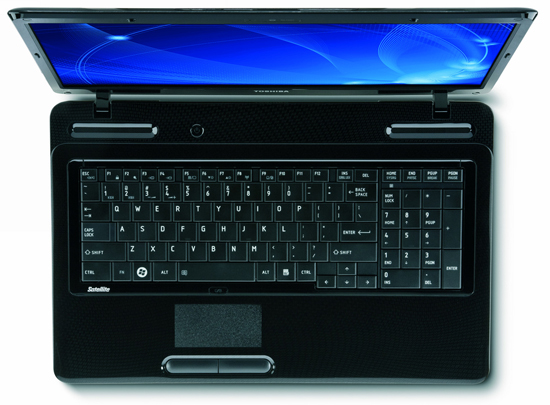 Toshiba Satellite L675
FAQ
What should I check before following these steps?
Confirm device and software compatibility, save important data, and make sure you have the required permissions, files, and account access.
Why might the process not work?
Common causes include outdated software, missing permissions, incompatible hardware, an unstable connection, or completing a step in the wrong order.
Can I undo the changes if necessary?
That depends on the tool or setting. Use built-in restore options when available, keep a backup, and record the original configuration first.
Related Articles
 More Toshiba Laptops Will Be Cheap4 minutes read
 'A Lot of the First Low-cost Laptops Use Core i3 Chips3 minutes read
 Instructions to Install Driver for Toshiba Laptop (Download7 minutes read
 Toshiba Launched a Series of Cheap Laptops from VND 6. 4 Million4 minutes read
 Toshiba Recalls Thousands of Laptops with a Risk of Fire3 minutes read
 How to Reset Toshiba Laptop: Complete Guide4 minutes read
Reader Comments 0
Sign in with email or Google to join the discussion.