Table of Contents
The right PlayStation emulator depends on the console you want to reproduce. DuckStation is the simplest current choice for most PS1 players, PCSX2 covers PS2, RPCS3 covers PS3, PPSSPP covers PSP, and Vita3K is the experimental option for PS Vita. RetroArch, BizHawk, and XEBRA serve more specialized needs.
Emulation software does not include commercial games. Use game files and firmware that you are legally entitled to use, follow the project’s dumping instructions, and check the law in your jurisdiction. Avoid ROM, ISO, BIOS, and firmware download sites that redistribute copyrighted material or bundle unknown installers.
Quick comparison
| Emulator | System | Best for | Main tradeoff |
|---|---|---|---|
| DuckStation | PS1 | Easy standalone setup and enhancements | Requires a compatible BIOS dumped from hardware |
| RetroArch | PS1 and many others | One interface for a multi-console library | Core and menu setup takes time |
| BizHawk | PS1 and many others | Tool-assisted speedruns and analysis | More technical than a basic player |
| XEBRA | PS1, PocketStation | Accuracy-focused and niche compatibility | Minimal interface and fewer conveniences |
| PCSX2 | PS2 | General PS2 play on modern PCs | Some games need per-title settings |
| RPCS3 | PS3 | Supported PS3 games on powerful hardware | High CPU demands and variable compatibility |
| PPSSPP | PSP | Efficient PSP emulation and save transfer | Rendering quirks remain in some titles |
| Vita3K | PS Vita | Playable Vita titles and development progress | Experimental; check every game first |
1. DuckStation: best standalone PS1 emulator for most users
DuckStation focuses on PlayStation 1 accuracy while providing a straightforward desktop interface. It supports save states, controller mapping, memory cards, per-game settings, internal-resolution scaling, texture filtering, widescreen options, and modern graphics backends.
It is a better current default than the long-inactive PCSX-Reloaded. On Windows, current DuckStation builds require Windows 10 or 11, version 1809 or newer. Download only from the project’s official repository, because similarly named third-party sites may not distribute an authentic build.
Choose it if: you want a dedicated PS1 emulator with sensible setup and optional visual improvements.
Consider something else if: you want one frontend for many console families or tool-assisted speedrun features.
2. RetroArch: best all-in-one PlayStation frontend
RetroArch is a frontend that loads separate emulator modules called cores. For PS1, Beetle PSX and Beetle PSX HW are established choices; the hardware core adds options such as higher internal resolution, Vulkan or OpenGL rendering, and PGXP perspective correction.
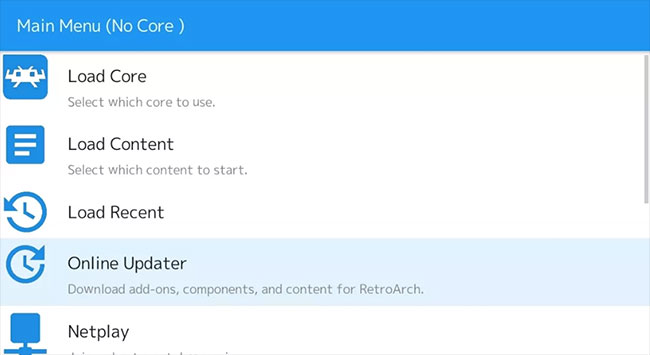
RetroArch also supplies controller remapping, shaders, save states, rewind where supported, screenshots, recording, and a unified library. The tradeoff is complexity: you must install the correct core, place required firmware in the expected directory, and understand the core’s supported game-image formats.
The official Beetle PSX HW documentation lists current firmware names, file extensions, and core options.
Choose it if: you maintain a multi-system collection and want consistent controls and presentation.
Consider something else if: you only want to launch PS1 games with minimal configuration.
3. BizHawk: best for tool-assisted speedruns
BizHawk is a multi-system emulator built around deterministic recording, frame advance, input display, memory tools, scripting, and rerecording. Its PlayStation support uses the Octoshock core derived from Mednafen.
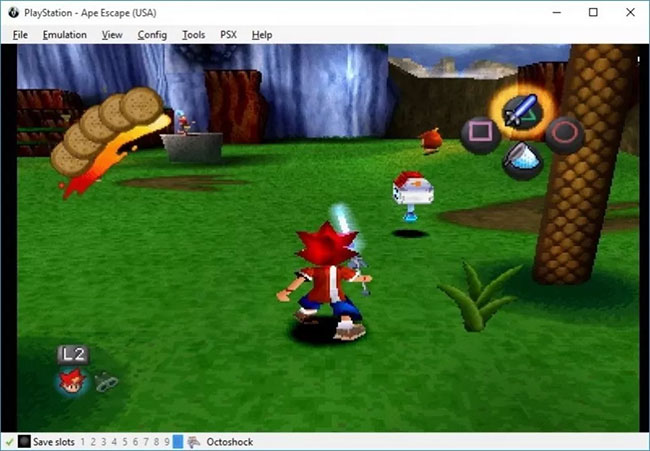
It also works for ordinary play with fullscreen and controller support, but its main advantage appears when analyzing a game or creating a tool-assisted run. Use the current release from the official BizHawk repository.
Choose it if: frame-by-frame input, rerecording, or debugging tools matter.
Consider something else if: you want only a polished, console-like library screen.
4. XEBRA: a specialist PS1 and PocketStation option
XEBRA is a compact PS1 emulator known for prioritizing behavior close to the original hardware. It also has niche value for users interested in PocketStation support. The interface is sparse and documentation is less approachable than DuckStation or RetroArch.
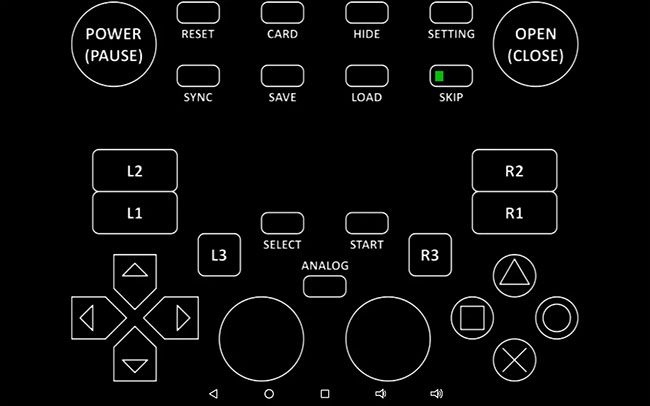
Choose it if: you want to compare emulator behavior or need its particular PocketStation-related capabilities.
Consider something else if: you want active cross-platform packaging, an attractive library, or easy enhancement presets.
For another standalone PS1 approach, TipsMake’s ePSXe setup guide explains the older ePSXe workflow.
5. PCSX2: best PlayStation 2 emulator
PCSX2 is the mature open-source choice for PS2 emulation on Windows, macOS, and Linux. Current builds provide a modern Qt interface, per-game settings, save states, controller mapping, memory-card management, internal-resolution scaling, texture replacement, and both hardware and software rendering.

Not every title behaves identically. Search the PCSX2 game database or wiki before changing global settings; a workaround useful for one game can break another. The project’s current system requirements divide hardware into minimum, moderate, and heavy workloads.
Choose it if: PS2 is your target console.
Consider something else if: your PC does not meet the requirements for the game and resolution you want.
6. RPCS3: best PlayStation 3 emulator
RPCS3 is an actively developed PS3 emulator and debugger for modern Windows, Linux, macOS, and FreeBSD systems. It can run many commercial titles, but PS3 emulation is CPU-intensive and compatibility remains game-specific.
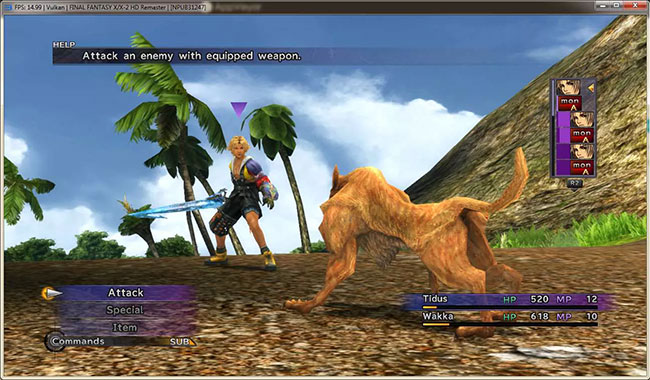
Before installing a game, check its exact serial in the official RPCS3 compatibility list and read the corresponding wiki page. Follow the RPCS3 Quickstart for supported firmware and disc-dumping procedures; random “preconfigured” packages are a security and legal risk.
Choose it if: your specific PS3 game is listed as playable and your CPU meets the recommended tier.
Consider something else if: you expect every PS3 title to work without per-game adjustments.
For a mobile comparison, TipsMake also explains how PS3 emulation works on Android, where hardware and compatibility constraints are even tighter.
7. PPSSPP: best PSP emulator
PPSSPP is a fast, open-source PSP emulator available for Windows, macOS, Linux, Android, iOS, and other platforms. It can render above the PSP’s original resolution, transfer real PSP save data, map controllers, use save states, and apply texture filtering or replacement.

It is less demanding than PS2 or PS3 emulation and works on many older PCs, but keep graphics drivers current and test rendering backends if a game shows visual problems. The official PPSSPP site provides current desktop and mobile builds.
Choose it if: you want PSP emulation, portable save transfer, or a consistent setup across PC and phone.
Consider something else if: you are trying to run PS Vita software; PSP and Vita are different systems.
8. Vita3K: best available PS Vita emulator
Vita3K is an experimental open-source PS Vita emulator for Windows, macOS, Linux, and Android. Contrary to older descriptions, it can now boot and play commercial games, and the project reports that more than half of tested titles are marked playable. That does not mean every game is complete or glitch-free.
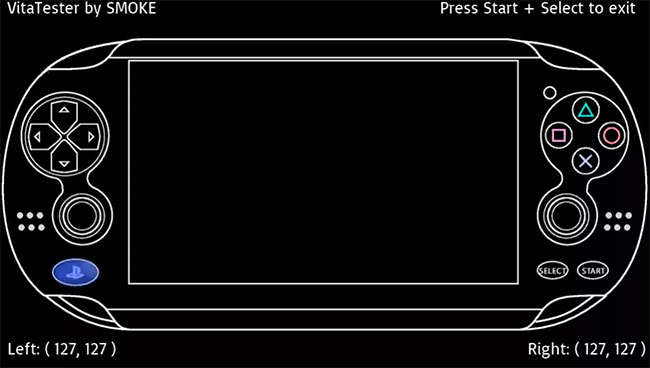
Check the Vita3K compatibility list for the exact title and retest with a recent build, because the project notes that backend changes can outpace old reports.
Choose it if: your Vita title is confirmed playable and you accept experimental behavior.
Consider something else if: you need guaranteed compatibility, online PlayStation Network support, or a console-like plug-and-play experience.
How to choose safely
- Identify the original console and the exact regional game release.
- Check the emulator’s official compatibility database before downloading.
- Download the emulator only from its official site or repository.
- Follow that project’s instructions to dump your own firmware and game media.
- Start with default settings, then change one graphics or performance option at a time.
- Keep normal in-game saves as well as save states; save states can become incompatible after an emulator update.
For most people, the shortest answer is DuckStation for PS1, PCSX2 for PS2, RPCS3 for PS3, PPSSPP for PSP, and Vita3K for PS Vita. RetroArch and BizHawk are better when their cross-system or analysis tools are the reason you are emulating in the first place.
Related Articles
 8 Top PlayStation Emulators for PC 2023: Expert Selection Guide10 minutes read
 8 Best Playstation Emulators for PC 20217 minutes read
 Top Best iOS Emulators Help Run Applications on Windows9 minutes read
 Compare the Difference Between Playstation Plus and6 minutes read
 Pros and Cons of Playing Games on Emulators11 minutes read
 How to Update Playstation 54 minutes read
Reader Comments 0
Sign in with email or Google to join the discussion.