Table of Contents
This guide compares 10 leading Among Us Tips and Tricks for Impostor, focusing on useful features, compatibility, ease of use, and overall value.

Ironically, while most people will be playing Crewmates, most people actually want to be Impostor. As an Impostor, you just need to press a button to kill while no one is around and repeat until you win, or at least that's what happens in most random games.
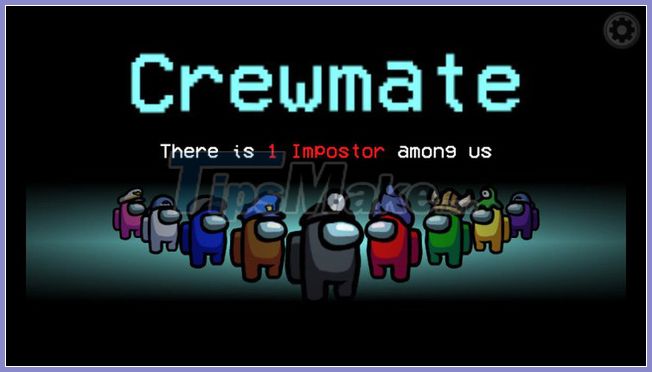
Here are the Top 10 Among Us tips and tricks for Impostor to help you win
1. Avoid using vents when you don't need them
As an Impostor, constantly using vents doesn't really do anything for you. Plus, you risk more. What if someone is in the Admin room? Or what if someone walks in and sees you? The only time you need to use the vent is after you kill someone.
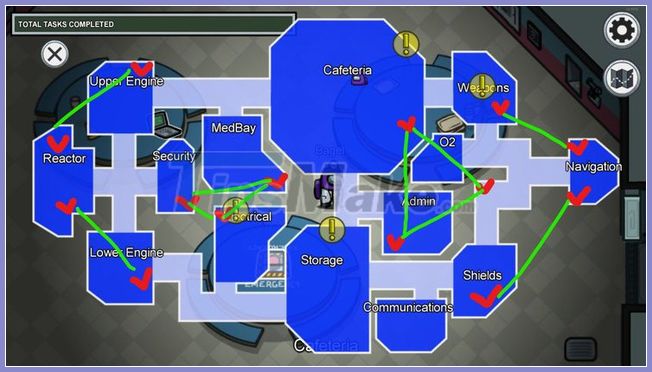
Remember that the vents in Among Us will be very helpful as Impostor.
2. Don't kill someone and self-report immediately
You will look very suspicious if you report too many corpses. If you can walk for a while, you will hit the body again. Also, if someone comes, you should report it immediately.

3. Don't kill when the camera is flashing red
This is super obvious but there are a lot of people who don't know about it and make a fatal mistake. Among the maps in Among Us, there are tiny cameras. When they flash red, it means someone is watching you.
4. Close the door before killing, and then exit
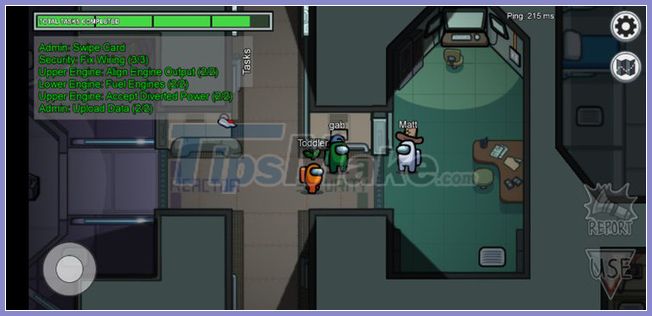
Simple and effective. You don't want anyone entering the room when you just killed a player, do you?
5. When there are only 3 players left, you will definitely win if you damage the power supply
A lot of people somehow fail to realize this fact. When there are only three players left, your teammates must hold a meeting immediately or lose when Impostor kills someone else. Holding a meeting is the only way to win for seafarers because they have a 1/3 chance of winning.
6. Forging quests
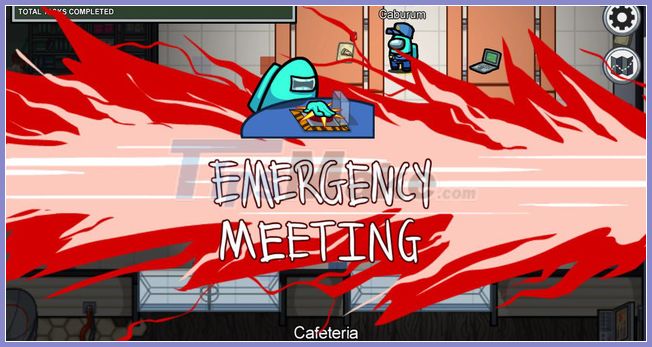
You will look normal, by spoofing your task on the taskbar. But don't create stupid tasks like loading data for the admin at the start of the game or some veteran players might know it.
7. Vandalism after you kill
You will have less chance of being discovered doing this.
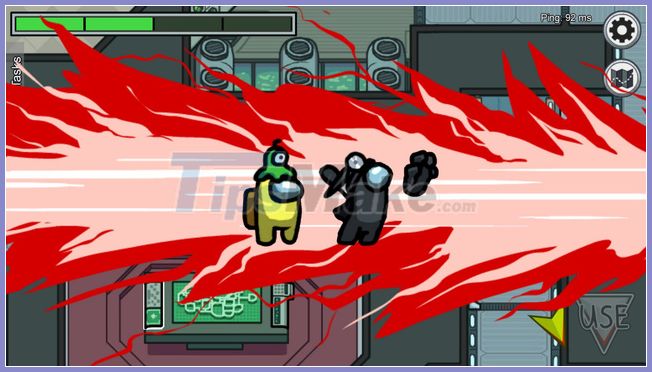
8. Don't kill people where others have seen you enter
Let's say Red has seen you while going to the warehouse to refuel. Then he turned around and decided to have an electrical check because the door was closed and found a dead body. There is no easier way to lose the game than that but many people have made this mistake.
9. Gather in crowded places
If there are multiple people in EXACTLY same position, there is no way to tell who Impostor is. That's normal when people are trying to fix phones, lights.
10. Never give up
This is the last and most important thing all Impostor should embrace at all times.

Suppose, Blue saw you murder and reported it. Don't just admit it and vote without a fight. Immediately told everyone that Blue was Impostor and he reported himself. People simply won't know who Impostor is if you keep the game clean. It doesn't matter if there are 7 people left, please fight and refuse to the end.
FAQ
How should I choose among Among Us Tips and Tricks for Impostor?
Compare compatibility, essential features, ease of use, security, support, and total cost rather than choosing only by popularity.
Are free options suitable for everyday use?
Free tools can be sufficient for basic needs, but advanced features, commercial use, or priority support may require a paid plan.
What should I check before installing or using one?
Verify the official source, system requirements, recent updates, privacy practices, and support for your device and file types.
Related Articles
 Tips and Strategies for Playing Impostor in Among Us11 minutes read
 How to Play Among Us Is Effective When You Are an Imposter4 minutes read
 How to Know Impostor Pretends to Be a Task in Among Us5 minutes read
 Tips for Playing Impostor Effectively in Among Us7 minutes read
 10 Experience for Crewmate and Impostor to Win Among Us12 minutes read
 The True Form of the Impostors in Among Us4 minutes read
Reader Comments 0
Sign in with email or Google to join the discussion.