Table of Contents
Apple Music can show translations and pronunciation guides for supported lyrics, mix transitions between tracks, and pin music to the top of your library. Here’s where to find the controls on an iPhone running a compatible iOS release.
1. Translate lyrics as the song plays
Play a track from the Apple Music catalog, open Now Playing, and tap Lyrics. Tap Translation and Pronunciation, then choose the translation option if it’s offered. Follow the original and translated lines as they appear. The option varies by song and language.
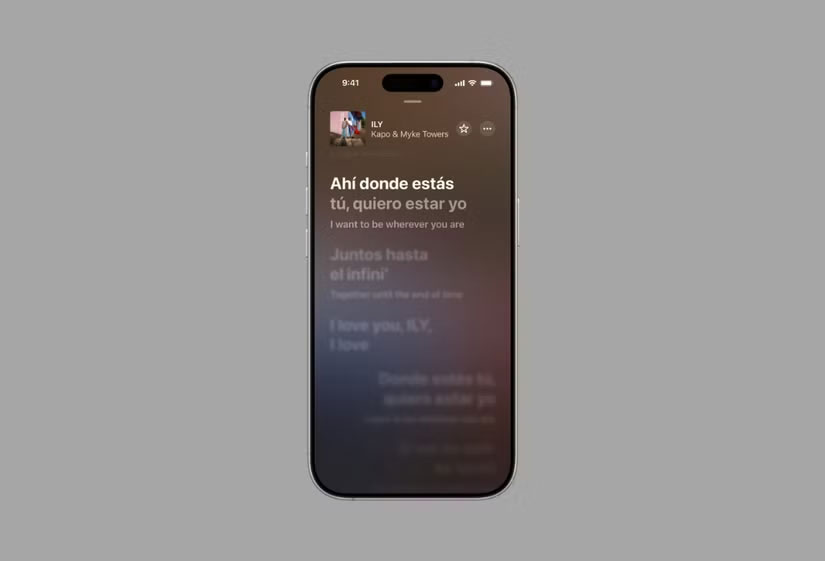
2. Show a pronunciation guide for supported lyrics
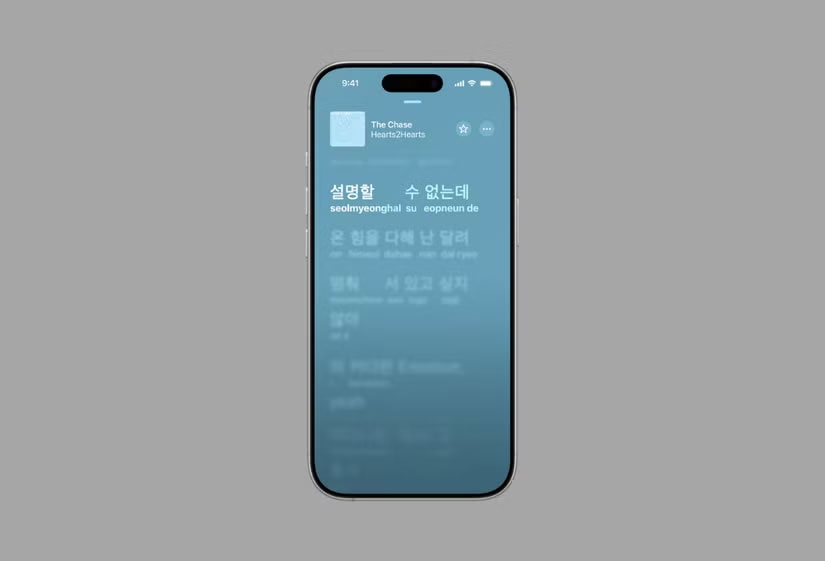
From the same lyrics menu, select the pronunciation option if it appears. It helps you sound out the original words, while translation explains their meaning. A song can offer lyrics without offering either of these options. See Apple’s lyrics instructions for device-specific steps.
3. Try AutoMix for continuous playback
On iPhone, open Settings → Apps → Music → Song Transitions and choose AutoMix if you subscribe to Apple Music. Test it with a playlist of tracks that have distinct rhythms. The transition depends on the songs. If you prefer a predictable overlap or want to hear each track’s ending intact, choose Crossfade or turn transitions off. See how AutoMix differs from Spotify’s AI DJ.
4. Pin music you play frequently
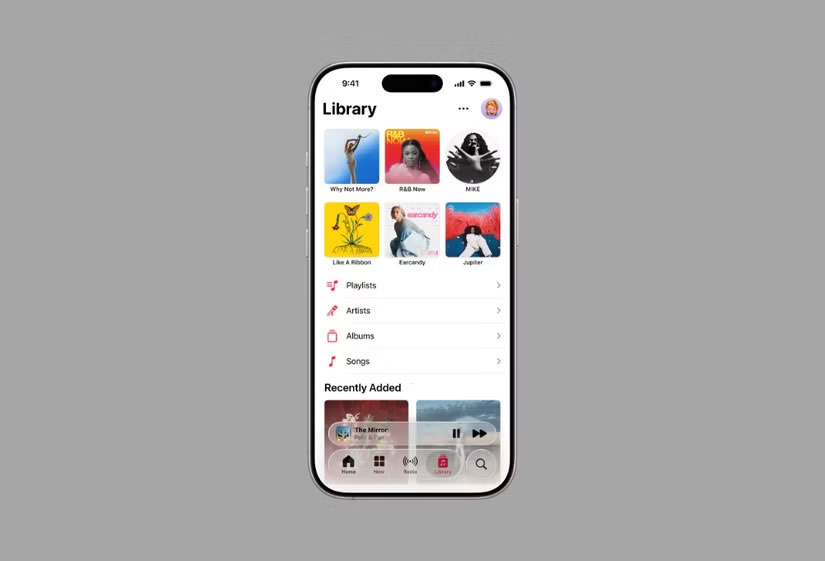
In the Music app, touch and hold a song, album, artist, or playlist, then choose Pin if it appears in the menu. Look at the top of Library to find it again. To remove a pin, touch and hold the item there and choose Unpin. This is useful for a daily playlist or an album you keep returning to.
Related Articles
 Don't Miss These 5 Little-Known Apple Music Features!
 It's 2025 and Apple Music still doesn't have these core features!
 How to pin music in Apple Music
 11 Hidden Features in Apple Music Every User Should Know
 Instructions for installing and using Apple Music on Android
 Apple Music is now available on Amazon Fire TV
Reader Comments 0
Sign in with email or Google to join the discussion.