Table of Contents
This guide covers see the new generation hp pavilion with practical context and easy-to-follow details. Use it to understand the subject and apply the information confidently.
Some high-end features appear in the dv6 and dv7 series such as the Beats Audio speaker system, HD standard webcam, glowing touchpad border, HP's new CoolSense cooling technology and luxurious metal housing.
The new Pavilion has a very good configuration with the Sandy Bridge Core i5 / i7 processor option, AMD Radeon 6000M graphics card and USB 3. 0 port. Both have the option of Blu-ray optical drive and hard drive capacity up to 2TB.
HP Pavilion dv6 and dv7 will go on sale in March with a starting price of 750 USD and 1, 000 USD respectively.
Here are some real pictures of Pavilion dv6 model.
 HP's redesigned Pavilion laptop has Envy's style.
 Logo on the top.
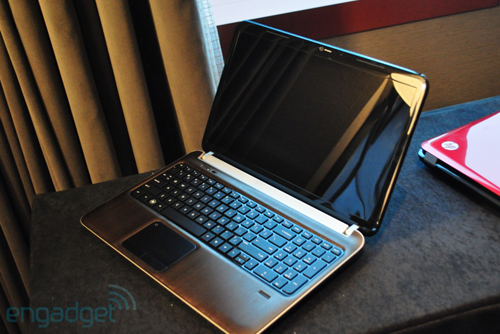 In the picture is the dv6 model of 15. 6-inch screen.
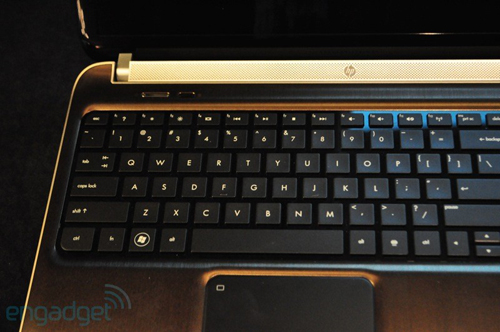 The familiar chiclet-style keyboard in recent HP models.
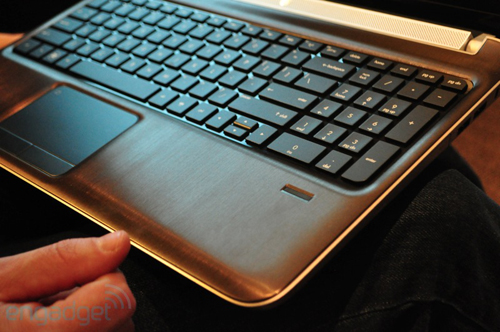 Fingerprint identification slot.
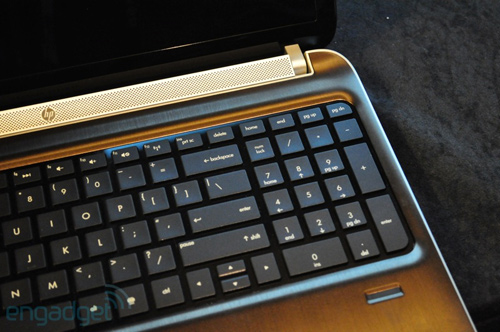 Model of 15. 6-inch screen but with additional numeric keypad.
Touchpad new version.
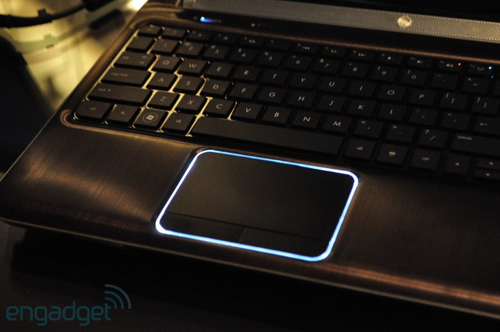 The interesting thing about this model is that when used around Touchpad, it will glow.
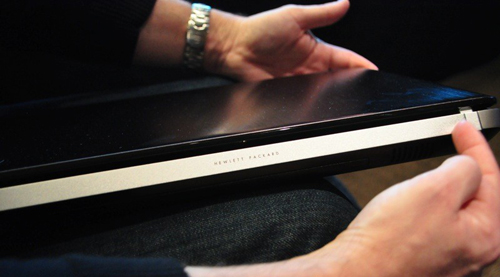 Next to the machine.
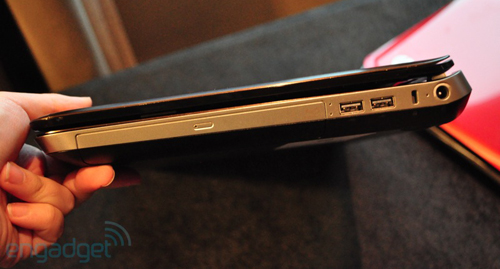 Right next to the optical drive and two USB ports.
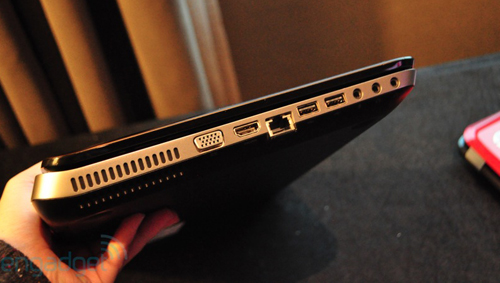 Left edge with full connection port.
FAQ
What should I check before following these steps?
Confirm device and software compatibility, save important data, and make sure you have the required permissions, files, and account access.
Why might the process not work?
Common causes include outdated software, missing permissions, incompatible hardware, an unstable connection, or completing a step in the wrong order.
Can I undo the changes if necessary?
That depends on the tool or setting. Use built-in restore options when available, keep a backup, and record the original configuration first.
Related Articles
 HP Launched the New Pavilion 14 and 15 Generation Models6 minutes read
 HP Pavilion dv4, dv5, dv7 Series4 minutes read
 New HP Pavilion x2: 10. 1 ',', Removable Keyboard Dock, Atom x7 Chip3 minutes read
 HP Launched the 2012 Pavilion Laptop Series4 minutes read
 Detailed Review HP Pavilion 15 I5-1135g7: Stability Is the10 minutes read
 Review Hp Pavilion X360: Performance, Keyboard 'Quality'9 minutes read
Reader Comments 0
Sign in with email or Google to join the discussion.