Table of Contents
This guide covers hp style envy into the pavilion series with practical context and easy-to-follow details. Use it to understand the subject and apply the information confidently.
HP's entertainment laptop series is refreshed by HP's impressive design style of the high-end Envy series. The 15. 6-inch and 17. 3-inch dv6 and dv7 models are equipped with advanced features such as Beats Audio, HD webcam, glowing touchpad, and CoolSense's new cool cooling technology. HP and sleek metal casing.
The new Pavilion has a very good configuration with the Sandy Bridge Core i5 / i7 processor option, AMD Radeon 6000M graphics card and USB 3. 0 port. Both have the option of Blu-ray optical drive and hard drive capacity up to 2TB.
HP Pavilion dv6 and dv7 will go on sale in March with a starting price of 750 USD and 1, 000 USD respectively.
Below is the official image of these two models.
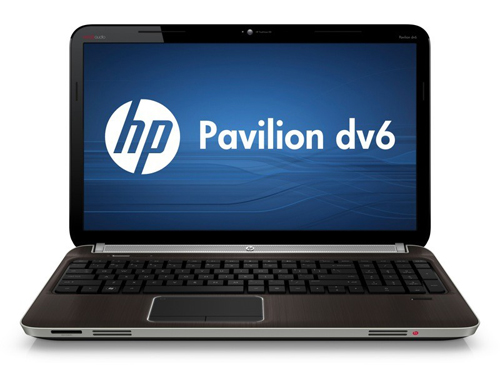 Dv6 has a 15. 6-inch screen.
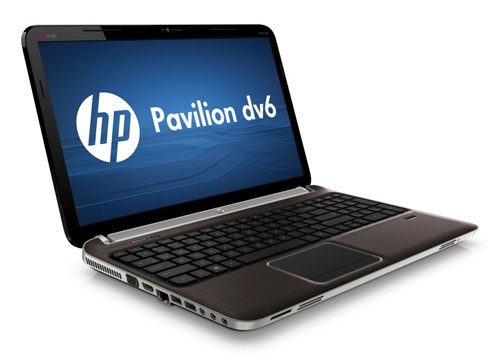 Dv6 has the same style as the Envy and has a scratched metal cover.
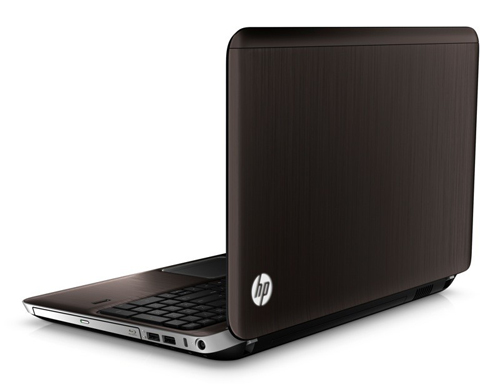 DV6 has a starting price of 750 USD.
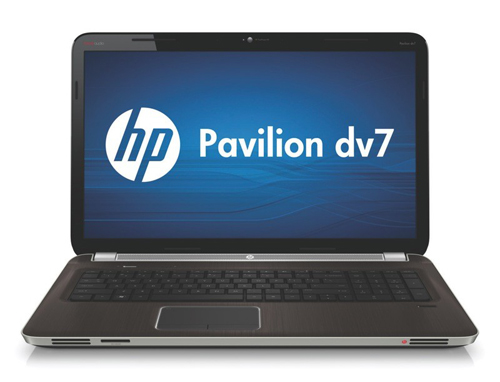 Pavilion dv7 for home entertainment with a 17. 3-inch screen.
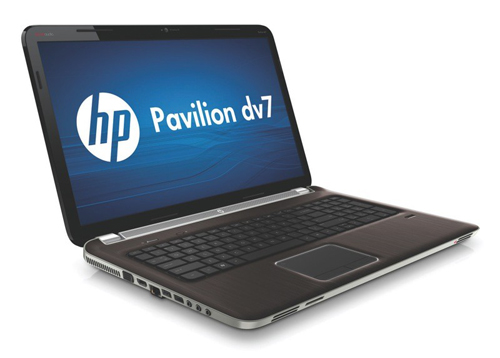 This Pavilion generation is refreshed both in style and configuration.
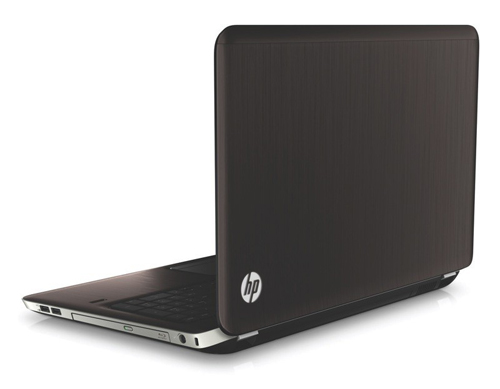 Dv7 is priced from 1, 000 USD.
FAQ
What should I check before following these steps?
Confirm device and software compatibility, save important data, and make sure you have the required permissions, files, and account access.
Why might the process not work?
Common causes include outdated software, missing permissions, incompatible hardware, an unstable connection, or completing a step in the wrong order.
Can I undo the changes if necessary?
That depends on the tool or setting. Use built-in restore options when available, keep a backup, and record the original configuration first.
Related Articles
 See the New Generation HP Pavilion3 minutes read
 See and Feel the HP Envy 147 minutes read
 HP's 2009 Winter Laptop Collection3 minutes read
 HP Launched the 2012 Pavilion Laptop Series4 minutes read
 HP Vietnam Launches a New Series of Laptops3 minutes read
 HP Released a Series of Affordable Price Touch Laptops3 minutes read
Reader Comments 0
Sign in with email or Google to join the discussion.