Table of Contents
This updated guide explores Samsung will delete accounts inactive for 24 months with practical details, clear explanations, and useful takeaways. Samsung is looking to clean up its list of inactive user accounts. The company recently sent out notices to customers whose Samsung accounts have been inactive for 24 months, noting that any inactive accounts will be deleted starting July 31, 2025.
Users Have 8 Weeks Left to Save Their Samsung Accounts
There was a time when it made sense to have an account associated with your Samsung phone. Still, if you switched to a different phone brand at any point, you may have forgotten about that old account. You may even have chosen to switch to a new account for whatever reason.
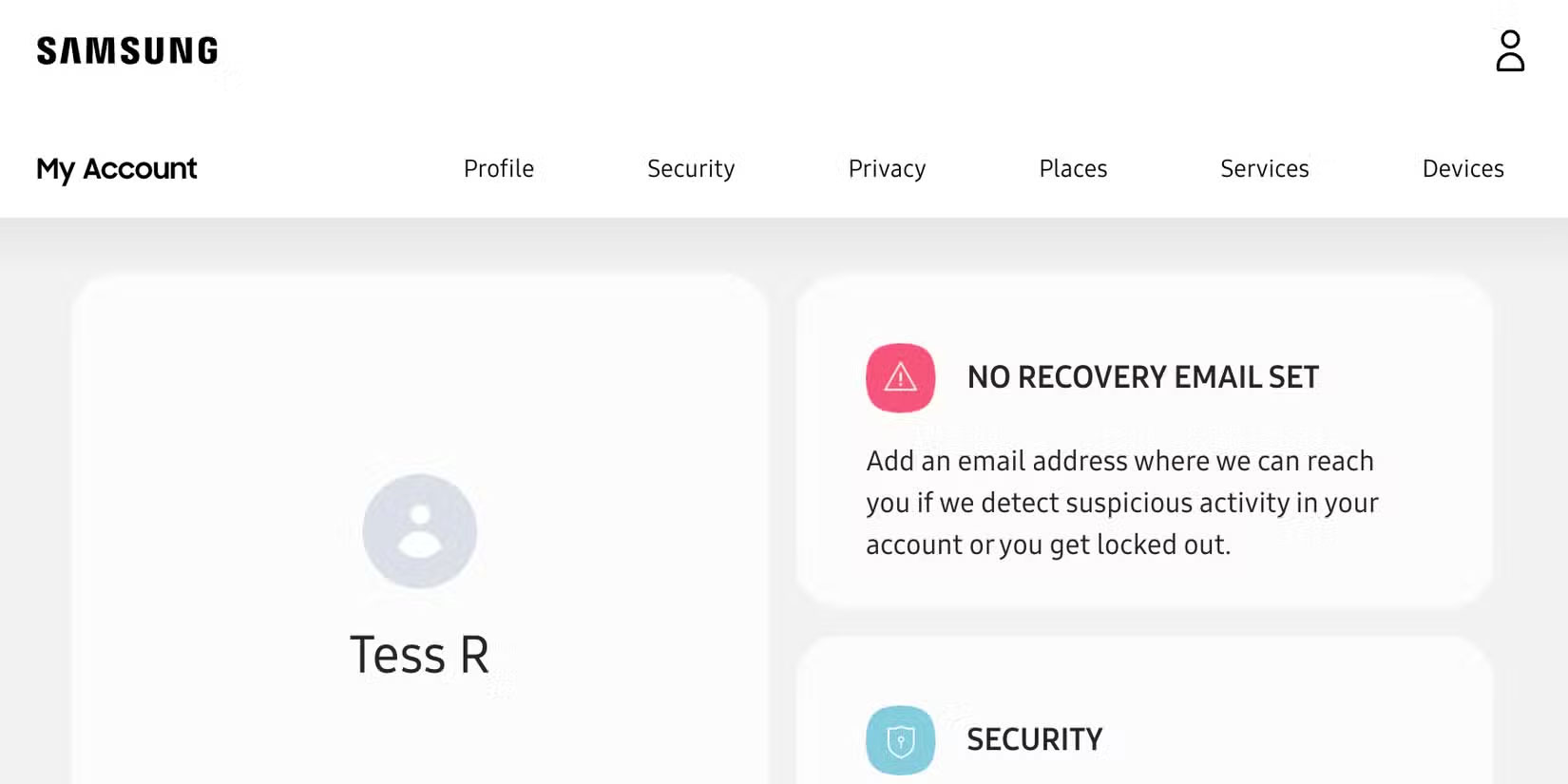
If you fall into one of those scenarios and your old Samsung account has any information worth saving, you'll need to sign into it before the end of July, SamMobile reports.
As of this writing, Samsung account holders have just eight weeks left to save their inactive Samsung accounts by logging in. It is best to also use at least one Samsung device with the account associated with it, just to prove that the account is active.
Why Does Account Deletion Happen?
These types of account deletions are quite common in the tech world and Google recently ran a similar account deletion campaign with Gmail accounts.
One of the reasons these data wipes happen is not just to cut down on resources — like the amount of data being saved to the server — but also to open up usernames and other such details to people who actually use them actively.
The other, and perhaps most important, reason is that it helps remove any data that might be left behind on your old Samsung account that you may have forgotten about or no longer use. If you no longer use that account, you probably do not need to keep that data.
Keeping data in an account you rarely use just opens the door for bad guys to somehow get their hands on it, so It is best to let Samsung delete any accounts you do not plan on using to help remove any traces of your data. Or better yet, you can delete your old Samsung account yourself.
it is also entirely possible that you've used your Samsung device without a Samsung account. Sure, a Samsung account isn't required to use one of the company's devices. Still, you'll miss out on some great features if you do not sign up for an account, like Samsung Pay and access to the Galaxy Store.
FAQ
What is the main takeaway about Samsung Will Delete Accounts Inactive for 24 Months?
The key is to understand the core idea, compare the available options, and apply the practical guidance that matches your situation.
What should beginners know about Samsung Will Delete Accounts Inactive for 24 Months?
Start with the essential steps and terminology. Avoid changing advanced settings until you understand how they affect performance, privacy, cost, or compatibility.
How can I use this information in practice?
Follow the relevant section in order, test one change at a time, and confirm the result before moving to the next step or recommendation.
Related Articles
 How to Recover Deleted Photos on Samsung Phones, Easily Retrieve Your Photos3 minutes read
 Instructions for Restoring Deleted Photos on Samsung Phones4 minutes read
 How to Recover Deleted Photos on Samsung Galaxy: Complete Guide6 minutes read
 How to Restore Samsung Notes on Samsung Galaxy5 minutes read
 Official Information About Samsung Galaxy S8, S8 Plus: Price, Date of Sale, Specifications12 minutes read
 List of CSC Product Codes and Specific Product Areas of Samsung Galaxy10 minutes read
Reader Comments 0
Sign in with email or Google to join the discussion.