Table of Contents
On the OPPO Reno13 series, AI Livephoto captures movement around a shot, while the photo editor offers tools for fixing problems such as reflections or softness. ColorOS can also offer writing and recording tools. Start with the feature that solves your immediate problem and check the result before sharing it.

Capture movement with AI Livephoto
In Camera, enable Livephoto if the option is available in your selected mode. Hold the phone steady before and after pressing the shutter to capture the moment around it. Open the result in Photos, play it back, and choose a cover frame if your software offers that control. Keep a still or video copy for apps that do not preserve the motion format.

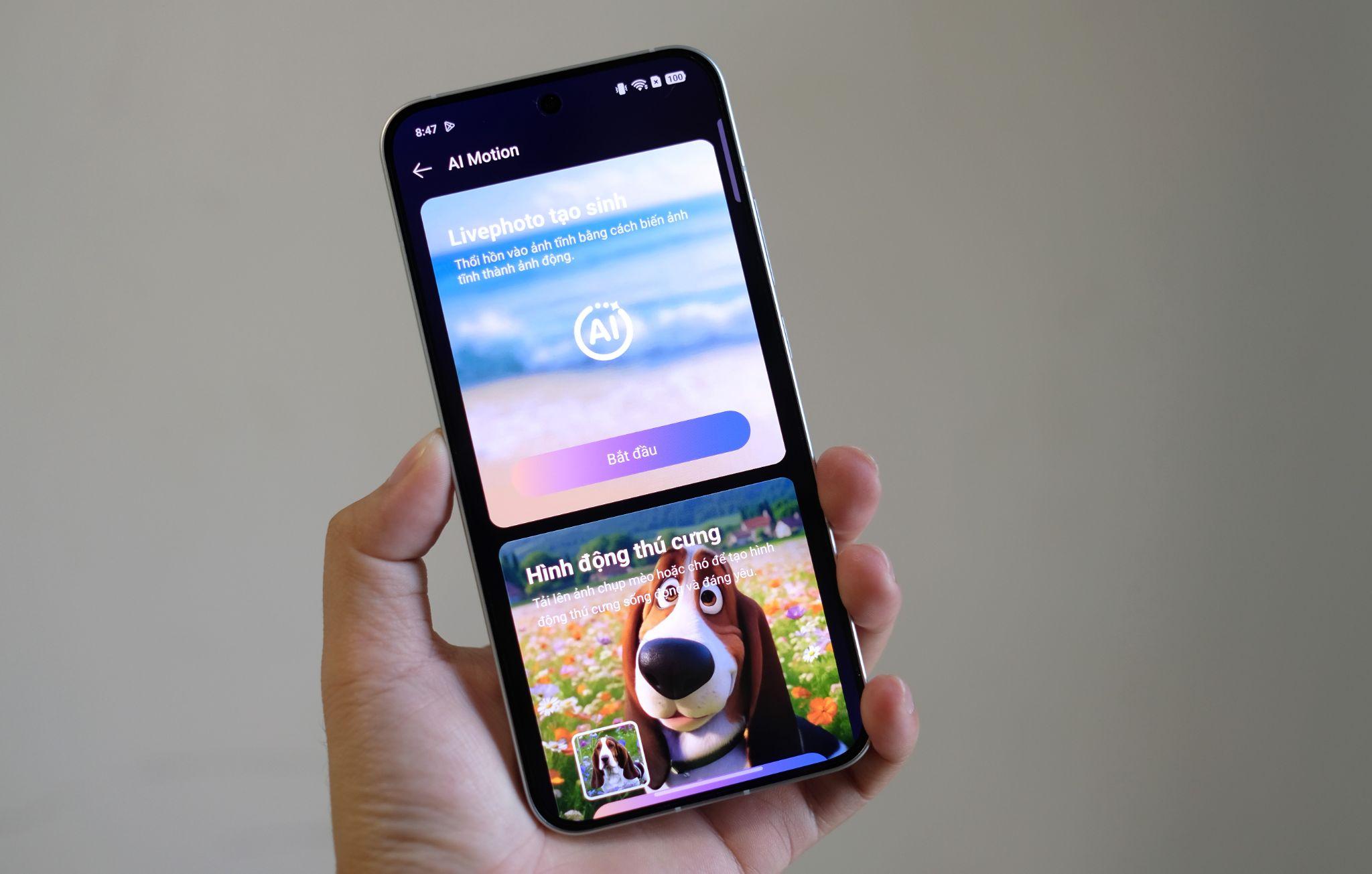
OPPO’s Reno13 feature notes describe platform-specific sharing options, including the O+ Connect requirement for certain transfers to iPhone or iPad.
Use a photo edit for one job at a time
Try reflection removal for a photo taken through glass or a sharpening tool for a slightly soft subject. Compare the edit with the original at full size. Check fine lines, faces, and text before keeping it. Software can reconstruct plausible detail that was never captured.
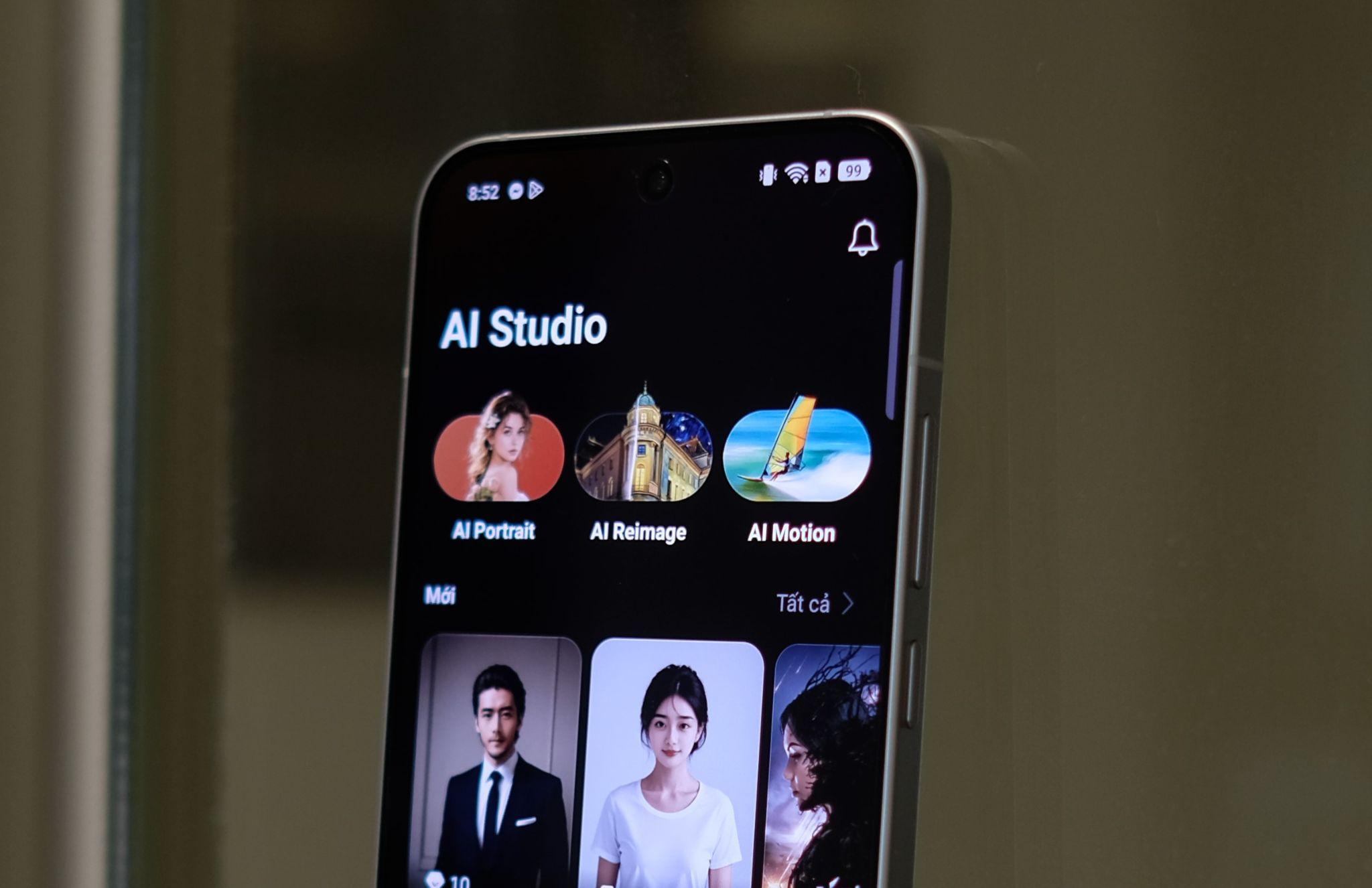
Verify AI transcripts and summaries
If your Recorder app offers transcription or a summary, start with a short recording in a supported language. Check names, numbers, decisions, and action items against the audio. Review whether processing requires an internet connection before using sensitive recordings, and follow your organization’s recording rules.
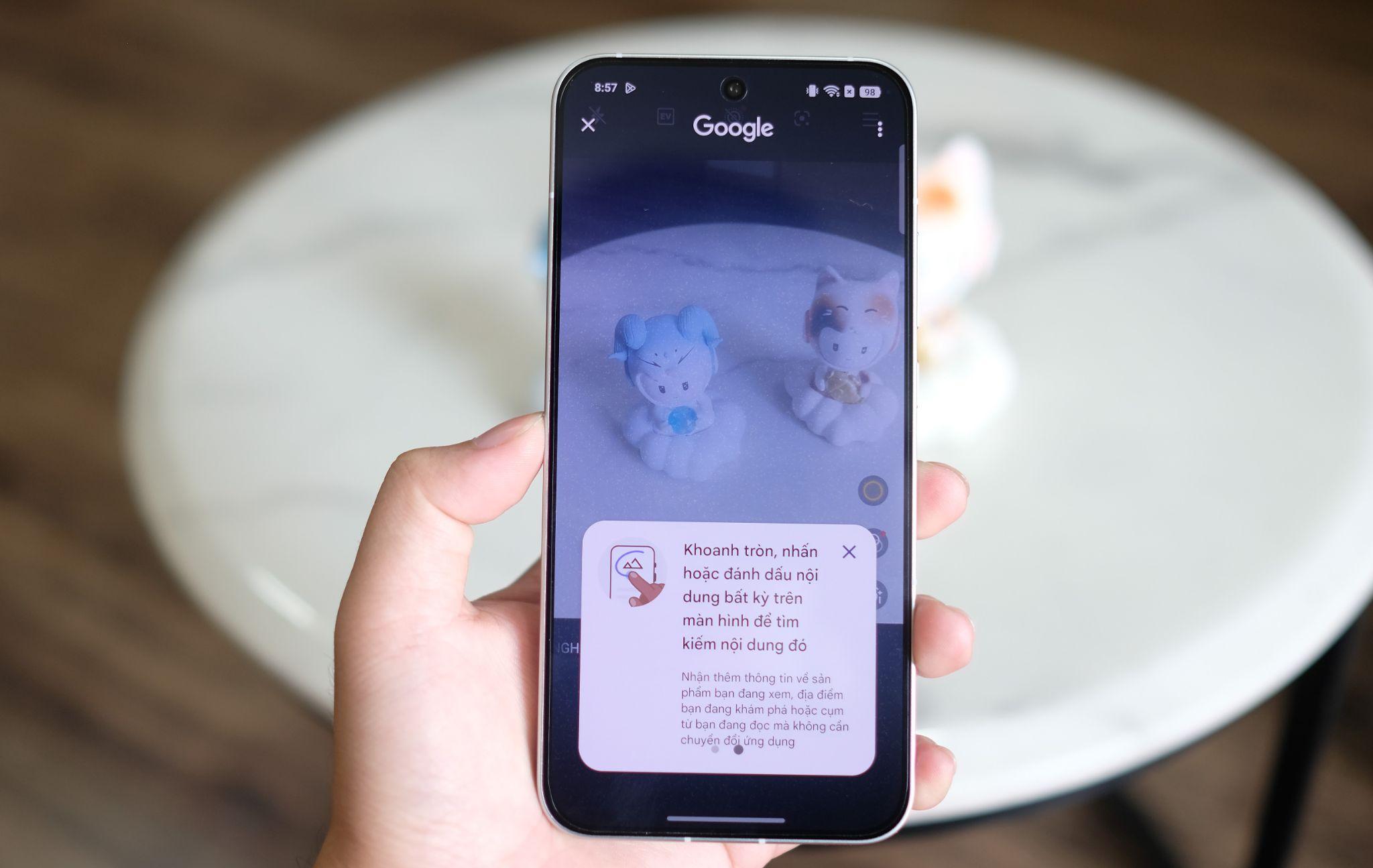
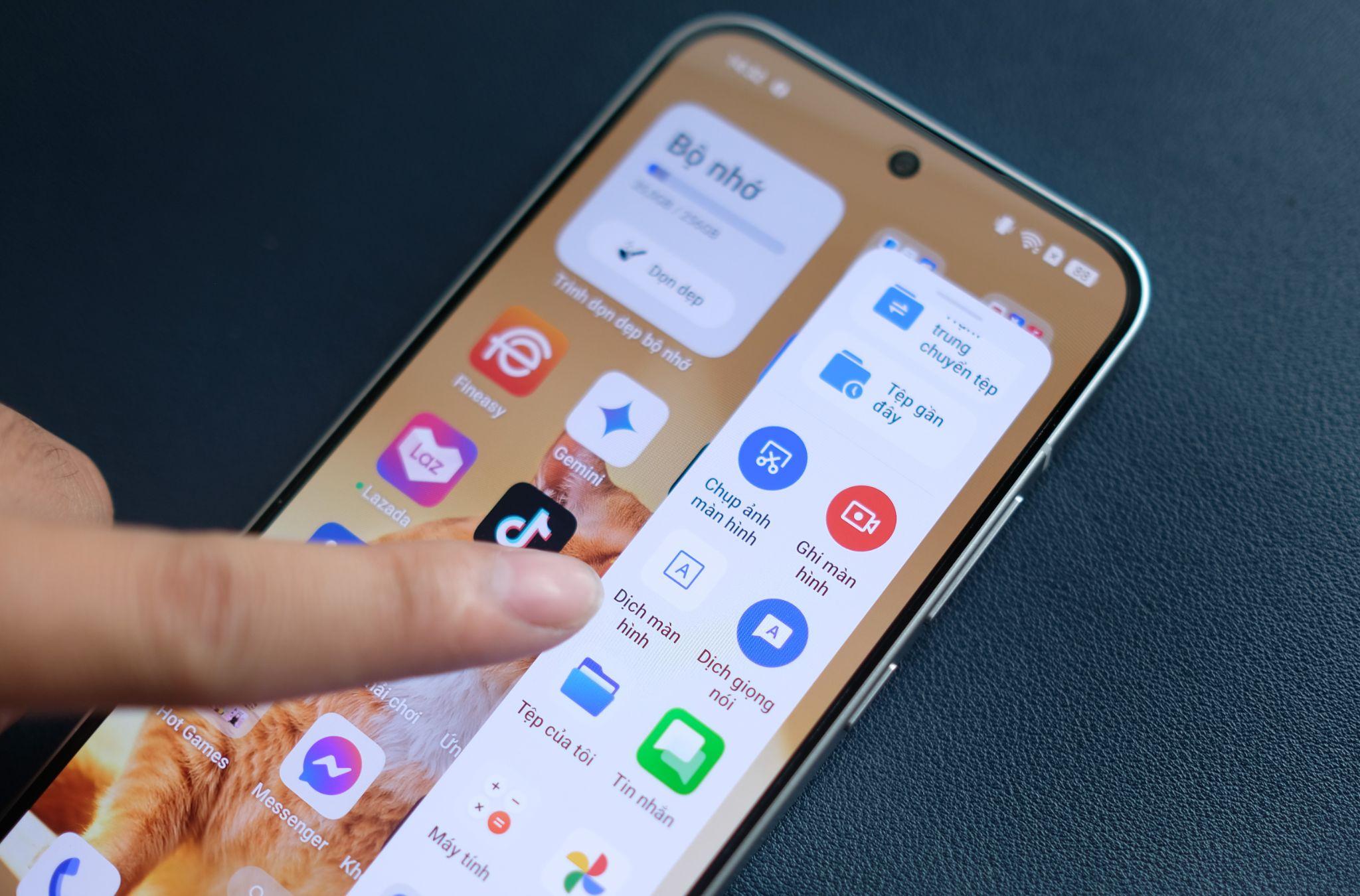
If a feature does not appear, check the phone model, ColorOS version, language, and regional availability. OPPO’s advertised features can vary across configurations.
Related Articles
 Learn about Artificial Intelligence (AI)
 Watching pictures painted by artificial intelligence, everyone thinks that is the work of a true artist
 Artificial intelligence learns to create another artificial intelligence, replacing people in the future
 6 steps to start learning artificial intelligence programming (AI)
 Oppo adds a series of general AI features to the Find, Reno, F and A smartphone lines
 What happens if aliens are artificial intelligence?
Reader Comments 0
Sign in with email or Google to join the discussion.