Table of Contents
This guide provides a clear, practical overview of motorola moto G30 smartphone waterproof, 6 GB RAM, with useful context, important details, and straightforward takeaways for everyday readers.
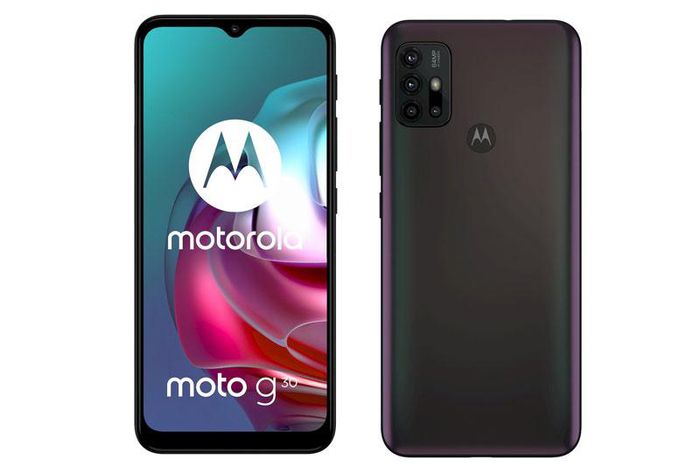
Motorola Moto G30 is equipped with an IPS LCD panel size of 6.5 inches, HD Plus resolution (1,600x720 pixels), pixel density of 269 ppi. This screen is divided in 20: 9 ratio, frequency 90 Hz, protected by tempered glass. 5000 mAh battery capacity, integrated fast charging technology TurboPower with 20W power output.

Powering the Motorola Moto G30 is an 8-core Qualcomm Snapdragon 662 (11 nm) processor with a maximum speed of 2 GHz, an Adreno 610 GPU. 4 or 6 GB of RAM with 128 GB of internal memory, with a card slot microSD with a maximum capacity of 512 GB. Android operating system 11.
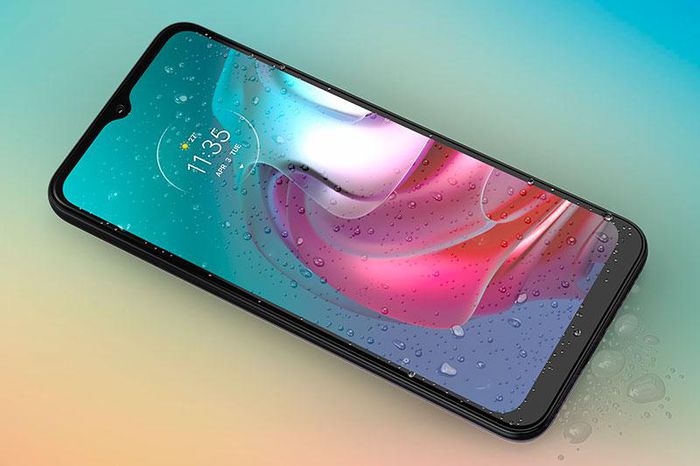
Motorola Moto G30 has 4 rear cameras with 64 MP sensor, f / 1.7 aperture for phase detection focus. The second 8 MP, f / 2.2 lens for a 118-degree wide angle. The depth sensor and macro lens have the same 2 MP, f / 2.4 resolution. 13 MP selfie camera, f / 2.2. Both the front and rear cameras can only record Full HD.
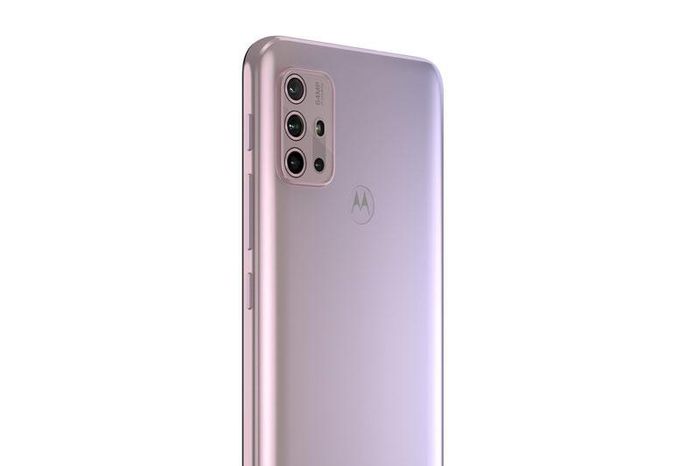
Customers who buy Motorola Moto G30 have 2 color options including Phantom Black, Pastel Sky. Machine on shelves in Europe right in this February with prices from 180 euros.
Key Takeaways
Use the information above as a practical reference for motorola moto G30 smartphone waterproof, 6 GB RAM. Review each step carefully, confirm any requirements, and choose the option that best fits your situation.
FAQ
What does this guide explain about Motorola Moto G30 Smartphone Waterproof, 6 GB RAM?
It explains the main concepts, practical considerations, and useful steps related to motorola moto G30 smartphone waterproof, 6 GB RAM without requiring advanced knowledge.
Who can benefit from learning about Motorola Moto G30 Smartphone Waterproof, 6 GB RAM?
This information is useful for readers who want a clear overview, practical guidance, and reliable steps related to motorola moto G30 smartphone waterproof, 6 GB RAM.
What should I check before applying this information?
Review the requirements, confirm that your device, software, or situation matches the instructions, and back up important data before making major changes.
Related Articles
 Motorola: There Are No Events Held on This 11th Month3 minutes read
 Which Smartphone Is the Most Durable?3 minutes read
 Motorola Promises to Release a Smartphone That Will Make the3 minutes read
 Google Confirms Moto 360 Will Be Available This Summer3 minutes read
 Motorola Sold 6.5 Million Smartphones in the First Quarter of 20144 minutes read
 Ifa 2019: Motorola One Zoom Officially Launched, 4 Rear Cameras7 minutes read
Reader Comments 0
Sign in with email or Google to join the discussion.