Table of Contents
What is MEGA?
This guide provides a clear, practical overview of "MEGA - Free Data Storage Service". It organizes the most useful details, explains important considerations, and highlights the steps or choices that matter most.
Features of MEGA
Reliable storage, fast transmission
MEGA makes secure cloud storage simple and convenient. Just create a free MEGA account today!
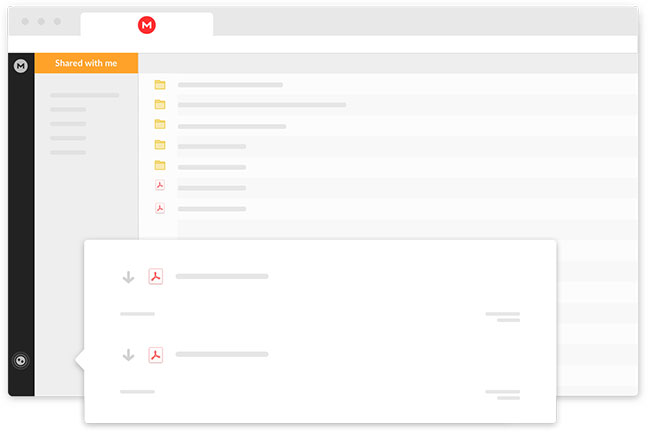
End-to-end encryption
Chats and files on MEGA are encrypted with user-controlled keys.
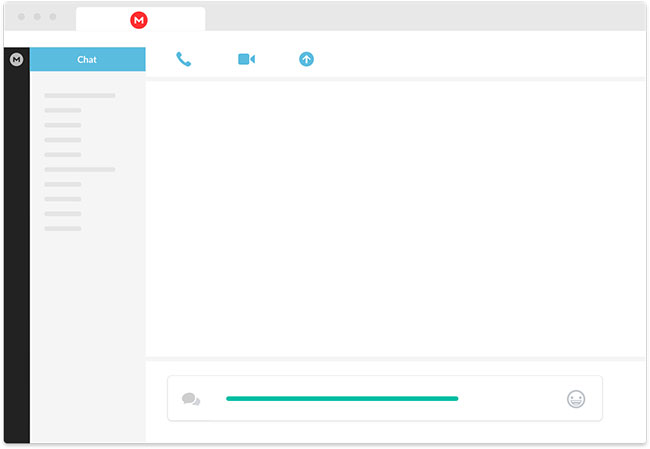
Secure communication
You can exchange messages, share your files, and make audio/video calls with MEGA's end-to-end encrypted chat feature.
Security solutions for businesses
Take your company's data and communications security to the next level with MEGA's end-to-end enterprise encryption solution.
Use on all devices
MEGA offers apps for all platforms and devices, making app access more seamless and convenient.
Why use MEGA?
- Privacy First : By implementing end-to-end encryption, MEGA ensures that user privacy is always taken into consideration.
- Powerful Tools : MEGA is a cloud-based service that can be used on all major devices and platforms, from anywhere with Internet access.
- Reliable : MEGA is carefully designed to achieve the highest level of security for its users. MEGA owns and operates its own redundant server infrastructure, ensuring that your data is always available.
- Clear : MEGA's client applications are publicly sourced. The cryptographic architecture of the application is clearly stated in the comprehensive Security Whitepaper.
- Offers Lots of Free Storage : MEGA is one of the most generous cloud services on the Internet, offering plenty of easy ways to expand your free storage.
What can be done with MEGA?
Secure Chat
Connect with people you need to contact on MEGA and stay in touch, securely exchange messages and make audio, video or group calls with MEGAchat.
Backup
Automatically back up photos and videos from your mobile device with Camera Uploads and sync your computer data with the MEGA desktop app. MEGA automatically maintains a version history of your files, allowing you to easily revert when needed.
Synchronize
You can easily perform automatic synchronization between your computer and MEGA cloud storage.
Share
Export secure encrypted links to files and folders or share folders directly with your MEGA contacts.
How does Mega compare to other cloud services?
|
Service |
Free storage |
Share with other services? |
Encoding model |
Outstanding features |
|---|---|---|---|---|
|
Mega |
20GB |
Are not |
End-to-end (client-side encryption) |
Strong privacy, secure file sharing, bonus space through achievements |
|
Google Drive |
15GB |
Yes – share with Gmail & Photos |
Server-side encryption (Google holds the key) |
Collaboration tools Docs, Sheets, Slides |
|
Dropbox |
2GB |
Are not |
Server-side encryption |
Simple interface, third-party application support |
|
OneDrive |
5GB |
Yes – shared with Microsoft services |
Server-side encryption |
Office, Personal Vault integration |
When comparing Mega to conventional cloud storage providers like Google Drive, Dropbox, and OneDrive, the value it brings becomes even more apparent.
Storage is the most obvious advantage. Mega gives you 20GB for free, with opportunities to unlock more through optional achievements like installing mobile apps or referring friends. Dropbox only gives you 2GB unless you pay. OneDrive gives you 5GB. Google Drive gives you 15GB, but that space is shared across Gmail, Google Photos, and Drive, so it runs out quickly.
Then there's security, where Mega really excels. Most mainstream platforms encrypt their users' data, but they also control the encryption keys. That means they can access your files if they need to. Mega doesn't work that way. It uses zero-knowledge encryption, which means only you have the keys to your content. No one else can peek at the files inside without your permission.
In terms of features, Mega covers all the basics: File versioning, folder sharing, team collaboration options, and even built-in secure chat. It doesn't have Google's suite of live editing tools, but it's more than enough for everyday backups, personal file sharing, or light team use.
Performance-wise, Mega is very reliable. Upload and download speeds are generally reliable, although they can vary depending on your region and network conditions. For most users, it's fast enough to feel seamless.
Advantage
- Strong encryption
- Encrypted sharing link
- Lots of free memory
- Preview available for media and documents
Disadvantages
- High prices for paid plans
- Not suitable for cooperation
- Poor customer support
- User experience needs improvement
FAQ
What is MEGA?
This guide provides a clear, practical overview of "MEGA - Free Data Storage Service". It organizes the most useful details, explains important considerations, and highlights the steps or choices that matter most.
What should you know about reliable storage, fast transmission?
MEGA makes secure cloud storage simple and convenient. Just create a free MEGA account today!
What should you know about end-to-end encryption?
Chats and files on MEGA are encrypted with user-controlled keys.
What should you know about secure communication?
You can exchange messages, share your files, and make audio/video calls with MEGA's end-to-end encrypted chat feature.
Related Articles
 How to Use MEGA Cloud Storage: Clear Instructions14 minutes read
 The Best 'Cloud Storage' Data Storage Services Today9 minutes read
 Get More Free Storage from Dropbox, Google Drive, Skydrive, Ubuntu7 minutes read
 Cloud Storage: How to Store Data on Bloom for Free5 minutes read
 8 Cheapest Cloud Storage Providers11 minutes read
 Microsoft Donates 3GB for Free on Skydrive3 minutes read
Reader Comments 0
Sign in with email or Google to join the discussion.