Table of Contents
This article provides a clear overview of Learn the O1 Ultra Vision Image Enhancement Feature on Find, with the main facts, useful context, and practical details organized for easy reading.
The current issue is not whether the hardware is good (or because this Find X2 is redundant), but rather the support of the software. The screen supports HDR10 for what to do when all user content is in SDR (Standard Dynamic Range) format; What is the 120Hz 'super smooth' refresh rate to do when the video is still 'flat' at 24, 30, 60fps at most?

It solves this problem with a feature called 'O1 Ultra Vision Engine,' which is an algorithm for 'upgrading' common content to the Find X2 display standard. In which 'HDR video enhancement' is used to increase the dynamic range and the density; and 'Video motion enhancement' to increase the video refresh frequency to 60 or 120fps.
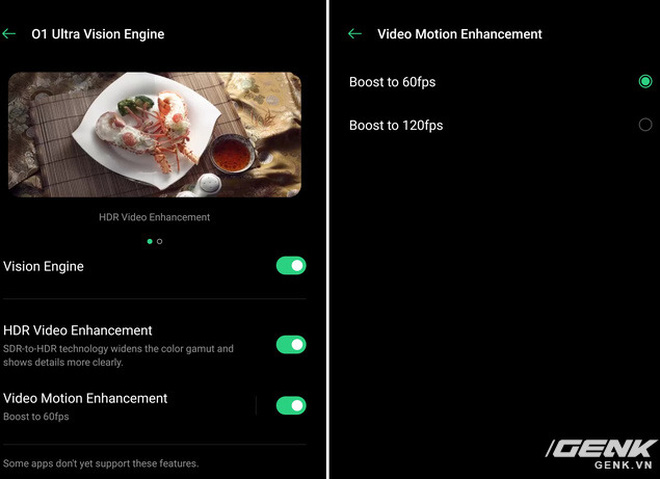
First we will talk about the 'asterisks' in this feature, because it is not perfect when used in practice. The first downside is that it only works with certain applications (YouTube and Netflix are two famous applications that support it), rather than a 'one-off, ubiquitous' solution. Second, when using the frequency upgrade to 120Hz with O1 Ultra Vision, the screen resolution will be reduced to 1080p, not reaching 2K anymore.
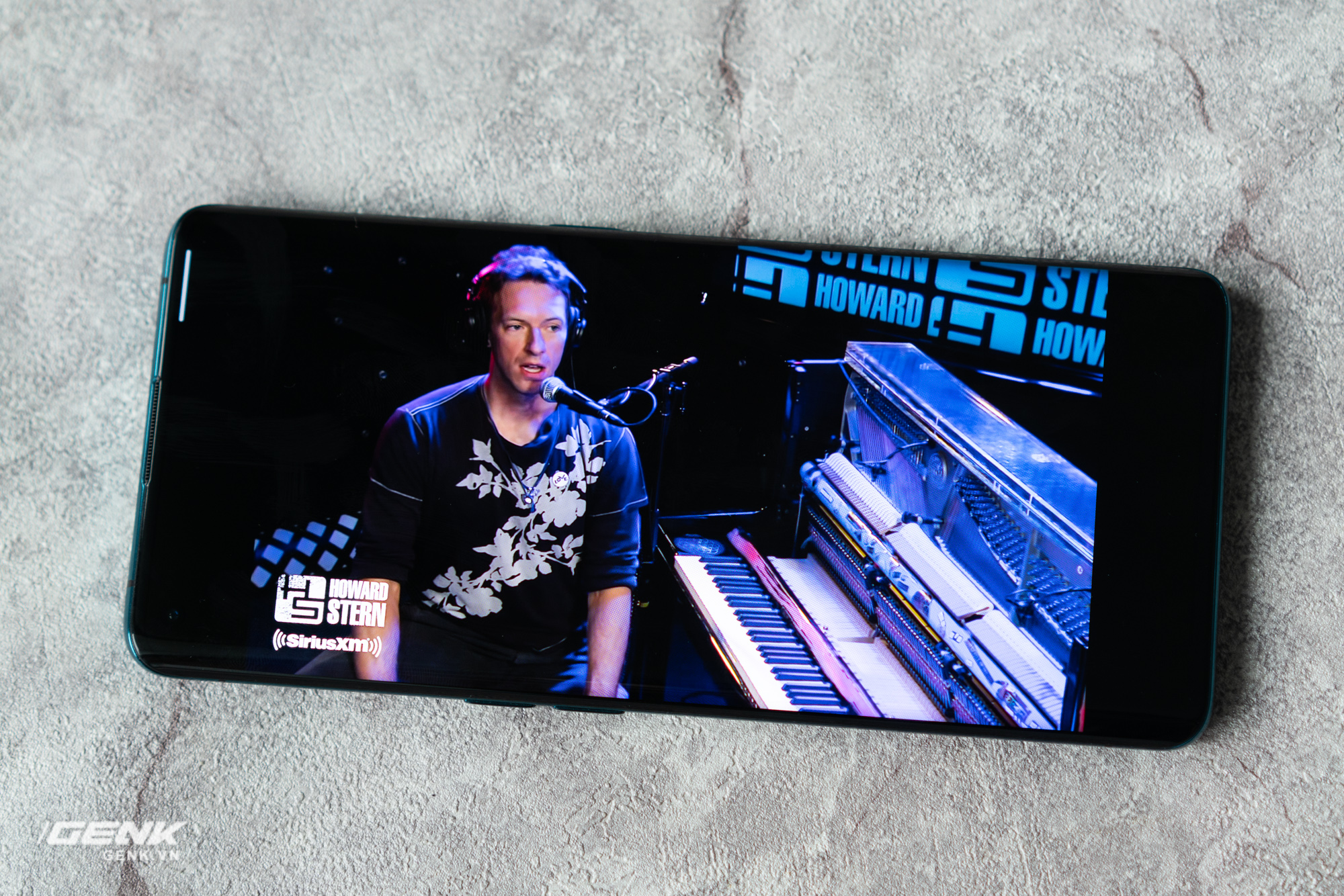
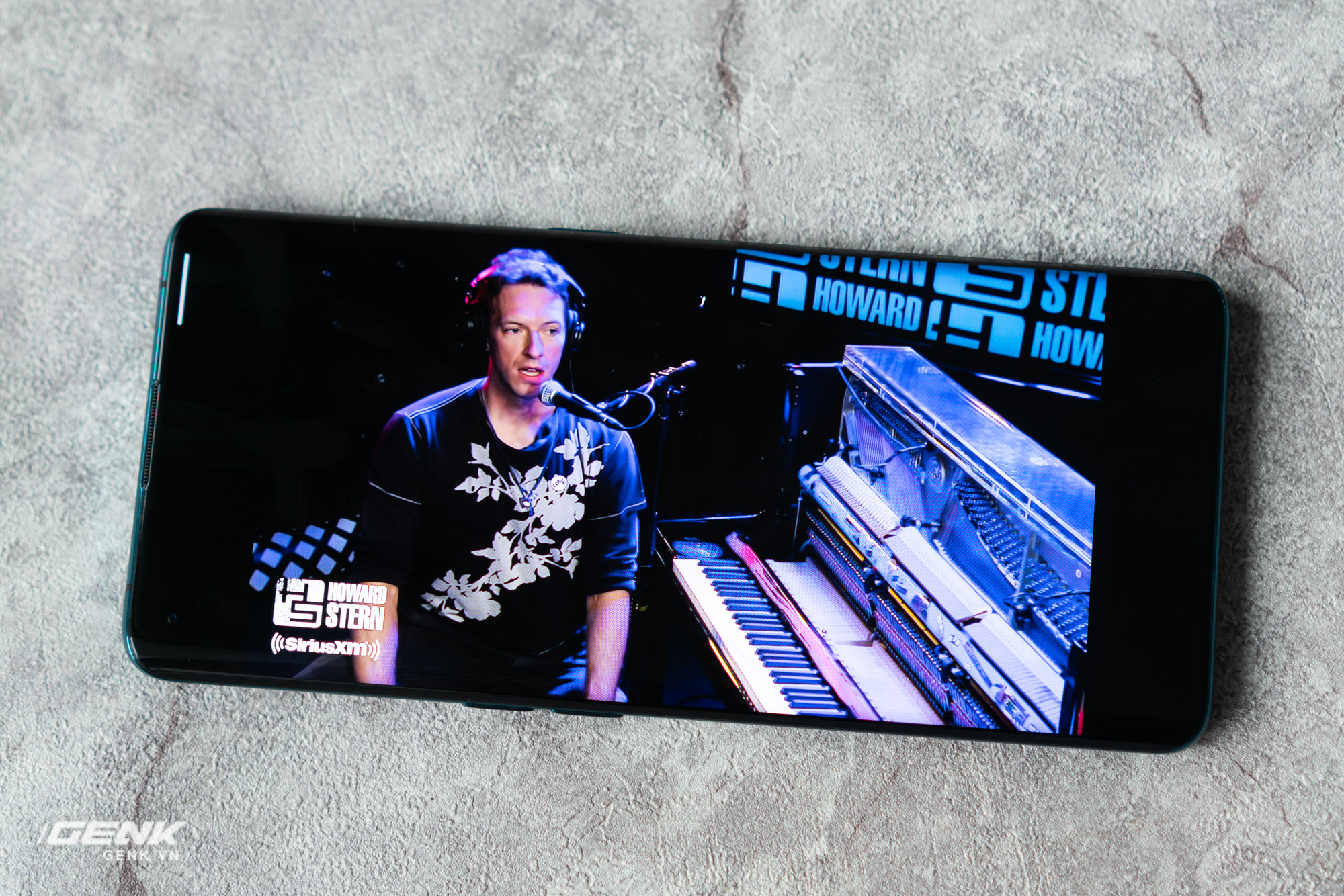
We will try to upgrade the image to HDR first. Like a dish, `` good '' HDR content must be shot with a HDR-enabled camera (good material), edited and stored in HDR format ('good' processing and display) and played on screens. The picture supports HDR (enjoy the right style). So we will have to assert one thing: SDR, no matter how much upgrade, cannot equal HDR content.
But not so that we do not see the benefits when using the upgrade feature on Find X2. In the image above, you can see that the artist and the guitar both have higher brightness and stand out against the black background. If you pay attention, you will also see the silhouette shown on the guitar clearly in the upgraded version.
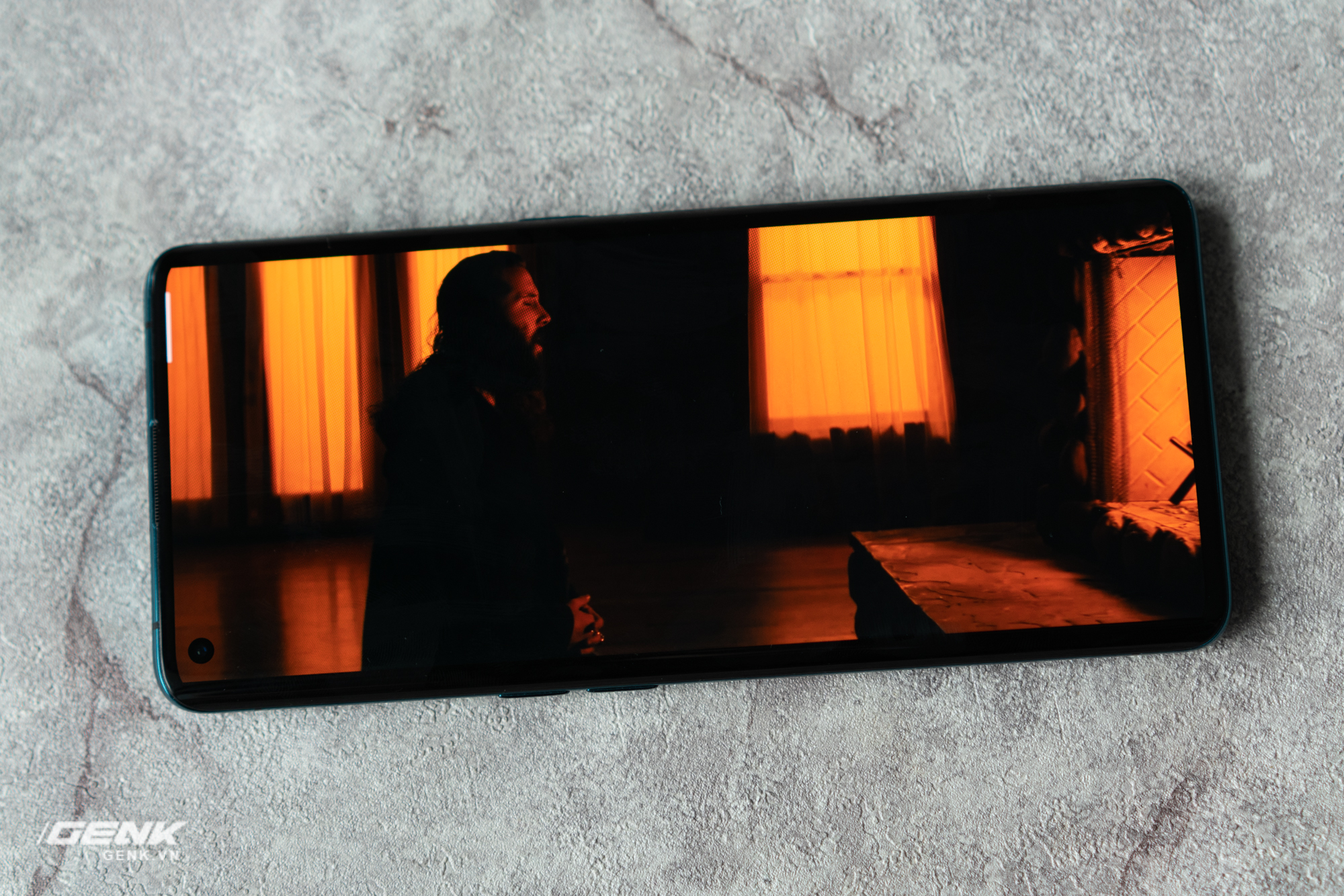
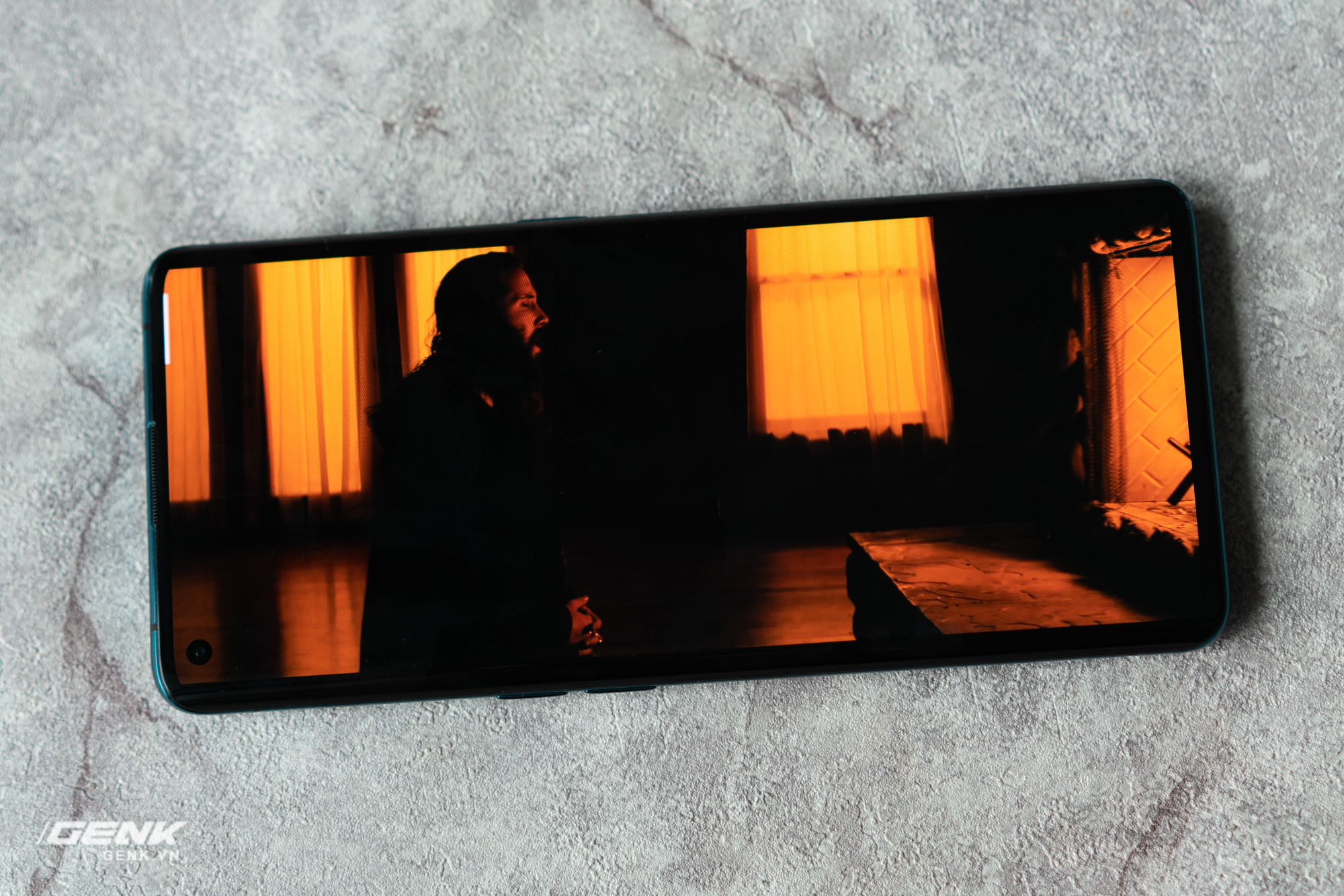
Add another example with SDR (left) and HDR (right) content
In this example, we continue to see areas that are lit. brighter in the HDR upgrade version. It is difficult to describe with photos, but in fact the upgraded image also feels a bit more contrast, 'eye-catching', a little more depth.
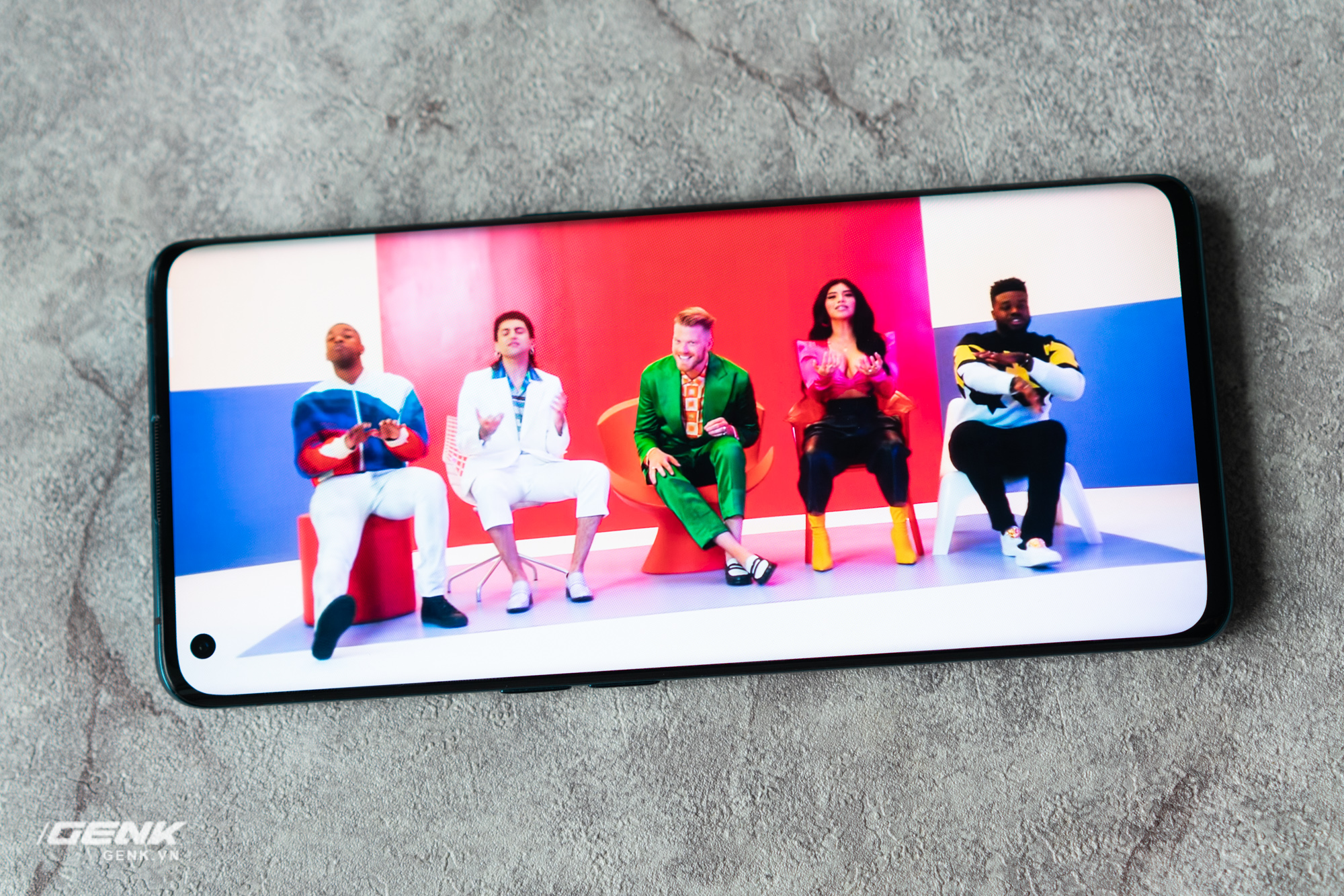

Experiment with a bright enough scene
Moving on to a well-lit scene, the benefit we see is that the upgraded HDR version has a richer color. Areas that were completely 'burnt' can certainly not be 'saved' anymore, but areas that are dark and still have details that are clarified by O1 Ultra Vision by increasing brightness.
What about the ability to upgrade frame-rate? When activated, this feature will 'see' what is happening on the screen (usually with a frequency of 24 - 60fps) and then create new frames to help them become 60fps or 120fps. As mentioned when switching over 120fps the camera will have to reduce the resolution to 1080p instead of 2K (perhaps to reduce the amount of information that must be processed), whether or not this trade-off is up to you.
Tested to raise the frame-rate with the Avengers: Endgame trailer
Experimenting with the Avengers: Endgame trailer was shot at 24 fps and upgraded to 60 fps, we can clearly see the elements in the scene (poles, actor Paul Rudd) smoother as the camera moves through., no more 'jerks' between frames. The ability to upgrade frames seems to work more effectively with real scenes, and with cartoons with unexpected moving elements, the results are still visible, but not as impressive.
Test results with cartoons may not be as impressive!
There is much debate over whether or not to increase the refresh rate of the film, or to keep it in line with the filmmaker's intentions. There must be some reason that all the blockbuster movies ever recorded at 24 fps, nothing more and nothing less!
I think this feature is best suited for action movies, making it easy to see what's going on the screen. For those who do not feel this is necessary, they can still turn this feature off and enjoy the ability to upgrade HDR, all is the choice!
FAQ
What is the main focus of Learn the O1 Ultra Vision Image Enhancement Feature on Find?
The article explains the most important facts, context, and practical details related to Learn the O1 Ultra Vision Image Enhancement Feature on Find.
Who may find this information useful?
It is useful for readers who want a clear overview, practical context, and a better understanding of the subject.
What should readers verify before taking action?
Check current product versions, official requirements, regional availability, and any details that may have changed since the original publication.
Related Articles
 Not All 120Hz Smartphone Screens Are the Same, This Is Why10 minutes read
 4 Ways to Measure FPS Frame Rate (Frame Per Second) in PC Game9 minutes read
 Once You Try the 120hz Screen of the Galaxy S20, You Will No5 minutes read
 How to Turn on the 120hz Screen on Samsung Galaxy S202 minutes read
 Windows 11: Complete Guide: Frequency Screens3 minutes read
 Tips for Smoother Safari Browsing at 120Hz4 minutes read
Reader Comments 0
Sign in with email or Google to join the discussion.