Table of Contents
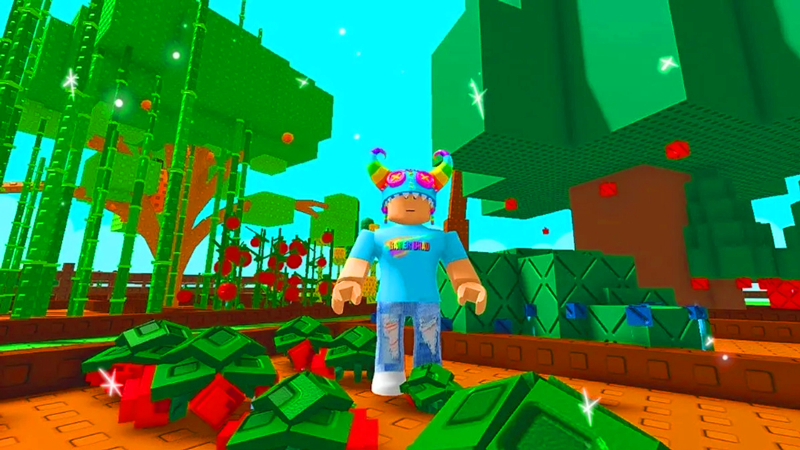
This updated guide explores latest grow a garden codes and how to redeem codes for rewards with practical details, clear explanations, and useful takeaways. In Grow a Garden, your main goal is to buy seeds, plant them, care for them, and then harvest them for profit. It seems simple, but to optimize your farm, you'll need freebies – and that is where codes come in.
Grow a Garden game codes on Roblox are a super convenient way to get free seed packs, helping you grow as many plants as possible to earn huge profits. TipsMake.com has updated the latest game code list below and how to redeem the code for rewards.
Latest Grow a Garden Codes and How to Redeem Codes for Rewards
Summary
Latest Grow a Garden Code
- LUNARGLOW10
- COSMETIC3UPDATE
- COSMETICS25
- MONSTERMASH10
- BLOODMOON05
- 5MILLCU!
- BLOODMOONUPDATE
How to redeem code
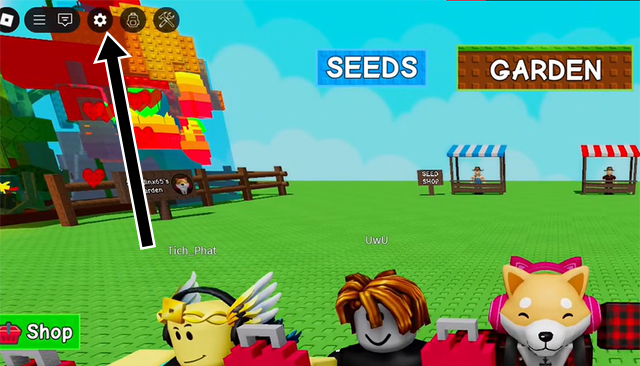
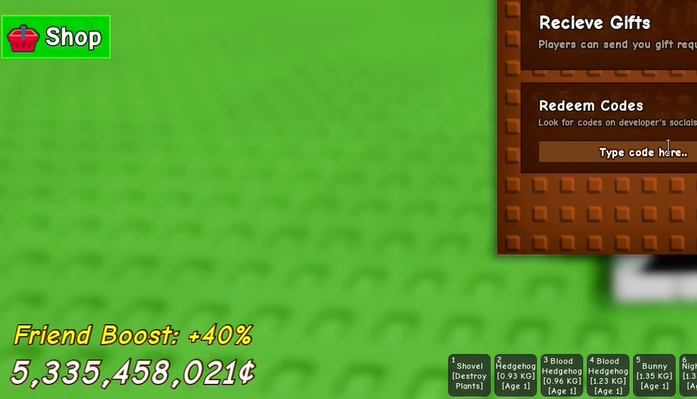
You just need to select the Settings icon in the upper left corner of the screen, then select to enter the code in the Redeem Codes section and select Claim to redeem the code for a reward.
| Giftcode | Award | Status |
LUNARGLOW10 |
Get in-game currency, seed packs, items. | Still in use |
COSMETIC3UPDATE |
Get in-game currency, seed packs, items. | Unknown, need to check again |
COSMETICS25 |
Get in-game currency, seed packs, items. | Unknown, need to check again |
MONSTERMASH10 |
Get in-game currency, seed packs, items. | Unknown, need to check again |
BLOODMOON05 |
Get in-game currency, seed packs, items. | Unknown, need to check again |
5MILLCU! |
Get in-game currency, seed packs, items. | Unknown, need to check again |
BLOODMOONUPDATE |
Get in-game currency, seed packs, items. | Unknown, need to check again |
How to Enter Code in Grow a Garden
Step 1: Select the Settings icon in the upper left corner.
Step 2: In the Redeem Codes section, enter all the codes in the code table above into the Type code here section and select Enter or choose Claim to redeem the code for a reward.
What Is the Grow a Garden Game Code Used For?
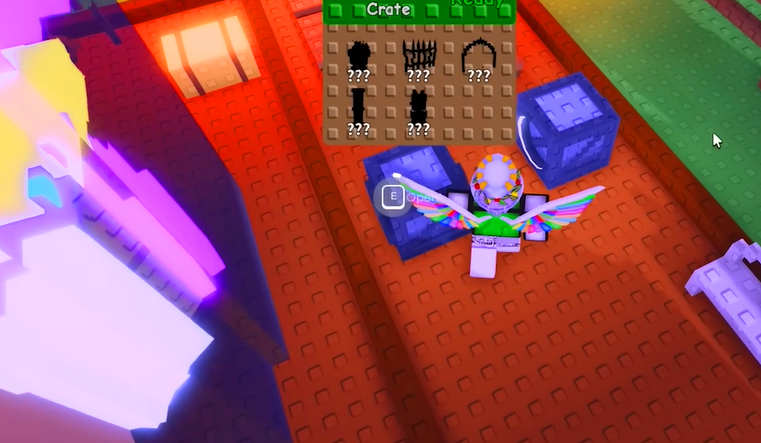
Giftcodes in Grow a Garden often give away seed packs – an important factor to help you expand your farm and increase your revenue. Currently, the developer of The Garden Game does not have a fixed code release schedule, but most game codes will be released when the game has a major update, special event or reaches a milestone of play.
Why Cannot I Redeem My Code in Grow a Garden?
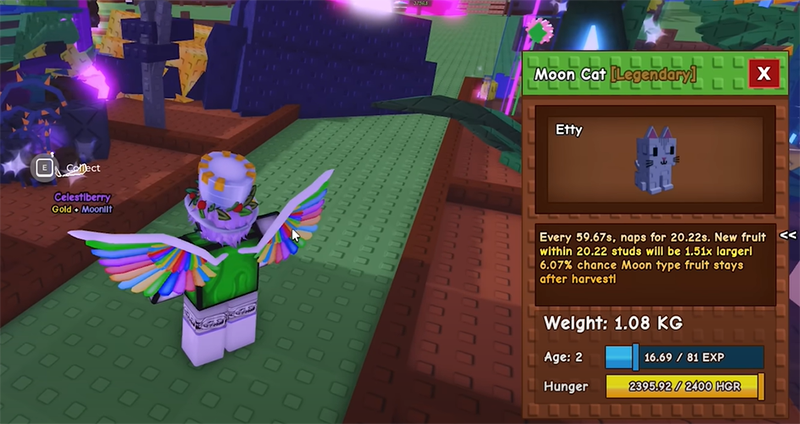
If you enter a code but do not receive your reward in Grow a Garden, it could be because of one of these reasons:
- Expired Code: Most codes have a limited time of use. Once they expire, they will no longer be valid. Some codes are only valid during the event, or only a few days after they are released.
- Previously used code: Some codes have a limited number of uses (e.g. the first 10,000 people). If you enter after this limit has been exceeded, you will not be able to receive the reward.
- Code has been used for your account: Each code can only be used once per account. If you have entered the code before, you will not receive anything more if you enter it again.
- You entered the wrong game code: Codes are usually case-sensitive, so please enter each character of the code correctly. Also, many people often mistake the number 0 for the letter O or have extra spaces. So please copy and paste the code in the code table above instead of entering it manually.
- Incorrect region or game version: Some codes only work on specific servers (for instance, only US server or VN server). If you play a version that does not match the code, the system will not accept it.
- System Issues or Technical Errors: During server overload or maintenance, the code entry may be interrupted. Please try again later or check the Discord fanpage/game for system status.
How to Get More Giftcodes in Grow a Garden?
Below are the most popular, effective ways that the Roblox community uses to hunt for more giftcodes to redeem rewards:
Follow the game's official fanpage and Facebook group: This is where the publisher regularly releases gift codes on occasions such as:
- Game update
- Anniversary of launch
- Community events or like milestones
- Reach large number of players
- Update new content
Join the official Discord server: The Discord server is the place to update the code fastest, sometimes there are exclusive codes that are only shared in this group. Also, you can ask for experiences and interact with the gaming community.
Watch for livestreams or collaboration events with KOLs/streamers: During live broadcasts, developers or partners may drop surprise codes. Some streamers even have codes specifically for their fans.
Follow reputable game code sharing websites or forums: Many major game news sites have free code distribution programs with limited number of uses. Check regularly to avoid missing out.
Participate in in-game events or invite-a-friend programs: Many in-game events give away bonus codes based on login milestones, completing missions, or referring new players.
FAQ
What is the main takeaway about Latest Grow a Garden Codes and How to Redeem Codes for Rewards?
The key is to understand the core idea, compare the available options, and apply the practical guidance that matches your situation.
What should beginners know about Latest Grow a Garden Codes and How to Redeem Codes for Rewards?
Start with the essential steps and terminology. Avoid changing advanced settings until you understand how they affect performance, privacy, cost, or compatibility.
How can I use this information in practice?
Follow the relevant section in order, test one change at a time, and confirm the result before moving to the next step or recommendation.
Related Articles
 All the New Pets Grow a Garden Eggs and How to Get Them: Explained6 minutes read
 All the gear in Grow a Garden 2 and their effects - Gear4 minutes read
 How to Get Fall Energy in Grow a Garden: Step-by-Step Guide6 minutes read
 How to make money quickly in Grow a Garden 23 minutes read
 How to Get Seed Packets in Grow a Garden4 minutes read
 Grow a Garden 2 Tips and Tricks for Beginners6 minutes read
Reader Comments 0
Sign in with email or Google to join the discussion.