Table of Contents
Grow a Garden 2 is a Roblox farming game built around planting crops, selling harvests, reinvesting the proceeds, and protecting a garden from other players. For a strong start, keep every usable plot growing, avoid spending all your currency on one purchase, and upgrade only when the next investment improves your earning cycle or defense.
Live-service updates can change shop stock, prices, bonuses, and the best crops. Use the strategy below as a progression framework and check the in-game descriptions before spending rare currency.
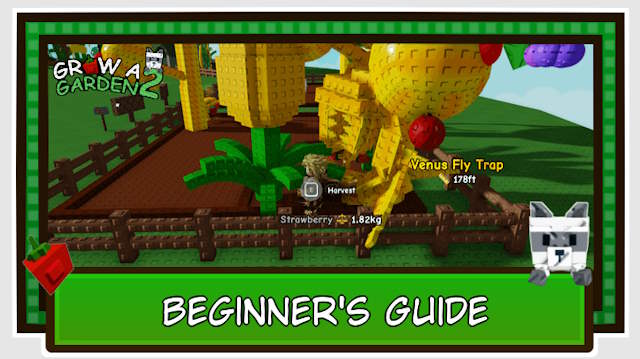
Choose a public or private server
A private server offers a calmer place to learn the interface and reduces exposure to crop theft when you play alone. A public server has more risk, especially at night, but it also makes the multiplayer systems relevant and may provide a friend-related earnings bonus when eligible friends share the lobby.
Start privately if you need to learn the shops, planting, harvesting, and selling loop. Move to a public server when you understand defense and want the multiplayer experience. Confirm any server fee or friend bonus in the current game UI because those details can change.
Build a reliable early income
Keep cheap crops cycling
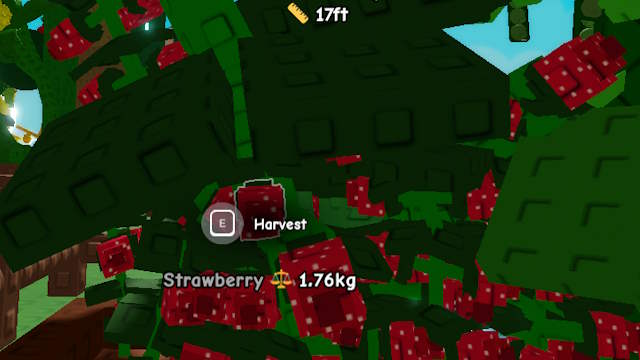
Use affordable, fast-growing seeds such as carrots to learn the basic loop without risking your full balance. Strawberries can provide repeat harvests where their current in-game description confirms that behavior. Fill empty plots before waiting for a rare shop item; unused soil produces nothing.
Reinvest gradually
Move into higher-value crops such as tomatoes or apples only after you can continue planting if the purchase performs poorly. Compare seed cost, growth time, number of harvests, and typical sale value. A high sale price alone does not make a crop efficient.
Use pets and gear for a specific purpose
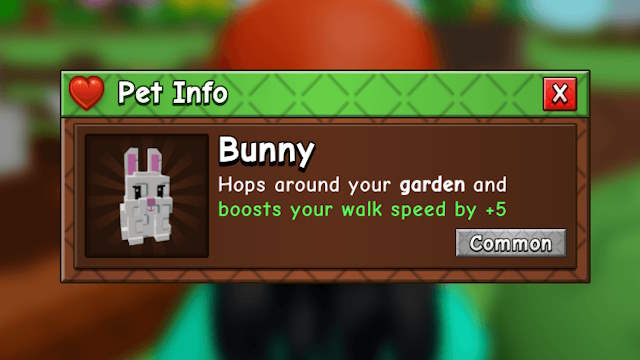
Pets provide different passive effects or defensive utility. Read the current trait before buying: movement speed, crop growth, profit, and protection solve different problems. Equip pets that support what you are doing now rather than choosing only by rarity.
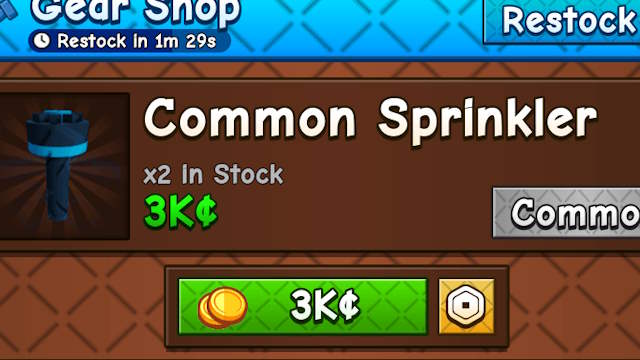
Sprinklers can improve growth-related results within their effective area. Place one where it covers valuable active crops, and check its duration and effects before planting or harvesting. Do not spend the entire balance on gear if doing so leaves no currency for seeds.
Watch the shop without stalling progression
Rare one-time harvest seeds can be profitable, but shop availability and crop balance change. Keep a reserve for an attractive restock while continuing to grow dependable crops. Before buying bamboo, tulips, mushrooms, or another rare seed, compare the displayed price and expected use with upgrades you are postponing.
A mushroom or other expensive seed should not be treated as guaranteed profit. Growth size, mutations, theft, decay, and balance changes can affect the return.
Understand mutations and selling
Mutations are visual crop variants that can raise sale value. Weather and other game systems may create mutation opportunities, but the result is not guaranteed. Keeping valuable crops available during a relevant event can help, provided the crops are not at risk of rotting or being stolen.
Do not leave a device unattended simply to farm while away. Besides the practical and energy costs, an update, disconnection, theft, or decay can erase the expected gain.
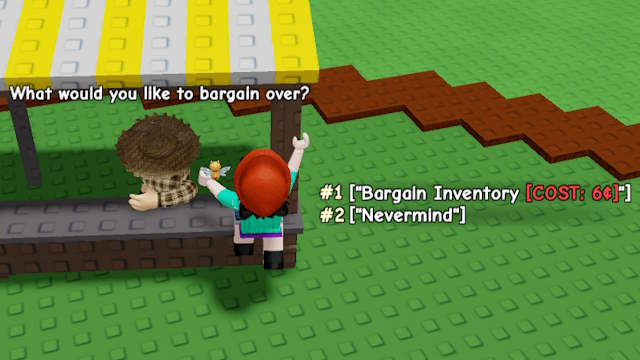
If the seller offers appraisal or negotiation, compare the fee with the possible benefit. Use it for a crop valuable enough to justify the cost, not for every routine harvest.
Expand plots and pet slots at the right time
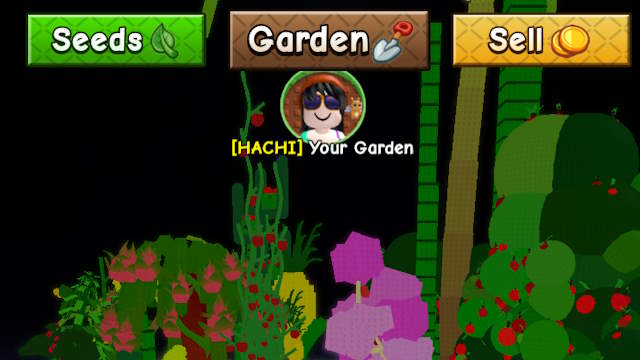
Land expansion is useful when existing plots stay full and you have enough currency to plant the new space. A pet-slot upgrade is useful when an additional equipped pet provides a meaningful bonus. If you routinely leave plots empty or do not own another useful pet, save the currency until the upgrade can be used.
Protect crops and prevent decay
Check crops regularly and harvest when their expected value outweighs the chance of a better mutation. A pale or visibly damaged crop may be decaying, which reduces its value. Learn the visual difference between a normal variant, a mutation, and deterioration before deciding to wait.
Public servers add a theft risk at night. Stay near the garden when valuable crops are exposed, use the defensive plants, pets, gear, or props available in the current update, and sell irreplaceable harvests instead of leaving them unattended.
A simple upgrade order
- Fill available soil with affordable crops.
- Maintain a seed reserve so the garden never stops producing.
- Add one pet or gear item that solves a current bottleneck.
- Save part of the balance for worthwhile shop restocks.
- Expand land when existing plots remain productive.
- Add pet slots when you already own another useful pet.
- Invest in expensive crops only after you can absorb a loss.
About redemption codes
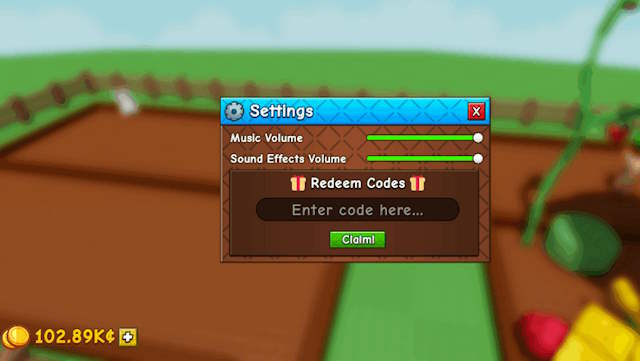
Codes are temporary and can expire after updates. Redeem a code only through the game's own code field—typically found in its settings—and rely on announcements linked by the game's official Roblox page or community. Never enter a Roblox password on a “code generator” website or install software that promises free currency.
Related Articles
 Grow a Garden: A Beginner's Guide11 minutes read
 All the gear in Grow a Garden 2 and their effects - Gear4 minutes read
 How to make money quickly in Grow a Garden 23 minutes read
 How to Get Seed Packets in Grow a Garden4 minutes read
 Comparing Grow a Garden 2 and Grow a Garden3 minutes read
 Private Server Links for Grow a Garden: Complete List6 minutes read
Reader Comments 0
Sign in with email or Google to join the discussion.