Table of Contents
This guide covers hp pavilion dm1 'baby pepper' with practical context and easy-to-follow details. Use it to understand the subject and apply the information confidently.
HP Pavilion dm1 has been sold in Vietnam with 2 Model 1005TU and 1006TU.
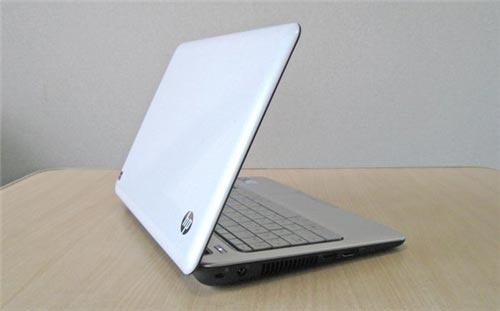 HP Pavilion dm1 white case, subtle sink pattern design.
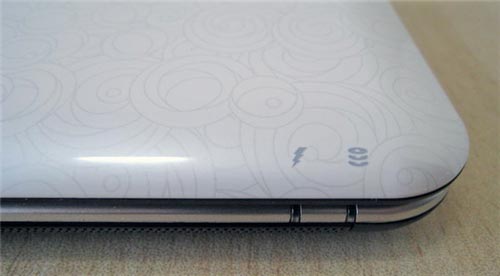 HP logo and signal light.
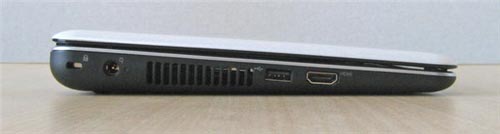 HP Pavilion dm1 plays HD video and has an HDMI port.
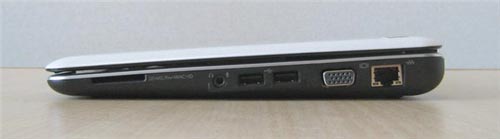 There are 3 USB ports and also SD card slot.
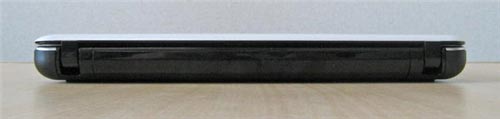 Looking from behind.
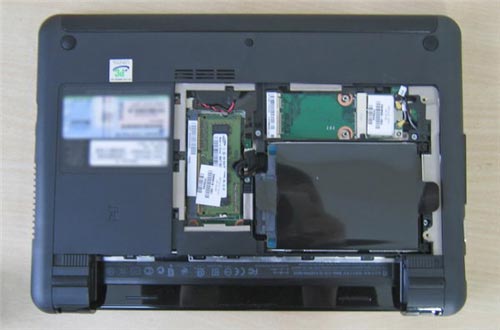 6-cell battery installed on the rear side of the machine.
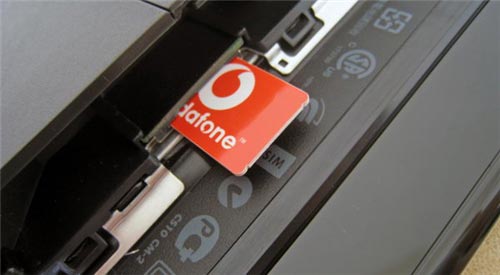 Support Internet connection via mobile wave with SIM slot.
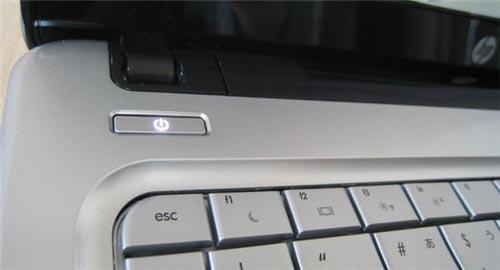 Power button.
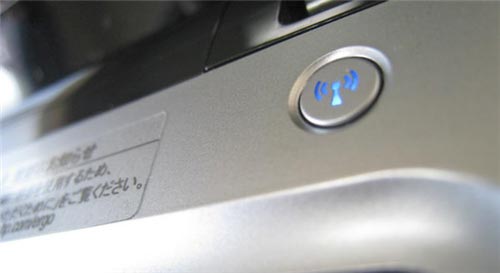 New keys on all Wi-Fi design.
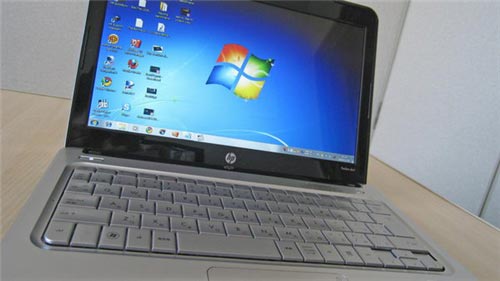 " Cool " silver keyboard.
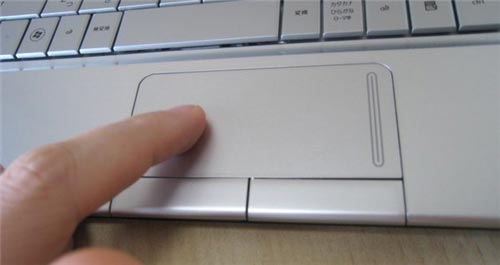 Not yet equipped with multi-tap touchpad.
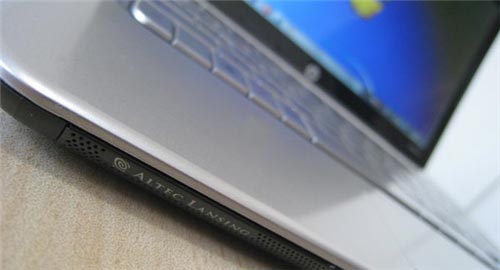 Altec Lansing speakers for good sound quality.
FAQ
What should I check before following these steps?
Confirm device and software compatibility, save important data, and make sure you have the required permissions, files, and account access.
Why might the process not work?
Common causes include outdated software, missing permissions, incompatible hardware, an unstable connection, or completing a step in the wrong order.
Can I undo the changes if necessary?
That depends on the tool or setting. Use built-in restore options when available, keep a backup, and record the original configuration first.
Related Articles
 Baby Three Wallpaper, Baby Three Wallpaper6 minutes read
 Signs That Help You Understand Babies Better5 minutes read
 Stunned to Discover Indian Long Pepper Can Fight Cancer5 minutes read
 HP Pavilion dv4, dv5, dv7 Series4 minutes read
 HP Launched the 2012 Pavilion Laptop Series4 minutes read
 Detailed Review HP Pavilion 15 I5-1135g7: Stability Is the10 minutes read
Reader Comments 0
Sign in with email or Google to join the discussion.