Table of Contents
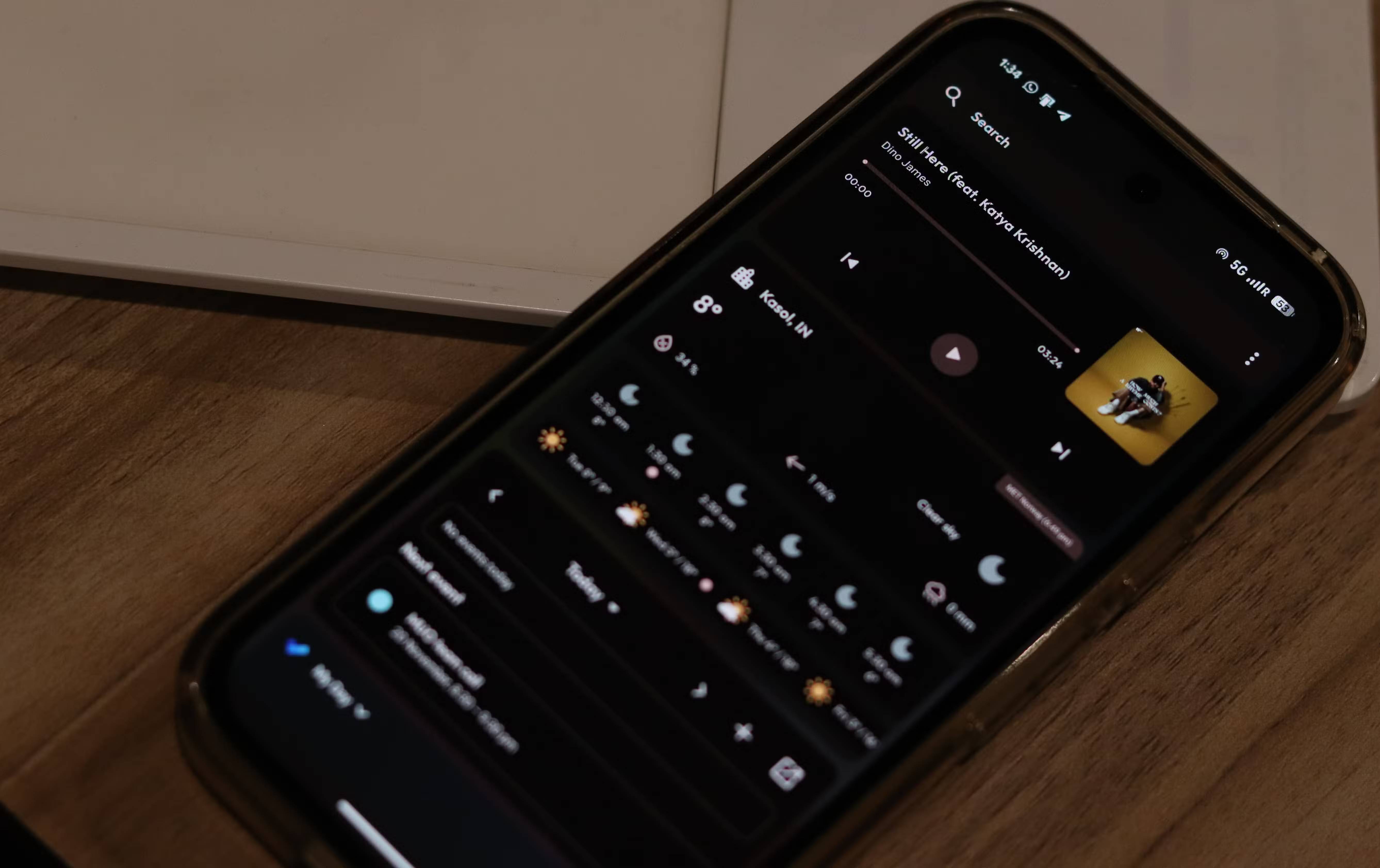
Kvaesitso serves as a search-focused launcher. Instead of spreading apps across multiple home screens, it uses a vertically scrolling layout with a clean, minimalist home screen at the top that has a clock and a few optional widgets.
Android phones feel snappy when they first start. But over time, they start to slow down. Home screens become cluttered with app icons, widgets, and folders. Even opening the app drawer can feel like digging through a digital archive, depending on how many apps you have.
While some of Android's features, especially widgets, really enhance your phone, they quickly become very cluttered. Luckily, there's an open-source, search-centric launcher that can fix that for you.
Why is Android so slow and cluttered?
The cumbersome and inconvenient built into today's home screen
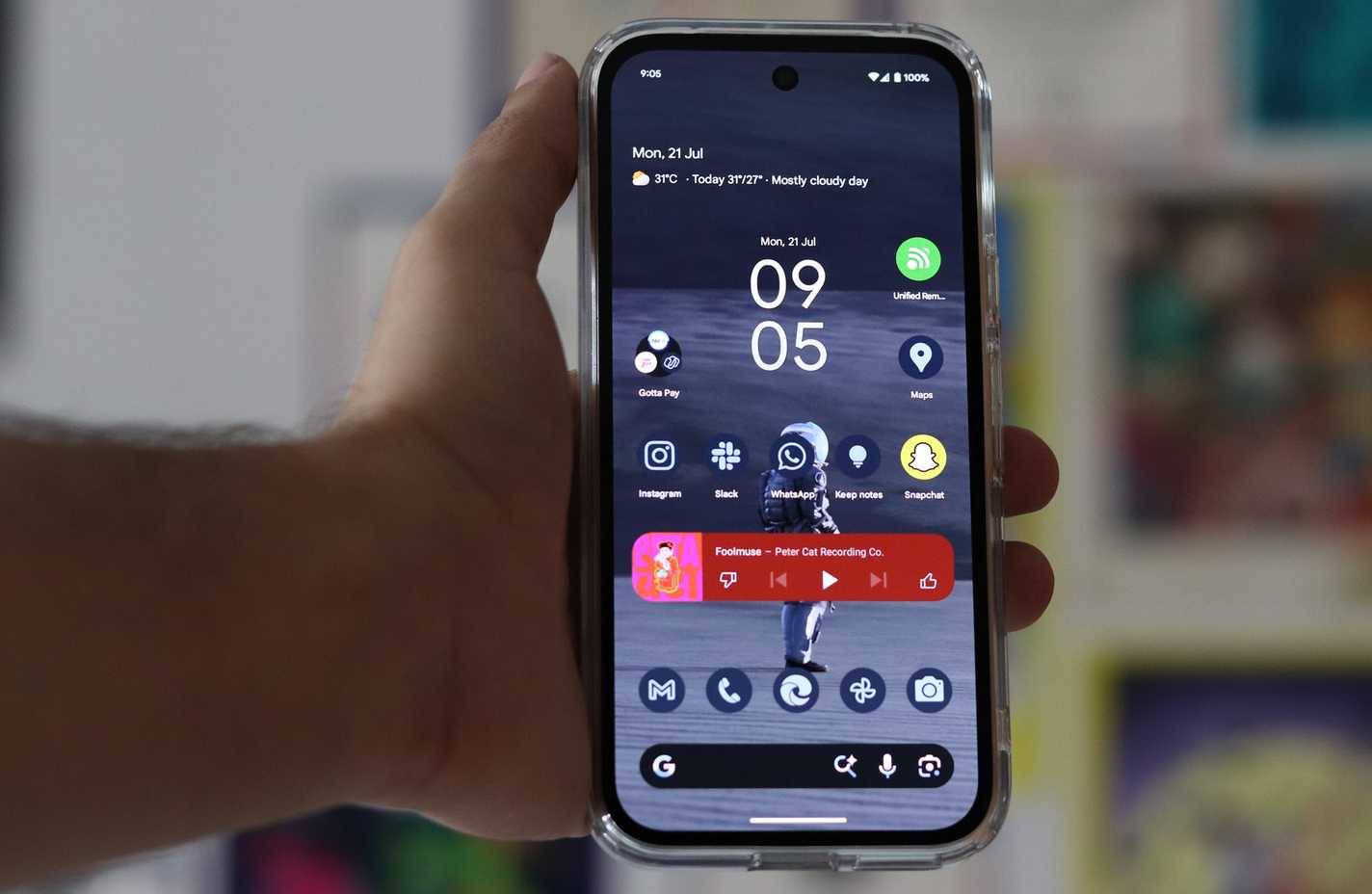
Most stock Android launchers and even popular third-party alternatives like Nova Launcher are built around the same philosophy: Multiple home screens filled with app icons, widgets scattered across various pages, and folders to organize everything.
The problem with this approach is that as you install more and more apps, your phone gets more and more crowded. Every app clutters up your home screen, every new widget competes for the same space, and before you know it, you're spending more time navigating your phone than using it.
What makes Kvaesitso different?
A minimalist, open-source redesign for the home screen
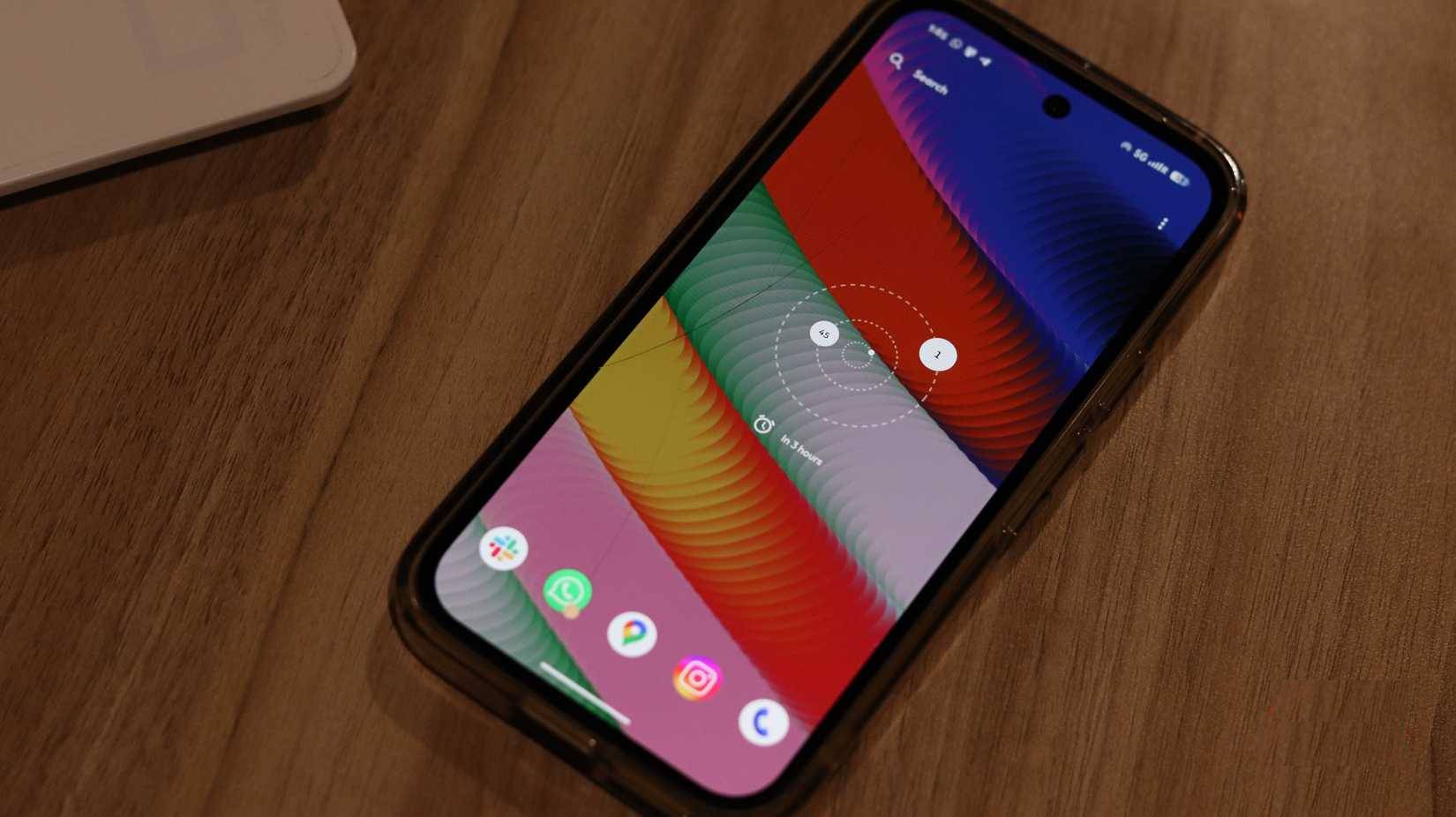
Kvaesitso is a search-centric launcher. Instead of spreading apps across multiple home screens, it uses a vertically scrolling layout with a clean, minimalist home screen at the top that features a clock and a few optional widgets. Everything else, including but not limited to apps, files, contacts, calendar events, and even web search results, is located in the search interface with just a swipe.
This approach doesn't require you to maintain a perfectly organized home screen. Your phone no longer depends on how many apps you have or how aesthetically pleasing they are. A phone with 50 apps will feel just as responsive as a phone with 500 apps because you won't have to scroll through as many screens.
All you see on the home screen is the clock and widgets, if enabled. You can also swipe up to access a full-screen search bar and swipe down to see widgets.
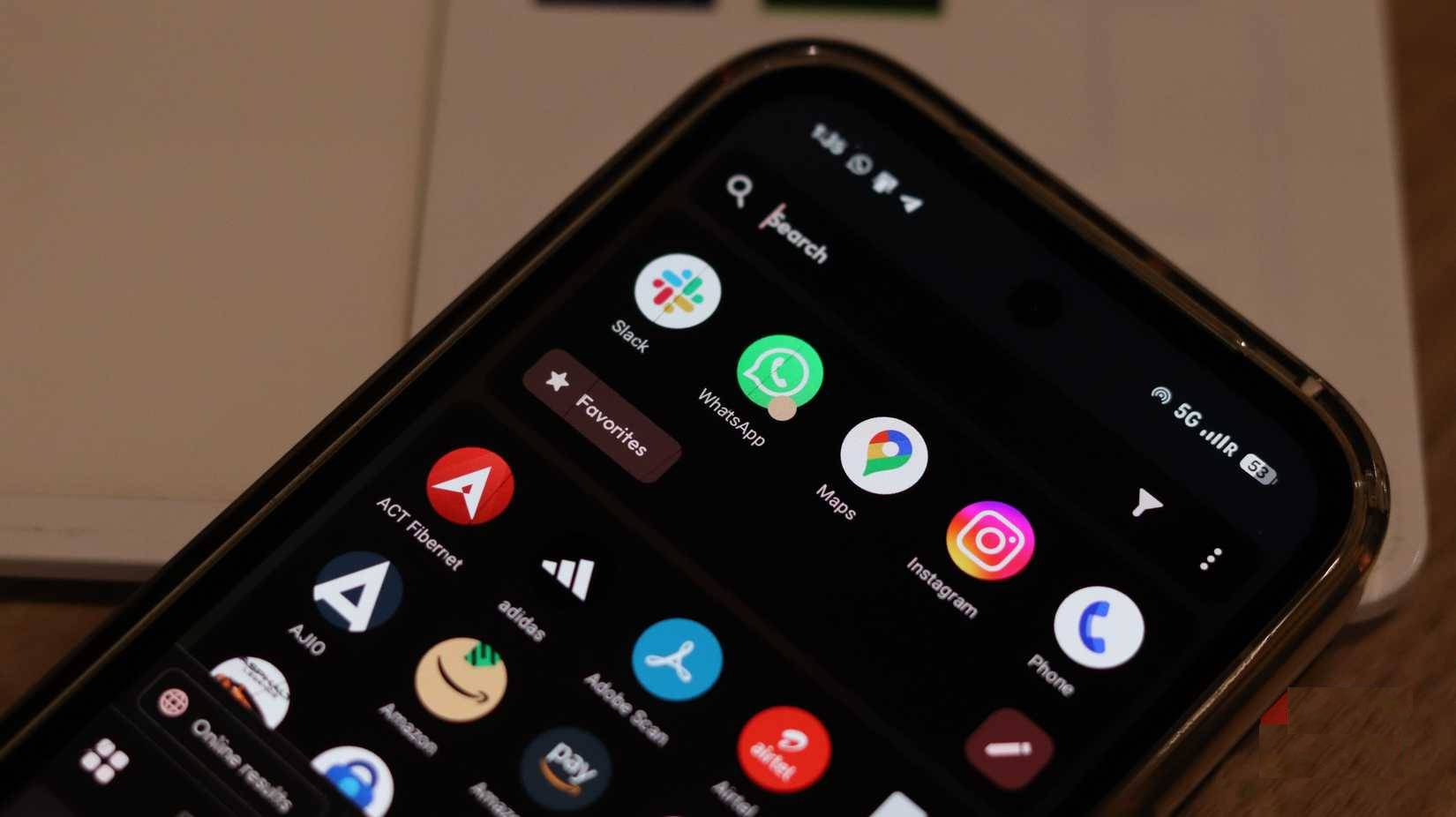
The simplified interface reduces processing overhead, making the launcher's built-in animations smooth and responsive. Even on devices with more apps, the launcher stays fast because it doesn't display dozens of app icons at once.
How Kvaesitso Improves Android Phones
Cleaner navigation, less distraction, smoother use
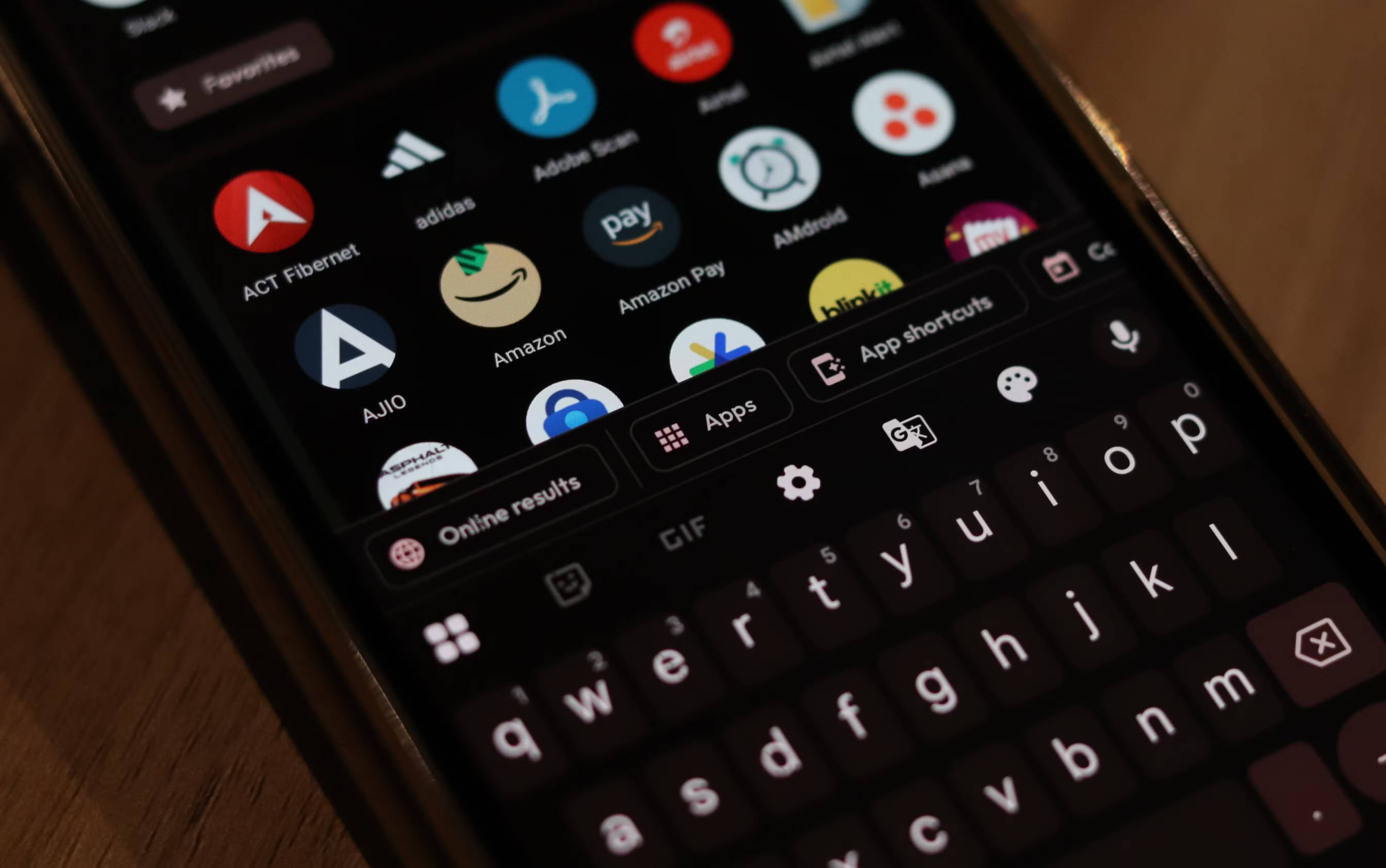
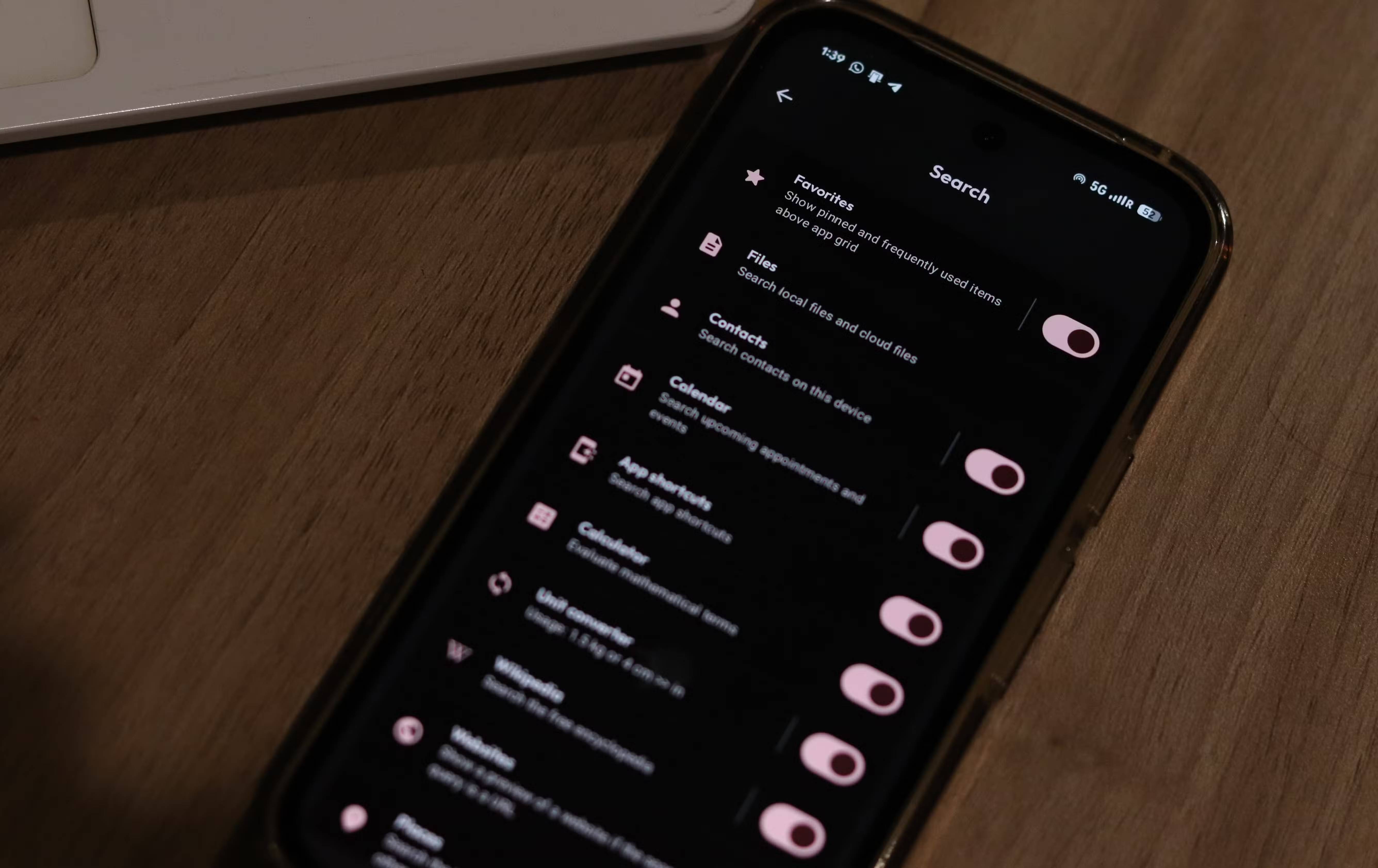
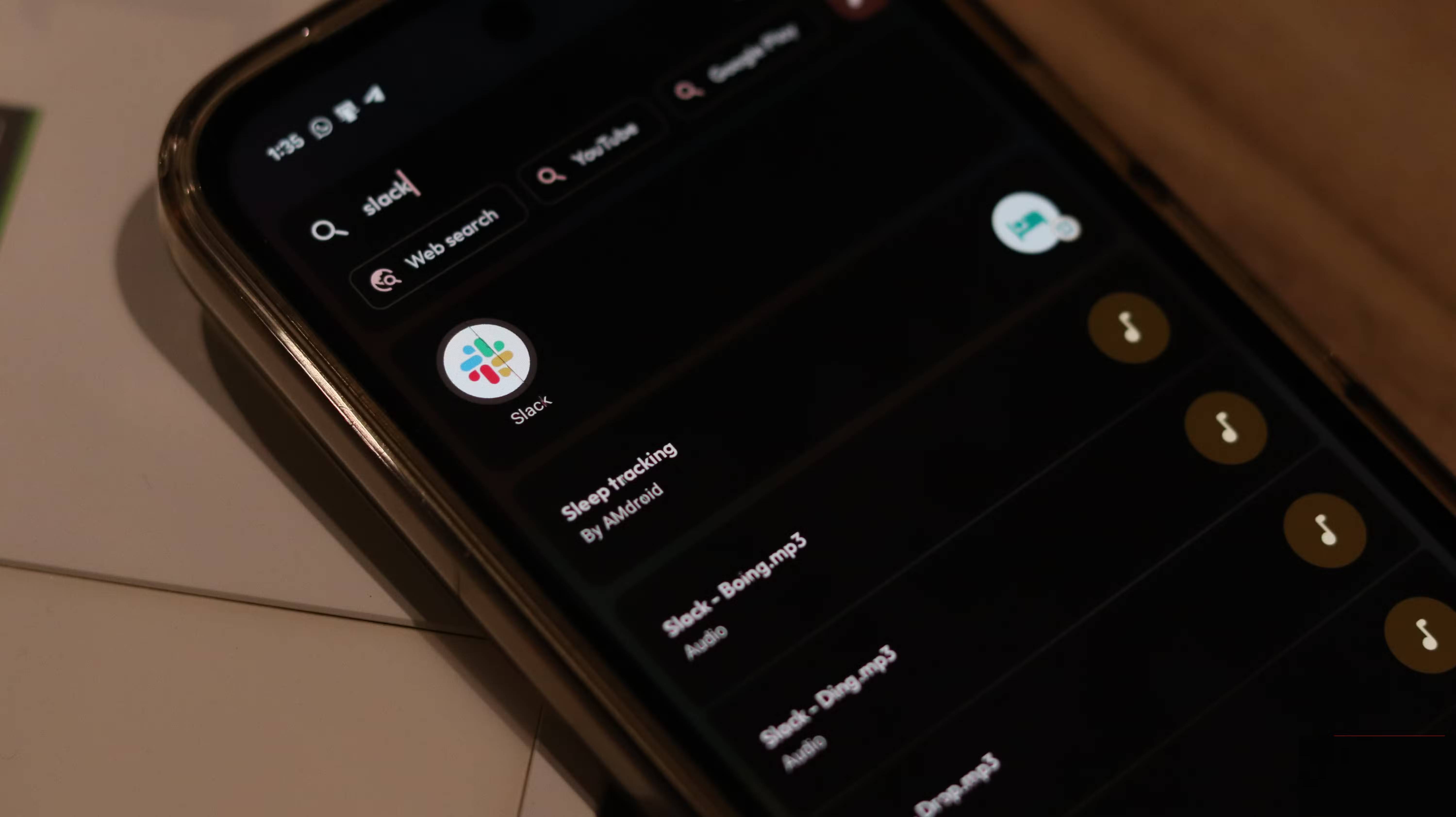
Instead of traditional folders, the launcher uses a tag-based search method, allowing you to organize your apps into multiple categories. For example, Instagram can be tagged as both a social network and a messaging app, and will show up for searches in both categories. This approach is much more flexible than folder-based systems and feels more natural when you're searching for a specific app.
The search bar itself is pretty powerful. Think of it like Spotlight search on macOS or Command Palette on Windows. You can search for apps, emails, contacts, files, calendar events, YouTube and Google Play, and more, perform quick calculations and conversions, and more, all within one search bar.
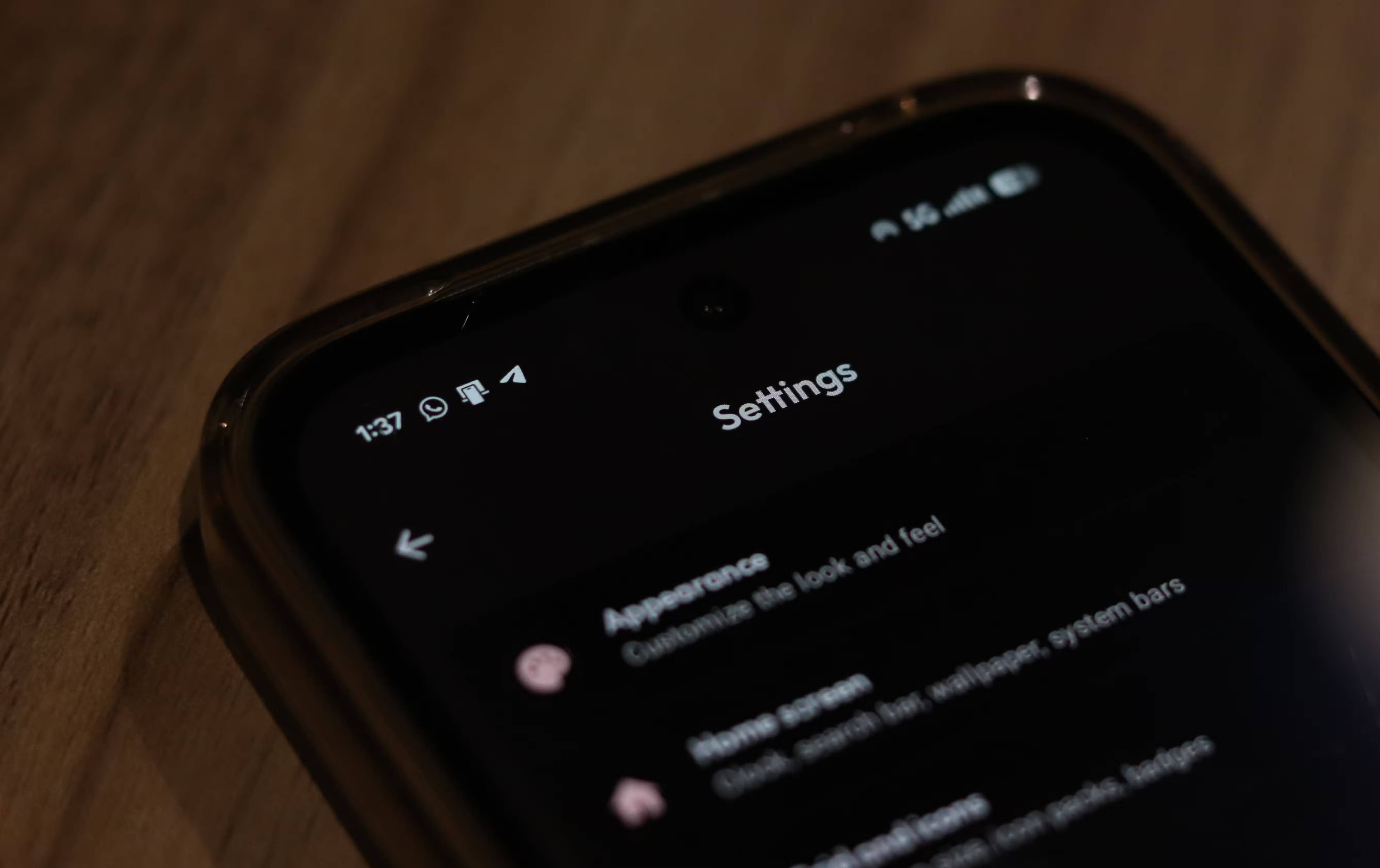
This minimalism doesn't come at the expense of customization, either. You can choose from different clock styles, customize colors and themes, adjust icon sizes and shapes, control animations, and even create a custom color scheme based on your phone's wallpaper.
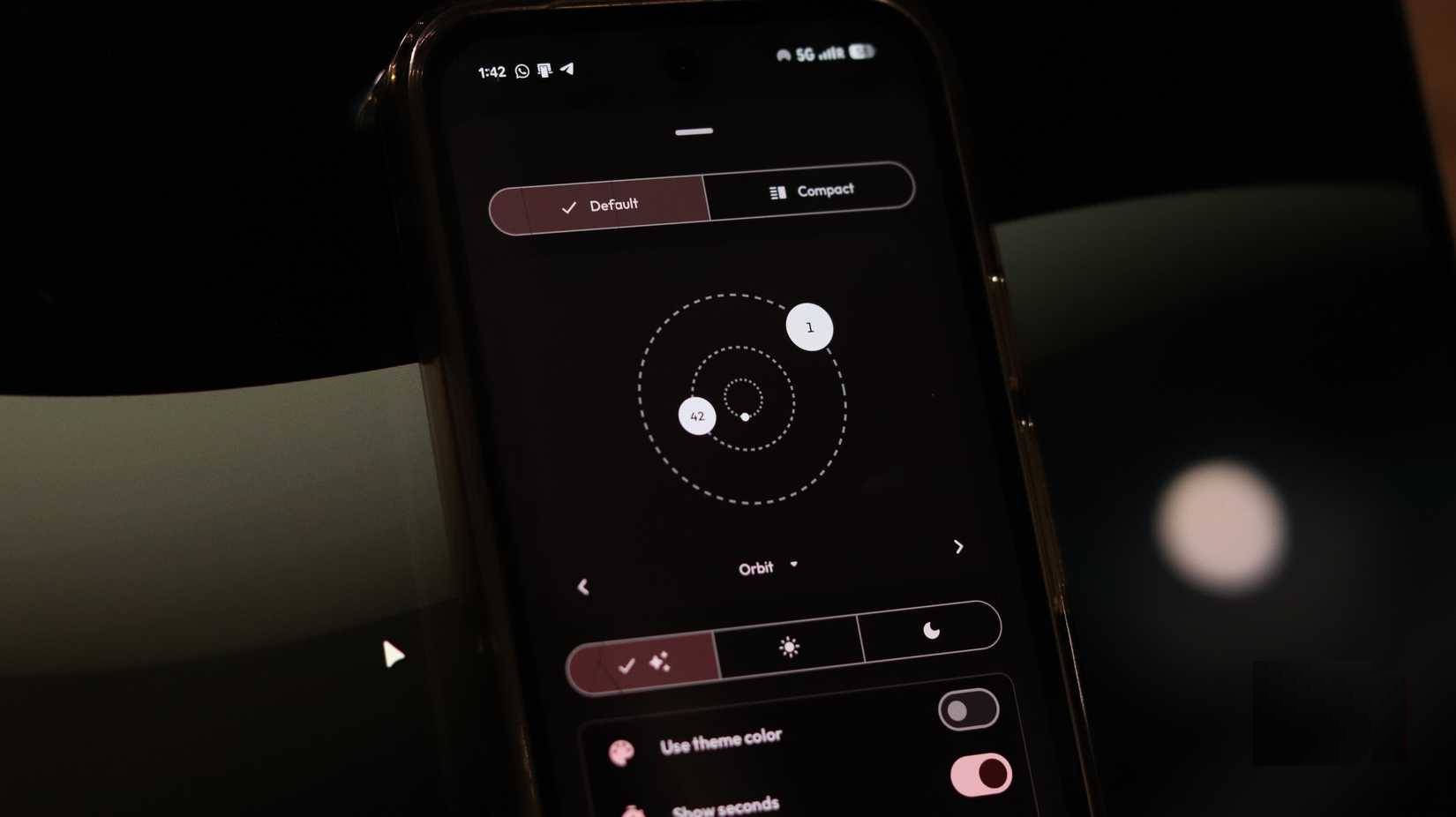
Additionally, while other launchers encourage you to spend time tweaking settings to get the best results, Kvaesitso is ready to use right out of the box.
You can customize it if you want, but it's not necessary to get the most out of the launcher.
Installing Kvaesitso can be a bit complicated
The only problem you'll have with using Kvaesitso is installing it, which isn't difficult if you're used to sideloading apps from outside your Android phone. However, you can't download it from the Google Play Store.
According to the official Kvaesitso GitHub repository, the recommended way to install the launcher is to use the F-Droid app. This way, you will always be notified of updates, but some features that require external non-FOSS APIs will not work. To avoid this, you can add the MM20 repository to F-Droid or download the latest release from the GitHub repository and sideload the app manually.
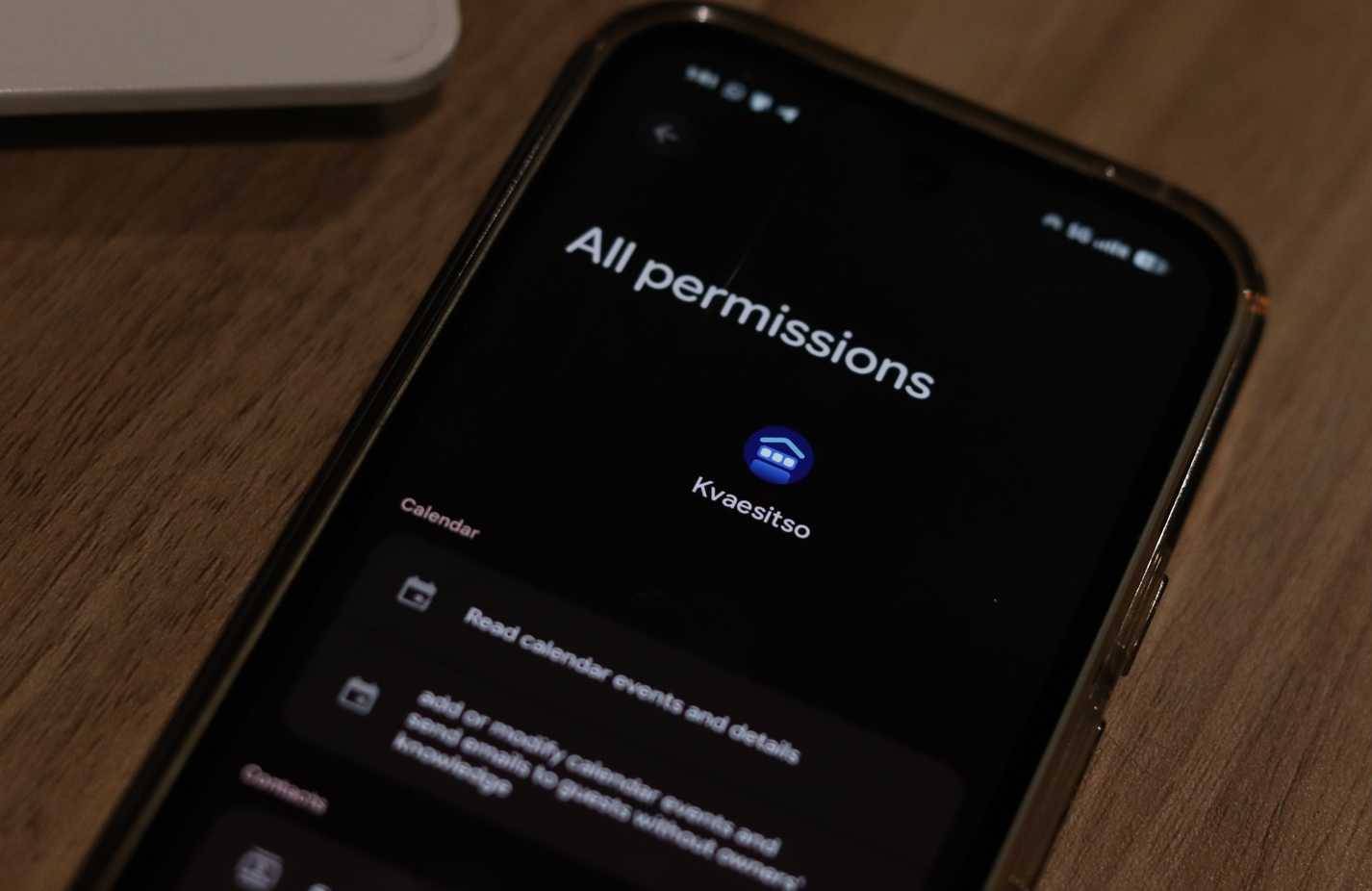
Another issue you may encounter when installing an app manually is that Google Play Protect may not allow the app to run on your phone. This is because the app requires sensitive permissions and can be resolved by temporarily disabling Play Protect.
FAQ
How do you use kvaesitso to make your Android phone less slow and cluttered: how-to guide?
In practical terms, kvaesitso is a search-focused launcher. Instead of spreading apps across multiple home screens, it uses a vertically scrolling layout with a clean, minimalist home screen at the top that has a clock and a few optional widgets.
What should you check before getting started?
Review the requirements, compatible device or software version, and any warnings described in the guide before making changes.
What should you do if the steps do not work?
Repeat the steps in order, confirm that your app or system is up to date, and review the troubleshooting details provided above.
Related Articles
 7 Settings That Slow Down Your Android Phone10 minutes read
 5 Habits Unknowingly Make Your Android Phone Slower6 minutes read
 5 Pre-Installed Android Apps That Slow Down Your Phone: Practical Guide6 minutes read
 Things That Make a Bedroom Cluttered and Waste Space: Explained6 minutes read
 6 Smart Ways to Use Your Old Android Phone: Practical Guide7 minutes read
 How to Create Slow Motion Videos on Android?9 minutes read
Reader Comments 0
Sign in with email or Google to join the discussion.