Table of Contents
This updated guide examines Ook: How to Program in Brainf**k and organizes the essential facts, background, and practical takeaways in clear American English.
Part 1
Before you Program
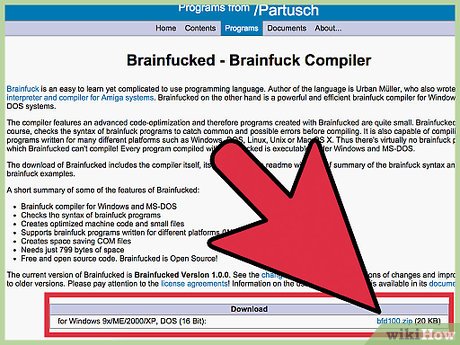 Get a brainf**k compiler. You can use compilers on the internet if you can't download one.
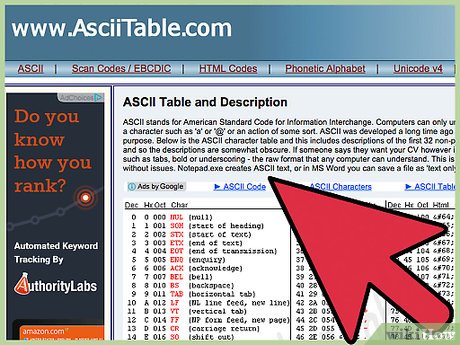 Get a copy of the ASCII codes. Brainf**k converts letters and symbols into their ASCII value, and stores them in this form. You'll need to be able to look up the values for letters while you are programming.
Part 2
Programming
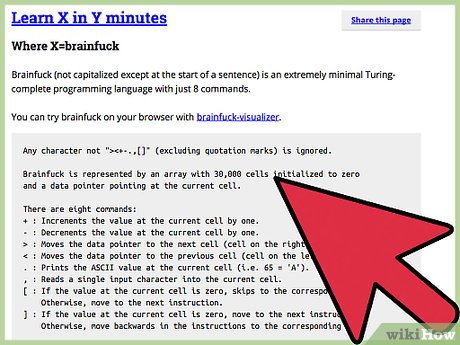 Understand how brainf**k operates. Imagine a ribbon of paper, divided into squares. The ribbon is one square wide, but an infinite number of squares long. In each square, you can put a number. Now imagine that you have a pointer (e.g. a pencil) that can point to ONE of the squares. Brainf**k can move the pointer back and forth along the ribbon, change the value in the square that the pointer is pointing to, and go around in loops.
 Understand what< and >do. The pointer is pointing to a particular square.< moves the pointer to the square before the current one. >moves it to the square after.
 Understand what + and - do. + increments (adds one to) the value of the current square. - decrements (subtracts one from) the value of the current square.
 Understand how brainf**k outputs characters. A full stop. is the output command. This reads the number in the current square, then outputs the corresponding ASCII character (this is why you need the ASCII table).
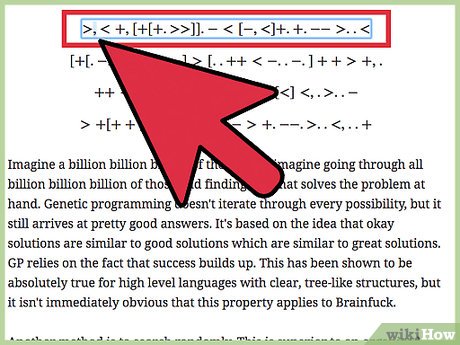 Understand input. A comma, is the input command. This will ask you to input a string of characters. It will take the first character and store it's ASCII value in the current square, overwriting any value already there.
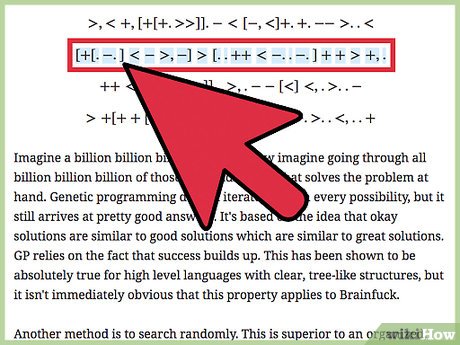 Understand loops. [ is the start loop character. If the square under the pointer contains a zero when the program reaches this character, it will skip to the instruction immediately after the corresponding ] Otherwise, it will continue to the next instruction. When the program encounters a ], it will skip back to the corresponding [ Loops can be nested (placed one inside the other).
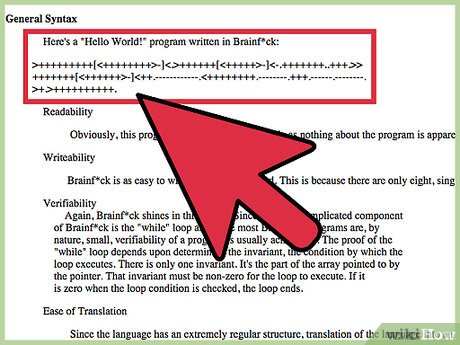 Look at an example program. If you understand the instructions above, you should be able to figure out how it works. It will print Hello World! on the screen. ++++++++[>++++[>++>+++>+++>+<<<<-]>+>+>->>+[<]<-]>>.>---.+++++++..+++.>>.<-.<.+++.------.--------.>>+.>++.
Part 3
Familiarizing Yourself with the Derivatives
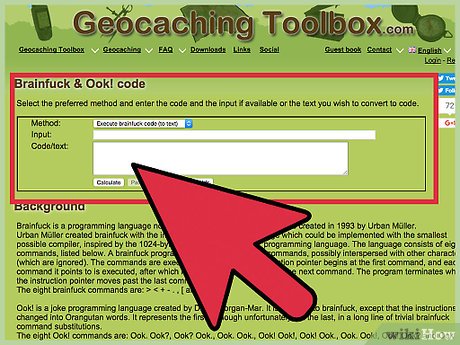 Get to know the alternatives. There are many derivatives of brainf**k. Some of them add new features. Others simply replace the instructions with different words.
- Ook! is a simple derivative of brainf**k. It doesn't change any instructions, it just replaces them with ooks. Here's the translation:< = Ook? Ook. >= Ook. Ook? + = Ook. Ook. - = Ook! Ook!. = Ook! Ook., = Ook. Ook! [ = Ook! Ook? ] = Ook? Ook! Ook! was designed to be read by orangutans (as a joke).
- Blub is another simple derivative. It's exactly the same as Ook!, just swap the word Ook for the word Blub e.g. [ = Blub? Blub! As Ook! was designed for orangutans, Blub was designed for fish.
FAQ
What is Ook: How to Program in Brainf**k about?
It provides a structured overview of ook, explains the main context, and highlights practical takeaways for readers.
Why does this topic matter?
Understanding the main concepts helps readers evaluate the issue, avoid common mistakes, and make better-informed decisions.
How should readers use this information?
Use the guidance as a practical starting point, confirm details that may have changed, and follow current product, safety, or security recommendations.
Related Articles
 Task: How to End a Program on a PC2 minutes read
 Task: How to Exit Out of a Frozen Computer Program4 minutes read
 How to Uninstall Windows Insider Program Windows 104 minutes read
 Learn About the Program Files Folder in Windows4 minutes read
 What Is a Sandbox and How Does It Sandbox a Program?17 minutes read
 How to Uninstalling Windows Insider Program3 minutes read
Reader Comments 0
Sign in with email or Google to join the discussion.