Table of Contents
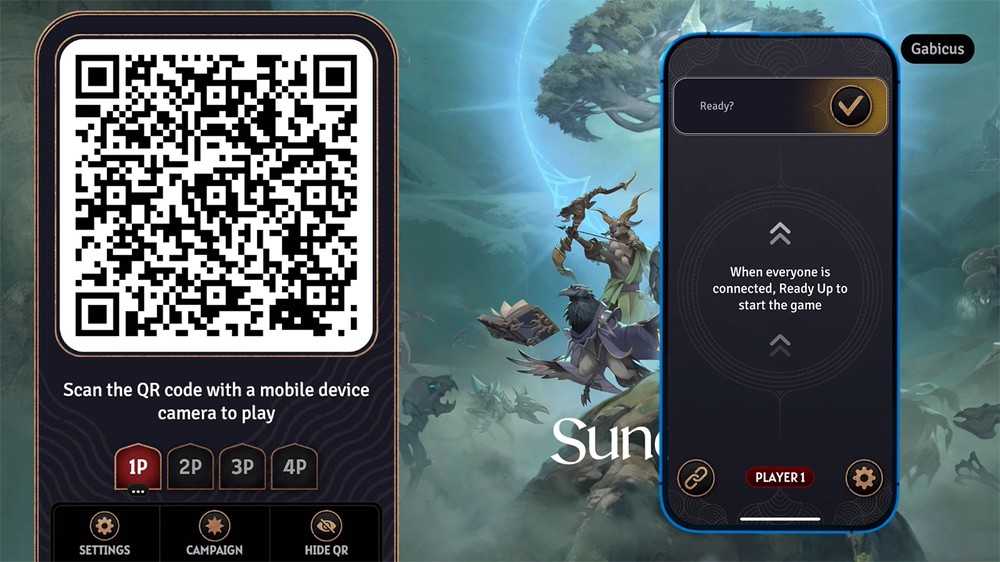
Sunderfolk is a turn-based tactical RPG built around a shared battlefield. For couch co-op, launch the game on the main display and have each player scan the lobby QR code with a phone or tablet that has the controller app. If everyone owns the Steam version, you can also check the built-in Online Multiplayer option.
Set up local or remote co-op
Make sure each player can see the battlefield and read their cards. For remote play with one Steam copy, use Remote Play Together or another screen-sharing route supported by the host platform, then connect the controllers as directed. For a native Steam online lobby, use Online Multiplayer > Host or Join and share the invite code. See Dreamhaven’s platform-specific co-op guide.
Pick a character class
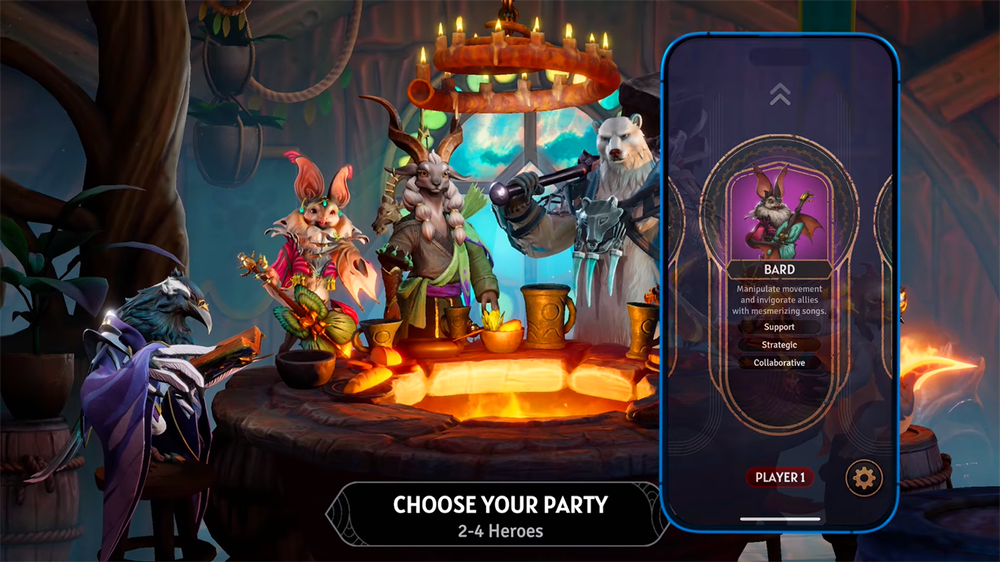
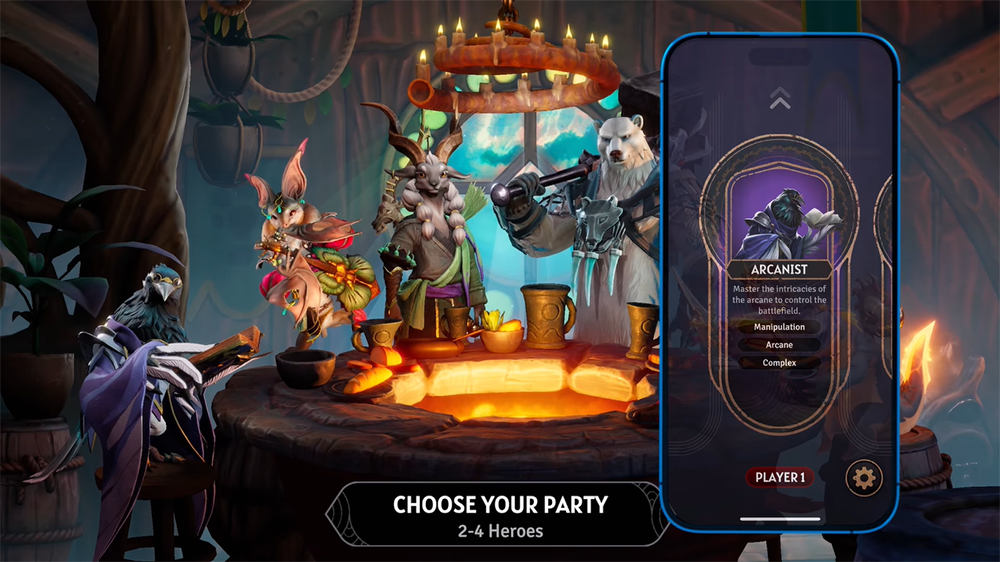
Choose a hero whose starting cards make sense to you. You can build a group that mixes movement, support, and damage.
- Arcanist: Magic and repositioning.
- Bard: Support and coordination.
- Berserker: Close-range pressure and moving units.
- Pyromancer: Area damage and control.
- Ranger: Ranged attacks and tactical placement.
- Rogue: Mobile attacks and opportunities around the map.
Plan around the mission objective
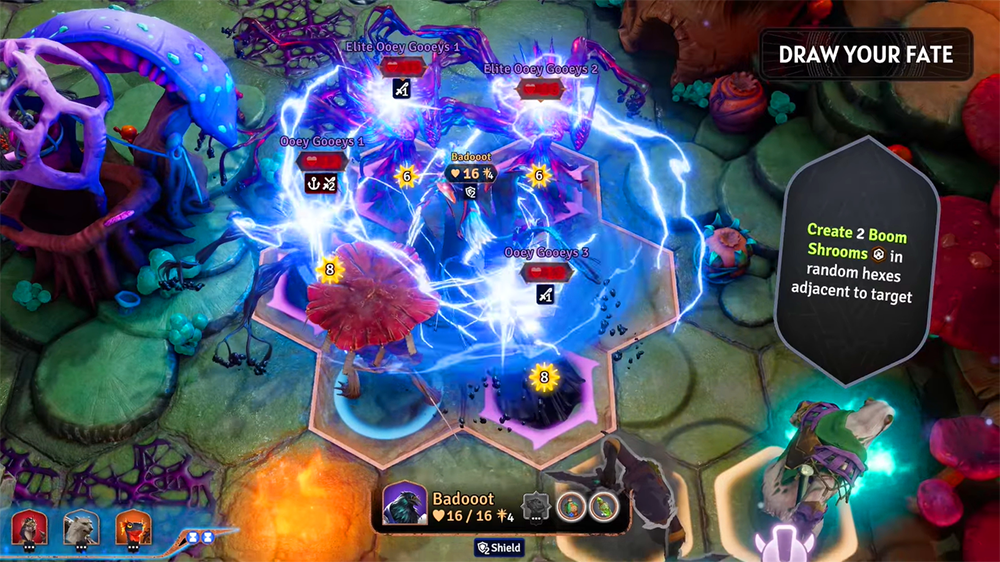
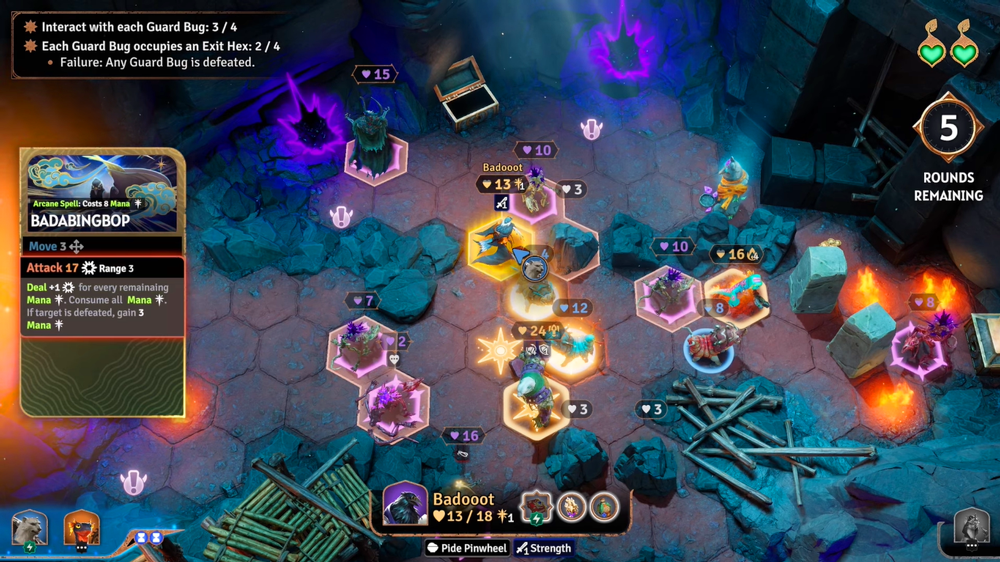
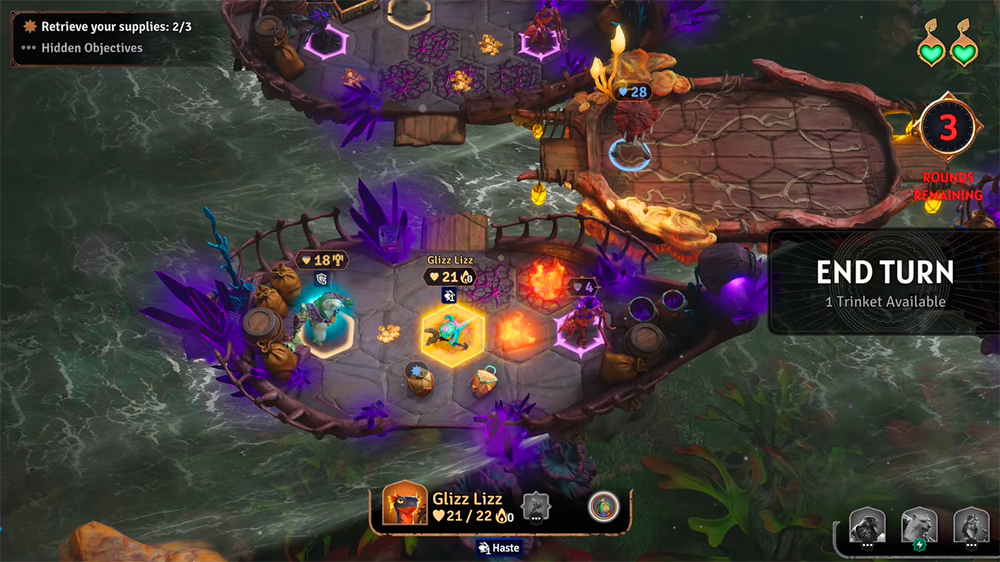
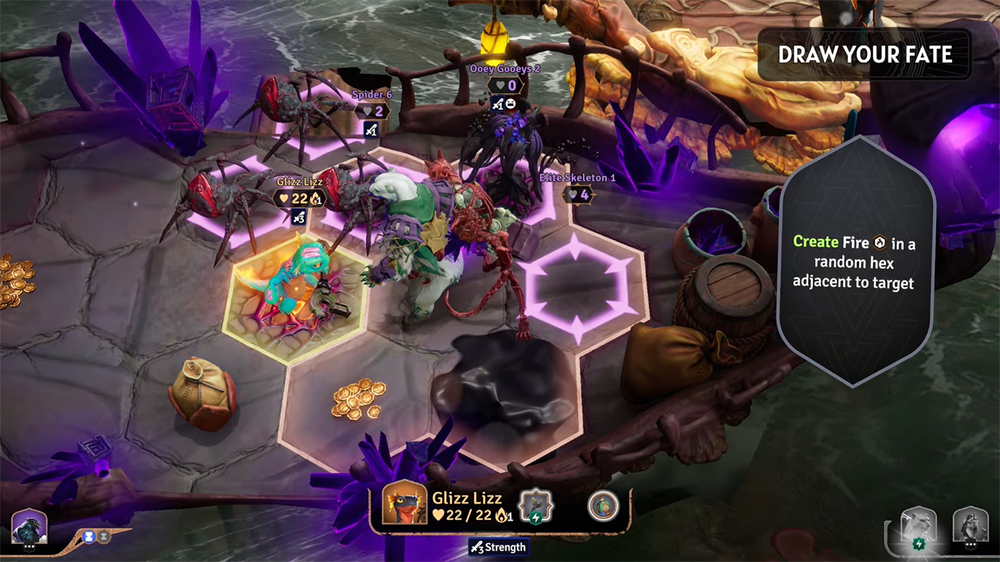
Read the actual win condition before choosing a card. A mission that requires reaching a location may reward movement more than clearing every enemy. Talk through who should act first. If a teammate can move a target, wait until it is in range before committing your attack. Preview the destination square and check which card effects will resolve before confirming.
Use town visits to prepare
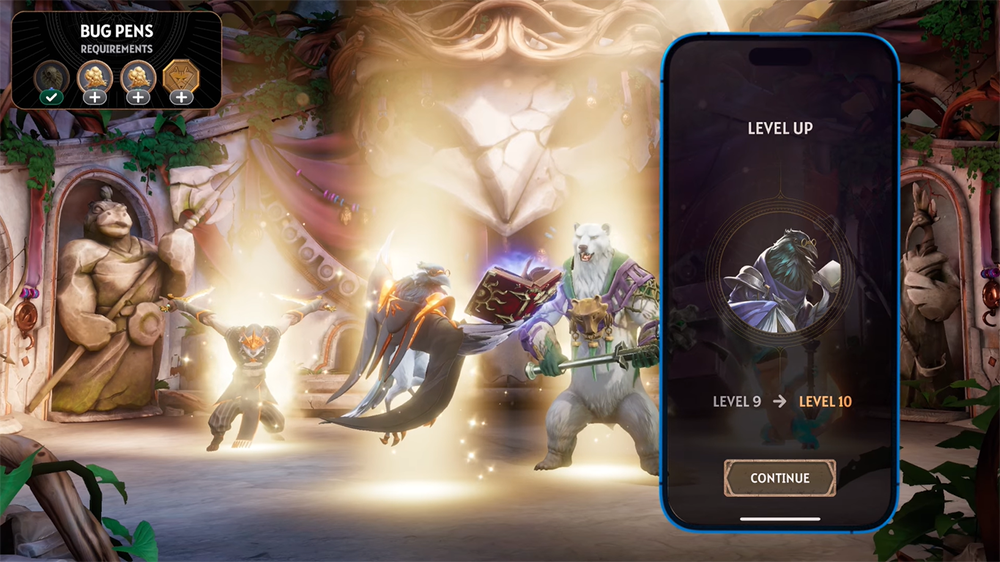
Between missions, review new gear and card options in town. Choose an upgrade that addresses a problem from the last mission, such as getting into range or surviving a crowded turn. Before the next session, decide who will host and confirm each player can reconnect to the campaign.





Reader Comments 0
Sign in with email or Google to join the discussion.