Table of Contents
This updated guide examines Post: How to Hack a Website and organizes the essential facts, background, and practical takeaways in clear American English.
Responsible-use note: Apply security techniques only to systems you own or are explicitly authorized to test.
Using Cross-Site Scripting
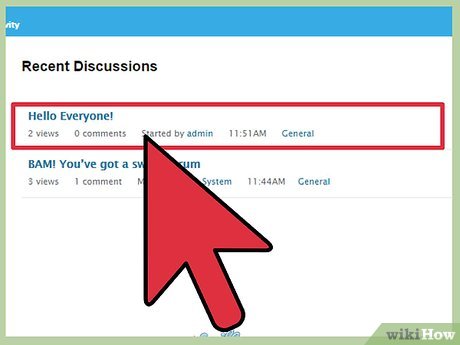
Find a vulnerable site where you can post content. A message board is a good example. Remember, if the site is not vulnerable to a cross-site scripting attack, then this will not work.
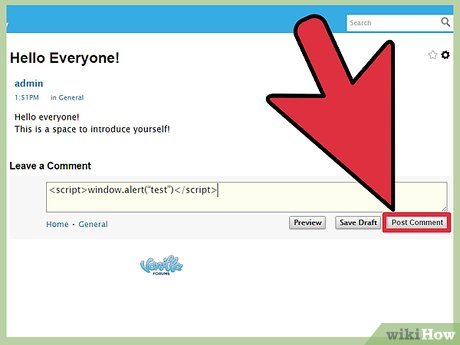
Go to create a post. You will need to type some special code into the "post" which will capture the data of all who click on it.
You'll want to test to see if the system filters out code. Post
If an alert box appears when you click on your post, then the site is vulnerable to attack.
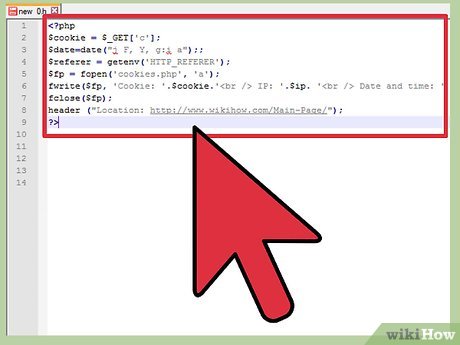
Create and upload your cookie catcher. The goal of this attack is to capture a user's cookies, which allows you access to their account for websites with vulnerable logins. You'll need a cookie catcher, which will capture your target's cookies and reroute them. Upload the catcher to a website you have access to and that supports PHP and is vulnerable to remote code execution via upload. An example cookie catcher code can be found in the sample section.

Post with your cookie catcher. Input a proper code into the post which will capture the cookies and sent them to your site. You will want to put in some text after the code to reduce suspicion and keep your post from being deleted.
An example code would look like
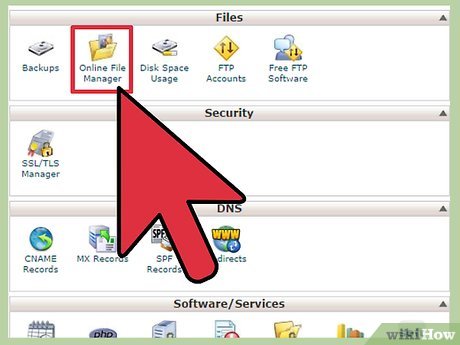
Use the collected cookies. After this, you can use the cookie information, which should be saved to your website, for whatever purpose you need.
Method 2of 3:
Executing Injection Attacks
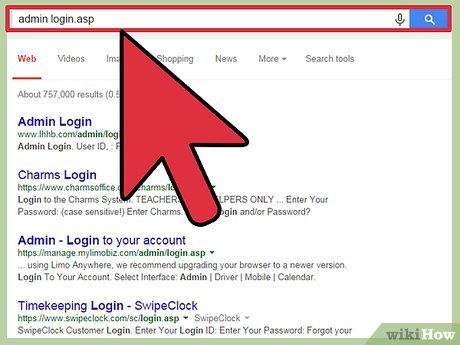
Find a vulnerable site. You will need to find a site that is vulnerable, due to an easily accessible admin login. Try searching on your favorite search engine for admin login.asp or admin login.php.
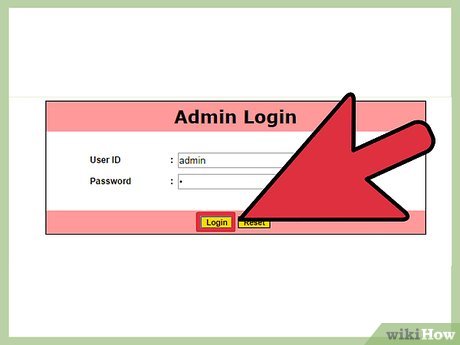
Login as an admin. Type admin as the username and use one of a number of different strings as the password. These can be any one of a number of different strings but a common example is 1'or'1'='1 or 2'='2.

Be patient. This is probably going to require a little trial and error.
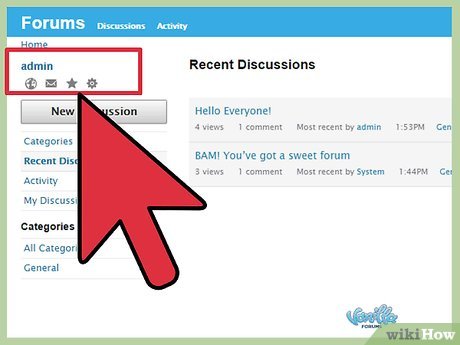
Access the website. Eventually, you should be able to find a string that allows you admin access to a website, assuming the website is vulnerable to attack. Then, logged in as an administrator, you can perform further actions, such as uploading a web shell to gain server-side access if you can perform a file upload.
Method 3of 3:
Setting Up for Success
Learn a programming language or two. If you want to really learn how to hack websites, you'll need to understand how computers and other technologies work. Learn to use programming languages like Python, PHP (necessary for exploiting server-side vulnerabilities) or SQL, so that you can gain better control of computers and identify vulnerabilities in systems.
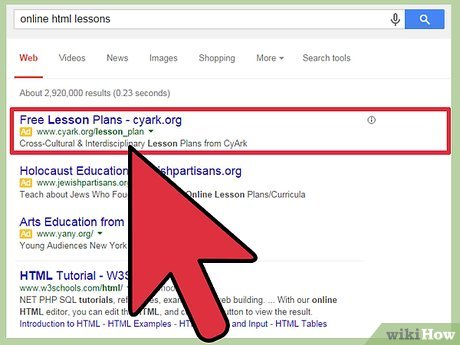
Have basic HTML literacy. You will also need to have a really good understanding of HTML and JavaScript if you want to hack websites in particular. This can take time to learn but there are lots of free ways to learn on the internet, so you will certainly have the opportunity if you want to take it.
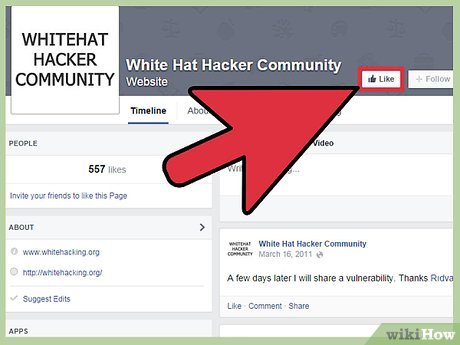
Consult with whitehats. Whitehats are hackers who use their powers for good, exposing security vulnerabilities and making the internet a better place for everyone. If you're wanting to learn to hack and use your powers for good or if you want to help protect your own website, you might want to contact some current whitehats for advice.
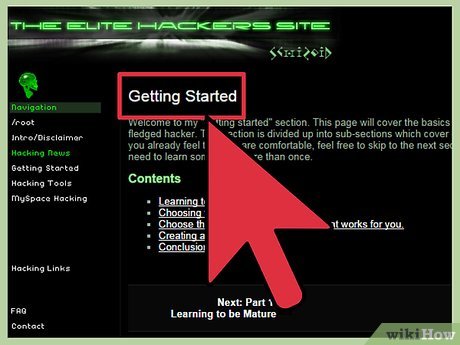
Research hacking. If you're wanting to learn to hack or if you just want to protect yourself, you'll need to do a lot of research. There are so many different ways that websites can be vulnerable and the list is ever-changing, so you will need to be constantly learning.
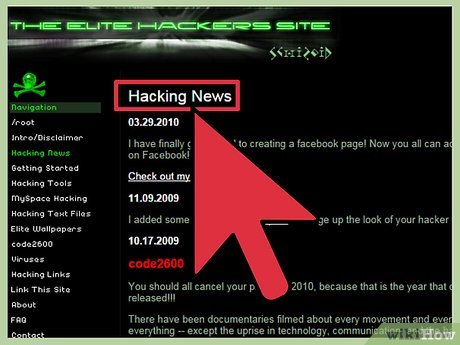
Keep up to date. Because the list of possible hacks is ever-changing, and new vulnerabilites are discovered, you'll need to be sure you keep up to date. Just because you're protected from a certain type of hack now doesn't mean you'll be safe in the future!
FAQ
What is Post: How to Hack a Website about?
It provides a structured overview of post, explains the main context, and highlights practical takeaways for readers.
Why does this topic matter?
Understanding the main concepts helps readers evaluate the issue, avoid common mistakes, and make better-informed decisions.
How should readers use this information?
Use the guidance as a practical starting point, confirm details that may have changed, and follow current product, safety, or security recommendations.
Related Articles
 Here's How I Hack 40 Websites in 7 Minutes12 minutes read
 How to Unauthorized Access (Hack) a Website: Clear Instructions6 minutes read
 What Does the F5 Hack Mean? What to Do Now: Explained7 minutes read
 Hacker Took Control of the London Police Department Website5 minutes read
 Technical Hack: Basic Hack Techniques -- Part I15 minutes read
 What Is SQL Injection? How to Prevent SQL Injection Attacks19 minutes read
Reader Comments 0
Sign in with email or Google to join the discussion.