Table of Contents
Educaplay’s Dialogue activity lets students listen to and read a conversation between two or more characters. A teacher can also mute one character so the learner speaks that role, turning the same activity into guided pronunciation and conversation practice.
Ray, Educaplay’s AI assistant, can draft the characters, dialogue, title, description, and audio from a topic or source file. Treat that output as a first draft: check the English, level, pacing, and learning objective before publishing.
Step 1: Choose Dialogue
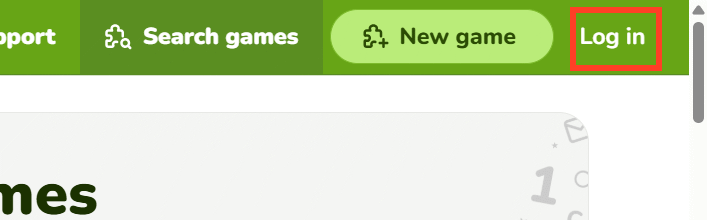
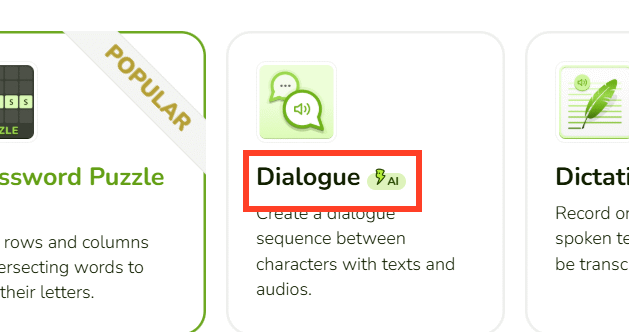
Sign in at Educaplay, choose Create game, and select Dialogue. This format is designed for a sequence of spoken lines, not for multiple-choice comprehension questions. Add a separate Quiz activity if you also need scored questions.
You can create the conversation with Ray or close the AI window and build it manually. The manual editor lets you add characters, type each line, attach or record audio, and drag lines into a new order.
Step 2: Configure the level and length
Open Ray’s settings with the gear icon. The current Dialogue options include output language, difficulty, number of characters, and total lines. Use a specific proficiency level such as “English A2” instead of only Easy or Medium when the class follows a CEFR-based curriculum.
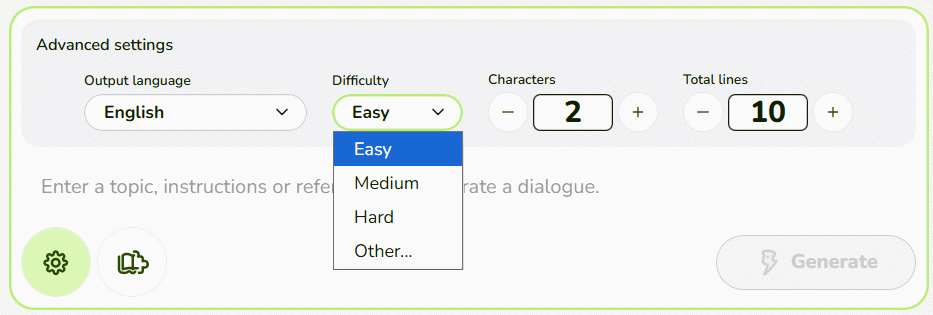
Ten to fourteen short lines usually provide enough repetition for a single classroom role-play without becoming difficult to follow. Use two characters for pair work; add a third only when the scenario requires another role.
Step 3: Give Ray a teaching-focused prompt
A good prompt identifies the scenario, proficiency level, target language, length, roles, and words to avoid. Use this template:
Create a [number]-line English dialogue for [proficiency level] learners. The scenario is [situation], with [character 1] and [character 2]. The learning goal is to practice [grammar, functions, or vocabulary]. Include [required phrases]. Keep each turn under [word count] words. Use natural spoken English, no slang beyond this level, and no vocabulary above [level]. End with a clear outcome.
Example:
Create a 12-line English A2 dialogue between a customer and a shop assistant. The customer asks for a T-shirt in a different size and color, checks the price, and decides to buy it. Practice “Do you have…?”, “Can I try it on?”, colors, sizes, and prices. Keep every turn under 12 words. Use contractions and polite, natural English. Do not introduce idioms.
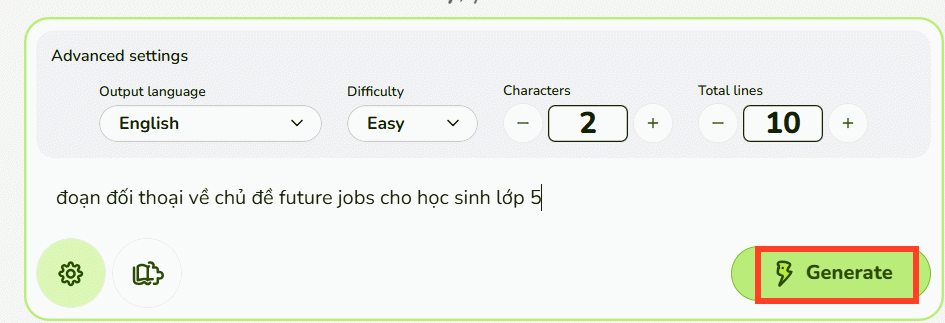
If the dialogue must review a textbook passage, attach or paste the permitted source and instruct Ray to use only its vocabulary and facts. Do not upload identifiable student records or material you are not authorized to process.
Step 4: Edit the generated conversation and audio
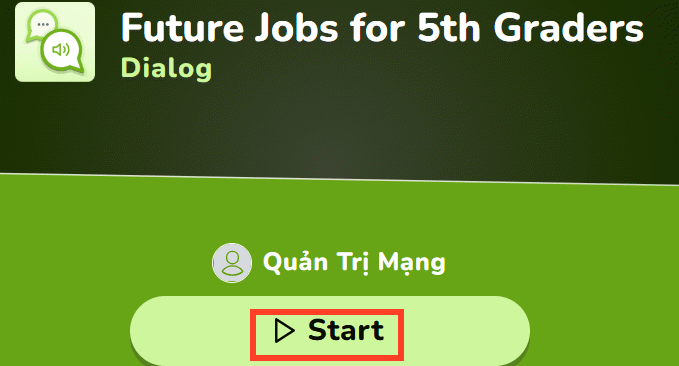
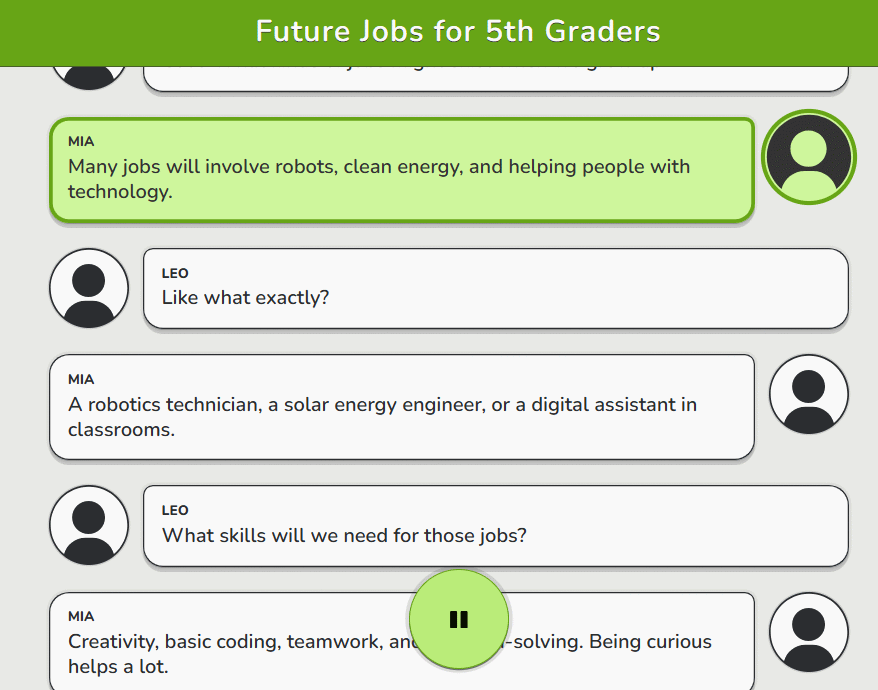
After Ray generates the activity, review the dialogue line by line before pressing Start. Correct grammar errors, unnatural translations, repeated turns, culturally inappropriate assumptions, and vocabulary above the intended level.
Language review checklist
- Every turn responds logically to the previous one.
- The target grammar appears naturally rather than in every sentence.
- Names, prices, dates, and cultural details are appropriate for the lesson.
- Contractions match ordinary speech unless the lesson teaches formal English.
- The final line resolves the situation instead of ending abruptly.
Audio and role-play settings
Ray can generate audio with the conversation. Current Educaplay support states that Basic and Advanced plans allow up to 1,000 text-to-speech characters per game, while higher education and commercial plans remove that limit. In a manual activity, you can record or upload audio for each line.
Listen to every line for pronunciation, stress, speed, and name handling. If a voice mispronounces a target word, replace that audio rather than teaching the error. To turn the activity into speaking practice, mute one character and assign that role to the learner. Students can advance automatically or select each line at their own pace.
Step 5: Test the activity with the student role muted
Play the complete activity twice: once with all audio enabled, then again with the learner’s character muted. Check whether the pause leaves enough time to speak and whether the remaining character provides a clear cue for each response.
For pair work, have Student A play one role and Student B the other after the guided round. Ask them to change one detail—size, destination, price, appointment time, or menu item—so they use the language rather than merely memorize the recording.
Step 6: Publish and share
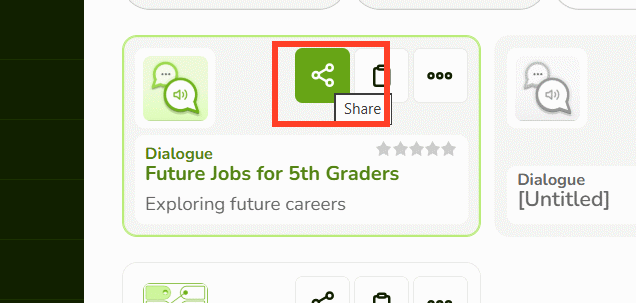
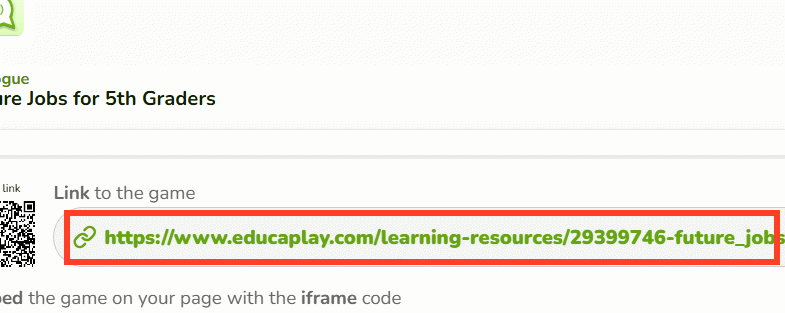
When the dialogue is ready, click Publish, open the share controls, and copy the direct link or QR code. Educaplay also supports website embeds and integrations with several classroom and learning-management platforms, subject to plan limits.

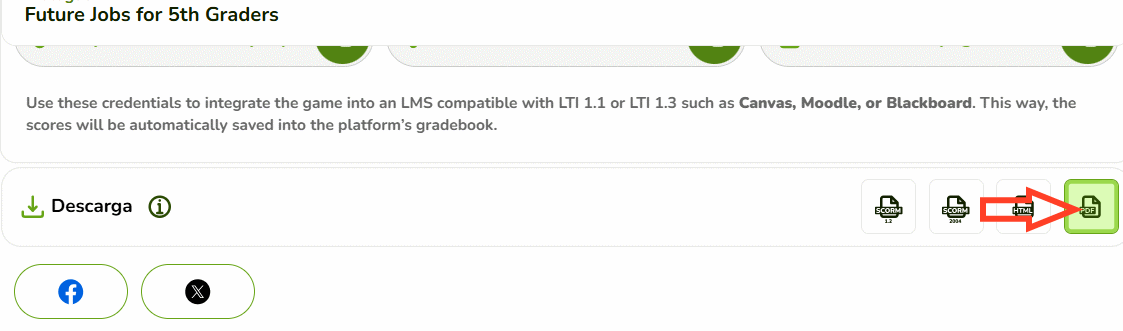
Do not assume printable PDF export is included with the free Basic plan. Educaplay’s current support information places printable downloads in paid plans: Advanced has a five-game cap, while Academic and Commercial plans allow unlimited PDF downloads. Check the support center because plan allowances can change.
Also confirm the activity’s visibility. Games are public by default; supported paid plans can make them hidden and accessible only through the link. Use only the player-identification level required by the class and follow school privacy rules.
Extend the lesson beyond listening
- Play the full conversation while students follow the text.
- Mute one character and have the class supply that role.
- Run the dialogue in pairs without the audio.
- Change two details and perform a new version.
- Use an exit ticket asking students to write one suitable extra turn.
For the broader AI creation workflow, see TipsMake’s Educaplay prompt-based game guide. To add a vocabulary review before the dialogue, use the Educaplay word puzzle tutorial.
Related Articles
 How to Make a Froggy Jumps Game in Educaplay12 minutes read
 How to Create a Word Guessing Game on Educaplay3 minutes read
 How to Designing Games on Educaplay Using Commands3 minutes read
 How to Create an Educaplay Unscramble Letters Game10 minutes read
 Simple Ways to Start a Conversation with Anyone9 minutes read
 Download and Experience the Extension to Help You Learn English When Surfing Facebook Very Useful3 minutes read
Reader Comments 0
Sign in with email or Google to join the discussion.