Table of Contents
You can no longer use Google Play's old “Try Now” Free Fire demo. Google ended Google Play Instant distribution in December 2025, so the lightweight demo shown in the original guide is not a current way to play Free Fire without installing it.
What happened to the Free Fire instant demo?
The demo used Google Play Instant, a feature that loaded a small playable experience without installing the full app. Google has now retired that platform and states that users are no longer served Instant Apps through Google Play.
This means reopening the Free Fire store listing or repeatedly returning to the Play Store will not restore the old Try Now button. The official route is to install Free Fire or Free Fire MAX from the store available in your region.
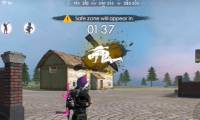
Historical Free Fire demo screenshots
These images are preserved to document how the former demo worked. They do not represent a feature that is still available.
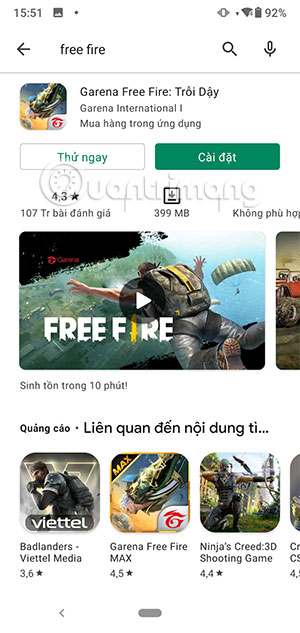
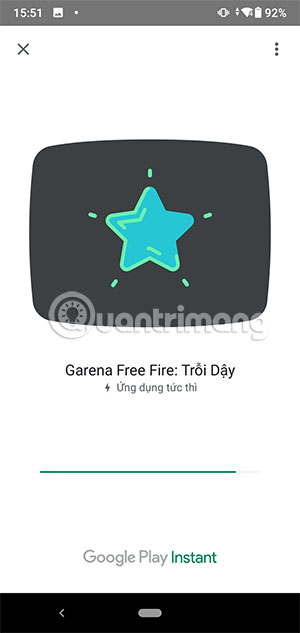
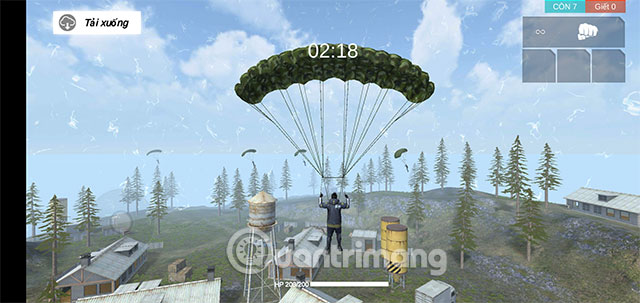
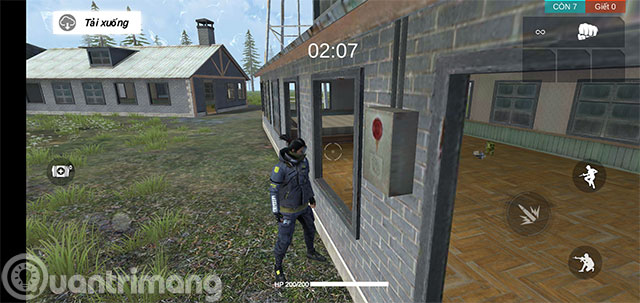
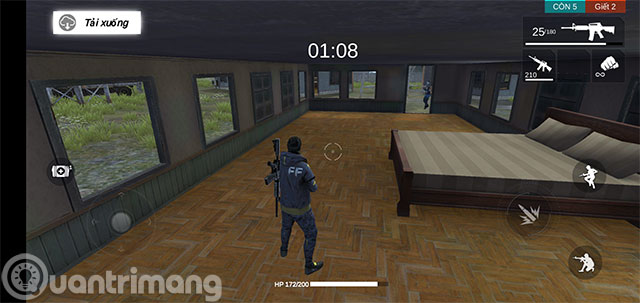
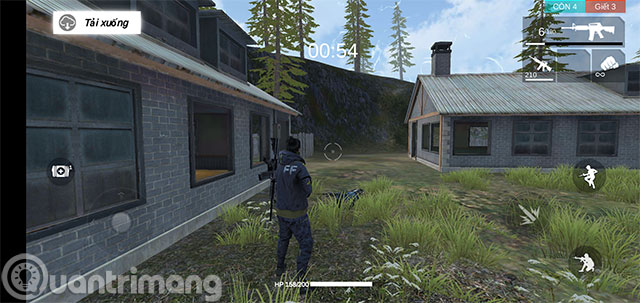
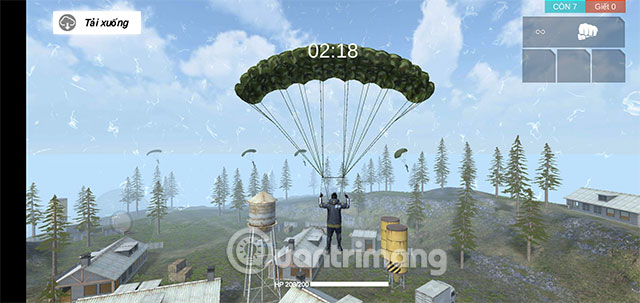
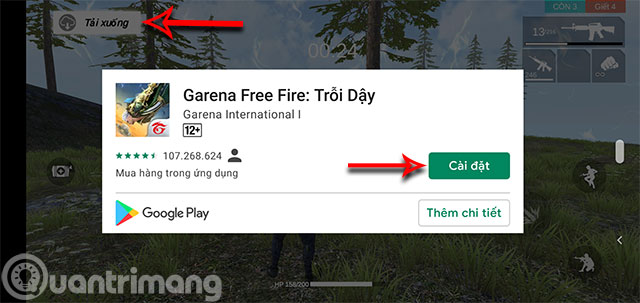
What the old demo included
The instant version was a short practice scenario rather than the complete battle royale game. It used a small map, a limited weapon selection, basic healing, and bot opponents. It did not provide the normal maps, matchmaking, inventory, social features, progression, or full control set.
Because the service has ended, the old time limit, enemy count, and weapon details are now historical information rather than instructions.
Can you play Free Fire in a web browser?
Some third-party cloud-gaming sites advertise browser access to Free Fire. Availability, performance, account support, and regional access can change. These services are not the same as the discontinued official Google Play demo, and using one sends your gameplay and potentially your login session through another provider.
Before using a cloud service, verify who operates it, whether Garena permits the access method, what account data it requests, and whether the connection is encrypted. Do not upload an APK, disable device security, or enter credentials into a site that cannot be verified.
Safest way to play Free Fire now
- Open Google Play or Apple's App Store on a supported device.
- Search for the official Garena listing available in your region.
- Check the publisher name, reviews, permissions, and app identifier before installing.
- Download the game over a trusted network and leave additional space for game resources.
- Link the game only to an account you control and enable the available security protections.
The official Free Fire MAX Google Play listing is one current installation source. TipsMake's Free Fire version overview explains recent game features.
If storage space is the problem
- Remove unused downloads and cached media before installing.
- Check whether your version offers optional resource packs after the base installation.
- Do not install a “Lite” or modified APK from an unofficial mirror.
- Use the regular Free Fire edition instead of Free Fire MAX when both are officially available and the device has limited resources.
Bottom line
The old no-download Free Fire demo is obsolete because Google Play Instant has been discontinued. A browser-based third-party service may exist in some regions, but installing the official app remains the safest and most complete way to play.
Related Articles
 Popular Tactics in Free Fire4 minutes read
 How to Use Sniper Rifles in Garena Free Fire5 minutes read
 How to Make Friends in the Game Garena Free Fire5 minutes read
 Top Tips to Play Free Fire Easily to Become Pro Gamers6 minutes read
 Instructions to Get the Frankenstein Free Fire Skin for Free4 minutes read
 How to Install Garena Free Fire on Your Computer8 minutes read
Reader Comments 0
Sign in with email or Google to join the discussion.