Table of Contents
This guide provides a clear, practical overview of Google adds a series of policies to protect children online, with useful context, important details, and straightforward takeaways for everyday readers.
First, Google changed its policy to allow users under the age of 18 or parents and guardians to request that their images be removed from image search results. While it cannot be completely removed from the internet, this will help reduce the visibility of the image.
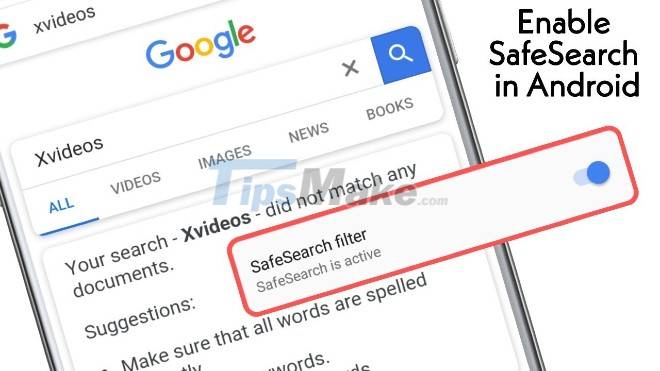
Next, Google announced some of the changes it will be making to products specifically for children under 18 in the coming weeks and months. SafeSearch will be enabled by default for new or active accounts under 18 years of age. SafeSearch will remove pornographic results from Google Search.
Previously, this feature was only enabled by default for children under 13 and using the Family Link profile.
Educational institution (K-12) accounts using Workspace for Education will also have SafeSearch enabled by default. In addition, incognito mode and guest mode will be disabled. This technology is also used to restrict the adult search results displayed by Assistant on shared devices.
Videos uploaded to YouTube are set to private by default. Many features related to enhancing the experience such as automatically playing music, reminding to rest . will be highlighted on Google services.
There will be a new section on the Google Play Store for apps that are subject to the Family policy. It also describes the data the app collects in more detail so parents can make informed decisions.
Finally, Google will improve advertising practices so that adult ads, including targeted ads, won't be shown to teen users.
Key Takeaways
Use the information above as a practical reference for Google adds a series of policies to protect children online. Review each step carefully, confirm any requirements, and choose the option that best fits your situation.
FAQ
What does this guide explain about Google Adds a Series of Policies to Protect Children Online?
It explains the main concepts, practical considerations, and useful steps related to Google adds a series of policies to protect children online without requiring advanced knowledge.
Who can benefit from learning about Google Adds a Series of Policies to Protect Children Online?
This information is useful for readers who want a clear overview, practical guidance, and reliable steps related to Google adds a series of policies to protect children online.
What should I check before applying this information?
Review the requirements, confirm that your device, software, or situation matches the instructions, and back up important data before making major changes.
Related Articles
 Secure Access: Keep Children Safe When They Are Online13 minutes read
 Google Authenticator Adds 'Formidable' Security Layer to Email3 minutes read
 Most Children Don't Learn About Online Safety in School –– Here Are 5 Ways Parents Can Teach Their Children at Home8 minutes read
 The Secret to Teaching Young Children About the Internet8 minutes read
 EU Investigates Microsoft Google Apple: Complete Guide4 minutes read
 Security Security Ii: Security Policy Account for Computer11 minutes read
Reader Comments 0
Sign in with email or Google to join the discussion.