Table of Contents
To watch a movie in 4K on Fandango at Home, formerly Vudu, open the title page and look for UHD in the rental or purchase options. Check the resolution shown for the specific option you select. A listing can offer different qualities for buying and renting, and you’ll need a compatible playback device to see the UHD stream.
Rent or buy the UHD version
Browse the Fandango at Home movie store and look for the 4K UHD section, or search for the title by name. Open the listing, choose Rent or Buy, and verify the quality and price before checkout. If you rent, read both the deadline to start and the viewing window after you press Play. If you buy, the title is added to the account’s digital library for playback on supported devices.
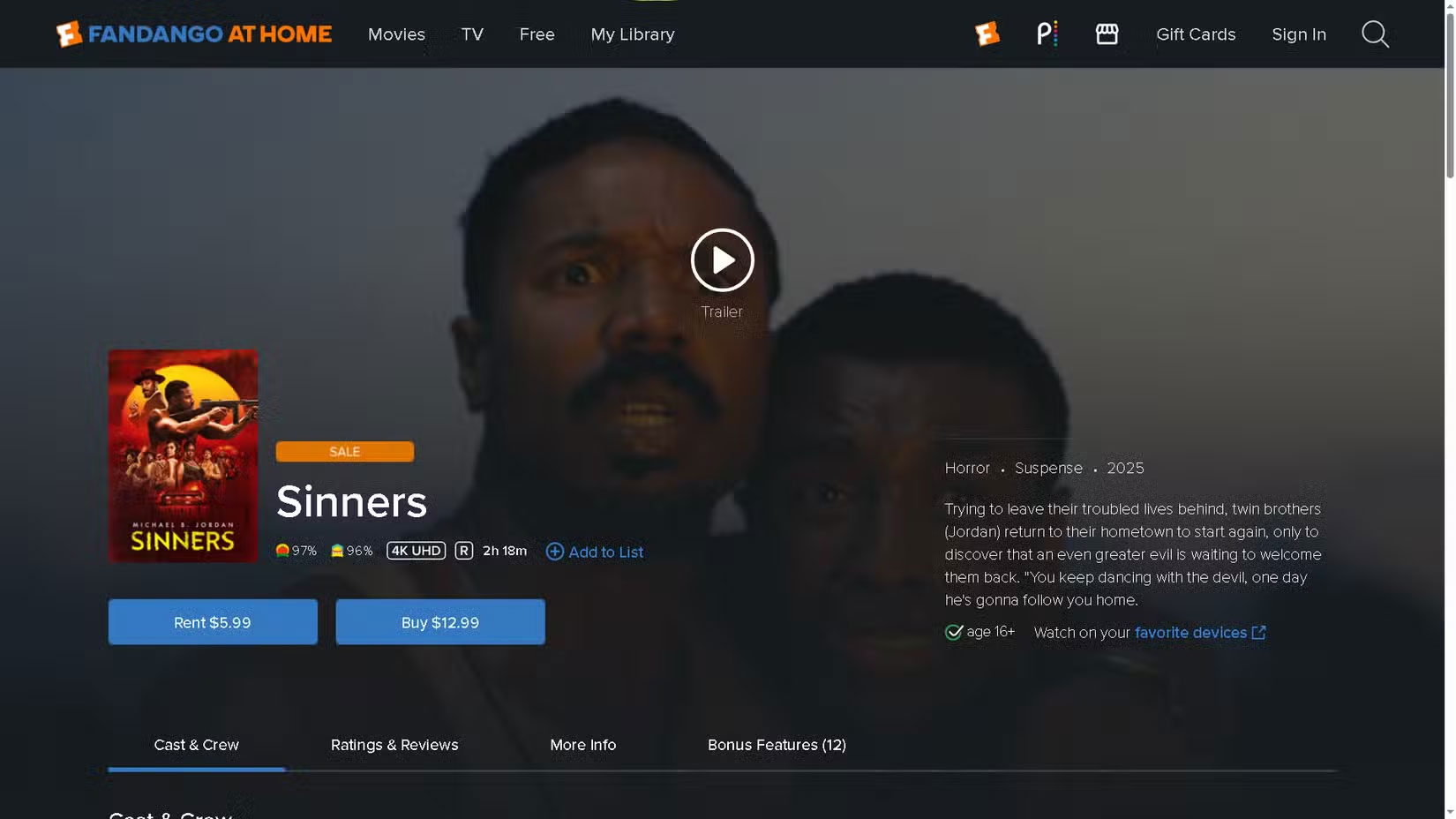
A rental is often the less expensive choice for a single viewing. If you expect to watch again, compare the current digital purchase price with a UHD Blu-ray, especially if you already have a player. If you want to watch on a trip, verify which quality the app can download to that device. A 4K streaming option does not guarantee a 4K download.
Check your TV and streaming device
Use the service’s app on a device that supports its UHD playback. If using an external streaming player, check that the player outputs 4K to the TV and that the chosen HDMI input supports it. If a movie plays in HD, verify the title’s purchased quality and device support first, then check the player’s display settings and network connection. HDR is separate from resolution. See how HDR and 4K differ.
Redeem a digital code from a disc
Check the insert for the site where the studio tells you to redeem the code, the expiration terms, and any promised digital quality. Use the official redemption page, sign in to the account where you want the movie, and verify the title and resolution shown in your library. A UHD Blu-ray does not establish what resolution its digital code grants.
For a participating title, linking Movies Anywhere to Fandango at Home can make eligible purchases available through connected retailers. Check the title’s eligibility before relying on the link for a specific movie.
Check the quality of free titles separately
The Stream Free section contains ad-supported movies and TV. Confirm the quality on the specific listing if 4K matters. If your priority is watching without a rental charge, see more legal ways to watch movies online for free.
Related Articles
 5 free movie streaming websites without registration
 Get 3 months of free movies on iflix with Viettel sim
 The free code is exclusively for IFLIX account
 Decipher psychological fear of ghosts but like to watch horror movies
 6 Excellent Series to Watch on Netflix
 How to watch VIP full HD movies without account on HDOnline and HDViet
Reader Comments 0
Sign in with email or Google to join the discussion.