Table of Contents
An eSIM is a digital SIM. Your phone number can still be taken over if someone persuades your carrier to move it to another device. Fake eSIM activation messages can also trick you into sharing account details. Protect your carrier account and treat unexpected activation requests with care.
Use only a verified eSIM activation code
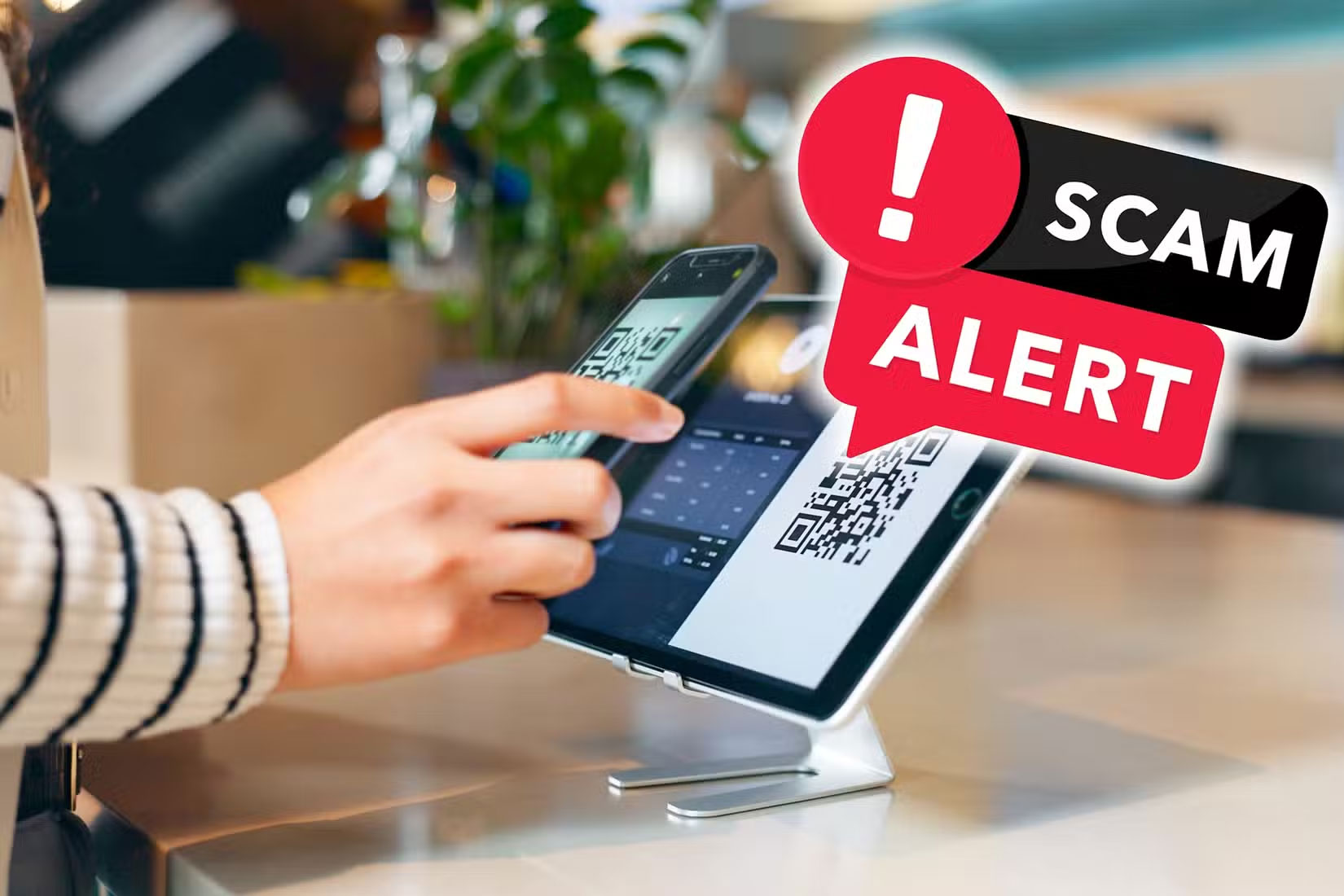
Get the code through your carrier’s app, website, or support channel. If an unexpected message asks you to replace your eSIM, open the carrier’s app yourself or call the number on your bill. A QR code can open a phishing page, so check the destination before entering credentials or verification codes. See how to verify a sensitive request independently.
Protect your phone number and your logins
- Set a unique carrier account PIN or passcode. If your provider offers a port-out or number-transfer lock, enable it.
- Use an authenticator app or security key for accounts that support one. These options reduce reliance on text messages to prove your identity.
- Keep your phone updated, install apps from sources you trust, and review permissions before granting access. Malware can put data on the phone at risk regardless of the type of SIM you use.
Act quickly if service vanishes unexpectedly
A sudden loss of calls, texts, and mobile data may be an outage. If it happens alongside a transfer notice or unexpected account alerts, contact your carrier from another device and ask it to check for an unauthorized SIM change. If a transfer is confirmed, regain control of the number, secure the accounts linked to it, and check financial accounts for suspicious activity.
For more steps, see TipsMake’s SIM swap prevention guide and the FTC’s SIM swap guidance.
Related Articles
 To activate eSIM on the phone
 4 reasons eSIM is more secure than physical SIM card
 Viettel is the first and only network operator in Vietnam to support eSIM according to Apple standards
 MobiFone provides eSIM to customers in Vietnam
 Why does Microsoft's mobile future depend on eSIM?
 Travel tech checklist: eSIMs, AI planning, offline maps, and safer accounts
Reader Comments 0
Sign in with email or Google to join the discussion.