Table of Contents
To check whether an SD card has the capacity it claims, use a tool that writes test data and reads it back. A quick speed benchmark answers a different question: how fast the card, reader, and connection can transfer data. Back up your files and verify the selected drive before any write test.
Which test should you run?
- Suspect a fake or faulty card: Use a full write-and-verify test on an empty card. A short transfer can succeed even if later parts of the card are unusable.
- Checking whether video will record smoothly: Measure sustained write speed with a compatible reader. Compare it with your camera’s requirements and the SD Association’s speed-class definitions.
1. H2testw (Windows)
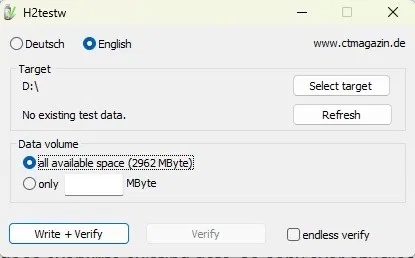
Use H2testw for a full write-and-verify pass. Select the card, test all available space, and wait for verification. It writes test files to free space. Test a blank card after backing it up to cover as much capacity as possible.
2. FakeFlashTest (Windows)
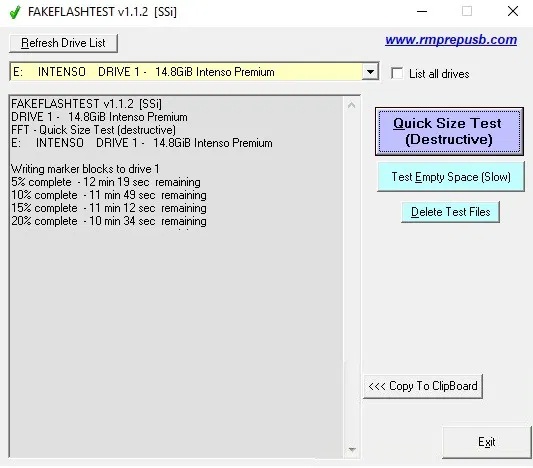
The quick size test samples the device and can destroy data. Use it only on an empty card you’ve identified by drive letter and size. Follow a questionable result with a full write-and-verify pass.
3. Novabench (Windows or macOS)
Run the storage benchmark if your version lets you choose the card. Use the result to compare speed with the same reader and port.

4. Blackmagic Disk Speed Test (macOS)
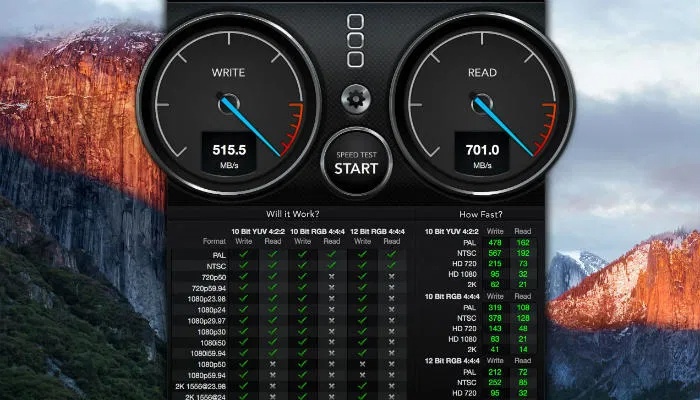
Choose the card as the target and run a test that matches the size of the transfers you care about. The read and write rates help assess video workflows.
5. AJA System Test (Windows or macOS)
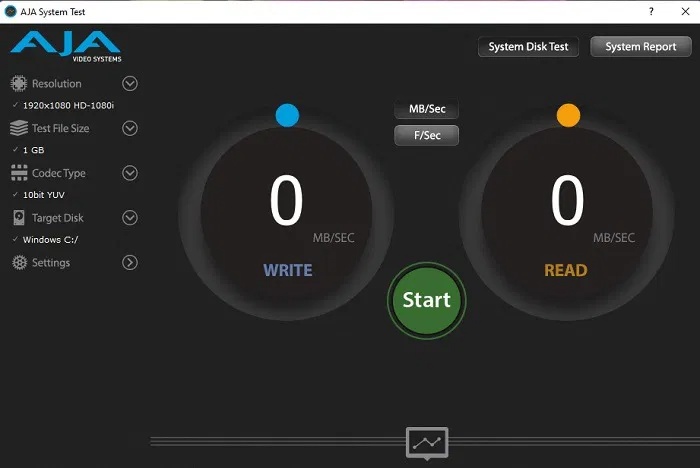
Select the card and a test-file size. Check sustained write speed and look for recurring drops across runs.
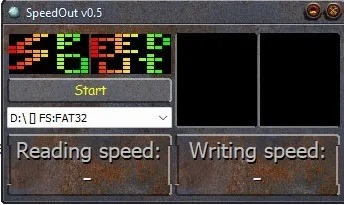
6. SpeedOut (Windows)
This older portable utility provides a short speed test. Check how the selected mode writes to the drive and back up the card first. Prefer a maintained tool if you need ongoing support.
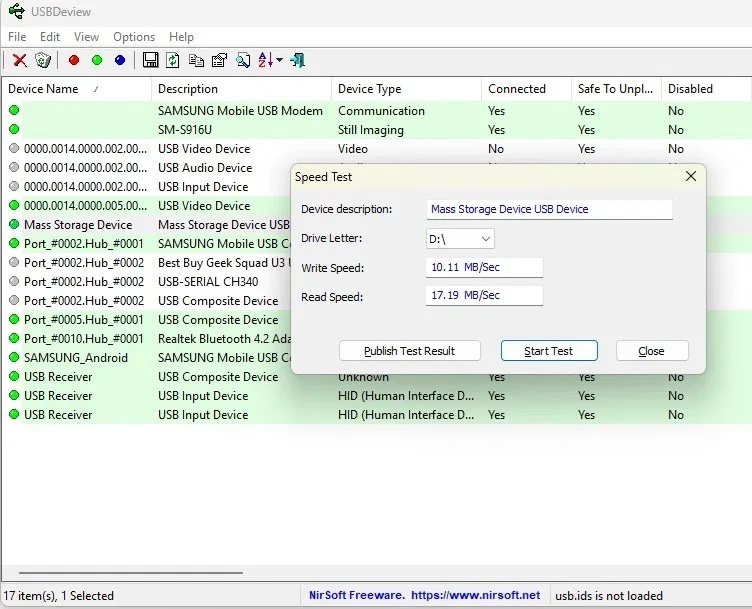
7. USBDeview (Windows)
Select the USB card reader and verify the target drive letter before running its speed test. It measures a short transfer through that reader.
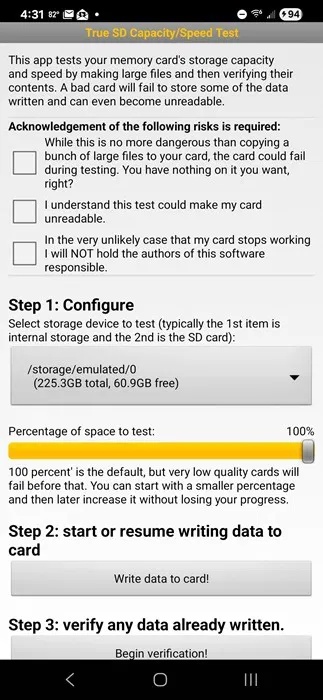
8. True SD Card Capacity & Speed (Android)
Use a capacity verification mode if the app and your phone can access the removable card. Confirm the target is the microSD card, then follow the app’s prompts and keep the process running.
Interpret the result
A small difference between the advertised number and what Windows reports is expected because of unit conversion and formatting. Verification errors or corruption after a repeat test indicate a problem. Try another reader or port if the result is ambiguous. If errors recur, stop trusting the card with important files and return or replace it.
Related Articles
 7 best tools to check SD card speed and capacity
 8 ways to check the network speed extremely accurately, you should not ignore it
 The BBC encountered a problem during the first live broadcast with 5G network because the SIM card ran out of data
 Criteria when choosing to buy SD memory card
 Network speed test with Charter Speed Test
 Learn about memory card speed
Reader Comments 0
Sign in with email or Google to join the discussion.