Table of Contents
This guide organizes the entries in "7 Reasons Gmail Is Better Than Outlook" and explains what each option, idea, or example offers. It also highlights practical details that matter when comparing the choices.
7. Gmail has a better mobile app
When choosing an email tool, having a consistent experience across mobile and desktop is important. Unfortunately, Outlook falls far short on mobile — although the web app is pretty good.
Using Outlook on mobile can often feel like a frustrating patience exercise between app crashes and slow load/sync times. Jumping into the app to check an email or two can quickly turn into a frustrating chore that involves repeatedly closing and reopening the app.
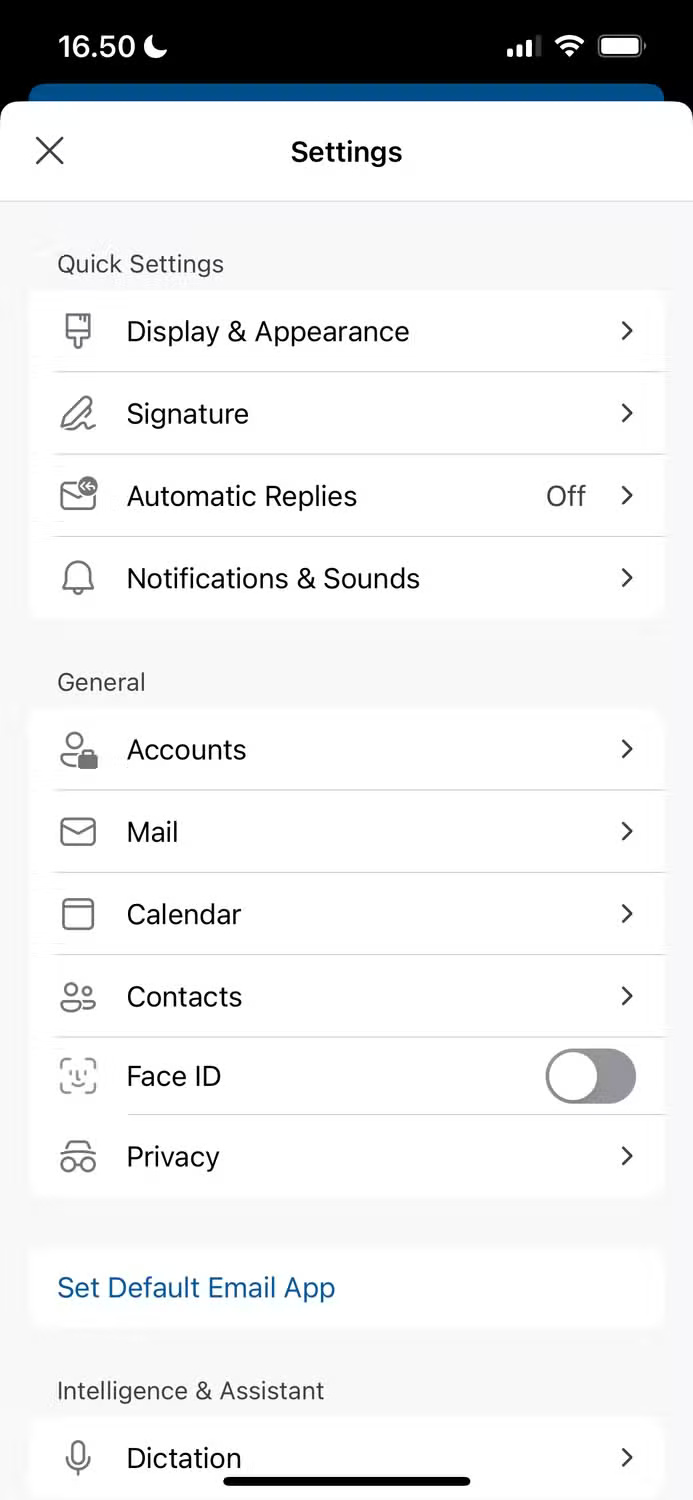
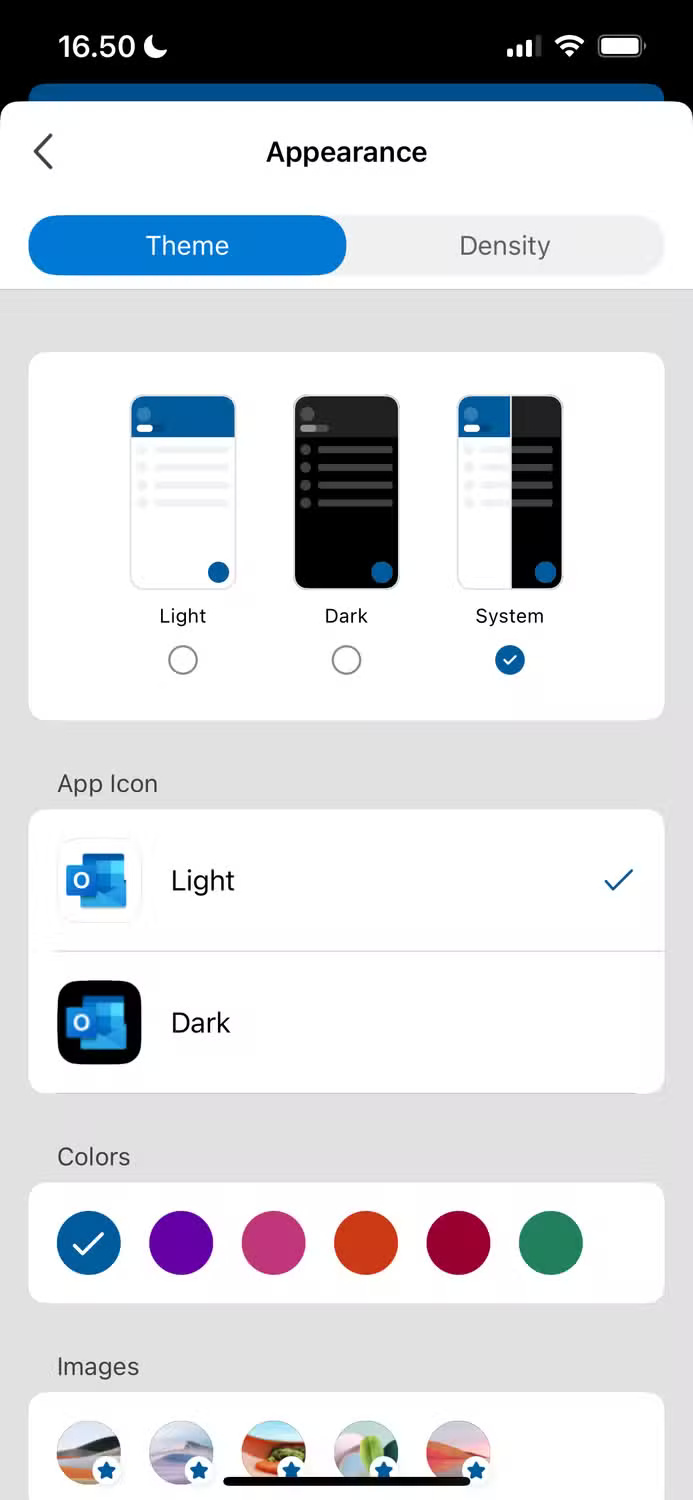
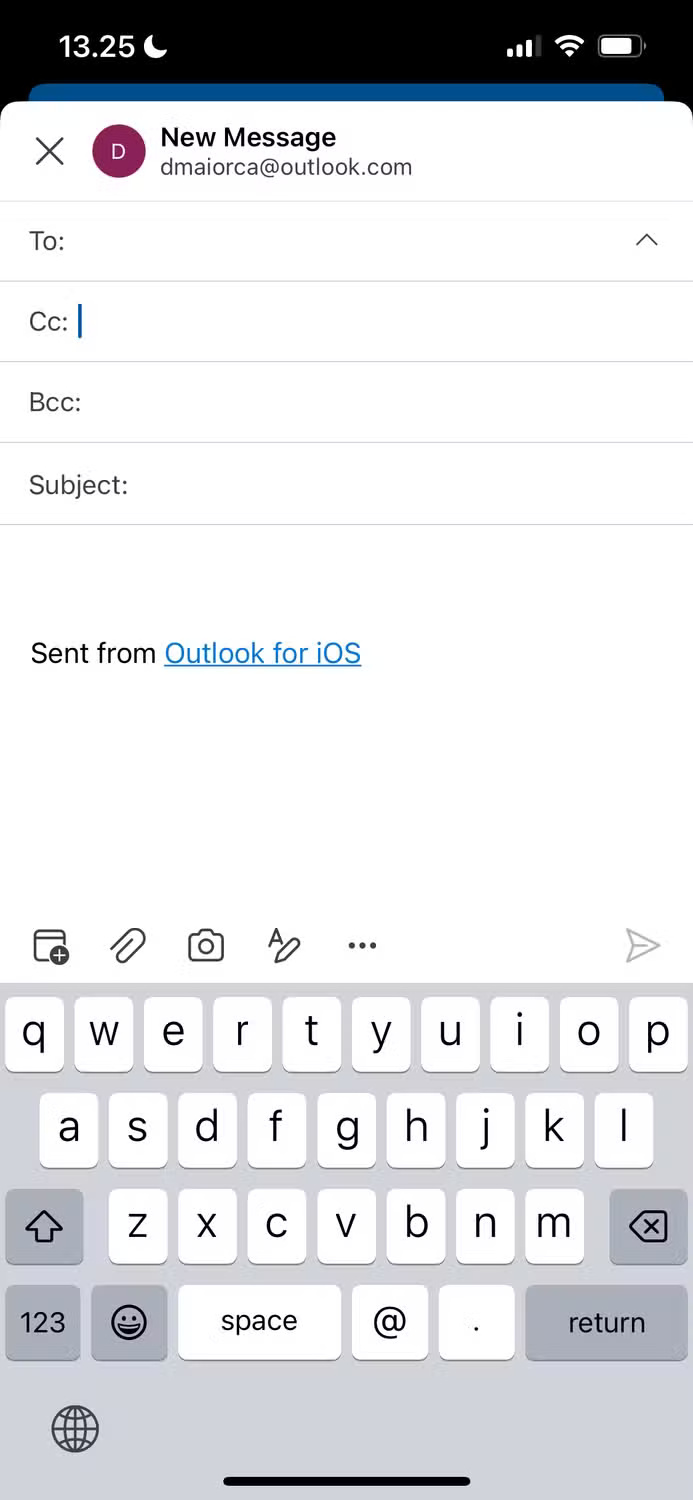
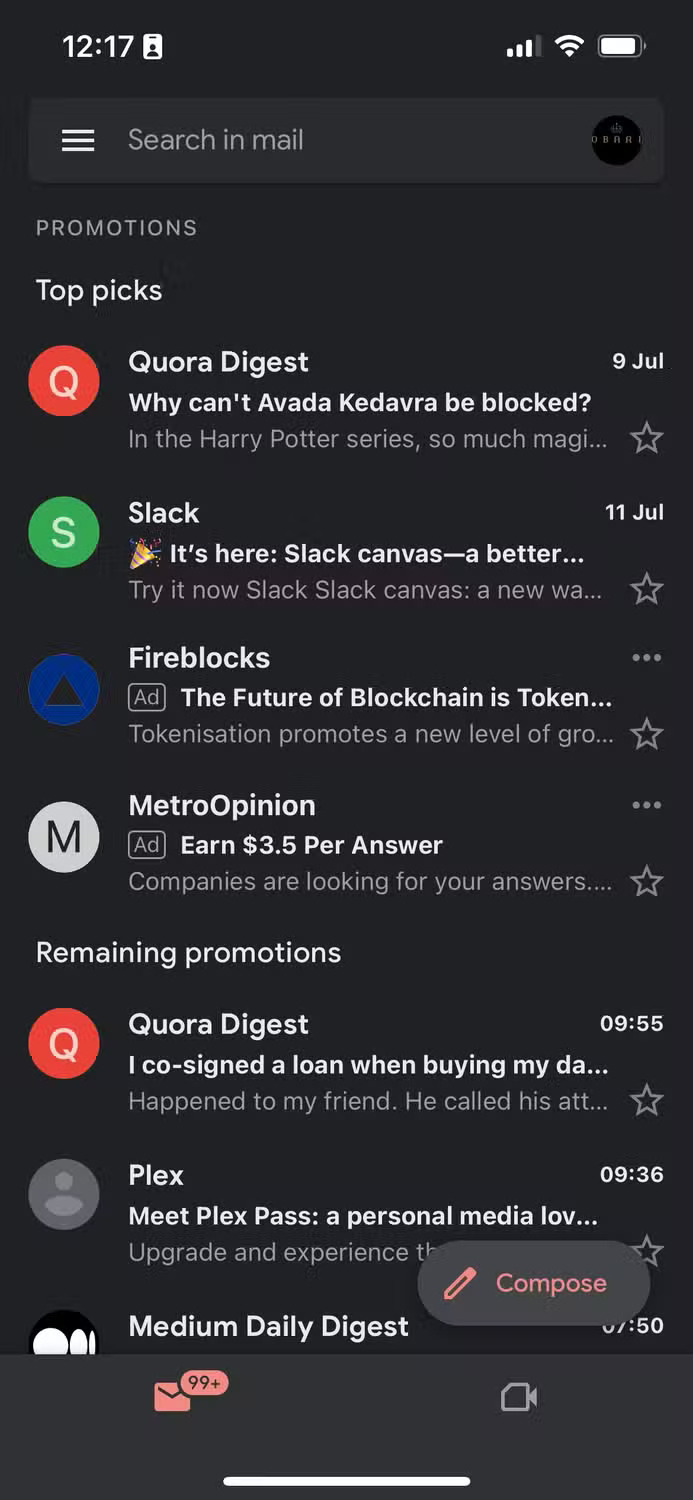
Gmail, on the other hand, has a simple mobile app that loads in real time. You may encounter occasional bugs, but not to the same extent as Outlook. In my experience, Gmail has better syncing across all apps.
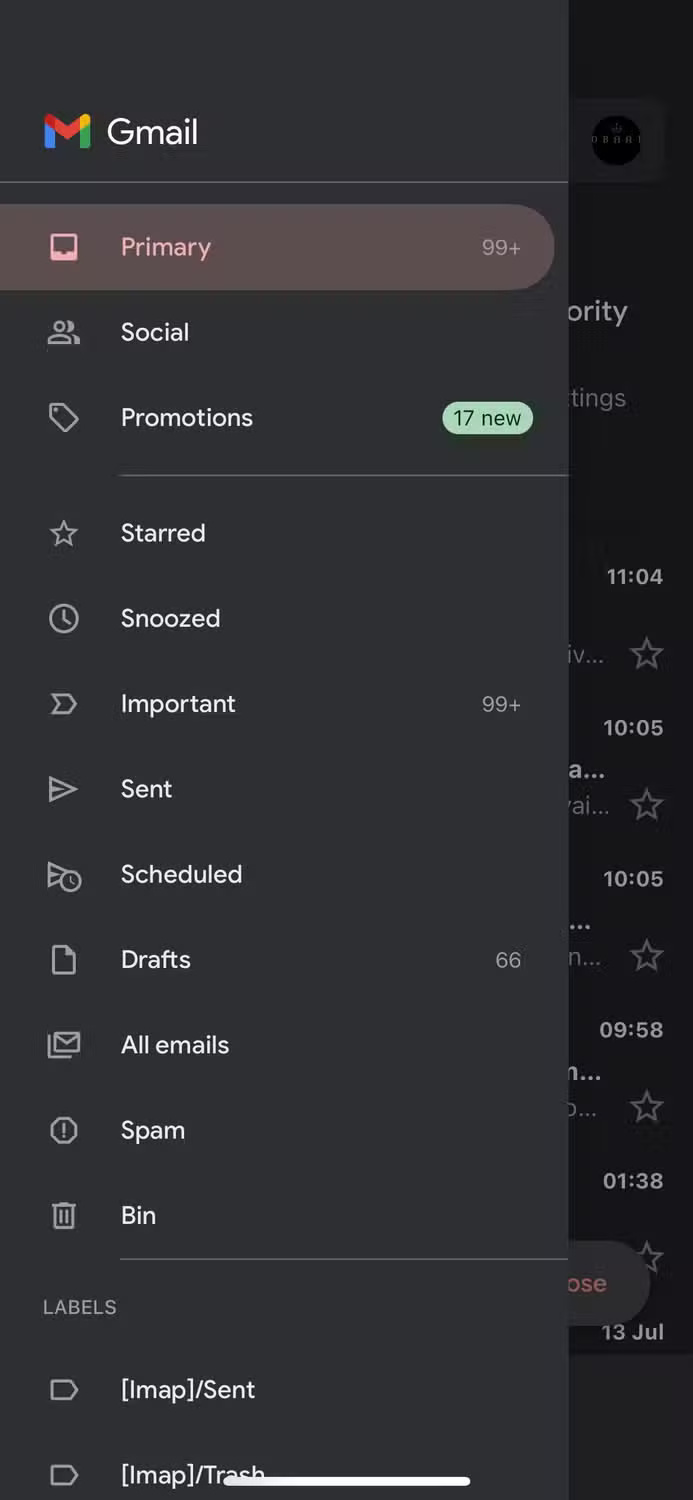
6. Gmail is easier to use
Aside from the mobile app not being as usable, Outlook isn't as useful as Gmail. Navigating to different settings within the app takes longer, and it's also harder to learn how to use at first. While you'll eventually learn these things if you use the tool long enough, trying to navigate Outlook can be frustrating in the early days.
With Gmail, you probably won't have any of these issues. Everything is clearly labeled and you'll learn how to use the app in a matter of weeks. Plus, it's easier to debug than with Outlook. Both are really compelling reasons to use Gmail.
5. Gmail and Google Drive have better integration
Even if your main reason for using Outlook is to access your email, having good integration with Drive is a nice bonus. You'll probably use it at some point, too, especially if you work with documents and transfer files frequently.
Gmail's integration with Google Drive is significantly better than Outlook and OneDrive. It's easier to access your Drive, and once you're there, you'll have fewer problems keeping things organized.
Using Google Drive feels a lot less overwhelming than OneDrive. While you can access Google apps in Gmail and Microsoft tools in Outlook, Gmail feels easier to use in this regard.
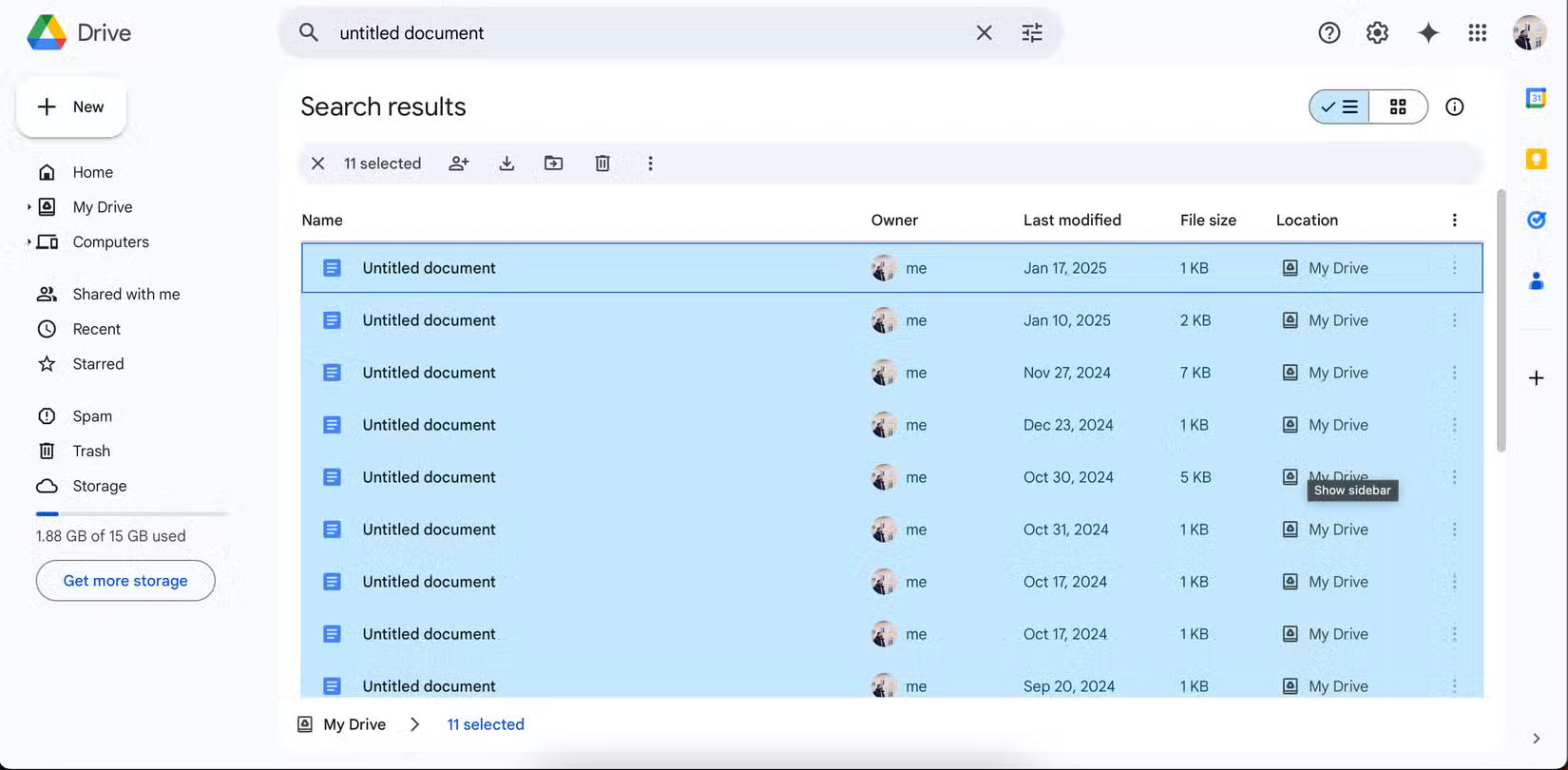
Another plus is that Google Drive offers 3x the storage of OneDrive, even if you only have the free plan. There are also ways to maximize this even further, so you can stop paying for Google Drive storage.
4. Gmail has better spam filtering tools
Junk email is an annoying reality we all have to deal with, and having a tool that does most (if not all) of the filtering work for you is a big plus. Outlook does a pretty good job of keeping junk email out of your inbox, but it can still use some work.
When using Outlook, spam emails that don't make it past Google 's filters sometimes show up in your inbox. Even if the solution is simply to delete them, seeing these messages can be annoying.
While there are many ways to control spam in Gmail, the filtering tools do a good job. After you mark unwanted messages as spam, delete them, or block users, similar messages will often end up in your Spam folder.
3. Gmail's interface is less cluttered
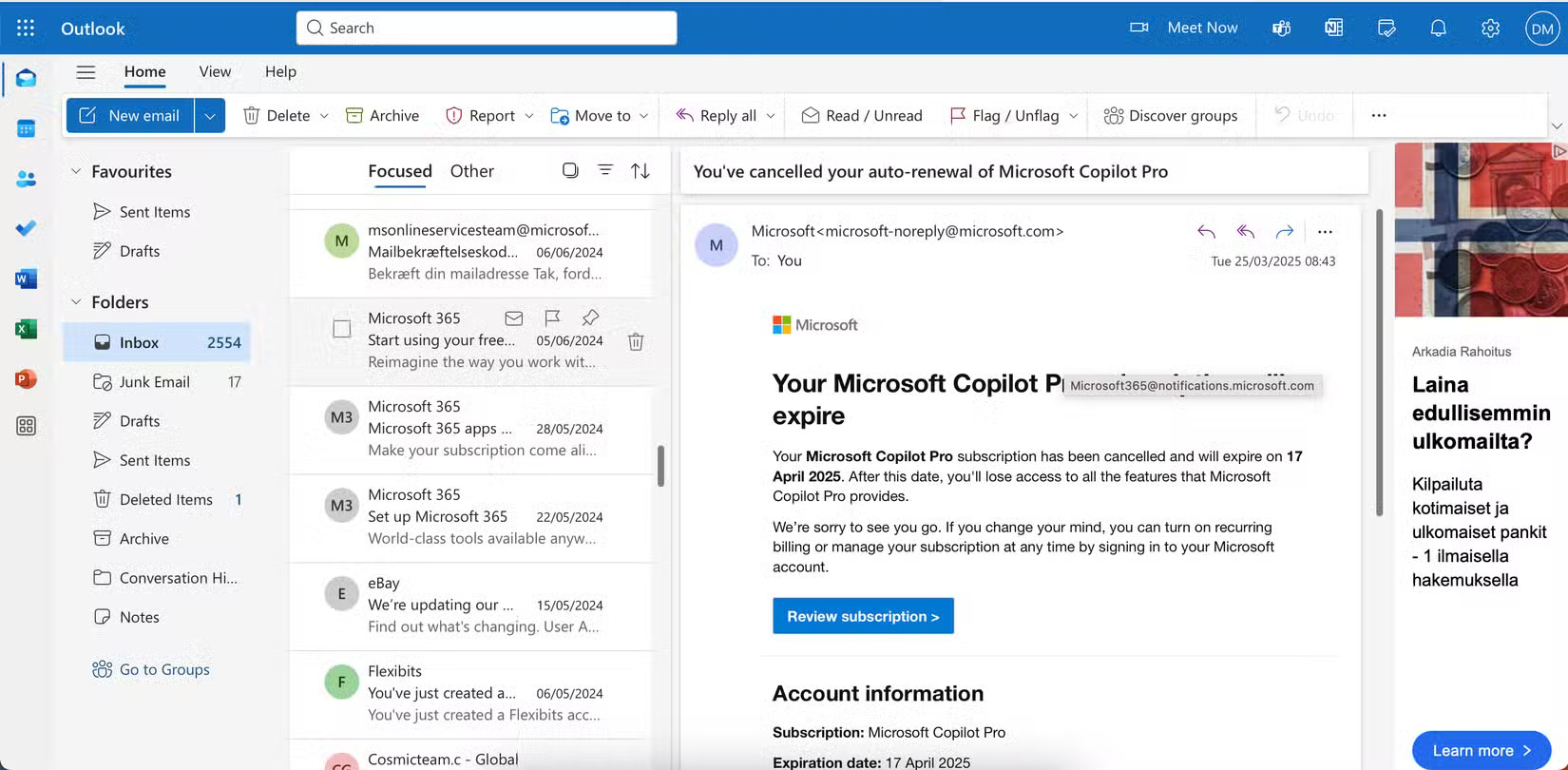
Outlook's slow sync and load times are annoying enough on their own, but the app's clumsiness makes it even less fun to use. The interface crams too many features onto one page, making it difficult to sort through messages.
You can change the layout in Outlook, but even then the interface feels cluttered. There are too many buttons and menus inside which can make the app feel more like a poorly designed editing app than something you use to manage your email.
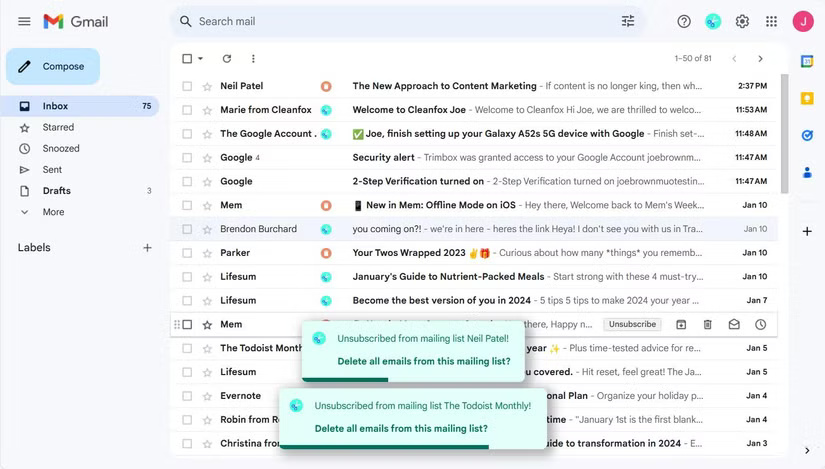
Gmail, on the other hand, is much less cluttered. The UI is clean, streamlined, and packed with features, but not too many. Plus, most of the features are intentional and don't feel like afterthoughts. This makes it easy to segment emails, respond to them, and put each email into the appropriate folders.
Besides the main features, you can find some cool hidden features in Gmail - like the hidden swipe tool.
2. Gmail without ads
While the need to make money is understandable, ads in Outlook are annoying. When searching for emails, no one wants to see random ads for products and services they never use. Ads in Outlook are also the worst; they look like AdSense-level spam.
Gmail, on the other hand, is ad-free, which means it's much cleaner to browse and has fewer distractions on your screen, so you can easily do what you need to do in the app, close it, and get on with your day.
1. Outlook settings are harder to change than Gmail
With a variety of customization settings, you can completely customize the Outlook interface to your liking. For example, you can change the theme and use multiple colors. However, while Outlook has better customization settings than Gmail, it is more difficult to change things.
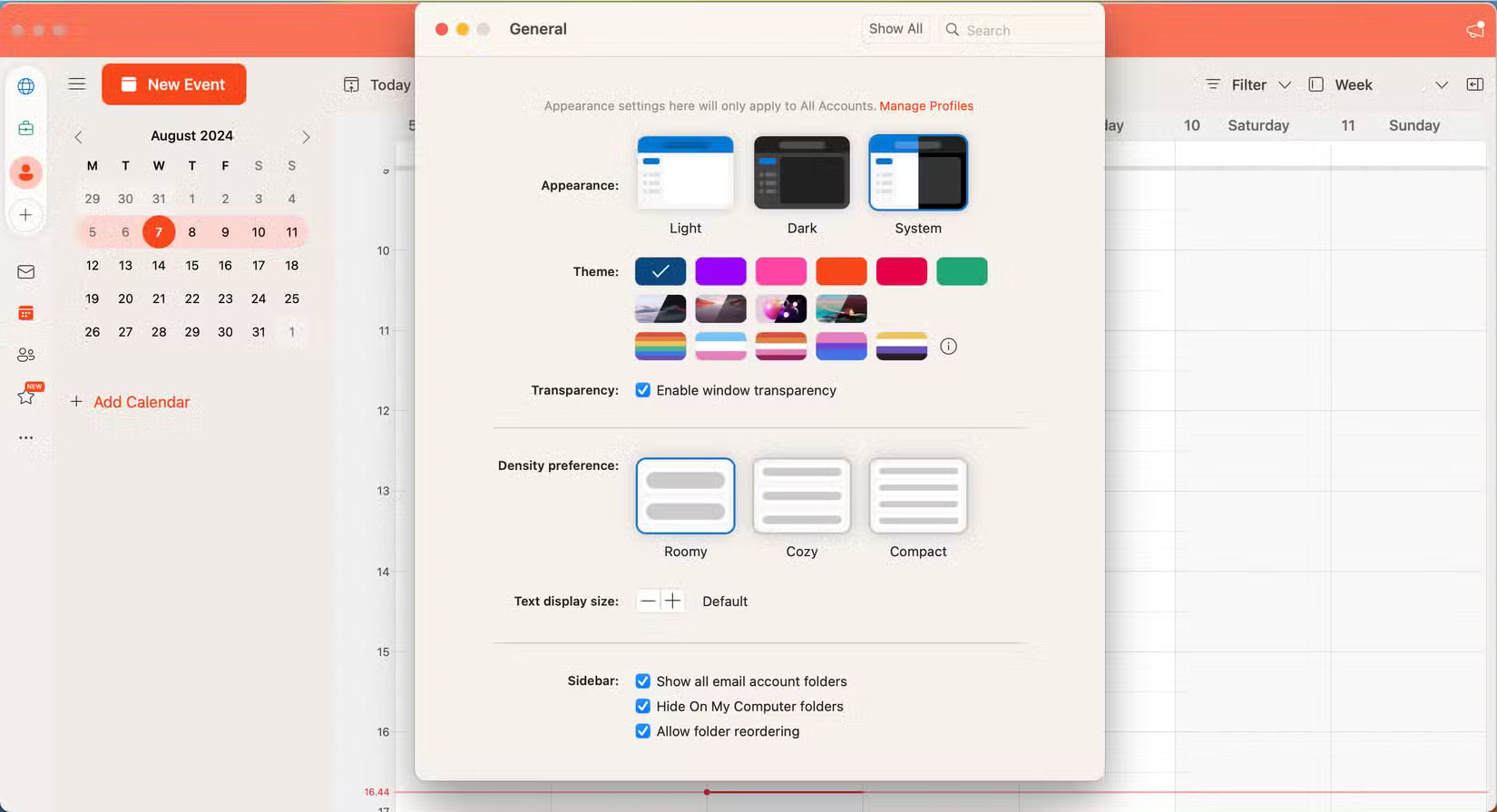
Navigating Gmail's settings interface is more intuitive, and you can seamlessly switch from tab to tab. However, Outlook feels like a constant lag. Even with the wealth of settings in Outlook, the frustration of changing them isn't worth the effort.
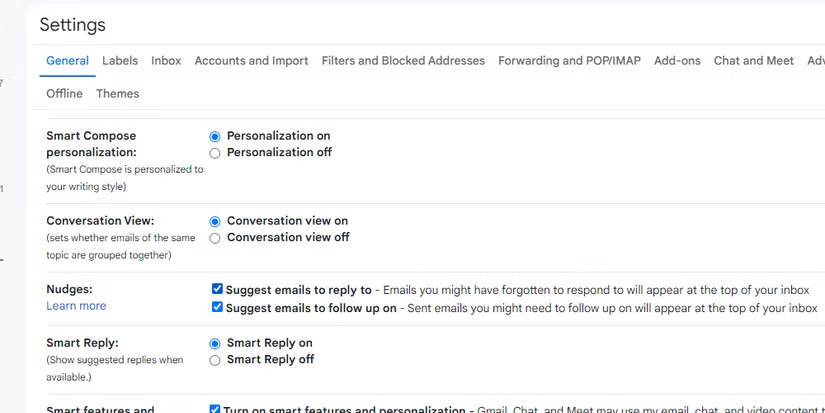
Gmail beats Outlook in several ways, and if easy email management is your primary goal, it makes a lot more sense to use it. You can change settings more easily, and the spam filters in Gmail are generally better. Plus, you get a consistent experience across all the apps.
FAQ
What should you know about 7. Gmail has a better mobile app?
When choosing an email tool, having a consistent experience across mobile and desktop is important. Unfortunately, Outlook falls far short on mobile — although the web app is pretty good.
What should you know about 6. Gmail is easier to use?
Aside from the mobile app not being as usable, Outlook isn't as useful as Gmail. Navigating to different settings within the app takes longer, and it's also harder to learn how to use at first. While you'll eventually learn these things if you use the tool long enough, trying to navigate Outlook can be frustrating in the early.
What should you know about 5. Gmail and Google Drive have better integration?
Even if your main reason for using Outlook is to access your email, having good integration with Drive is a nice bonus. You'll probably use it at some point, too, especially if you work with documents and transfer files frequently.
What should you know about 4. Gmail has better spam filtering tools?
Junk email is an annoying reality we all have to deal with, and having a tool that does most (if not all) of the filtering work for you is a big plus. Outlook does a pretty good job of keeping junk email out of your inbox, but it can still use some work.
Related Articles
 Add your Gmail account to Outlook with POP4 minutes read
 How to Email Gmail to Outlook. Com: Sync Gmail to Outlook4 minutes read
 Compare Gmail and Outlook.com10 minutes read
 Instructions for Adding Gmail Accounts to Outlook 2013 and 20165 minutes read
 10 Reasons to Switch to Gmail1 minutes read
 How to Turn on POP / IMAP Gmail to Use in Outlook4 minutes read
Reader Comments 0
Sign in with email or Google to join the discussion.