Table of Contents
Buy a book-style foldable if there’s something you’ll regularly do on its larger inner screen, such as reading documents or using two apps side by side. Buy a flip-style phone if you mainly want a full-size phone that folds into a shorter package. Try these six checks on the exact model you’re considering.
1. Try an everyday task unfolded
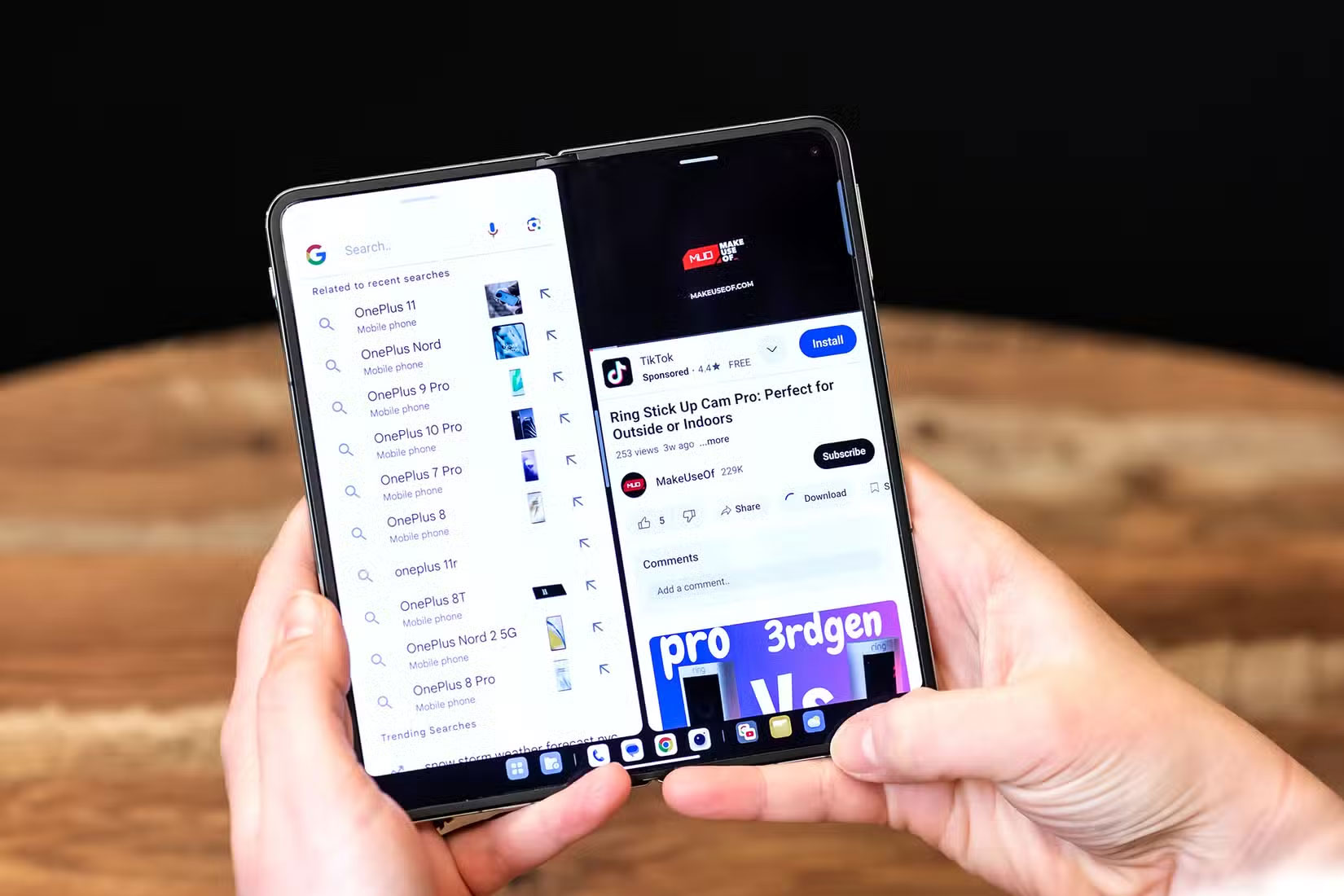
Open two apps you actually use together, such as a calendar and email. Check whether you can resize them and easily return to the pair. If you mostly watch widescreen video, compare the size of the video itself. A nearly square display can leave large black bars.
2. Check your important apps
Open the same app on the outer and inner screens, then fold and unfold the phone. Check whether the app resumes where you left it and uses the extra space. Keyboards, games, banking apps, and video players can behave differently.
3. Use the cover screen before opening the phone
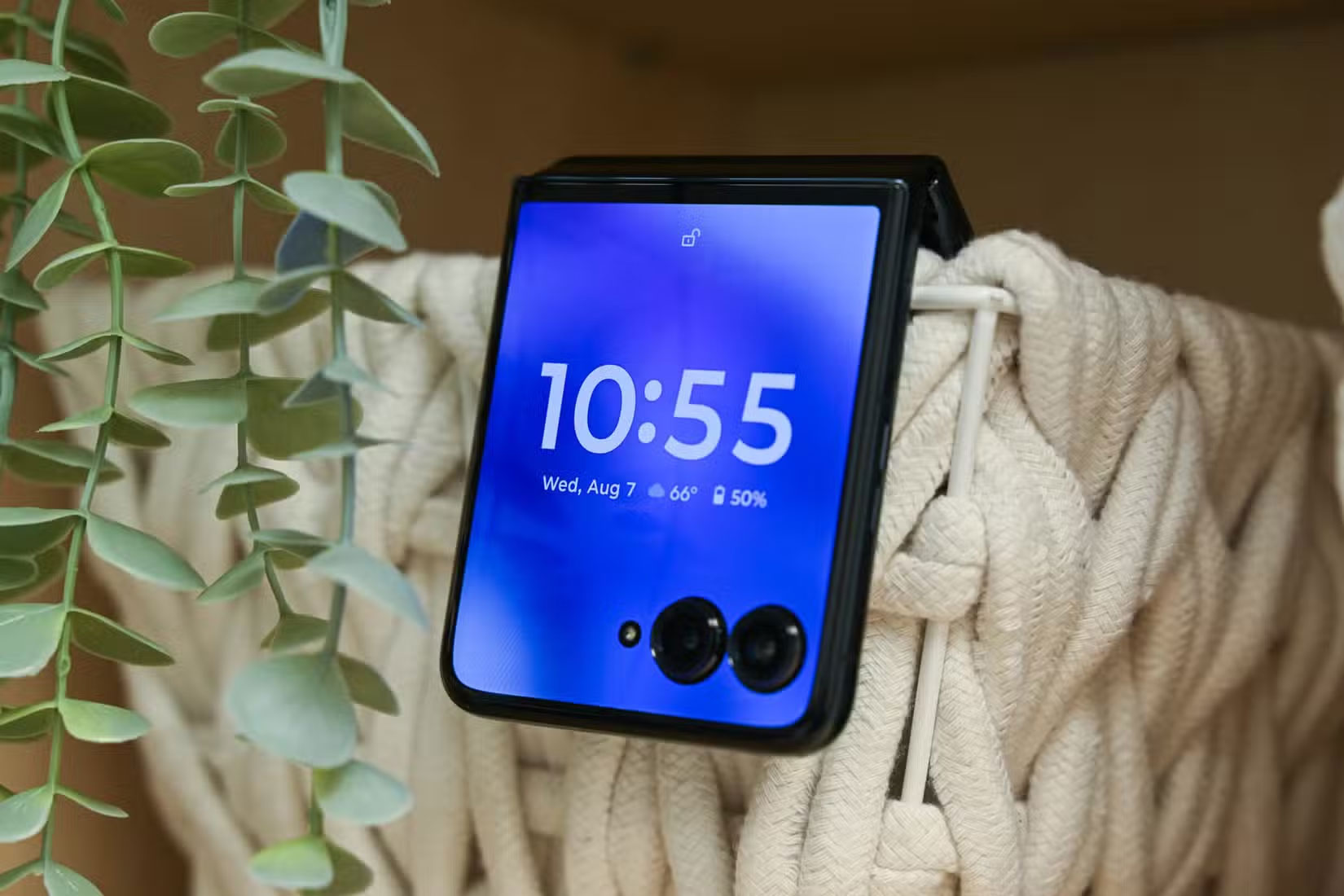
Try answering a message, checking a map, and controlling music. Some flip models let you run only selected apps on the outer display. See the Galaxy Z Flip6 software guide for an example of what Samsung’s cover-screen settings can add.
4. Check weight and fit with a case
Hold the folded phone one-handed and check whether you can reach across its keyboard. Compare folded thickness as well as weight. A case or hinge protector can make more difference in a pocket than a small difference on the spec sheet.
5. Compare battery tests that use the inner display
Capacity in mAh is only one part of battery life. Look for independent results that separate inner-screen use from cover-screen use. If you plan to spend hours reading or working unfolded, use that scenario when comparing models.
6. Price an inner-screen repair
Look up the manufacturer’s repair quote for your model and region. Check whether the warranty covers hinge or screen faults and what accidental damage would cost. Also read the model’s water and dust rating before assuming it can handle sand or splashes.





Reader Comments 0
Sign in with email or Google to join the discussion.