Table of Contents
A password generator is useful when it creates a long, unpredictable password that you use for one account only. A password manager's built-in generator also helps you save the result, reducing the chance of losing it after registration.
No generator makes an account immune to phishing or password theft. Use multifactor authentication where available, and check that you are creating or changing the password on the real service.
What makes a generated password strong?
Length and unpredictability matter together. A long sequence of repeated characters or a familiar phrase can still be easy to guess. Mixing symbols into a predictable pattern is not a substitute for random generation. Follow the site's character rules while choosing a long password; NIST's consumer password guidance recommends at least 15 characters when you must create a password yourself.
Do not reuse passwords or use examples printed in an article. A randomly generated passphrase can be easier to type when you need to enter it manually.
Six generator options
1. SecurePass
The SecurePass interface shown below offers length and character-type controls. However, the original listing does not identify a verifiable official URL. Treat the screenshots as an interface example rather than a security endorsement, and confirm the publisher before using a service with this name.
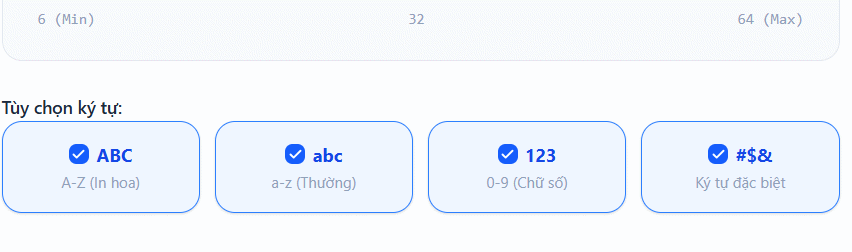
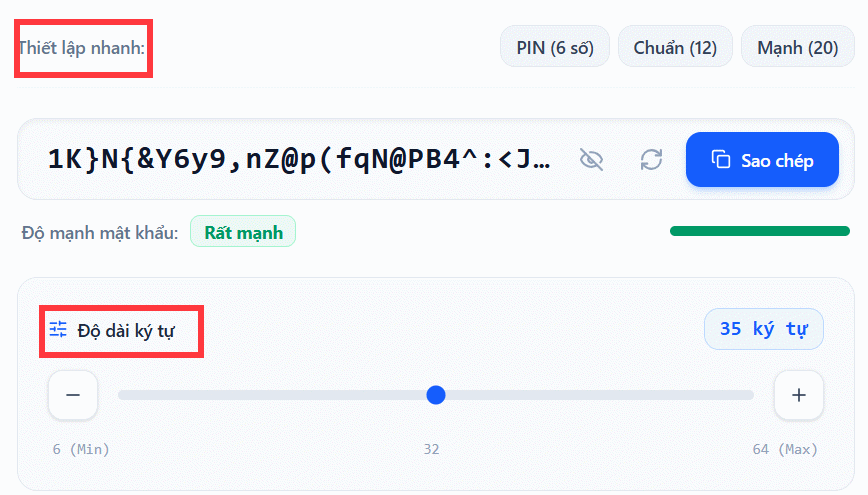
A strength meter is an estimate, not evidence that a website handles passwords safely.
2. LastPass Password Generator
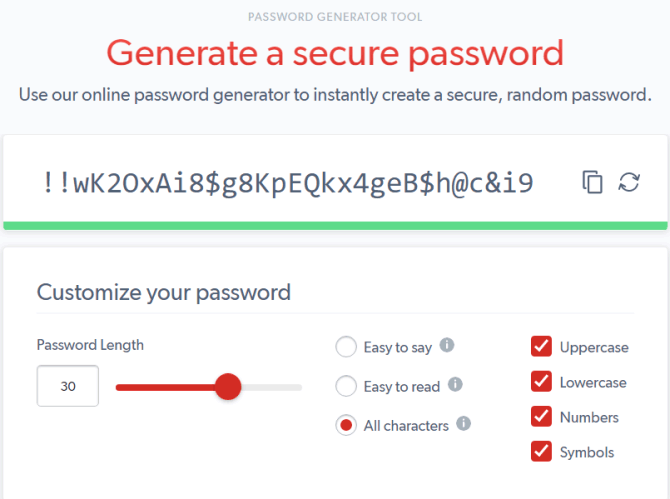
LastPass offers a web password generator with generation controls. Check the intended site's requirements, generate a fresh password, and store it before leaving the signup flow. The availability of a generator does not by itself establish the safety of every part of a password-management service.
3. Dashlane Password Generator
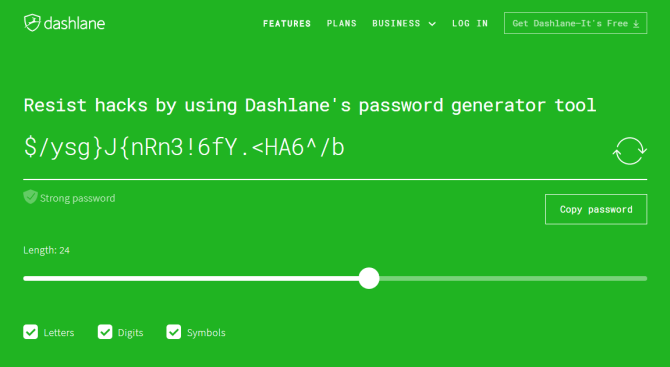
Dashlane's password generator is another option for creating a password. Its password-manager tools can also generate credentials as part of adding or updating a login. Use settings appropriate to the site and confirm the saved entry afterward.
4. A browser's built-in generator
Supported browsers can suggest a password in a new-password field and save it with the login. This avoids moving a new secret through a separate website. Check where the browser saves the credential and whether it is available on the devices you need. See using Chrome's built-in password generator.
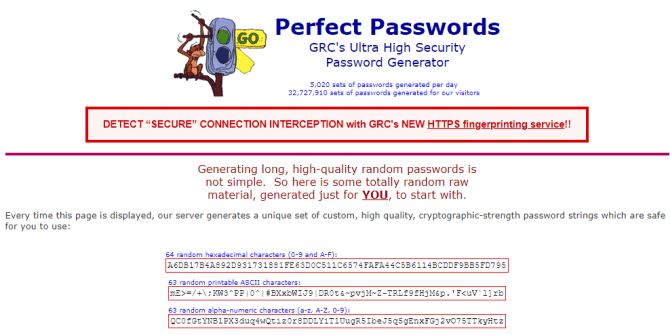
5. GRC Perfect Passwords
Perfect Passwords is a password-generation page, not a password manager. It displays long strings in different character formats. Check the destination's maximum length and accepted characters; an output that a site rejects is not useful simply because it is long.
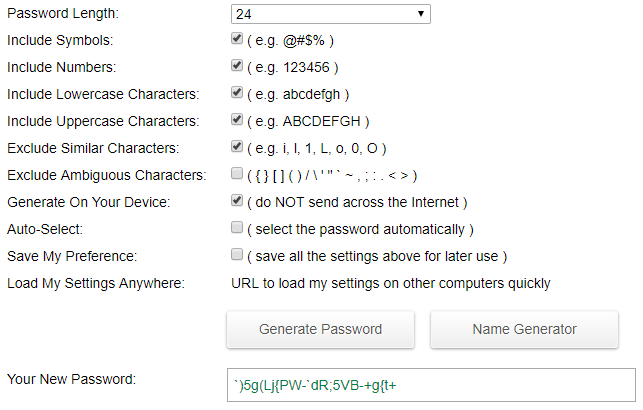
6. Passwordsgenerator.net
The legacy interface shown below includes options for character sets and excluding easily confused characters. Verify the current site's publisher and generation behavior before trusting it with credentials. A checkbox claiming local generation is not an independent security audit.
Use a generator without losing the password
- Open the genuine account-creation or password-change page.
- Use your chosen manager or browser generator and satisfy the site's stated limits.
- Save the login to the correct vault and account entry. A master password unlocks the vault; it should not be reused as the password on every website.
- Complete the account change and confirm the saved credential works.
- Enable multifactor authentication and store recovery information safely.
For browser storage options, see password-management tools for Chrome. Protect access to the manager itself and understand its recovery process.
Are online generators safe?
That depends on the implementation, publisher, page scripts, and your device. A page can claim to generate locally without giving you a way to verify every relevant behavior. Prefer a generator from a service you have evaluated rather than an unfamiliar search result, and never enter an existing password into a generator.
A password manager can simplify generation and storage, but it does not remove every risk. Keep it updated, protect its login, and remain alert to deceptive login pages.
Related Articles
 5 websites create the most powerful random password
 How to use Chrome's random password to improve web security
 ChatGPT can be used as a password generator
 Should you use a password generator to protect your online accounts?
 Instructions for using Chrome's built-in password generator
 How do websites protect your passwords?
Reader Comments 0
Sign in with email or Google to join the discussion.