Table of Contents
Many people think that switching to Android will be easy. Most of their favorite apps are already available on the Play Store, but they quickly realize that just because an app exists doesn't mean it works the same across operating systems.
5. Instagram
Social media apps on Android have always been notoriously bad, but you don't realize just how bad they are until you actually try Instagram.
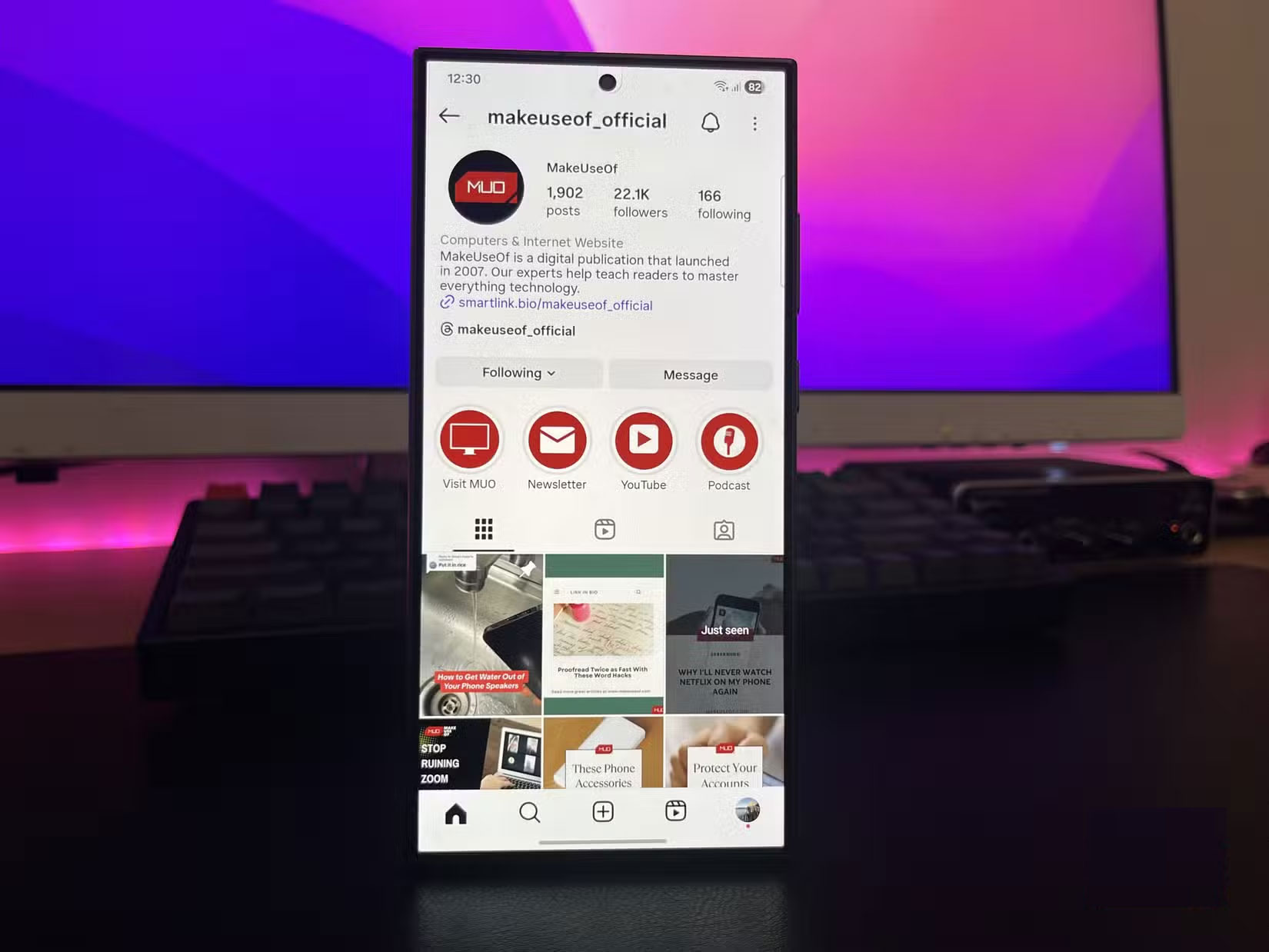
Taking and sharing photos is probably the most popular activity on any social media app, so when I switched from the iPhone 13 to the Samsung Galaxy S24 Ultra, I expected the photos to be significantly better, because the camera hardware was on a different level, but I was really disappointed.
The in-app camera is completely useless. Not only do the photos look worse; even taking the initial photo is a pain. There's a random shutter lag that requires you to hold the phone still for 5 seconds while it takes a shot. At first I thought maybe this was a bug with night mode, but it happens even in perfect lighting.
4. Spotify
Many people have actually given up on Spotify and switched to Apple Music because the Spotify app on Android has a much worse interface than the iOS version.
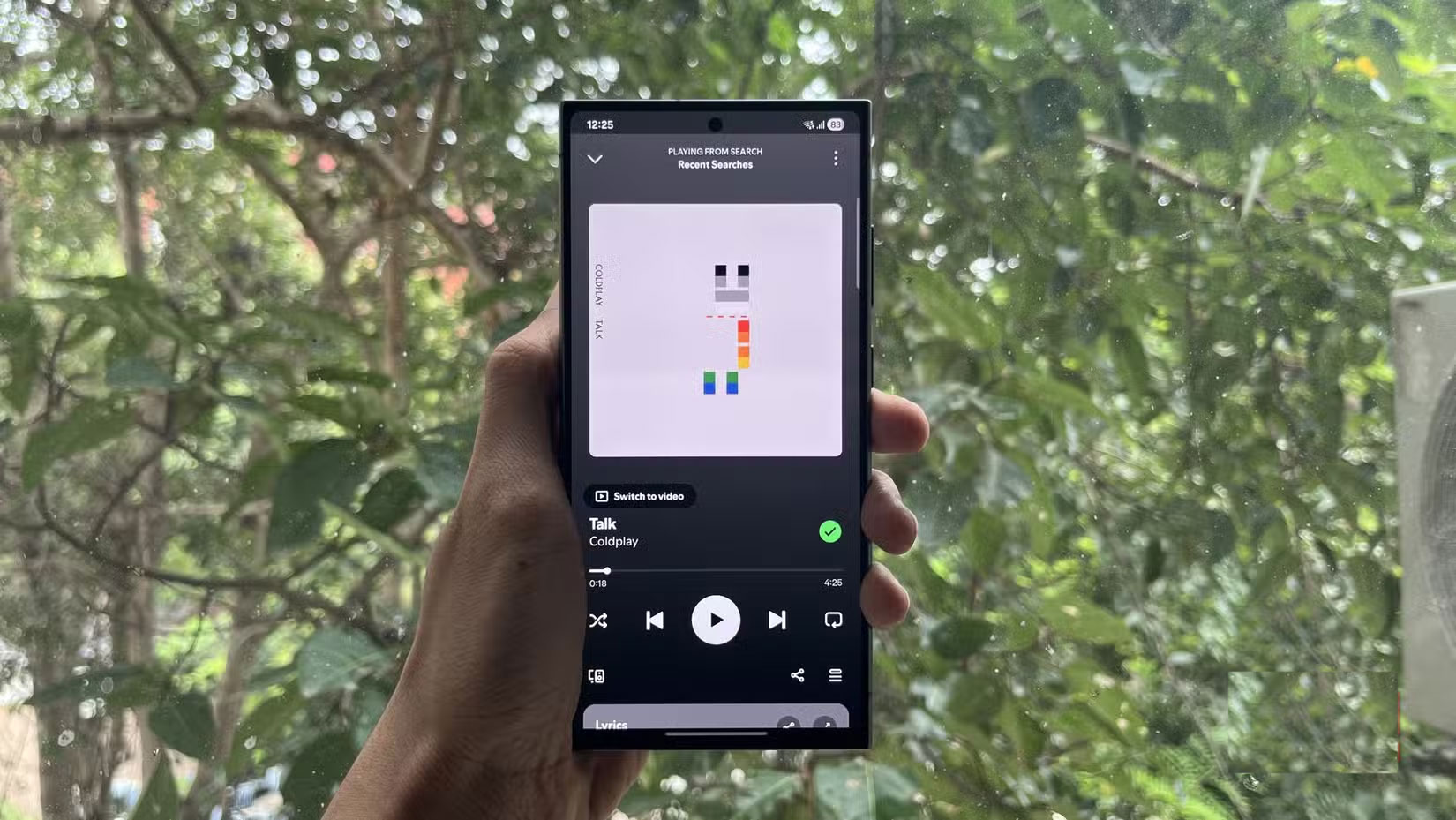
For instance, Spotify's equalizer support really depends on the phone you're using. On Samsung devices, the option only takes you to the system sound settings, meaning the preset you choose will apply to every app. However, when testing on phones from other Android manufacturers (like Realme, Honor, and Nothing), the results were mixed.
3. WhatsApp
Once you switch to Android, you won't have iMessage anymore. While there are ways to get iMessage working on Android, WhatsApp has become the primary messaging app for some people. Again, it's baffling that there are so many worse things here for reasons that really can't be explained.
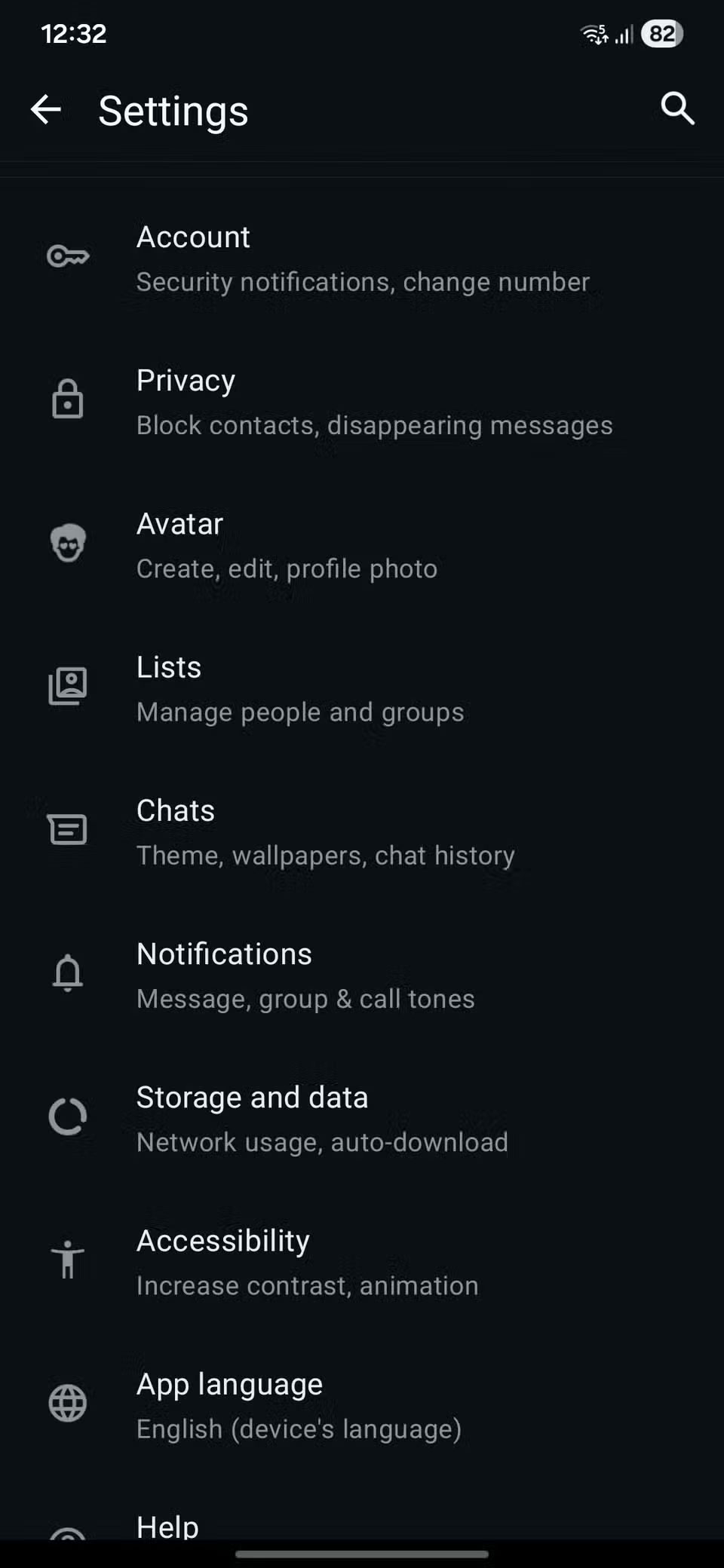
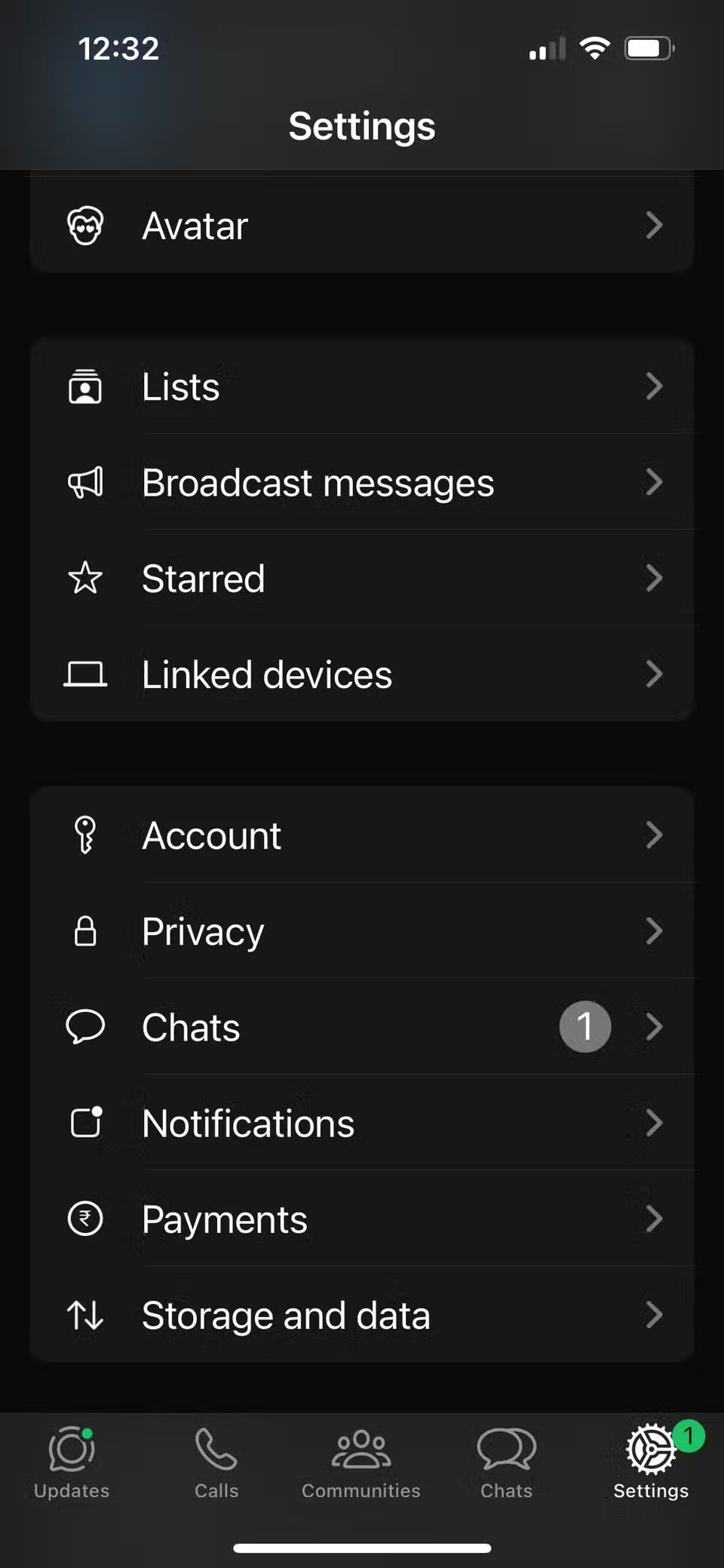
Something as basic as a proper Dark Mode is completely missing. Technically, there is a Dark Mode option, but instead of true black like on iOS, you get a dark background with a green tint that looks terrible, especially on an OLED display.
You can clearly see how much worse the Android app is in the screenshots below; the first one shows WhatsApp on Android, while the second one shows it on iOS.
Next are the missing gestures. On iOS, you could hold down a conversation for a quick preview or swipe into a group message to see who has read it right away. On Android, all of that is gone. To see who has read a message, you have to press and hold the message, tap the three dots in the corner, and then choose another option.
2. Genshin Impact (and other games)
Most major games run worse on Android, with lower resolutions and slower frame rates. That's partly because developers have to account for a wide variety of chips and devices, unlike Apple, which targets just one platform.
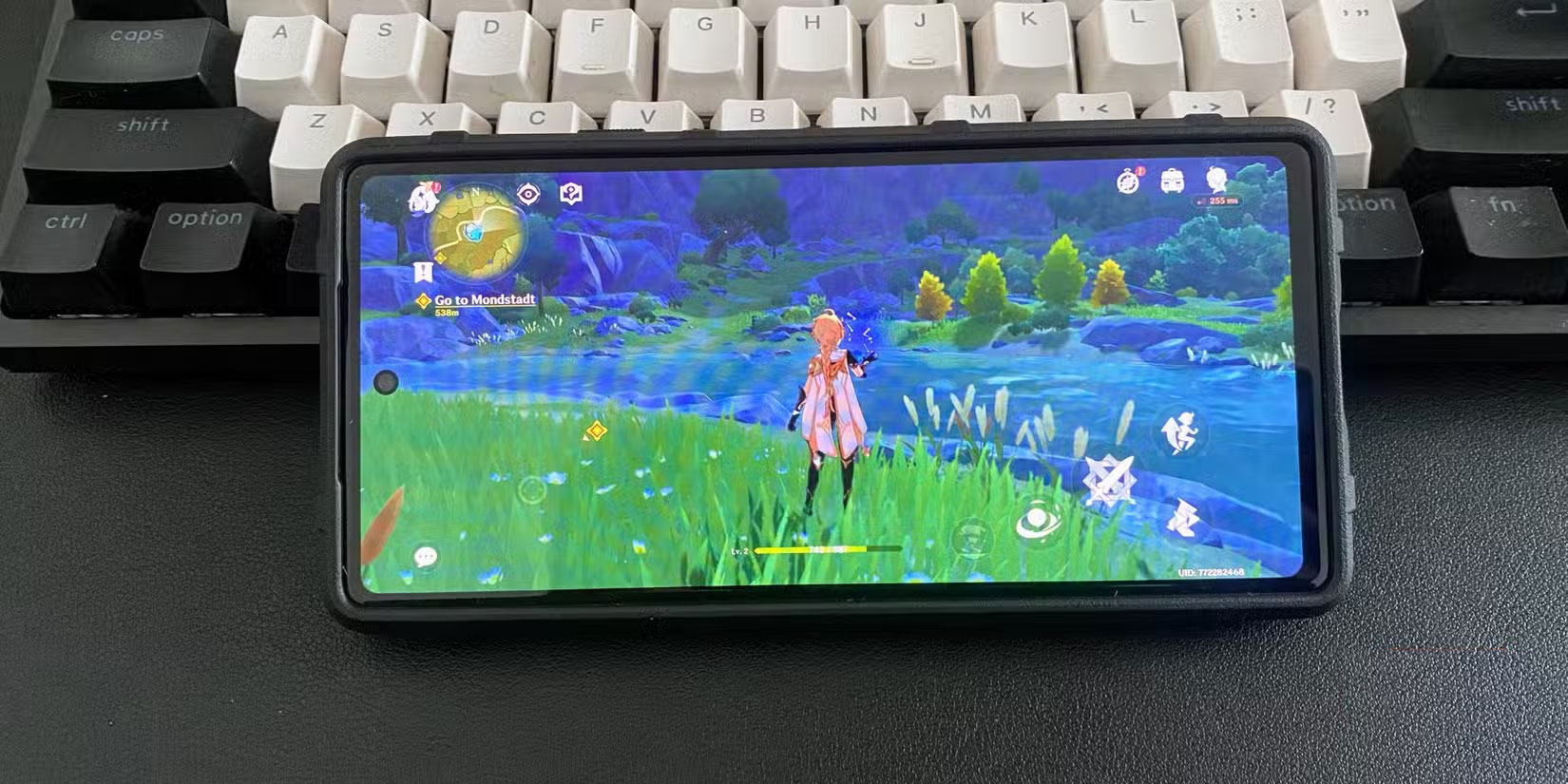
Genshin Impact is a prime example. On Android, the game runs at a significantly lower resolution, stutters frequently, and still lacks the 120 FPS support that iPhones have had for years. Even controller support for the game is a relatively recent addition, despite Android having had controller support for over a decade. The sad reality is that the platform isn't a top priority for developers.
1. YouTube
Funnily enough, Google's app is actually worse on its own platform than it is on iOS. Unlike the other apps mentioned, the problem here isn't a lack of features; it's the buggy Android version.
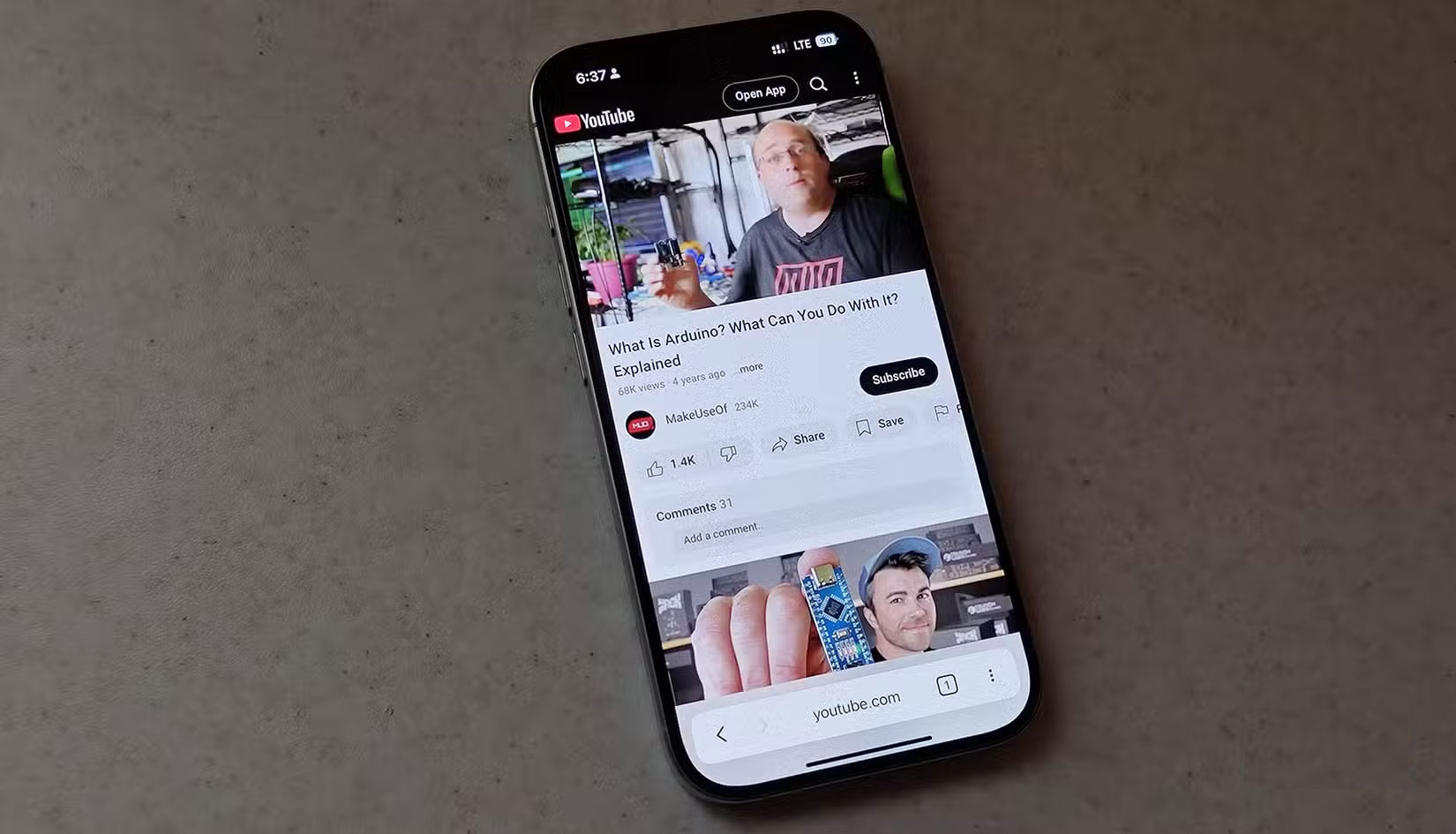
Often you open a video and see a black screen while the audio continues to play. Picture-in-picture mode is another nightmare. Sometimes it doesn't work, and when it does, the controls often don't work when you touch them.
Many people have also encountered a strange bug on Instagram where Shorts or Reels continue to play audio in the background even after exiting the app. The only way to fix it is to force close YouTube completely.
Final Thoughts
Overall, 5 Apps That Are Much Better on iPhone Than Android is best understood by considering the main facts, practical context, and limitations together. Use the details above as a clear starting point and confirm time-sensitive information when necessary.
FAQ
What does this article explain about 5 Apps That Are Much Better on iPhone Than Android?
Many people think that switching to Android will be easy. Most of their favorite apps are already available on the Play Store, but they quickly realize that just because an app exists doesn't mean it works the same across operating systems.
What should you know about 5. Instagram?
Social media apps on Android have always been notoriously bad, but you don't realize just how bad they are until you actually try Instagram.
Should time-sensitive details be verified?
Yes. Software features, game codes, product specifications, prices, and research findings can change. Confirm important details with an official or primary source when accuracy affects your decision.
Related Articles
 The Best Android Apps9 minutes read
 5 Best Best Photography Apps on iPhone and Android Phones5 minutes read
 Why Are Android Tablet Apps So Bad: Key Facts7 minutes read
 Best AI Apps for Android7 minutes read
 Best AI Apps on iPhone10 minutes read
 10 Open Source Android Apps You Can't Live Without8 minutes read
Reader Comments 0
Sign in with email or Google to join the discussion.