Table of Contents
Jellyfin lets you organize and stream your own media from a server you control. It can suit people who want an open-source media library, but the experience depends on server hardware, network setup, file formats, and the clients used for playback.
1. Remote playback without a Jellyfin subscription
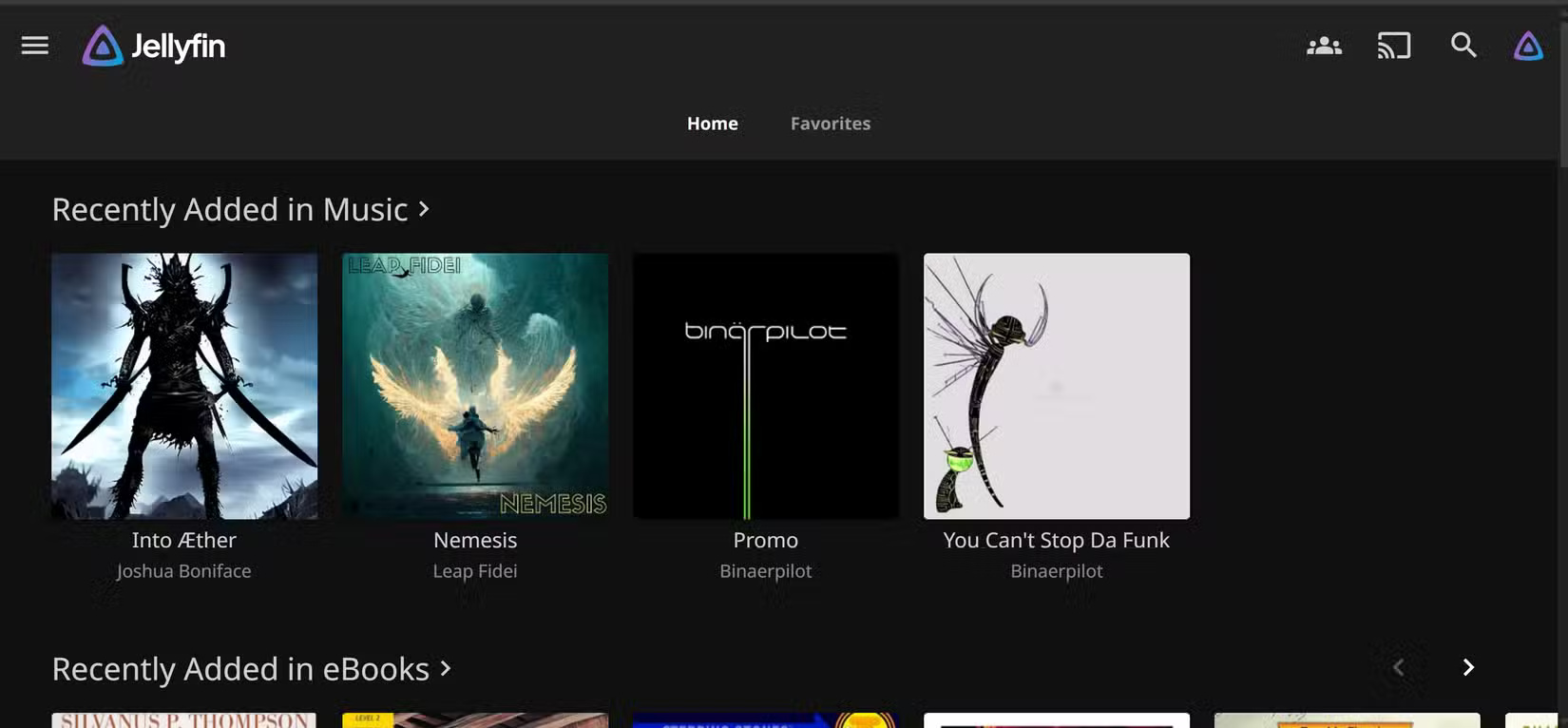
Jellyfin does not charge a server subscription to enable remote streaming. That does not make the whole setup cost-free: storage, electricity, internet access, and hosting can still cost money.
Remote access needs deliberate configuration. Start on your local network and follow the official networking documentation before exposing a server. Check upload bandwidth and user permissions, and use a secure connection method.
2. Control over your library
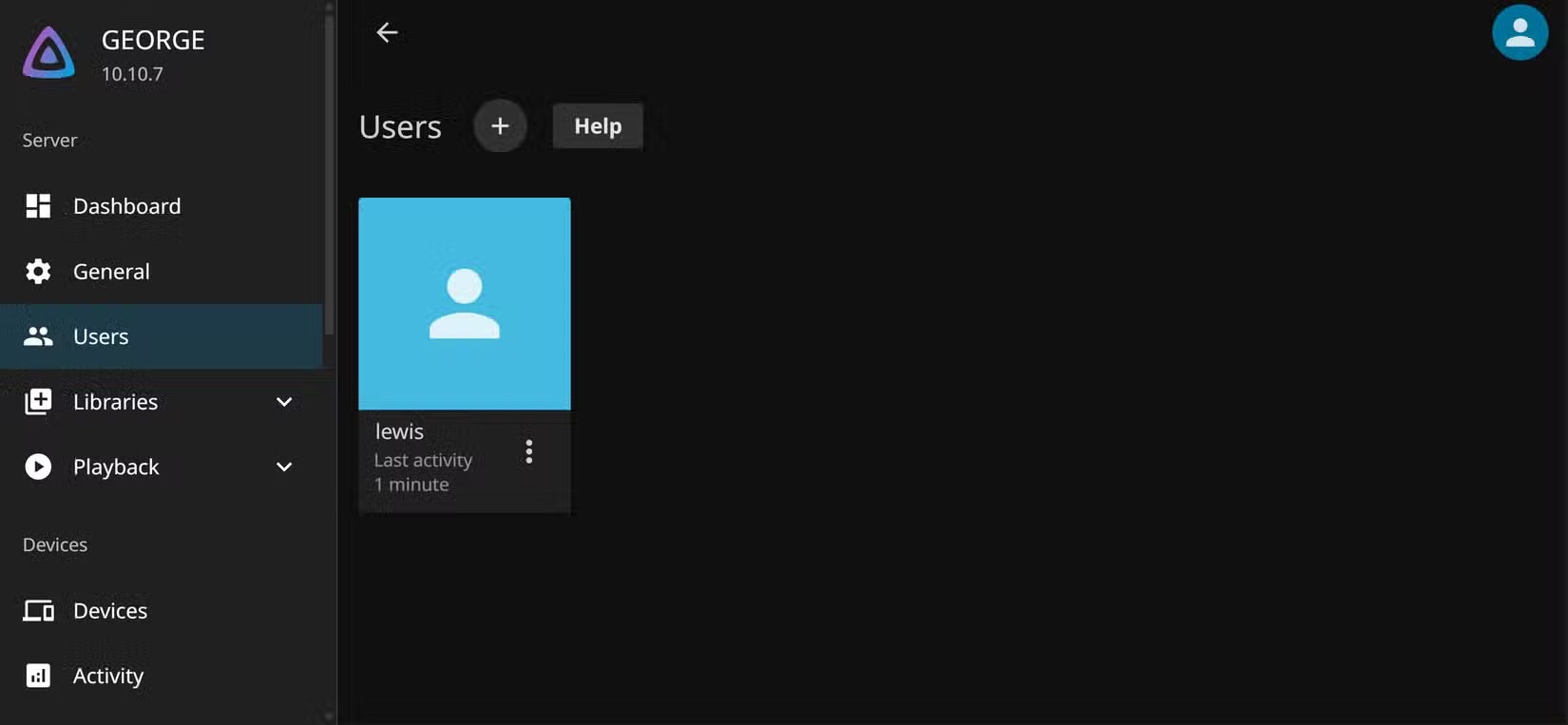
Self-hosting gives you control over where files live and how the server is managed. It also makes you responsible for updates, storage health, backups, and availability. A media server is not a backup by itself.
Begin with a small folder of media you are entitled to use. Confirm naming, metadata, and playback before importing a large collection. Keep important originals separately; see backup basics.
3. Optional plugins
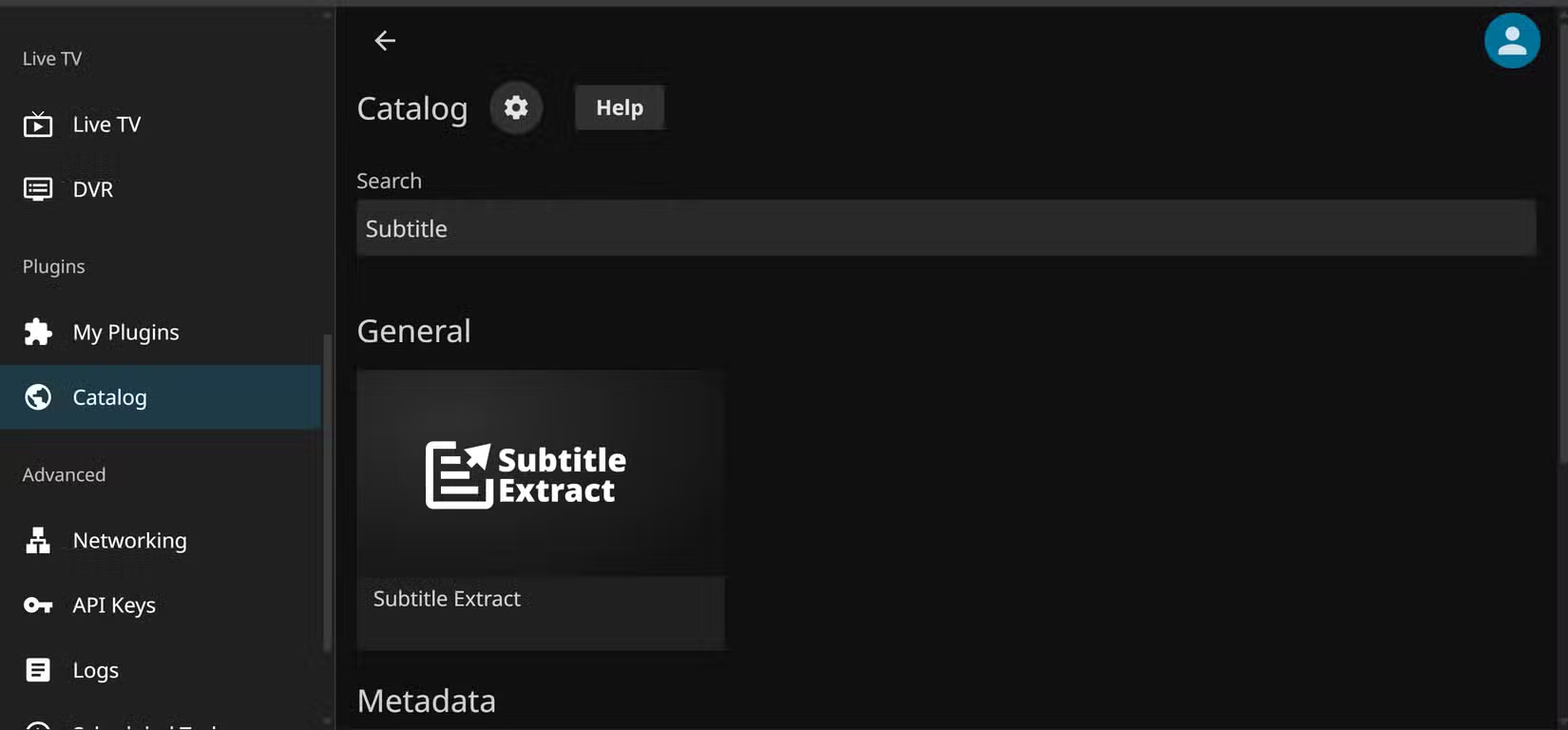
Plugins can extend metadata, subtitles, authentication, and other functions. Choose only what you need, check server-version compatibility, and distinguish official catalog entries from third-party repositories. Read the plugin documentation before installing extras.
Subtitle performance also depends on format and client support. A plugin should not be treated as a universal solution to transcoding or playback problems.
4. Intro and trailer-style playback
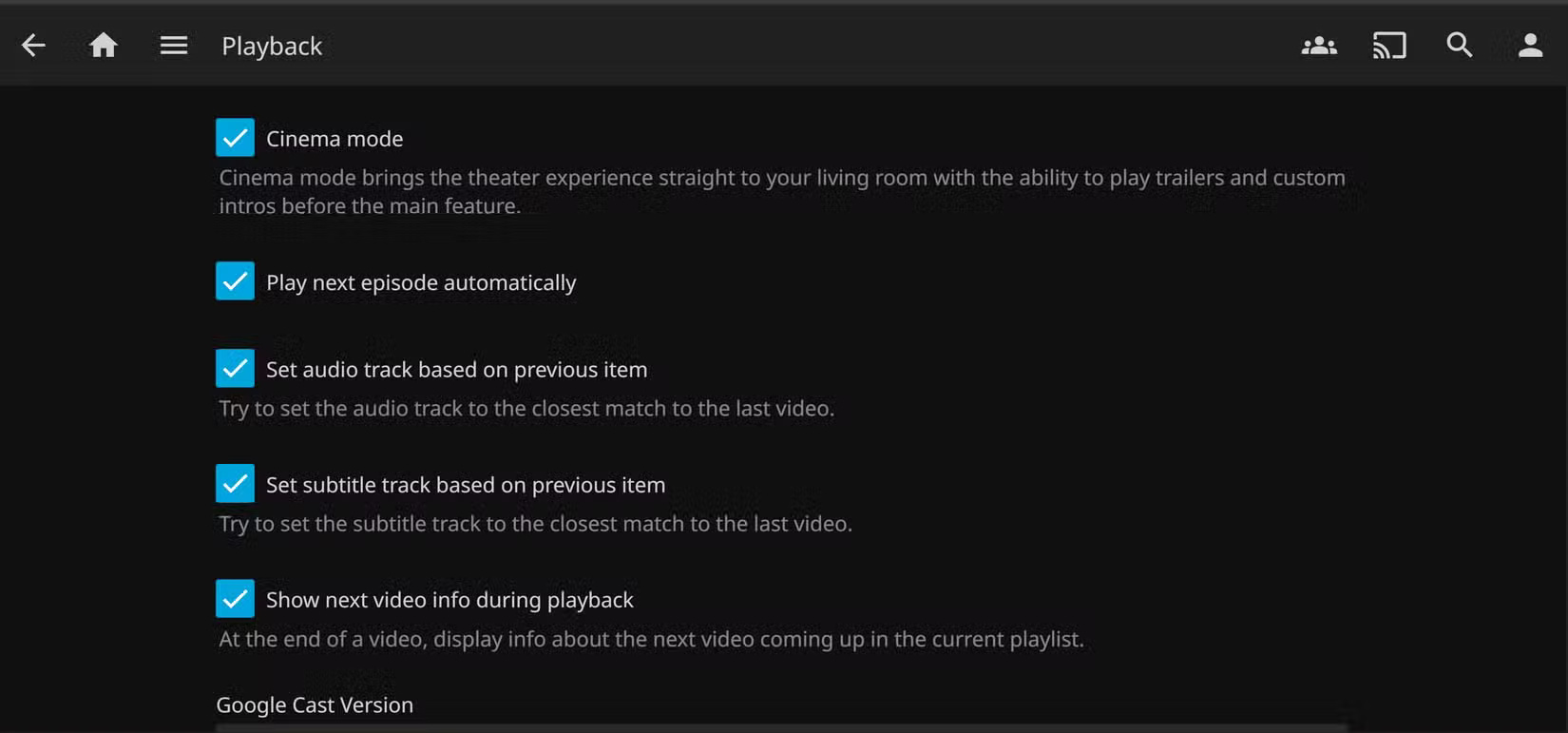
An intro or cinema-style sequence can make a movie night feel more like a theater visit. Treat this as an optional extension workflow: check which plugin and clients support the behavior you want. Do not assume Jellyfin automatically supplies trailers or matches them to a movie’s release era.
5. Theme media and display preferences
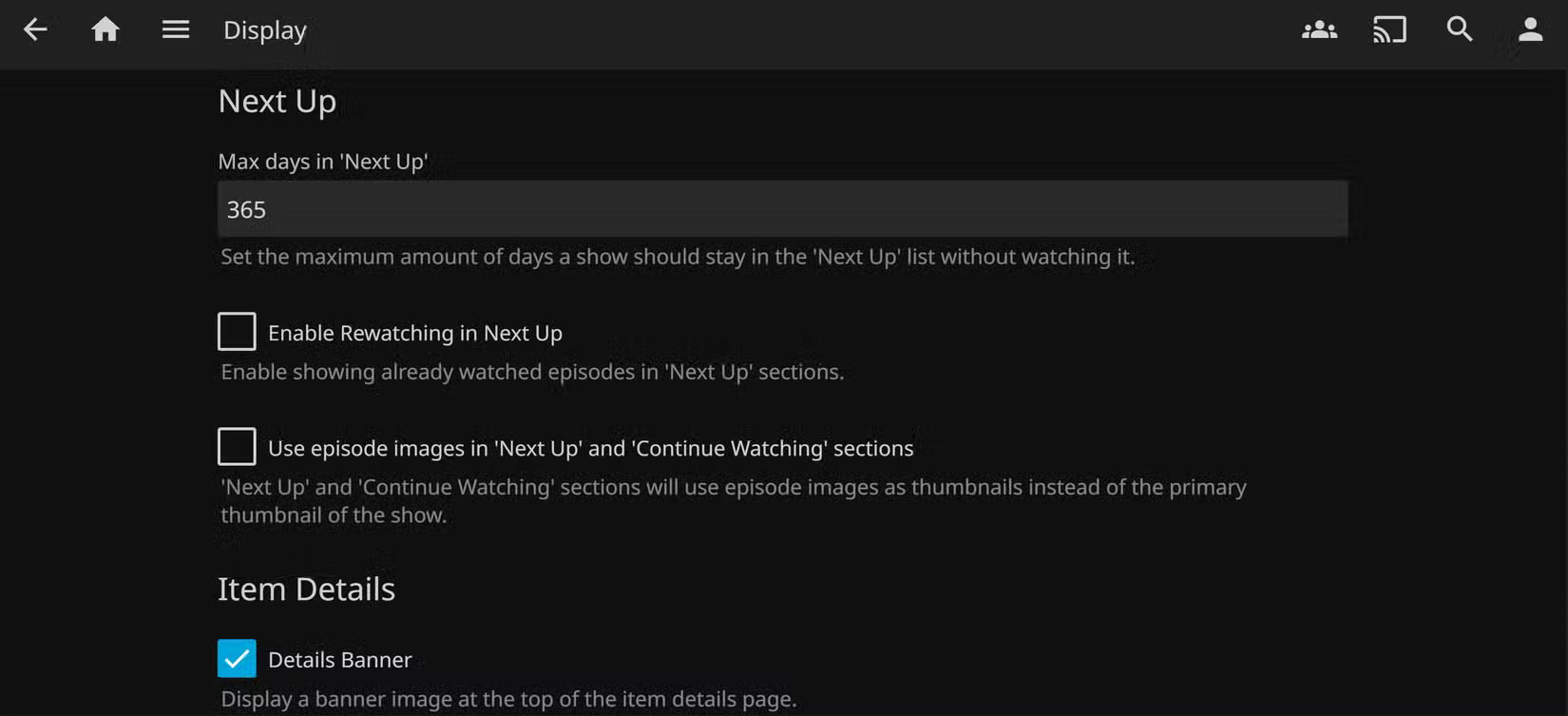
Supported clients can play theme songs or background videos while browsing media listings. Jellyfin’s documentation describes enabling theme media in the web client’s display settings; other clients may differ.
Test these features on the TV, phone, or browser you actually use. A successful switch means reliable playback, manageable administration, and the features your household needs—not simply a longer list of customization options.





Reader Comments 0
Sign in with email or Google to join the discussion.