Table of Contents
This guide organizes the entries in "3 Apps to Find Free Wi-Fi Anywhere" and explains what each option, idea, or example offers. It also highlights practical details that matter when comparing the choices.
- 6 Useful Wi-Fi Tools for Windows
- 9 best free wifi broadcasting software and download links
WiFi Map
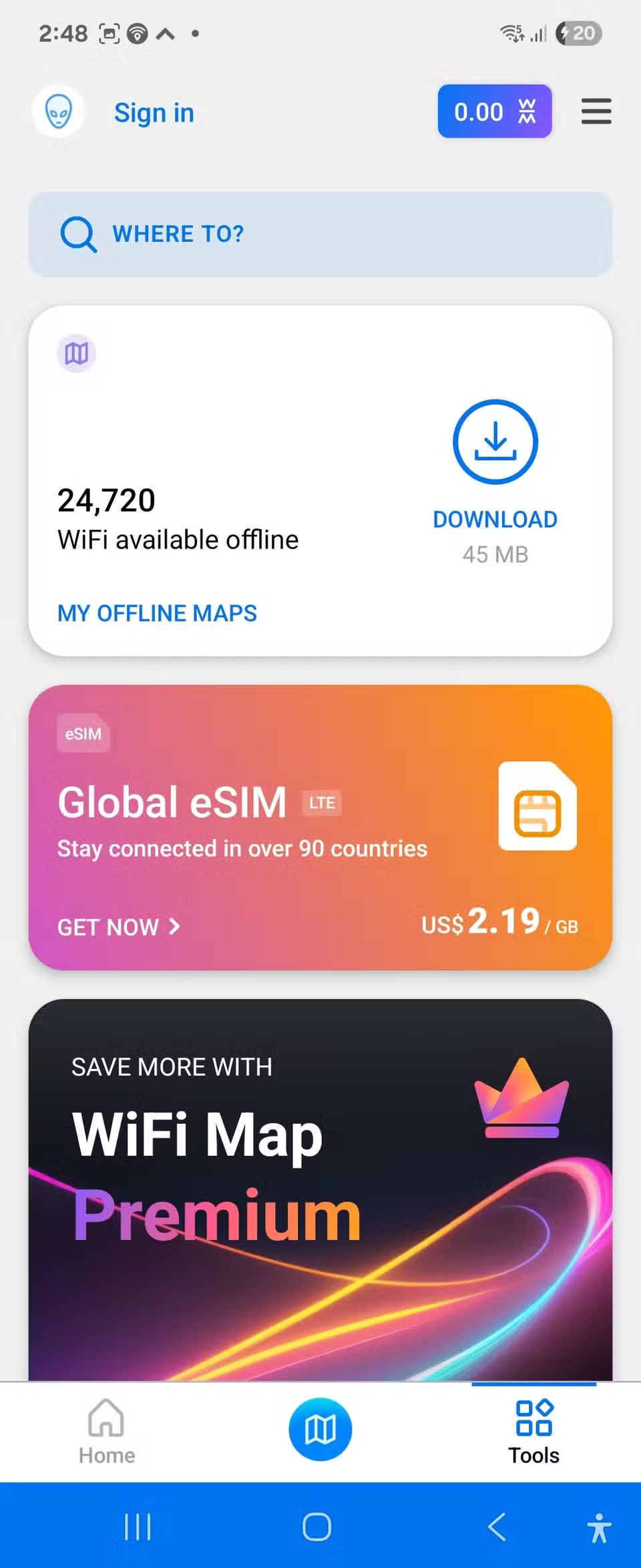
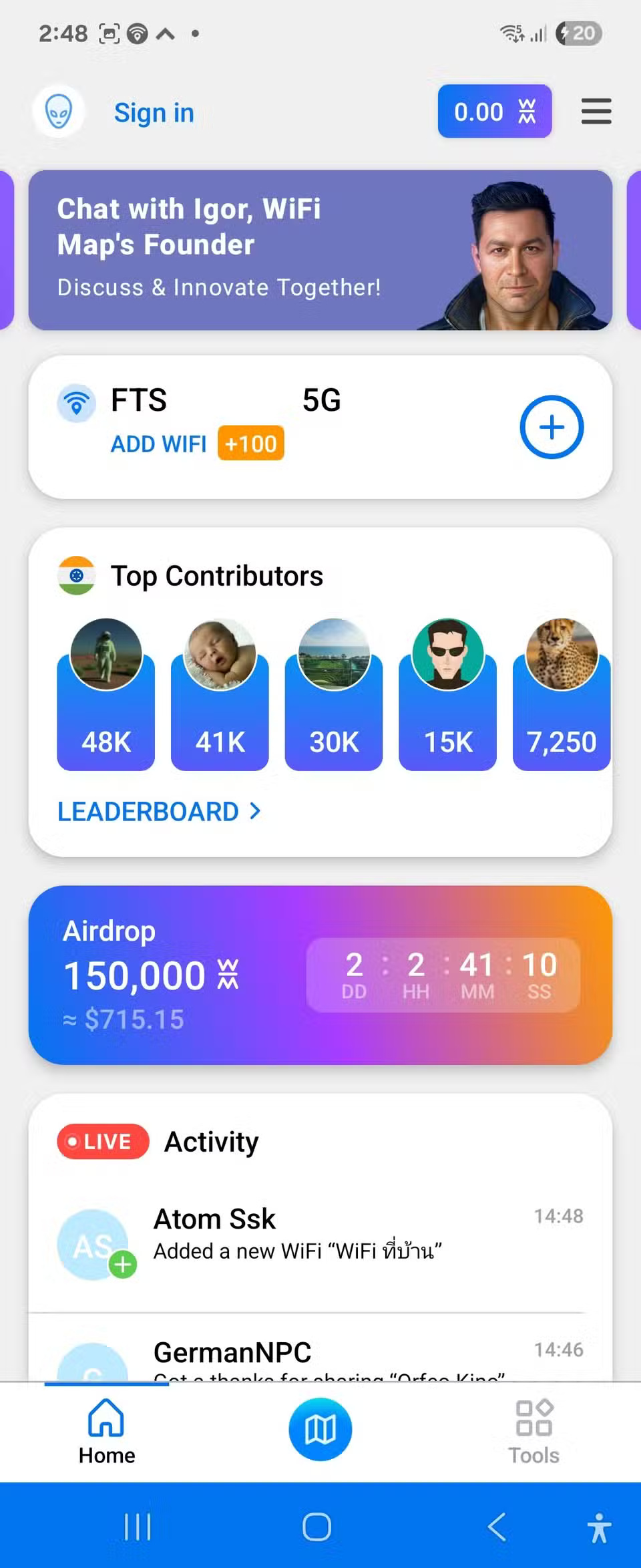
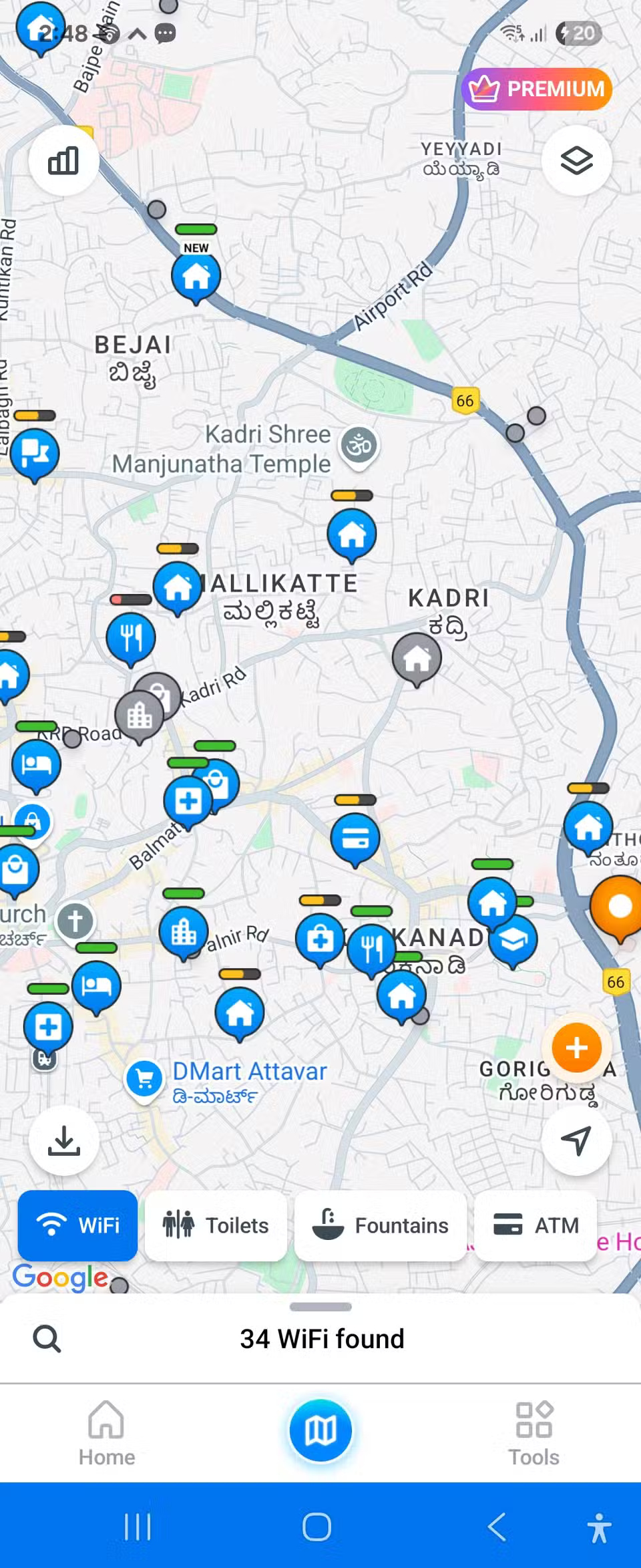
WiFi Map is the leading Wi-Fi finder app, and for good reason. With over 150 million hotspots in its database worldwide, there's hardly a place that WiFi Map doesn't know about. The app acts as a social network for anyone with Wi-Fi, sharing passwords and adding new hotspots, creating a constantly growing database of accessible networks. You can even use the WiFi Map website if you prefer to find hotspots on your laptop.
What sets WiFi Map apart is its offline functionality. You can download maps for specific cities or regions before you travel, meaning you don't need an internet connection to find your next hotspot. This feature alone has saved you countless times when you land in a new country without a local SIM card.
- Download WiFi Map for Android | iOS (Free, Pro plan $36)
Wi-Fi Around (iOS)
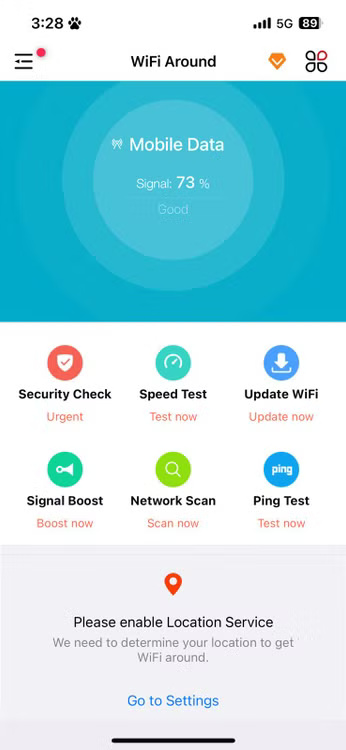
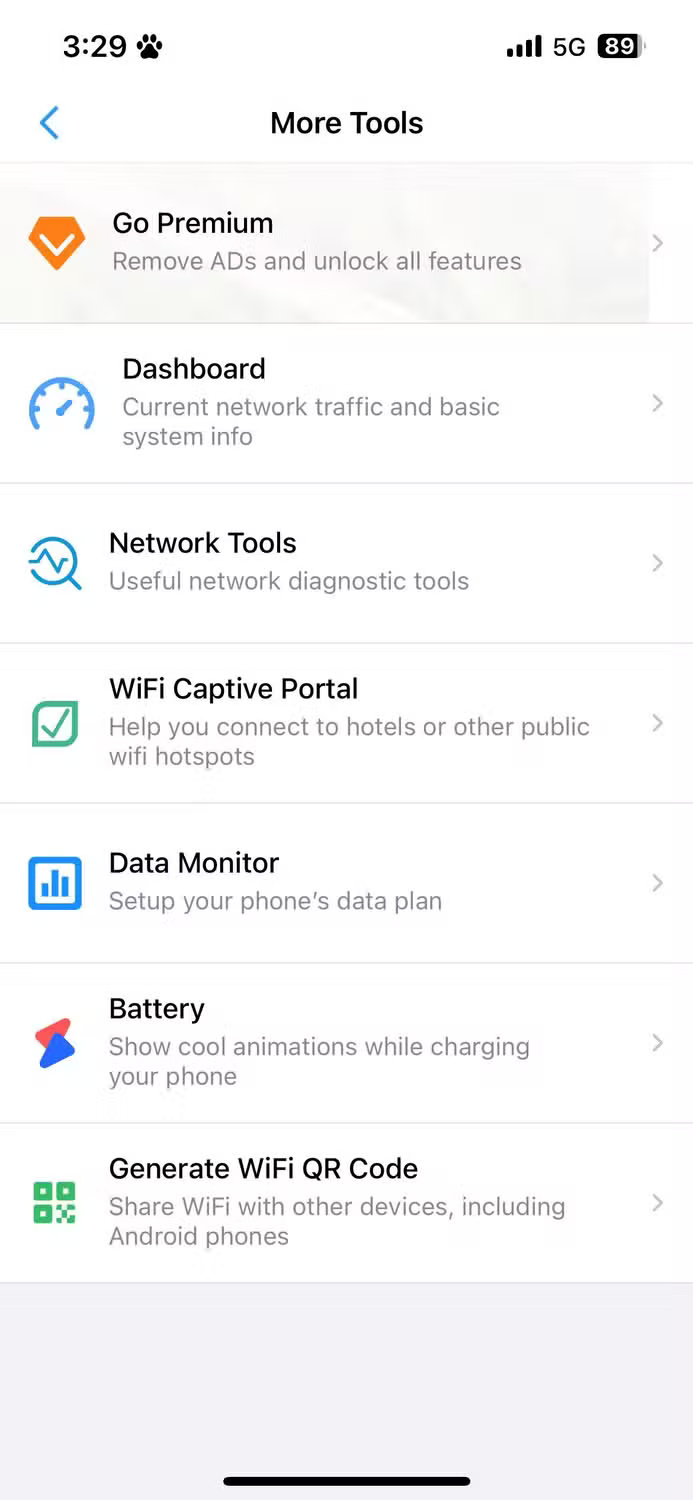
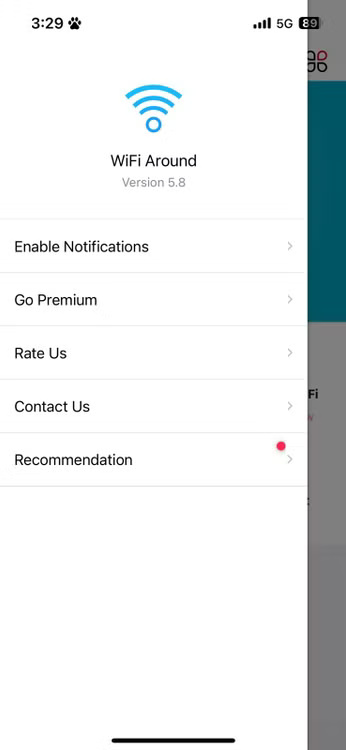
If you have an iPhone, WiFi Around is a great option for finding Wi-Fi hotspots. Like WiFi Map, the app relies on crowdsourced data from users who share and update their Wi-Fi information. What makes WiFi Around worth considering is its focus on providing real-time information about network availability and performance.
WiFi Around uses Apple Maps for navigation and supports widgets for quick access from your home screen. You can see nearby hotspots without opening the app, and it also shows real-time availability for some locations, so you know if a coffee shop's Wi-Fi is working before you walk in.
- Get Wi-Fi Around (Free, $4.99/month or $34.99/year)
WeFi (Android)
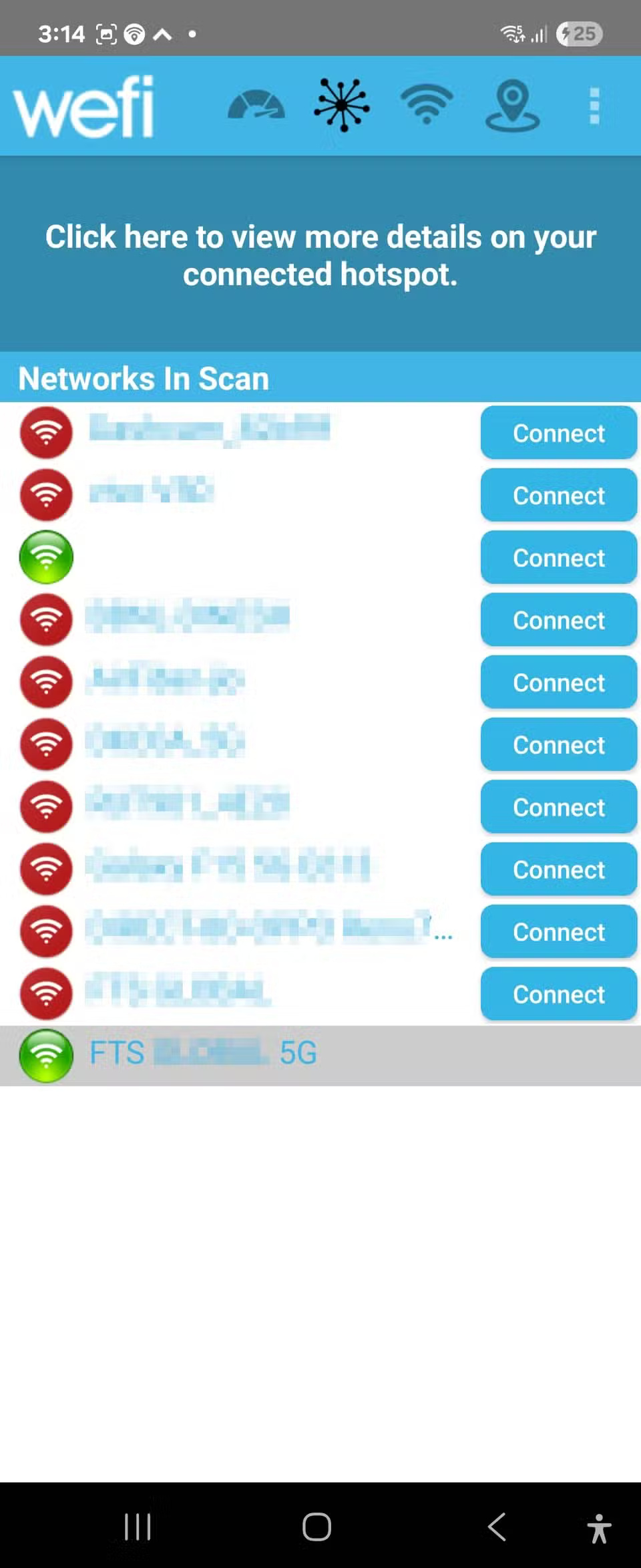
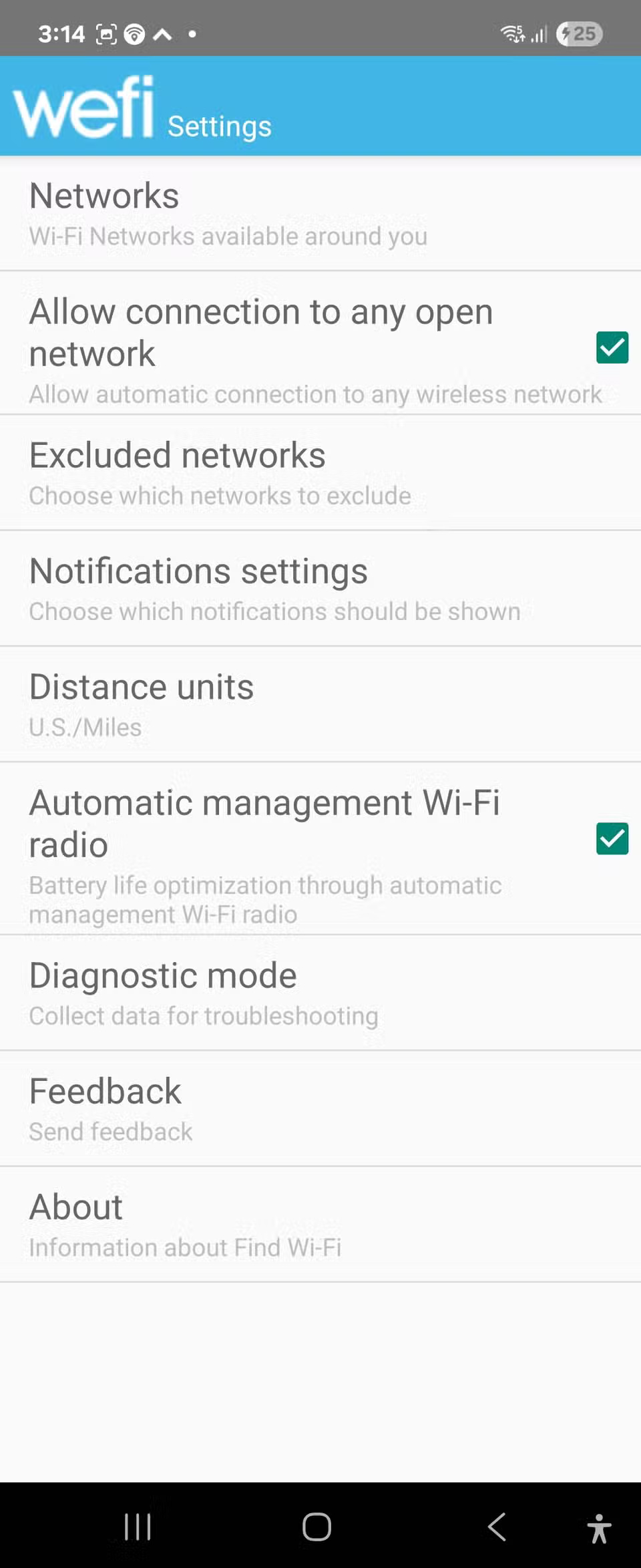
WeFi was one of the first apps to help people find public Wi-Fi networks, and even after more than a decade, it's still going strong. WeFi takes a unique approach by automatically connecting you to known, secure networks as you move around. Once you connect to a network through the app, it remembers it and automatically reconnects the next time you're in range.
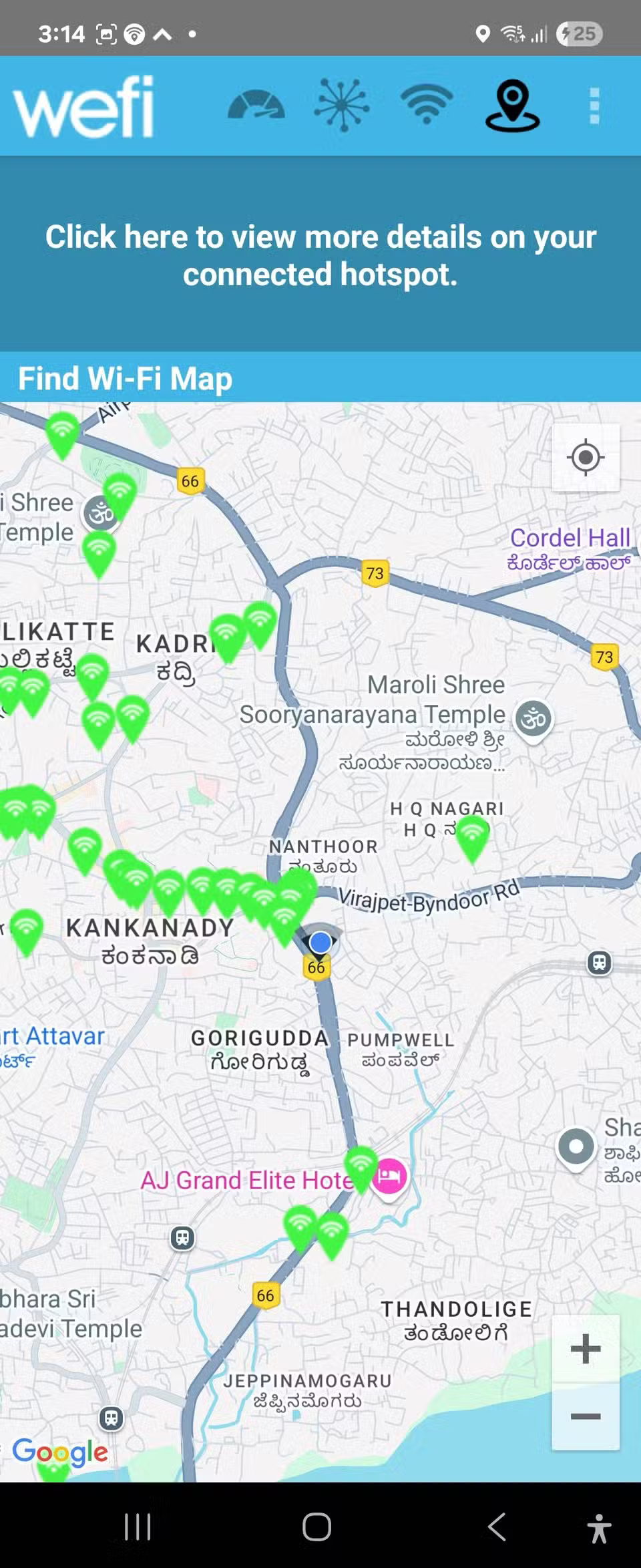
WeFi's interface is minimalist but still useful, with a map-based view that shows available Wi-Fi hotspots near your current location. The app is particularly good at finding hidden networks that other apps might miss. It uses crowdsourced data but also proactively scans for available networks, often looking for business Wi-Fi networks that aren't widely advertised.
- Download WeFi (Free)
See also:
- 120 Free WiFi Passwords at Airports Around the World
- Broadcast WiFi on computer super simple with MyPubicWiFi
- Share Internet connection on Windows 10 without installing software
- How to connect computer to Wi-Fi without password on Windows 10
FAQ
What should you know about wiFi Map?
WiFi Map is the leading Wi-Fi finder app, and for good reason. With over 150 million hotspots in its database worldwide, there's hardly a place that WiFi Map doesn't know about. The app acts as a social network for anyone with Wi-Fi, sharing passwords and adding new hotspots, creating a constantly growing database of accessible.
What should you know about wi-Fi Around (iOS)?
If you have an iPhone, WiFi Around is a great option for finding Wi-Fi hotspots. Like WiFi Map, the app relies on crowdsourced data from users who share and update their Wi-Fi information. What makes WiFi Around worth considering is its focus on providing real-time information about network availability and performance.
What should you know about weFi (Android)?
WeFi was one of the first apps to help people find public Wi-Fi networks, and even after more than a decade, it's still going strong. WeFi takes a unique approach by automatically connecting you to known, secure networks as you move around. Once you connect to a network through the app, it remembers it and automatically.
Related Articles
 Top iOS Apps That Are Currently Free or Discounted (April 22, 2026)11 minutes read
 The Best Free Wi-Fi Find Apps for Android6 minutes read
 8 Free AI Apps You Should Use6 minutes read
 Top Android Apps Are Free and Discounted (May 24, 2019)6 minutes read
 Top Free and Discounted Android Apps (October 8, 2019)4 minutes read
 8 Apps Cost VND 550,000 Being Free for iOS6 minutes read
Reader Comments 0
Sign in with email or Google to join the discussion.