Table of Contents
Open-source software can reduce the cost of studying, but “open source” does not mean every related app, hosted service or feature is free. Choose tools around your coursework and submission requirements rather than installing everything on this list.
Before switching, test a real assignment, check your school's collaboration requirements and keep an export or backup. Download through the project's official website or a trusted app store.
1. LibreOffice: documents, spreadsheets and presentations
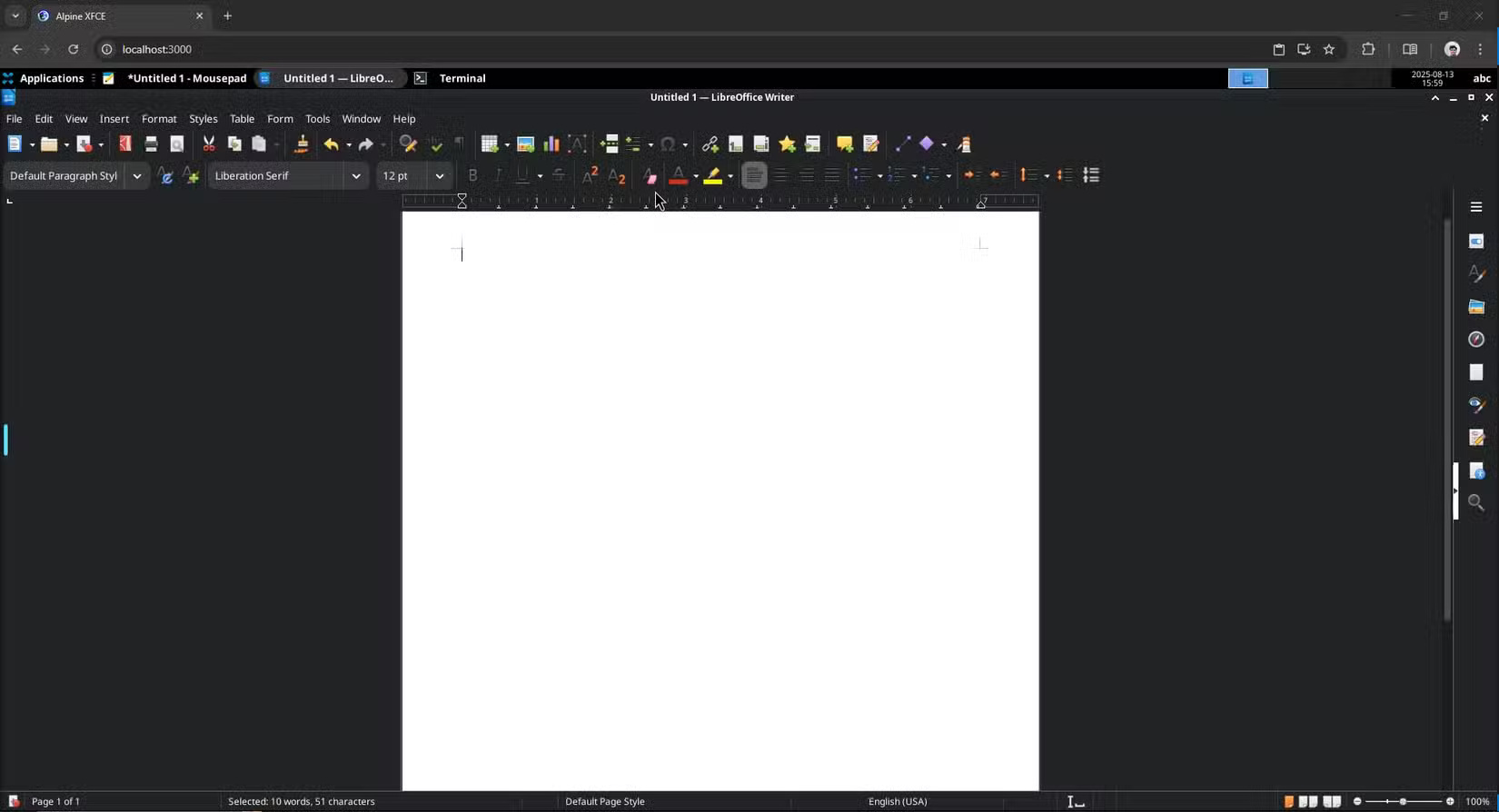
LibreOffice provides Writer, Calc, Impress and other desktop tools. It is useful for offline coursework, spreadsheet exercises and presentation preparation without a subscription.
Test Microsoft Office files before a deadline: complex layouts, fonts, macros and features may not transfer exactly. Export a PDF when the assignment allows it, and keep the editable original. LibreOffice is not a drop-in replacement for every Microsoft 365 collaboration workflow.
2. Zotero: organize references
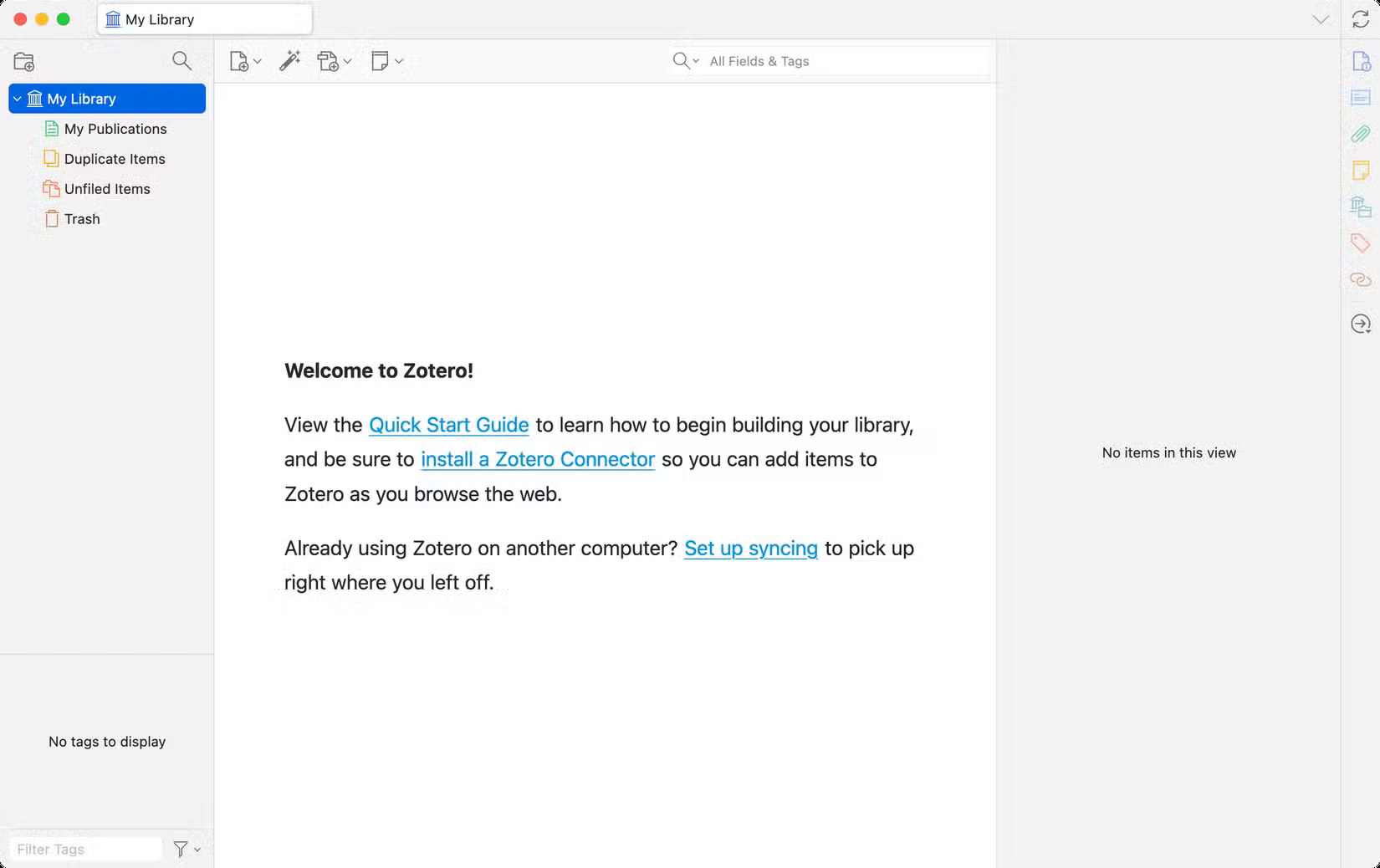
Zotero helps collect sources, organize reading and insert citations into supported word processors. Use its browser connector to save a source, then check the author, title, date and publication details: imported metadata can be incomplete.
Reference management does not verify a source's claims or prevent plagiarism. Choose the citation style your instructor requests and review the bibliography. Local use and hosted attachment storage have different limits and costs.
3. Zettlr: draft in Markdown
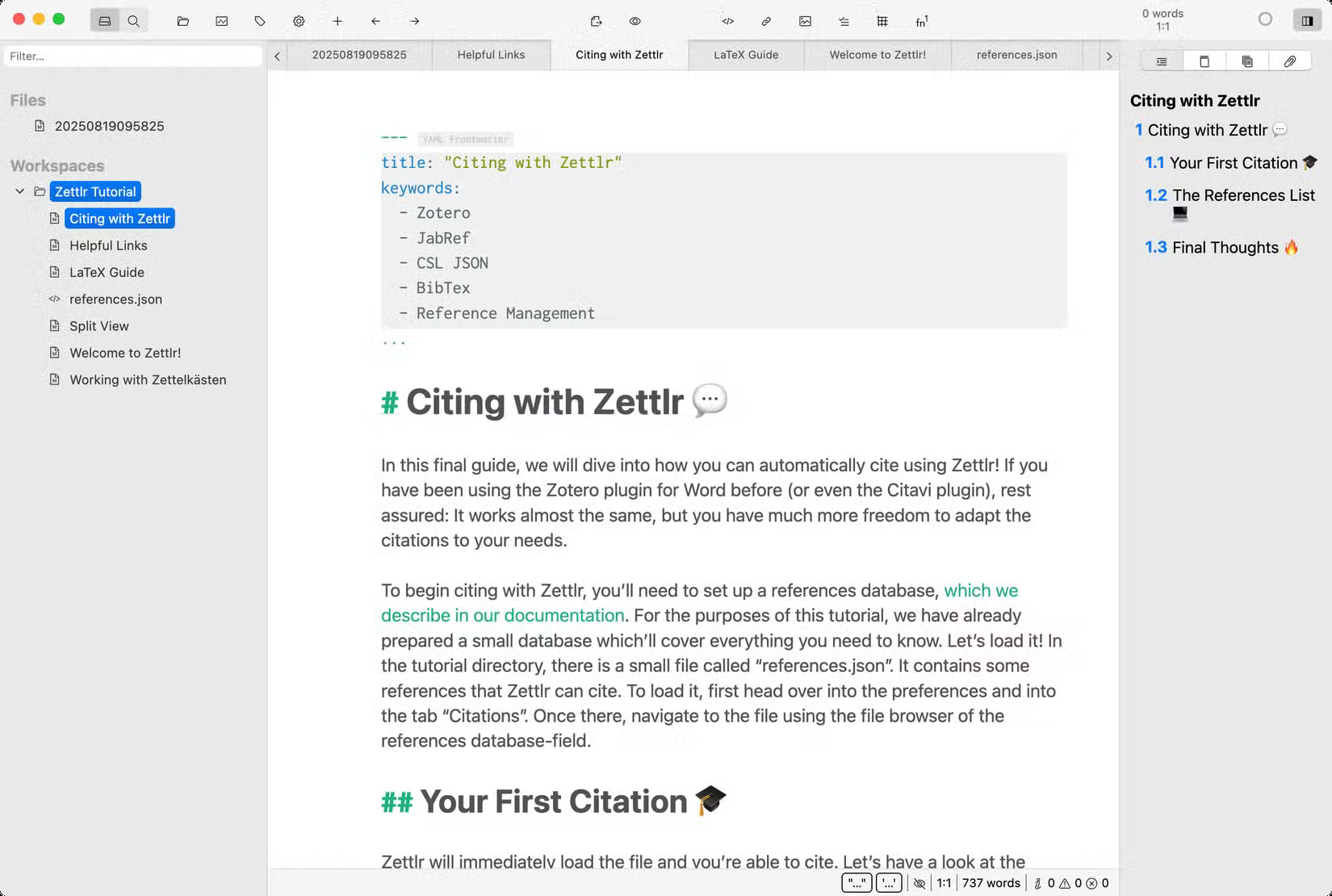
Zettlr suits text-focused notes and longer drafts with lightweight Markdown formatting. It is useful when you want readable text files and fewer layout distractions.
Try the required export format early; some publishing workflows depend on additional tools or configuration. If an instructor expects tracked changes in a Word document, confirm that your workflow supports that requirement.
4. Logseq: connected, outline-based notes
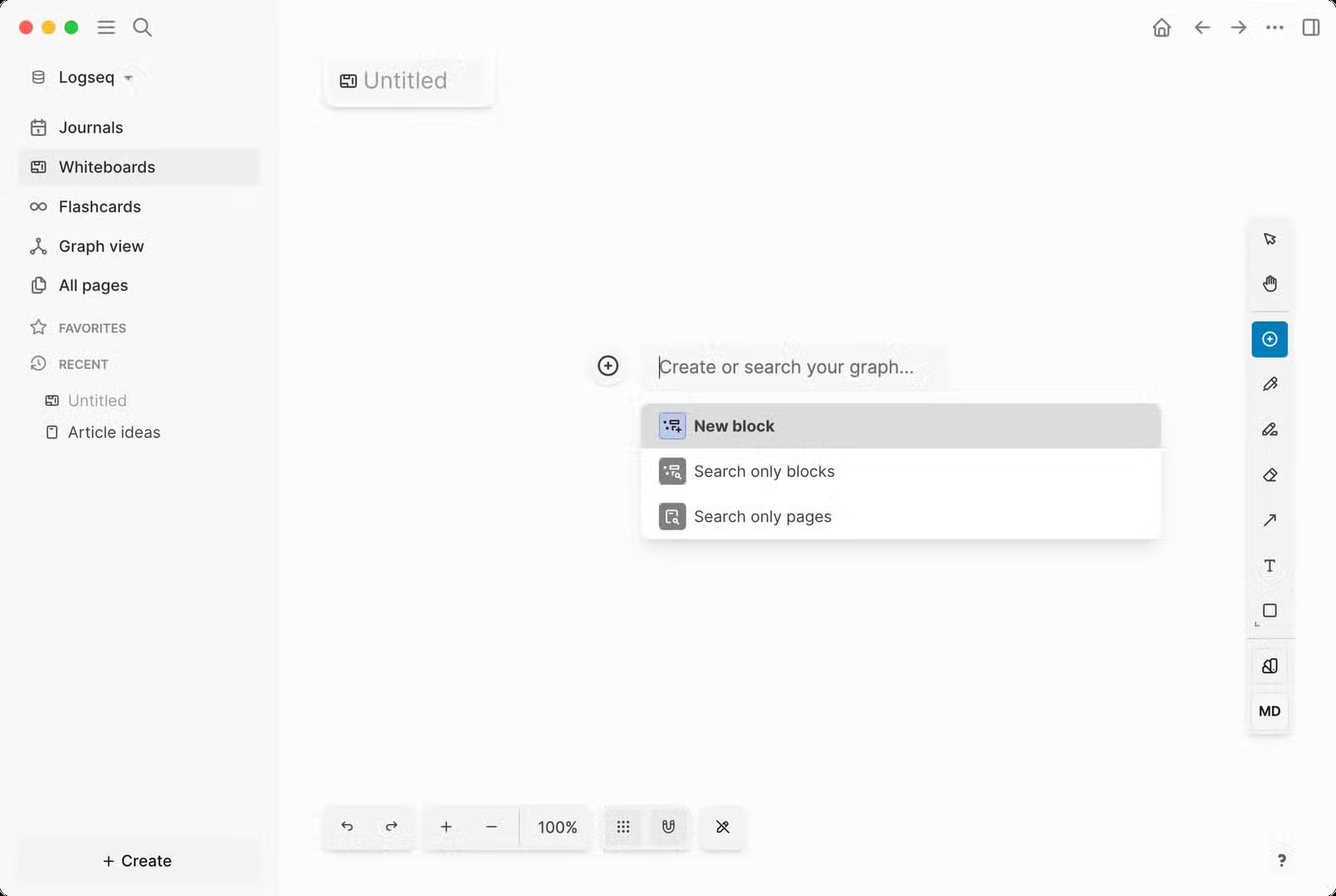
Logseq organizes material through outlines and links, helping connect lecture notes, concepts and reading. It is a better fit for someone who likes building relationships between ideas than for someone who only needs a simple list.
Check the current version's storage, sync and export behavior before moving important notes. Keep independent backups, especially while changing versions or using plugins. For other approaches, compare our open-source note-taking options.
5. Anki: spaced-repetition flashcards
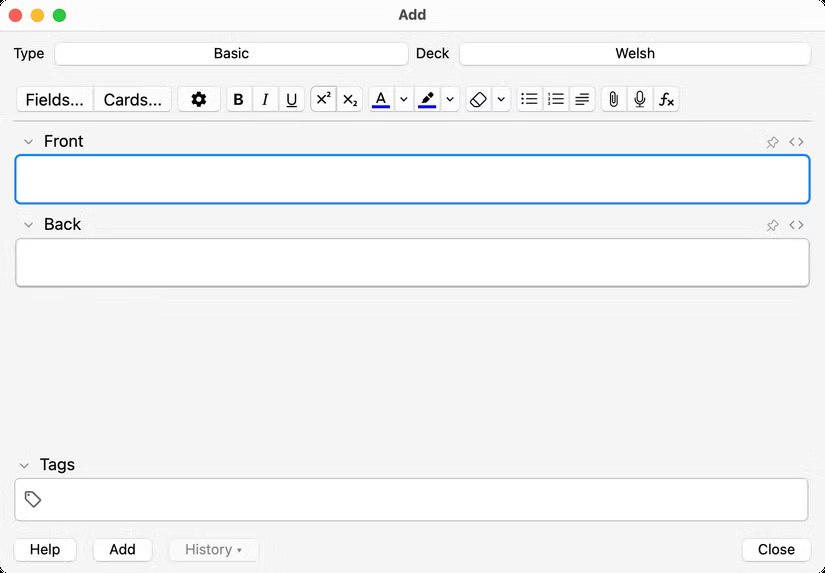
Anki schedules flashcards for later review. It works best with focused questions and answers you understand, rather than large pasted passages. Use it to recall vocabulary, definitions or key relationships alongside practice problems and reading.
The official download page distinguishes the free desktop application and contributor-developed AnkiDroid from the paid official AnkiMobile app for iOS. Not every app using “Anki” in its name is the same product. Check shared decks for errors before relying on them.
6. Simplenote: quick text notes
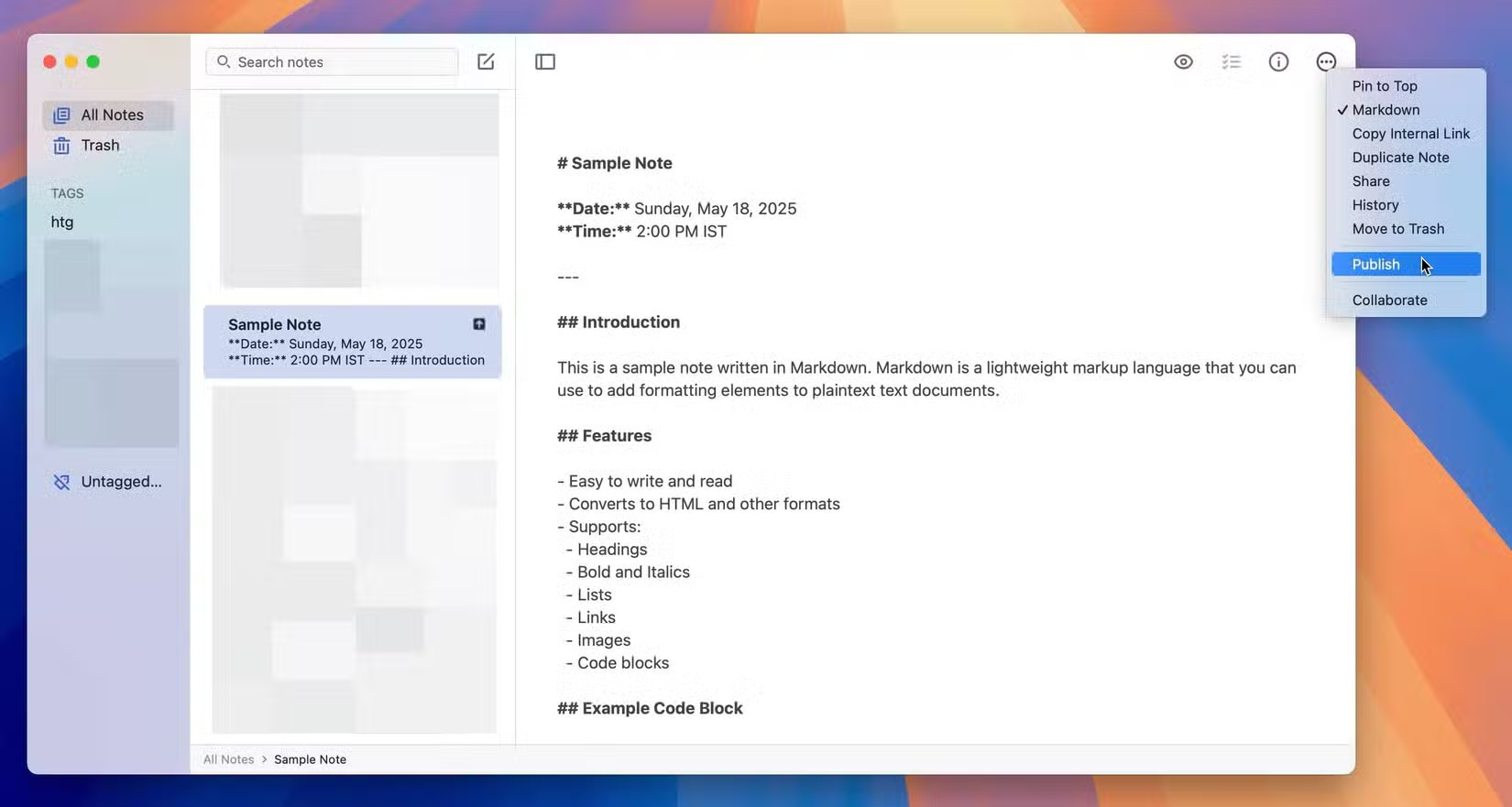
Simplenote suits short text notes, tags and cross-device access. Its simpler format can be convenient for lecture reminders and rough outlines, but it is not a full multimedia notebook.
Check its current privacy and sync terms before storing confidential information. Do not use an ordinary note as a password vault; our guide to password managers explains the distinction.
7. Thunderbird: a separate email client
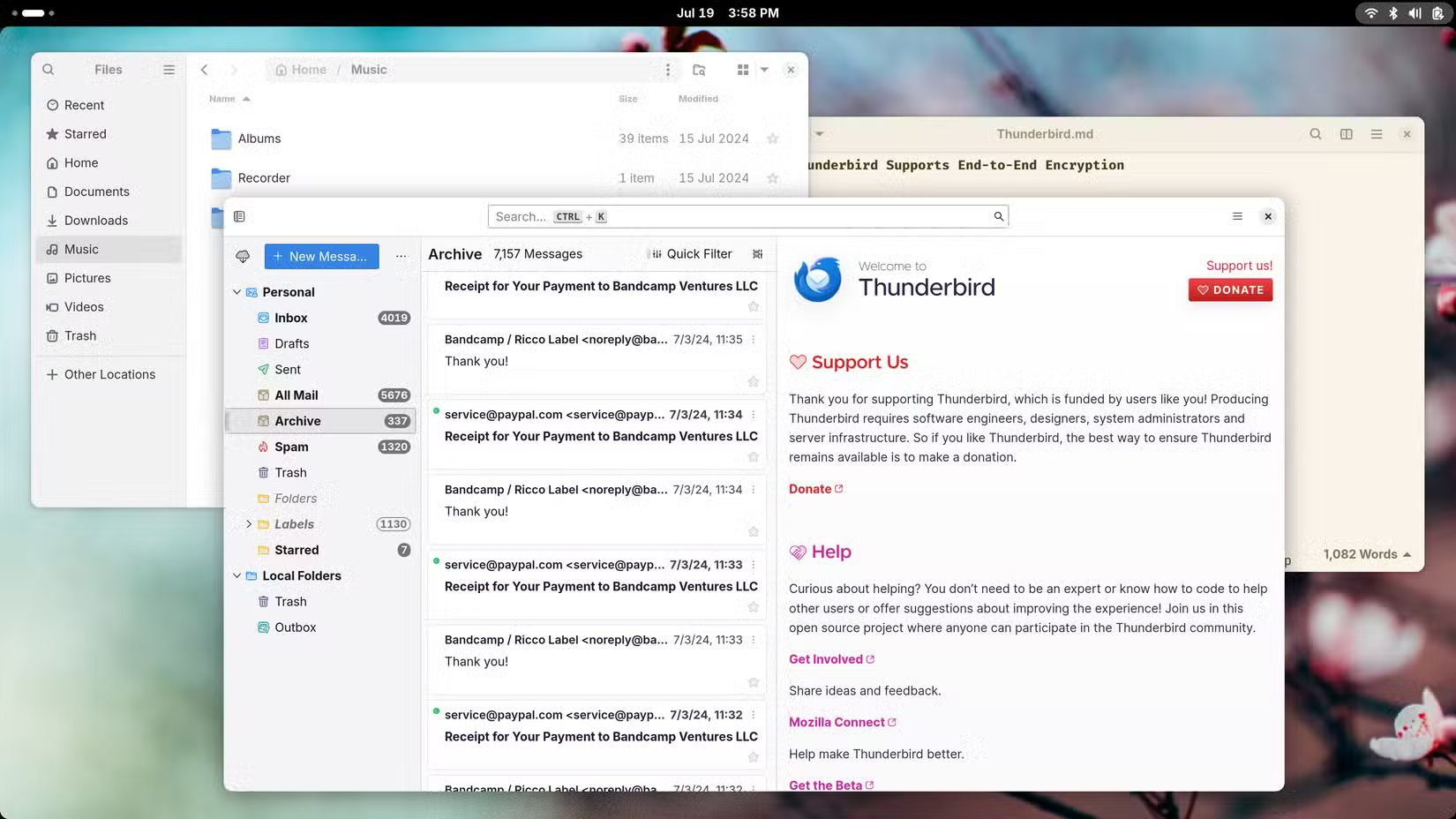
Thunderbird can bring compatible mail accounts and calendar workflows into a desktop application. Local mail access can be useful, but it requires initial setup and appropriate synchronization settings.
Confirm that your school's account permits third-party clients and supports the required authentication. A webmail interface may be simpler if the institution relies heavily on features available only there.
8. Bitwarden: manage unique passwords
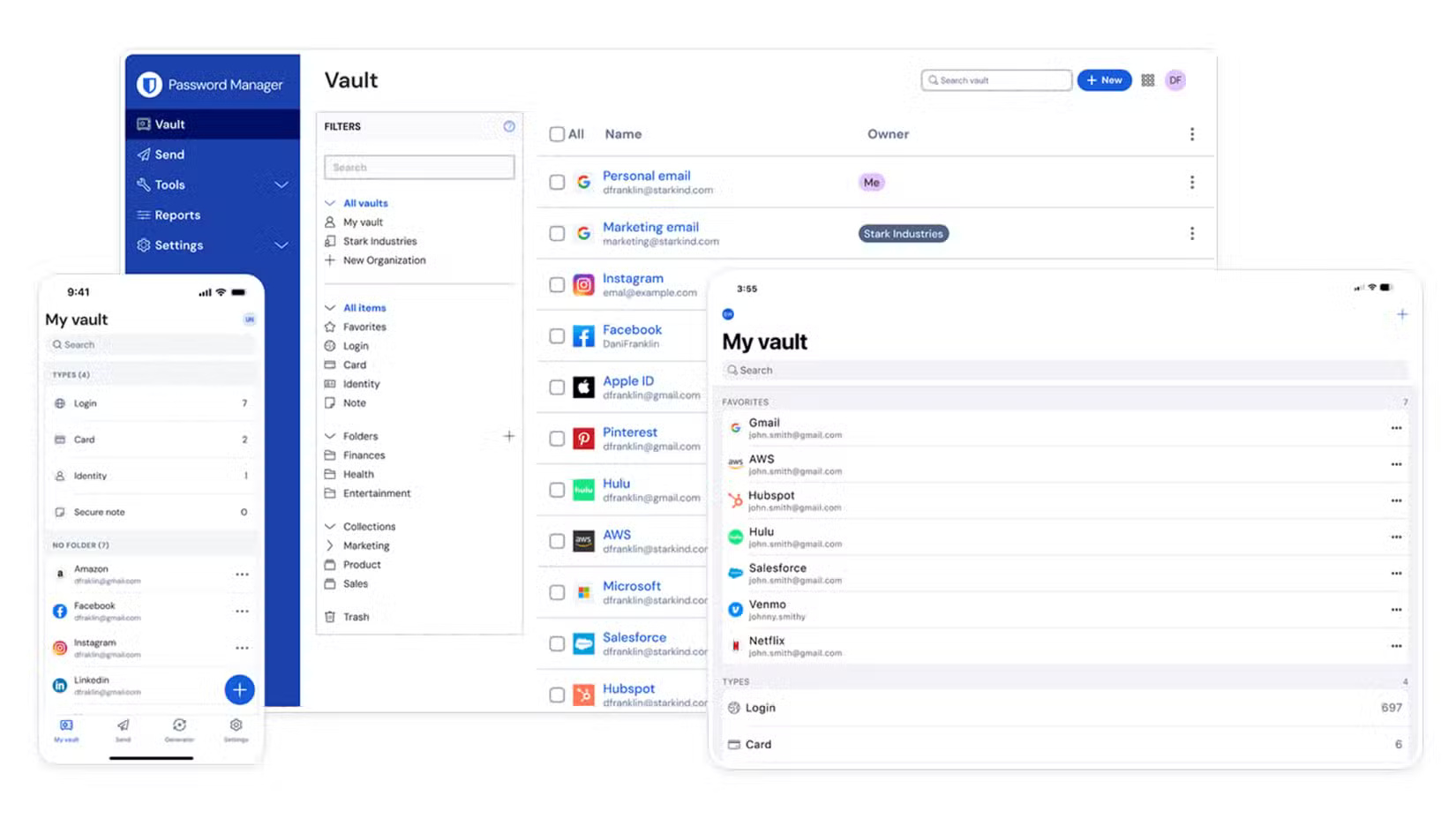
Bitwarden's free personal plan includes core password management across devices, as described in its plan documentation. Advanced features and family or business needs may involve paid plans.
Use a strong master passphrase, enable available multifactor protection and store recovery information safely. Public source code allows scrutiny; it does not, by itself, guarantee security or make every proprietary alternative less safe.
9. Nextcloud: file sync with hosting responsibility
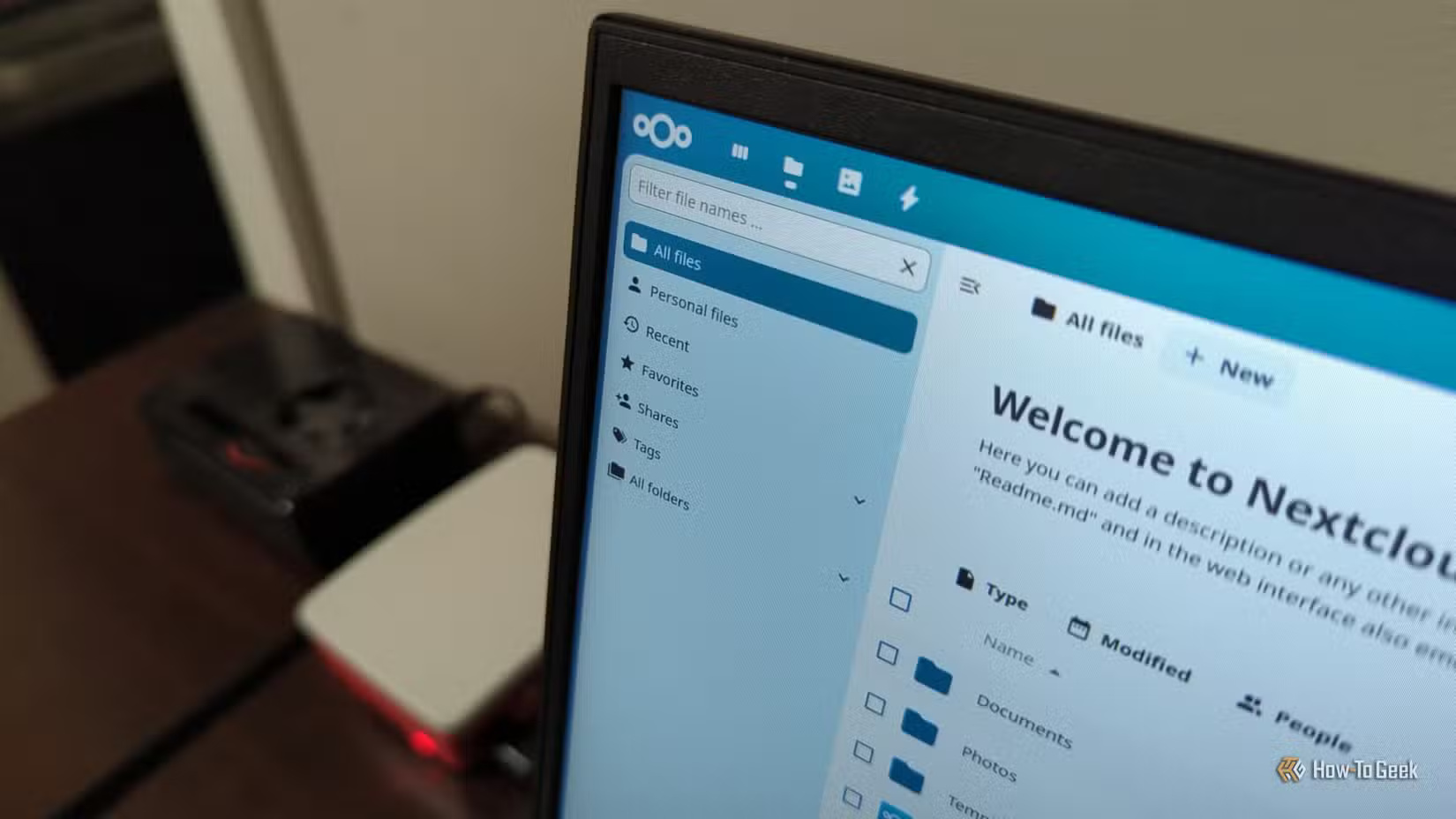
Nextcloud offers file storage and synchronization software you can host yourself or use through a provider. It can suit a technical project or an institution-provided service.
The software is free and open source, but server storage, hosting, backups, updates and administration may cost money and time. Self-hosting is not unlimited free cloud storage, and synchronizing a deletion across devices is not the same as having a recoverable backup.
10. Kdenlive: edit course videos
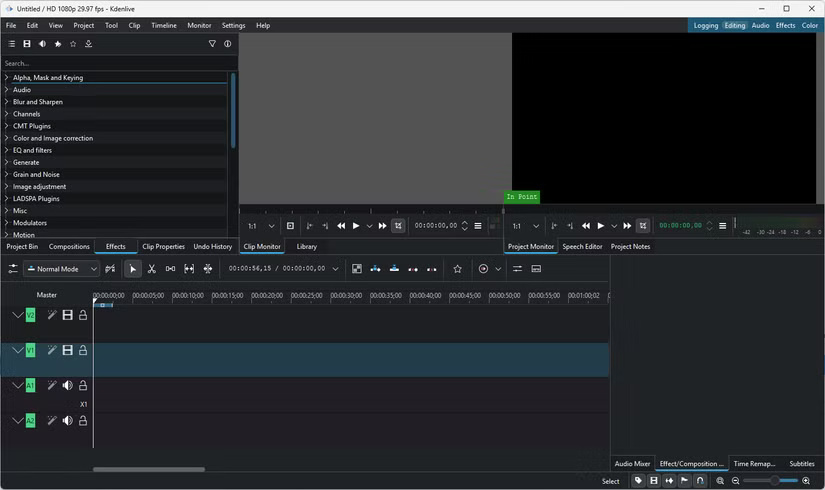
Kdenlive provides a non-linear video-editing workflow for assembling clips, audio, titles and effects. Start with a short test project before committing a large assignment.
Check hardware requirements and export playback on the device used for submission. Keep source media in a stable folder: a project file usually references clips rather than containing every video within it.
Choose a small, workable set
A writing tool, reference manager, backup method and password manager may cover your immediate needs. Add flashcards, connected notes or video editing only when a course benefits from them. Check your university's included software licenses too; the best choice is the one that meets the assignment reliably at a cost you can sustain.
Related Articles
 4 Open Source AI Apps You Can Use Every Day
 Can open source technology make money?
 How AI Can Help Open-Source Maintainers—and Where It Adds Work
 5 great open source tools that keep your personal data safe
 15 open source tools or to 'manage' Windows
 VS Code vs VSCodium: licensing, telemetry and extension differences
Reader Comments 0
Sign in with email or Google to join the discussion.