Table of Contents
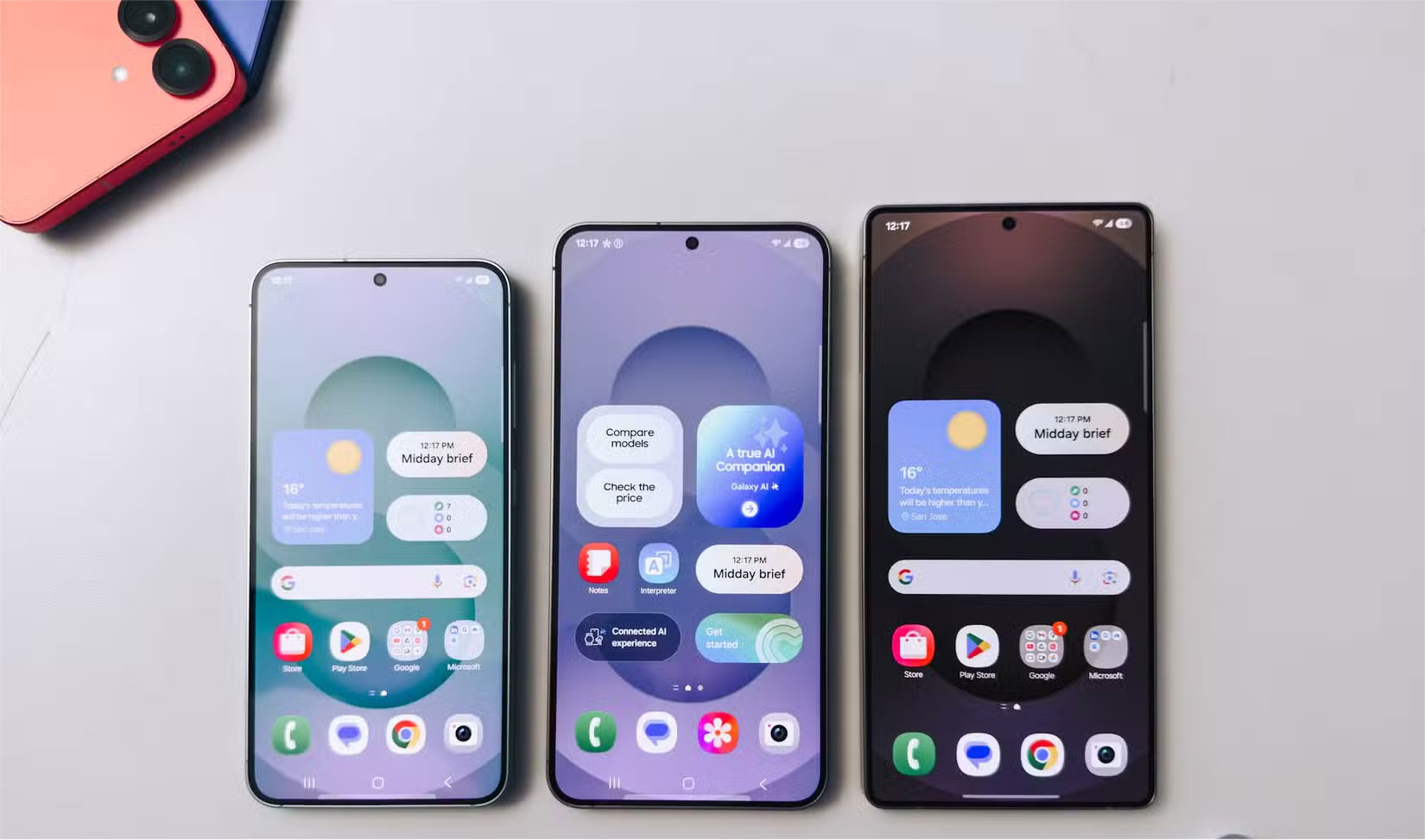
A new phone can be a worthwhile upgrade even if it looks like the previous model. Better battery life, longer security support, or a camera that handles moving subjects more reliably can matter every day. If your present phone already does what you need, a small annual update is often a reason to keep it longer.
Compare the features you’ll actually use
Many phones handle calls, maps, messaging, and browsing comfortably. Narrow your shortlist by the tasks that expose differences. If you read outdoors, look closely at screen visibility. If you photograph children or pets, compare examples of moving subjects indoors. Check storage, charging, and battery results for the exact model rather than assuming a whole price tier shares the same specifications.
Look for reliability and years of support
Useful changes can come from software tuning: fewer dropped frames in video, improved standby battery life, or better background app management. Read reviews that test the behavior you care about. Check the manufacturer’s support policy for the exact model and count how much time remains from its original release. For example, Google lists support periods by Pixel model. An update commitment does not guarantee every new feature will reach every device.
Check repair costs and accessory compatibility
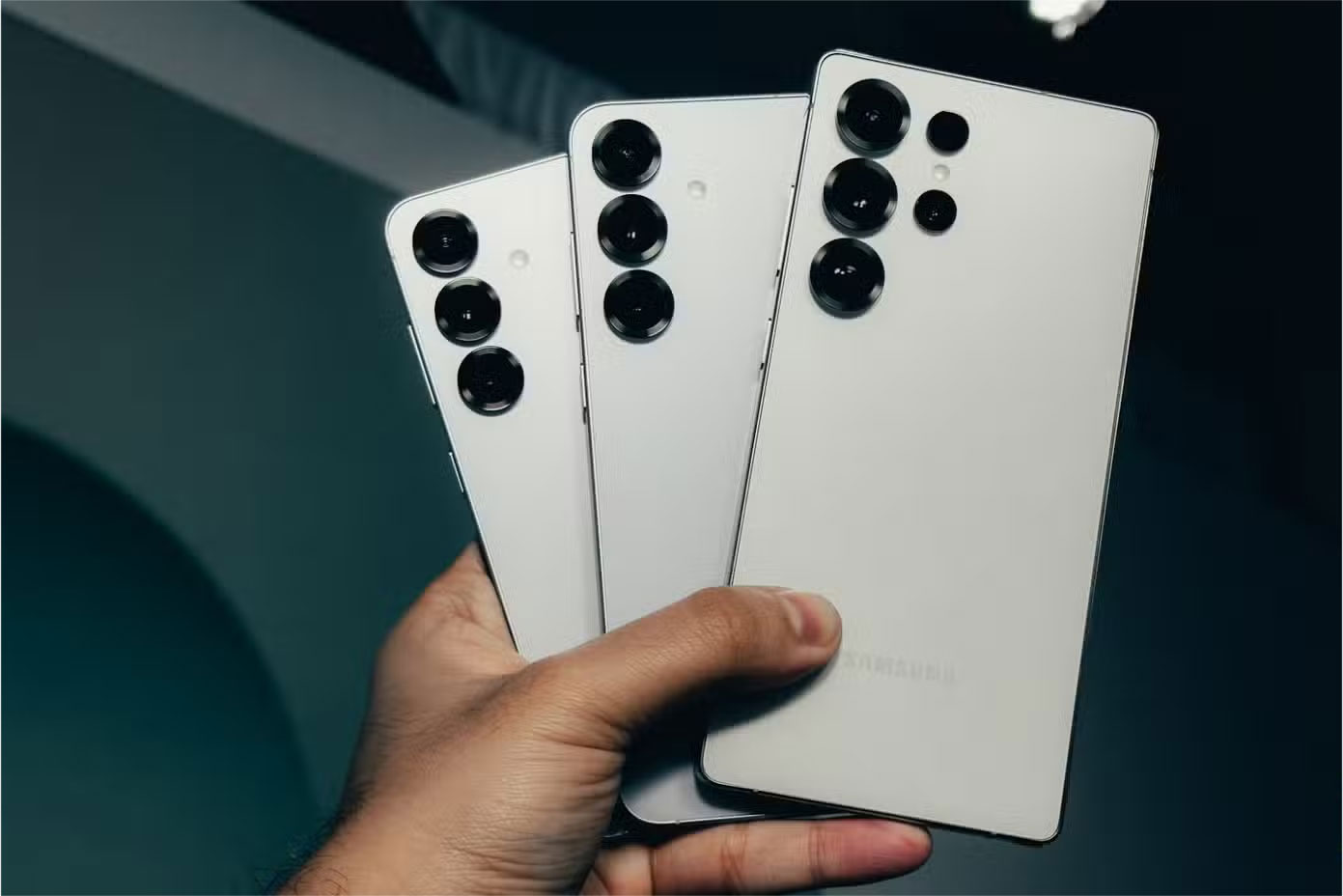
A familiar design can be easier for repair shops to work with, but similar-looking phones can use different parts. Ask for a battery and screen repair quote before buying. Verify whether your case, charger, and cables work with the replacement. If your current phone still receives security updates and only the battery is worn, compare a battery replacement with the cost of upgrading.
Weigh the features that work across devices
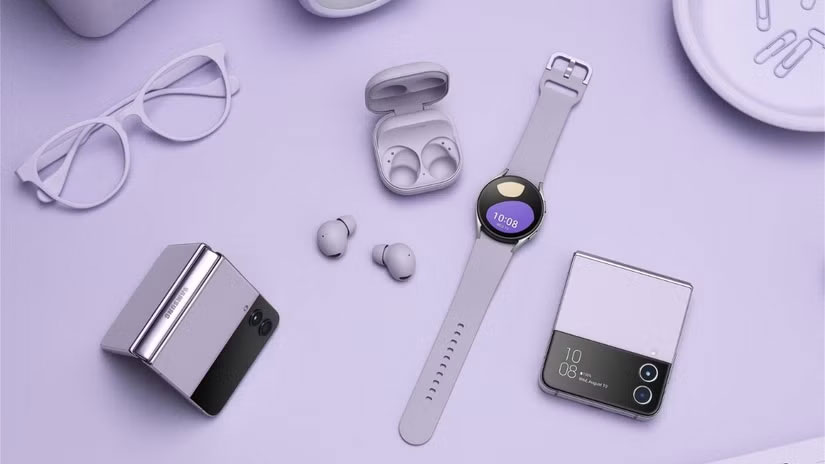
If you already use a smartwatch, wireless earbuds, or a tablet, check which features depend on keeping the same phone brand. Automatic audio switching and phone-to-PC file transfers can be useful if your exact devices support them. Include the cost of replacing any accessory you would otherwise keep.
Related Articles
 Research: AI could help humans become more creative.
 Claude Cowork Explained: File Automation, Uses, and Risks
 After Apple, Samsung also caught the suspicion of slowing down old smartphones
 Instructions on how to move tables in Word
 How to Use NotebookLM as a Research and Creative Workspace
 How to move Windows window when title bar click error
Reader Comments 0
Sign in with email or Google to join the discussion.