Table of Contents
An 8 TB portable SSD is useful if you need to keep several large shoots with you or edit from a drive away from your workstation. Start with a full day’s footage from your own camera or phone and multiply it by the number of days you need to keep on the drive. Budget separately for a second copy.
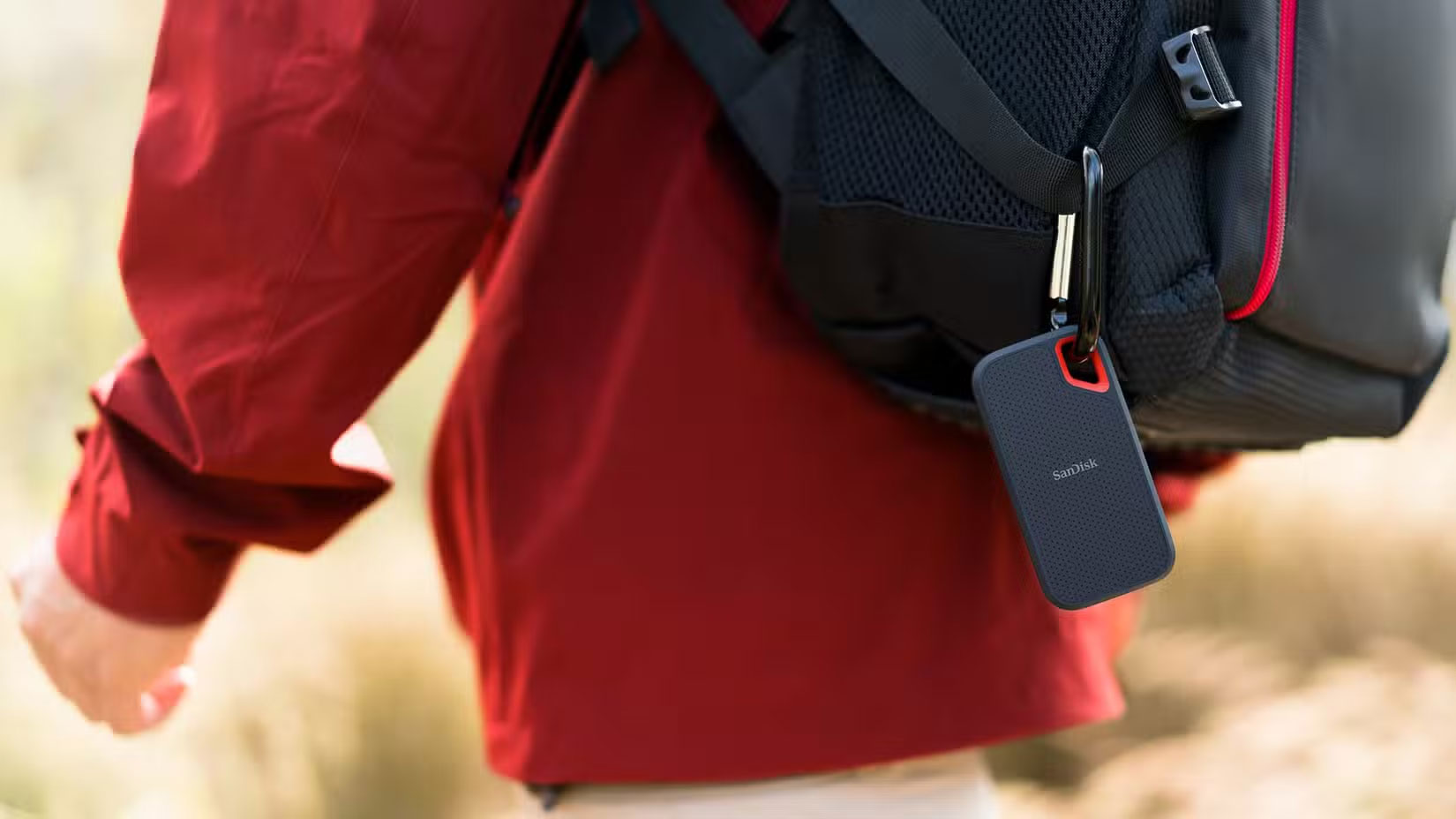
What the SanDisk Extreme 8TB model offers
For model SDSSDE61-8T00-G25, SanDisk lists up to 1,050 MB/s read and 1,000 MB/s write, a USB 3.2 Gen 2 interface, and IP65 water and dust resistance. These are manufacturer ratings. Transfer speeds depend on the host port, cable, and workload. Check the exact SKU if you are comparing versions with similar names. Actual usable capacity is lower than the advertised decimal capacity.
Test it with the devices you’ll use on location
USB-C describes the connector. Test a large transfer using the actual cable and port before leaving for a shoot. If you plan to connect the drive to a phone or tablet, verify that it supplies enough power and recognizes the drive’s filesystem. See the Android external USB storage guide for connection basics. If you use password protection, make sure every device that needs the files can unlock the drive.
Keep two verified copies before reusing your cards
- Copy each card to a dated project folder on the SSD.
- Make a second independent copy and check that the file count and sizes match. Open several representative files, including a long video clip.
- Erase or reuse the card only after you’ve verified the copies and know where they are stored.
A larger drive gives you room for more footage. Two independent copies protect against losing the drive itself. The TipsMake backup guide explains how to verify a backup before relying on it.




Reader Comments 0
Sign in with email or Google to join the discussion.