Table of Contents
The RTX 3070 and RTX 3080 can still be useful gaming cards, particularly for owners whose games already run well. For a buyer, however, their value depends on the actual price, condition, warranty, and alternatives available locally.
There is no supported universal claim that these cards retain value better than every other GPU. Resale prices vary by market, and a high asking price does not establish either strong demand or a good purchase.
Why these older cards remain relevant
The RTX 3070 and original RTX 3080 launched in 2020 as part of Nvidia’s Ampere generation. Their performance made them attractive for higher-resolution gaming, while shortages and cryptocurrency-mining demand complicated their early prices.
That history does not determine their current value. The useful question is whether a specific card meets your performance target for less overall cost than a suitable newer option.
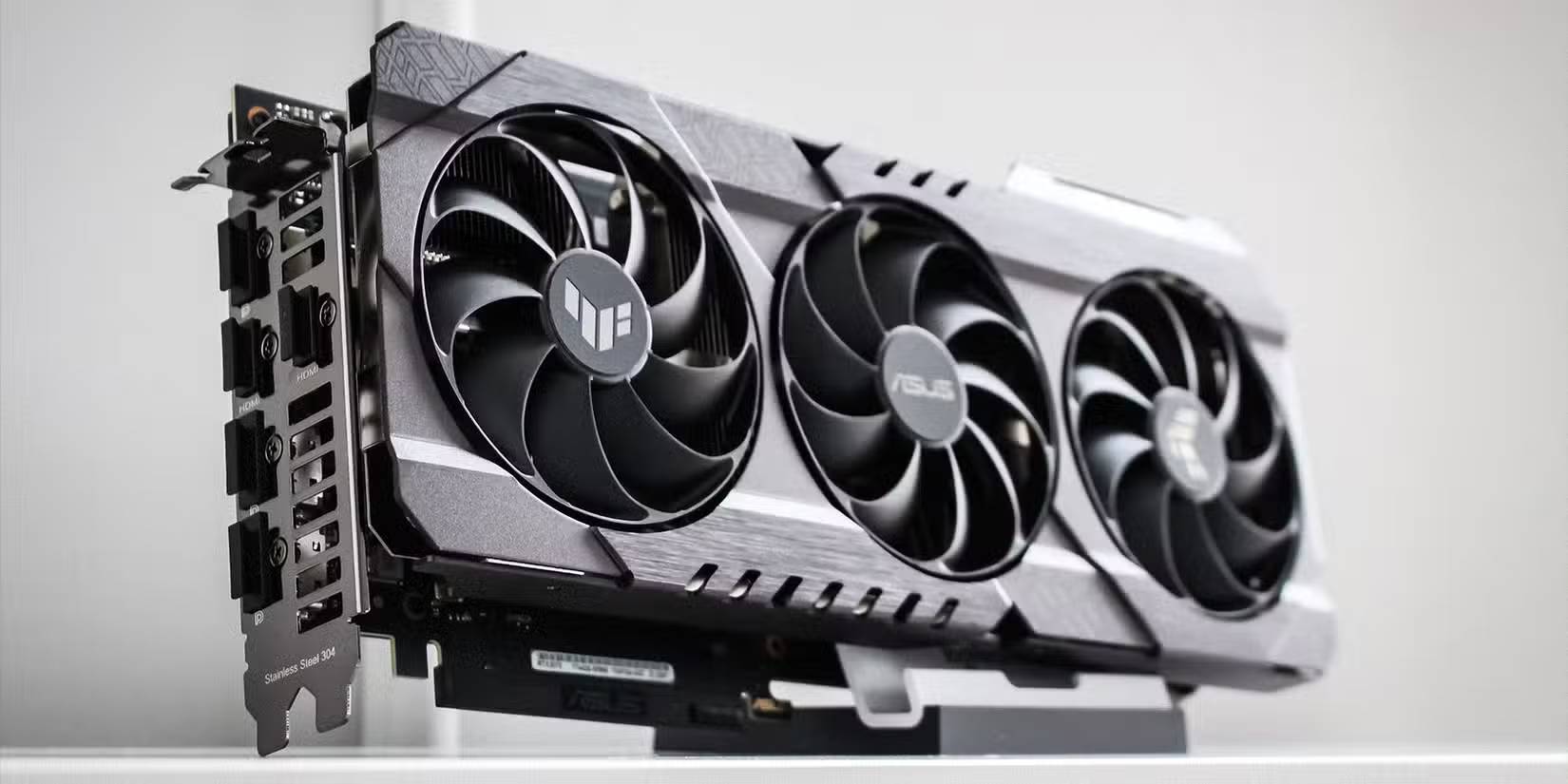
Check performance in the games you actually play
Both cards can handle many games at 1440p, and selected games at 4K, but there is no single frame rate that applies across titles. Texture quality, ray tracing, upscaling, game updates, drivers, and the rest of the PC can change the result substantially.
The retained videos and chart below are examples from particular tests. Check their date, settings, CPU, and whether they use upscaling before comparing results. Older screenshots should not be treated as guaranteed performance in a current version of the same game.
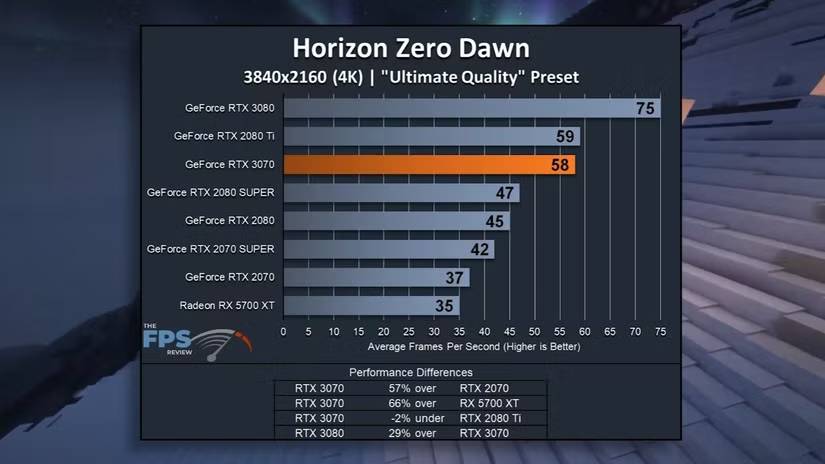
Compare recent tests that use identical settings across cards. Look beyond the average frame rate to stuttering, frame-time consistency, and how much texture quality must be reduced. “4K capable” can mean very different compromises.
VRAM can be a limitation before processing power is
The RTX 3070 has 8 GB of VRAM. The original RTX 3080 has 10 GB, while a separate RTX 3080 version has 12 GB. These versions should not be treated as interchangeable listings.
High-resolution textures and other demanding settings can put pressure on memory capacity. Lowering texture quality may help, but the effects depend on the game. A larger VRAM number alone also does not guarantee a faster card.
TipsMake’s VRAM explanation introduces the role of graphics memory. For a purchase, use current game-specific tests rather than broad capacity rules from older guides.
Compare power specifications correctly
The figures below are Nvidia’s reference graphics-card power specifications, not a promise of constant gaming consumption and not the power draw of the entire PC. Factory-overclocked models can differ.
| GPU | Reference card power | VRAM |
|---|---|---|
| RTX 3070 | 220 W | 8 GB GDDR6 |
| RTX 3080, original 10 GB version | 320 W | 10 GB GDDR6X |
| RTX 4070 | 200 W | 12 GB GDDR6 or GDDR6X, depending on version |
| RTX 4080 | 320 W | 16 GB GDDR6X |
| RTX 5070 | 250 W | 12 GB GDDR7 |
| RTX 5080 | 360 W | 16 GB GDDR7 |
Verify the exact model against Nvidia’s specifications and the board manufacturer’s listing. Check case clearance, cooling, PSU quality and capacity, and the required power connectors.
A cheap card can become a more expensive upgrade if it also requires a new PSU. More heat and fan noise may matter even where electricity costs are modest.
Compare the total purchase, not just the GPU name
Look at recent completed sales for the same model and condition, rather than only sellers’ asking prices. Include shipping, taxes, warranty coverage, and any required supporting hardware.
Then compare current new and used alternatives from both Nvidia and AMD. Check performance in your games, memory capacity, efficiency, and the software features you need. Nvidia’s own frame-generation features differ by generation; a shared DLSS label does not mean identical capabilities.
There is no universal “buy below $250” or “avoid above $300” rule. A price that is attractive in one region or month may be poor value elsewhere.
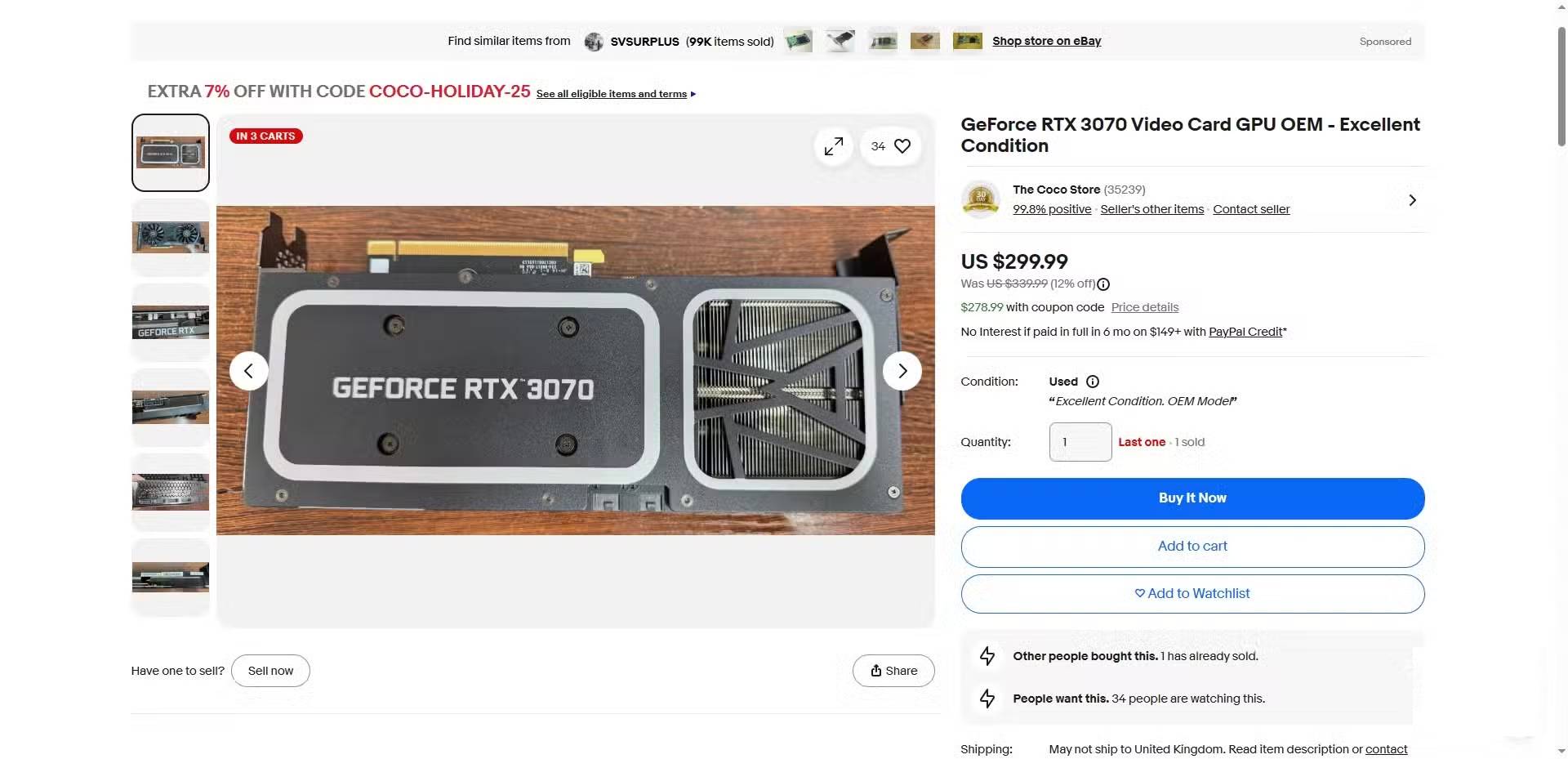
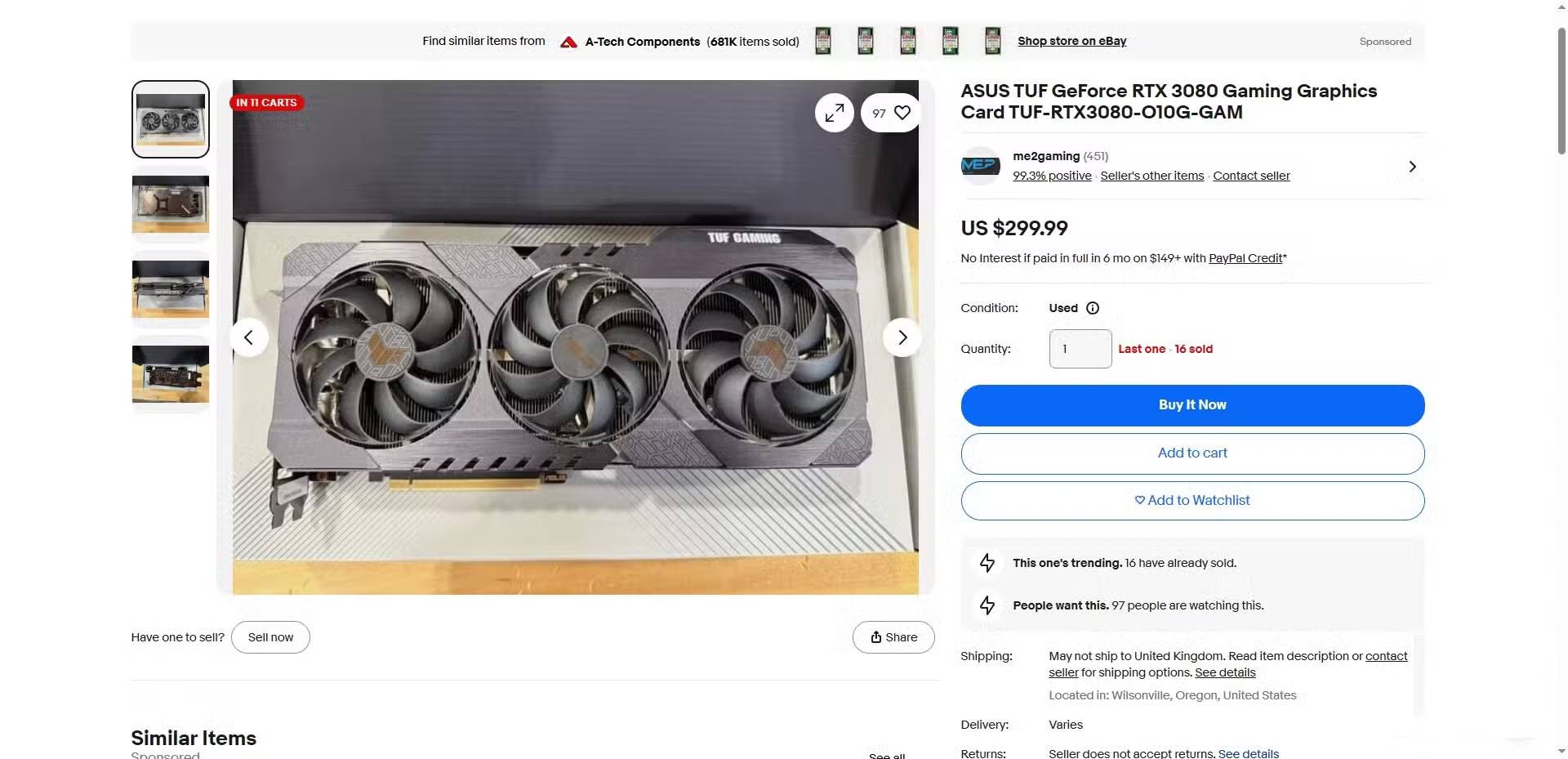
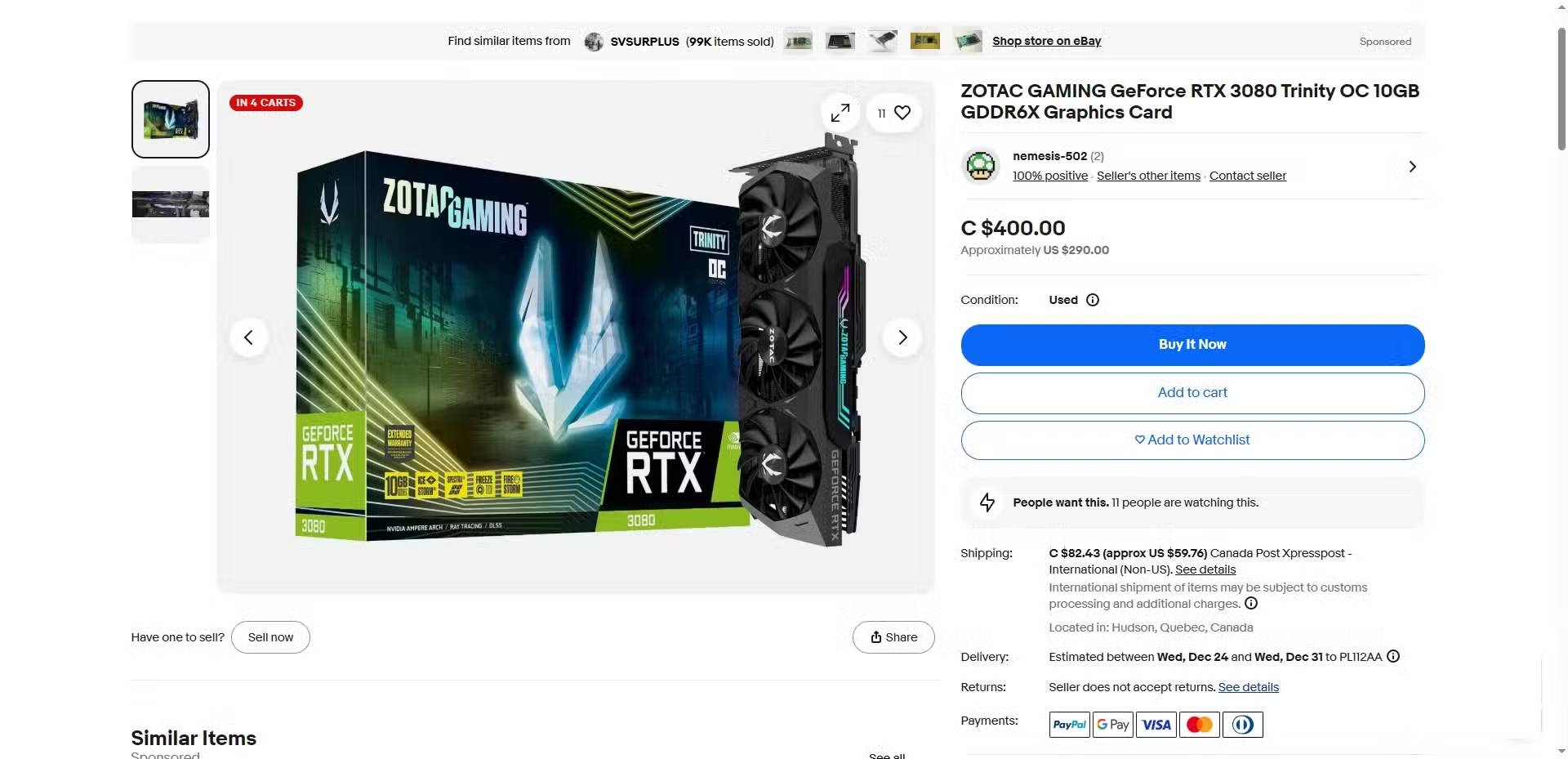
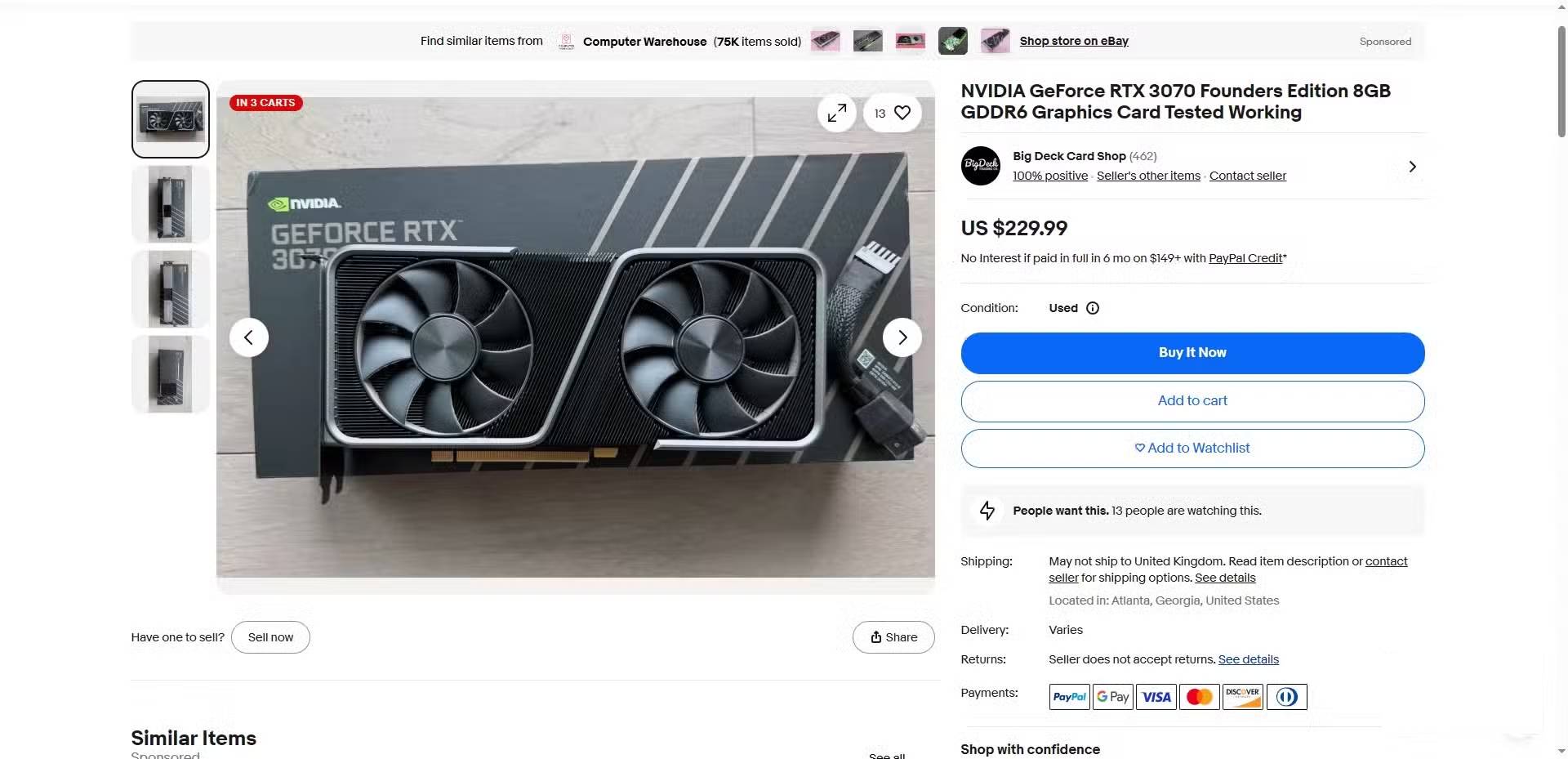
Inspect a used card before accepting it
- Confirm the exact GPU, VRAM version, and seller’s photos.
- Ask about repairs, modifications, warranty transfer, and return rights.
- Inspect the connectors, cooler, fans, and signs of corrosion or physical damage.
- Test a real game and an appropriate benchmark, watching for artifacts, crashes, abnormal temperatures, and fan noise.
- Avoid a sale that prevents reasonable testing or leaves the condition unclear.
A mining history is a risk factor to investigate, not proof that a card is defective. Conversely, “never mined” is not proof of good condition. TipsMake explains checking GPU information and stability; no short test can guarantee the absence of every fault.
Keep an existing card or buy one used?
If you already own a stable RTX 3070 or RTX 3080 that meets your needs, keeping it can be the best use of money. Upgrade when a specific limitation matters to you, such as unacceptable performance, insufficient memory, excessive noise, or a required feature.
For a new purchase, choose a used example only when its verified condition and total price make sense against current alternatives. Useful performance is more important than a reputation for holding resale value.
Related Articles
 The movie's release date has been moved to 100 years later, so you won't be able to watch it in your entire life
 Olm salamander, strange animals do not budge for 7 years, eat once every 10 years
 Is 28 Years Later as worth watching as the original 28 Days Later?
 This website will help you 'get back to the past' to experience the Internet like it was 30 years ago
 Before 35 years old, still single, low salary: Don't forget to bring 25 things as luggage to 'live comfortably' with life
 Zombie movies as good as 28 Years Later
Reader Comments 0
Sign in with email or Google to join the discussion.