Table of Contents
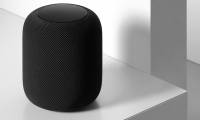
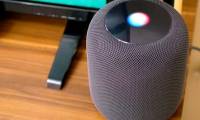
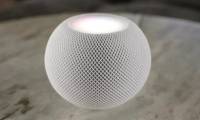
If you’ve added Apple HomeView to your home, keep a working HomePod anywhere you still want a speaker. You can move it to another room, combine it with an identical model for stereo, or reset it before passing it to someone else.
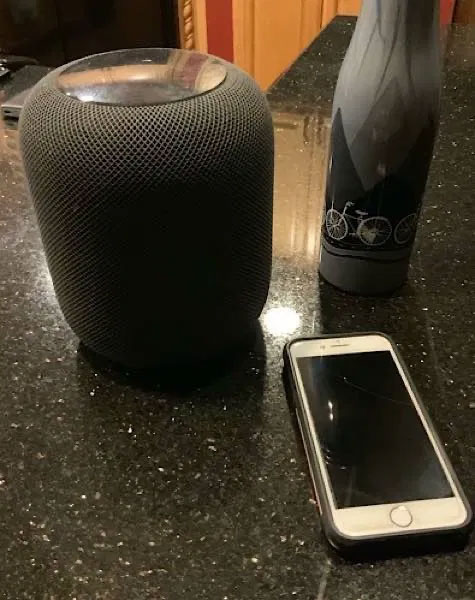
Use HomeView and HomePod in different rooms
Apple HomeView is the display Apple introduced for home controls, FaceTime, and other household uses. Put the display where you can see and touch it easily. Move the HomePod to a place where listening is the priority, such as an office or dining room. In the Home app, update the speaker’s room and name so it’s easy to find in AirPlay.

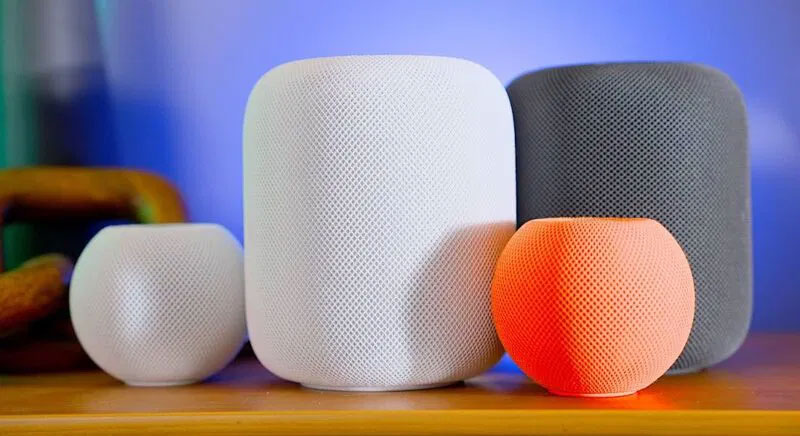
Make a stereo pair if you have the same model
Place both speakers in the same room and assign them to that room in the Home app. Use Create Stereo Pair in the speaker settings, then confirm which is left and right. Apple’s stereo pair guide requires two HomePods of the same model.
Reset before selling, donating, or recycling
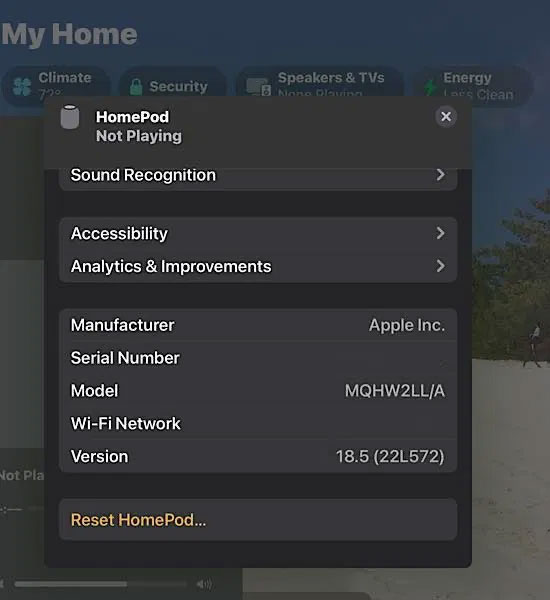
Open the Home app and select the HomePod. Open its settings, tap Reset HomePod, then choose Remove Accessory if shown. If you paired two speakers, ungroup them first. See Apple’s removal instructions if the device is offline or unavailable in the app. For a broken speaker, check repair or electronics recycling options.


Reader Comments 0
Sign in with email or Google to join the discussion.