Table of Contents
This guide provides a clear overview of malicious apps, including the main concepts, practical steps, and common questions. Use it to understand the topic, compare the available options, and make a more informed decision.
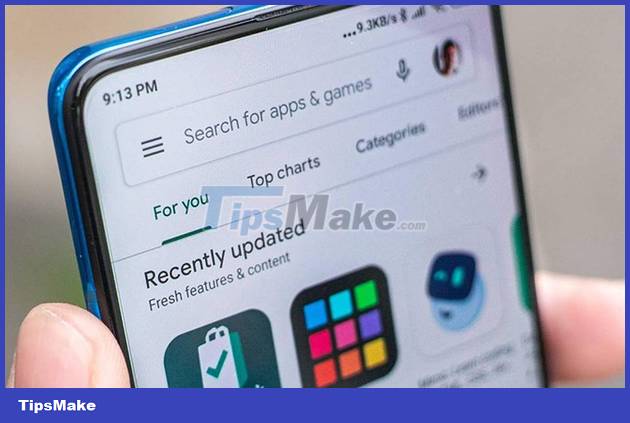
Recently, researchers at Doctor Web continued to publish a series of applications containing malicious code appearing in the Play Store's app store. This study shows that your phone can be remotely hijacked, as well as having all data stolen via email.
Most of these malicious apps are masquerading as antivirus apps. Fool users by sounding a warning about the presence of a virus on your computer, then ask you to pay some money to buy the full version of the application. At the same time, these applications have the ability to monitor and gain access to the system, endangering users' data and devices.

Some named applications such as Wild & Exotic Animal Wallpaper, PIP Pic Camera Photo Editor, ZodiHoroscope - Fortune Finder, Recovery, Driving Real Race. are recommended by Doctor Web experts and should be immediately removed from the system.
These apps all have over 500,000 to 1 million downloads from the App Store. However, this application contains malicious code capable of stealing Facebook login information of users. Some other applications are associated with paid services. When users access these applications, they automatically sign up for a series of different paid services to deduct fees without the user's knowledge.
Currently, Google is also reviewing and removing the above applications from the Play Store, but users also need to be proactive and cautious before downloading any applications to their smartphones.
Conclusion
Understanding Malicious Apps makes it easier to compare options, avoid common mistakes, and apply the information in this guide more effectively. Review the relevant requirements before making changes or choosing a solution.
FAQ
What is Malicious Apps?
Most of these malicious apps are masquerading as antivirus apps.
Why is Malicious Apps important?
Understanding Malicious Apps helps you evaluate features, compatibility, performance, and potential limitations before you choose a product or follow a procedure.
What should you consider when using or choosing Malicious Apps?
Consider your specific goal, compatibility requirements, available features, cost, security, and the practical recommendations described in this guide.
Related Articles
 The List of Applications Containing Malicious Code or Malicious Ads Should Be Removed from the Phone3 minutes read
 Warning: Dozens of Apps Zodiac and Speed up Smartphones with Malicious Code Installed3 minutes read
 28 Harmful Applications That Need to Be Immediately Removed from Your5 minutes read
 Detecting Malicious Viruses in the Application Has More Than 1002 minutes read
 9 Malicious Applications on Google Play, If Installed, Should Be2 minutes read
 Warning: New Malicious Code Is Infecting About 500, 000 Router Devices4 minutes read
Reader Comments 0
Sign in with email or Google to join the discussion.