Table of Contents
The active 99 Nights in the Forest codes currently provide free Diamonds and Flames. As of August 12, 2026, two codes use the normal redemption menu and one secret phrase is entered in chat while fishing. Codes can change without notice, so redeem them promptly.
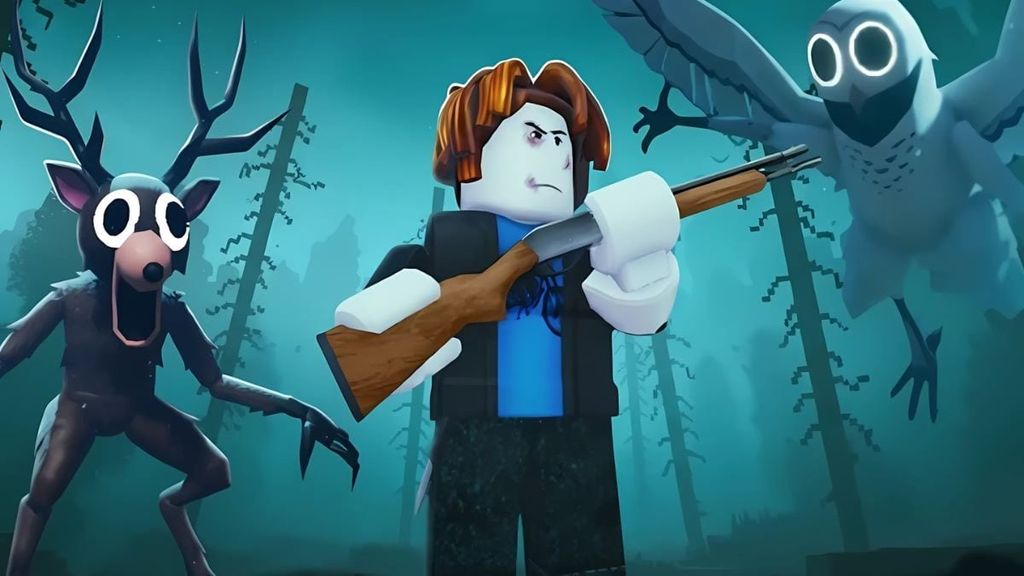
Active 99 Nights in the Forest codes
| Code | Reward | How to redeem |
|---|---|---|
| forestwakesup26 | 15 Diamonds and 3 random Flames | Codes menu |
| afterparty | 15 Diamonds | Codes menu |
| yay fishing | 2 Diamonds | In-game chat while fishing |
The reward list was checked against recent code trackers, but only the developer controls whether a code remains active. Enter each code exactly as shown. For the official experience and developer information, use the 99 Nights in the Forest page on Roblox.
How to redeem standard codes
- Launch 99 Nights in the Forest on Roblox and remain in the lobby.
- Select the Diamond icon in the lower-left area of the screen.
- Choose Codes in the Diamond shop window.
- Paste forestwakesup26 or afterparty into the field.
- Select Submit. If the code is active and unused, the reward should be added to your account.
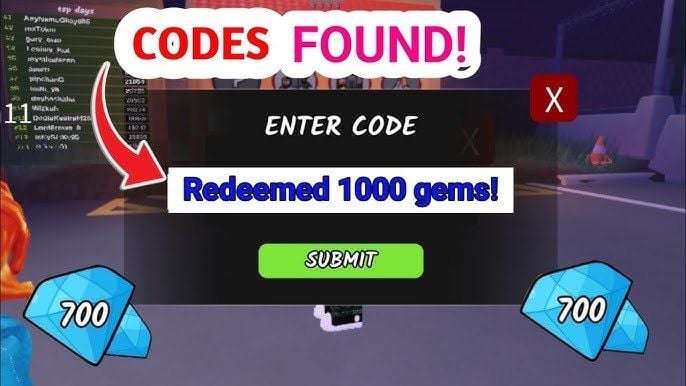
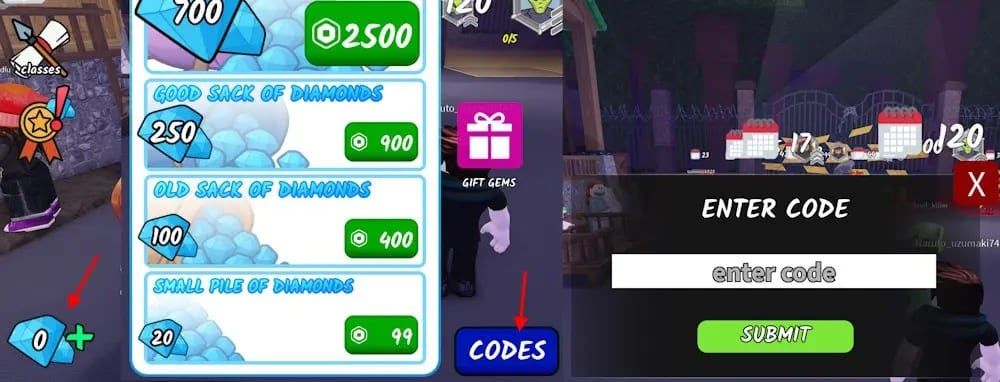
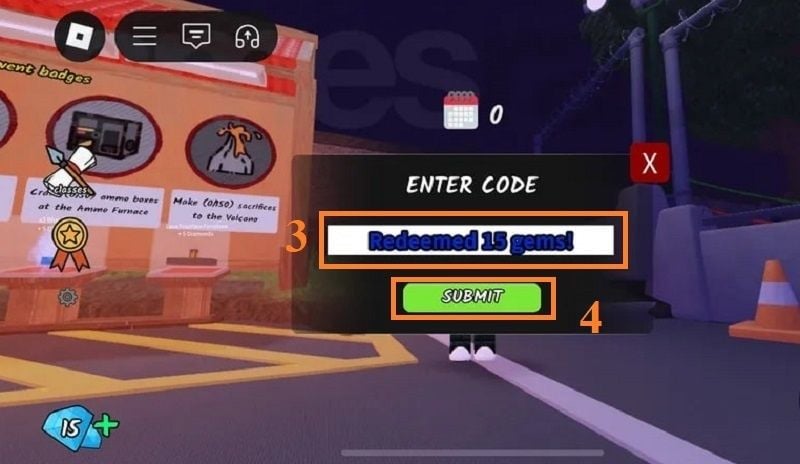
How to redeem the “yay fishing” code
yay fishing is not entered in the normal Codes menu. Join a round, obtain and equip a fishing rod, then begin fishing. While the fishing minigame is active, open Roblox chat, type yay fishing in lowercase, and send the message. The reward appears as Diamonds near your character, so collect them before leaving.
Why a code may not work
- Typing error: copy the code and remove any spaces before or after it.
- Wrong redemption method: use the Codes menu for the two standard codes and chat while fishing for yay fishing.
- Already redeemed: each reward is normally limited to one redemption per account.
- Expired or disabled: developers can retire a code even if it still appears on an older list.
- Server not updated: leave and join a newer server, then try once more.
Where to check for new codes
Check announcements linked from the game's official Roblox page and the developer's verified community channels. Avoid sites or messages that ask for a Roblox password, browser cookie, or downloaded “code generator”; legitimate redemption happens inside the game.
If you play other games with time-limited rewards, the same copy-and-paste precautions apply to Blue Archive codes and Monster Slayer codes.
Related Articles
 99 Nights in the Forest: Best Options and Key Tips6 minutes read
 How to Beat Bats in 99 Nights in the Forest: Step-by-Step Guide7 minutes read
 Latest 99 Nights in the Forest Roblox Codes: Complete Guide4 minutes read
 How to Play 99 Nights in the Forest (Roblox)12 minutes read
 Sons of the Forest Console Commands and Cheats Guide10 minutes read
 All Star Tower Defense Codes: Archived 2024 List6 minutes read
Reader Comments 0
Sign in with email or Google to join the discussion.