Table of Contents
The best logo design software depends on how much control you need. Adobe Illustrator and CorelDRAW suit professional vector work, Affinity provides capable desktop design tools at no cost, and browser-based services such as Wixel and Looka are faster for beginners. The important differences are editing freedom, file formats, licensing, and whether downloading a usable logo costs extra.
Logo design software compared
| Tool | Best for | Platform | Cost and export notes |
|---|---|---|---|
| Adobe Illustrator | Professional custom vector logos | Windows, macOS | Paid subscription; broad vector and print-production support |
| CorelDRAW | Vector illustration and production workflows | Windows, macOS, web options vary by product | Commercial software; check the current plan and included applications |
| Affinity | Free desktop vector and layout work | Desktop | Free for individuals; optional Canva-connected AI features may have separate requirements |
| Wixel | Quick template- or AI-assisted logos in a browser | Web | Free plan with limited AI credits; SVG, PNG and JPG downloads are available |
| Looka | Fast AI-generated concepts and brand kits | Web | Free to generate and edit; payment is required to download and use the logo files |
Before choosing, decide whether you need an editable vector master such as SVG, PDF or EPS, a transparent PNG for the web, or both. A logo that exists only as a small JPG will be difficult to resize cleanly for signs, packaging or print.
1. Adobe Illustrator
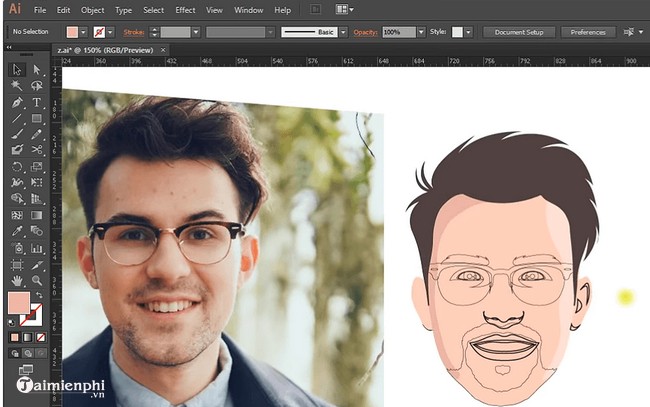
Adobe Illustrator is a strong choice when a logo must be built from original vector shapes and delivered in several professional formats. Its Pen, Shape Builder, Pathfinder, alignment and typography tools give a designer detailed control over geometry rather than locking the design to a template.
Illustrator has a steeper learning curve than an online logo maker and requires a paid subscription. It makes the most sense for designers who expect to revise artwork often, prepare files for printers or build a wider identity system. Keep the original artwork in AI format, then export copies such as SVG for websites, PDF or EPS for production, and transparent PNG for everyday use.
2. CorelDRAW
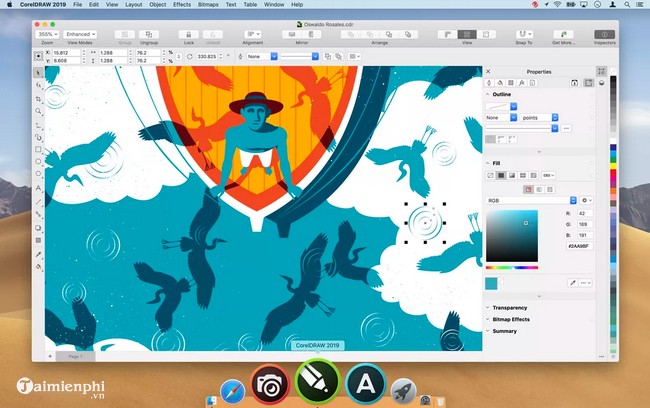
CorelDRAW is another professional vector option. It is particularly familiar in some print, signage, apparel and engraving workflows, and it supports precise curves, text handling, color controls and scalable output.
The exact applications and services included differ across CorelDRAW products and plans, so compare the current package with the formats required by your printer or collaborator. For a single occasional logo, the cost and learning time may be excessive. For repeated production work, its vector controls and output options can justify the investment.
3. Affinity
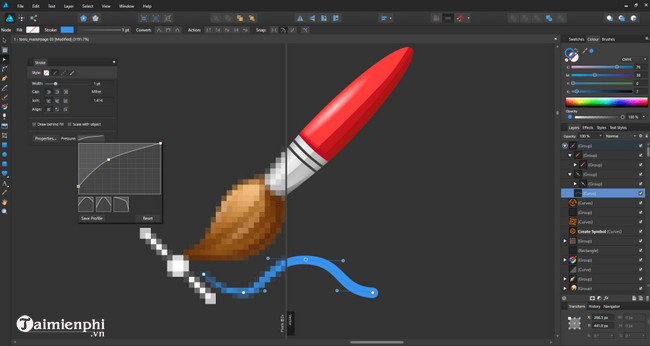
Affinity now provides professional creative tools free for individuals. It can handle vector shapes, curves, typography, layers and export tasks suitable for original logo construction. This makes it a practical choice for users who want desktop control without committing to a recurring software fee.
Do not assume every connected feature is unlimited: optional AI functionality tied to Canva may depend on a Canva plan or usage allowance. Also confirm the file-format workflow before collaborating with an Illustrator- or CorelDRAW-based team. Export an interoperable vector copy as well as keeping the editable source file.
4. Wixel
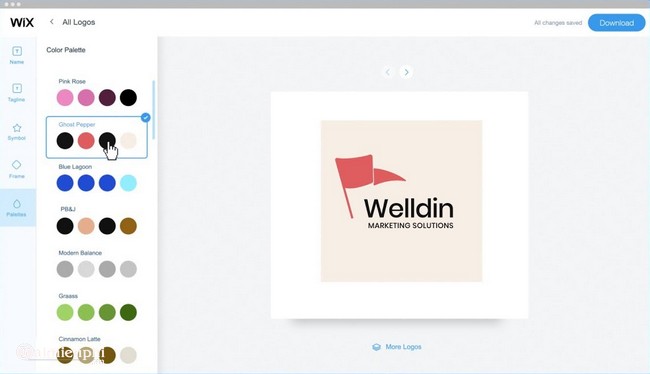
Wixel Logo Maker is Wix's current browser-based option for new logo projects. It can start from templates or AI-generated directions, then lets you adjust fonts, colors, icons and layout. The free plan includes a limited number of AI credits, and the service advertises free SVG, transparent PNG and JPG downloads.
This is one of the fastest choices for a small project without design software, but convenience does not replace judgment. Check that the icon is sufficiently distinctive, that the type remains readable at favicon size, and that the result works in one color. Wix says older Wix Logo Maker projects are not automatically moved to Wixel, so users returning to an existing design should open it in the original Brand Studio.
5. Looka
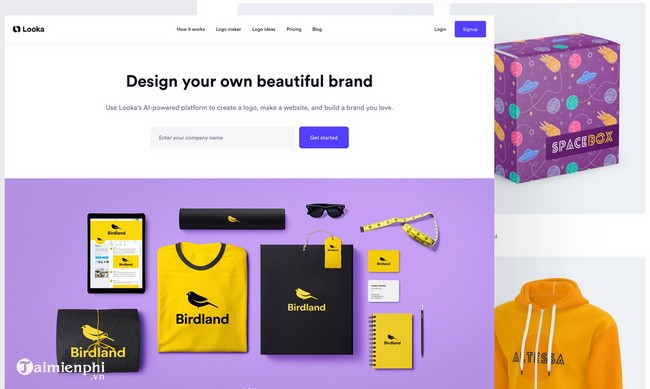
Looka generates logo concepts from a business name, industry and style preferences. You can browse and edit ideas without paying, which makes it useful for exploring directions. However, the finished files and commercial usage are part of a paid logo package; free previews are not a substitute for purchased deliverables.
Look closely at what a package includes before buying. A useful handoff should contain a scalable vector file, transparent PNGs, color and monochrome versions, and clear license terms. Brand-kit subscriptions add convenience, but they are not necessary if you only need the final logo files.
How to choose the right tool
Choose a vector editor for originality and control
Use Illustrator, CorelDRAW or Affinity when the logo needs custom lettering, carefully constructed symbols, exact geometry or repeated professional revisions. These tools take longer to learn, but the resulting artwork remains fully editable and scalable.
Choose an online maker for speed
Wixel or Looka can produce a usable starting point quickly when a budget and deadline are limited. Review template and asset licenses, avoid a mark that looks too similar to common generated designs, and make sure you can download a vector master. You can also compare more online logo makers or try free logo design software before paying.
Test the logo before finalizing it
- View it at both billboard size and favicon size.
- Check it in black and white as well as full color.
- Verify that the type is readable and legally licensed.
- Search for visually similar marks in your market.
- Keep the editable source plus SVG/PDF and transparent PNG exports.
If you prefer to work on a phone or tablet, see these mobile logo design apps. Whatever tool you use, the strongest logo is usually a simple, recognizable system that survives different sizes and backgrounds—not the design with the most effects.
Related Articles
 Create a Logo: Top Online Logo Design Websites8 minutes read
 Using Designevo to Design Online Logo6 minutes read
 Using AAA Logo Professional Logo Design6 minutes read
 5 Steps to Design a Free Logo on Canva3 minutes read
 Websites That Create Free Online Logos: Create Online Logo13 minutes read
 Top 5 Best Free Logo Design Software6 minutes read
Reader Comments 0
Sign in with email or Google to join the discussion.