Table of Contents
AI photo enhancers can reduce noise, enlarge a small image, repair obvious damage, or speed up object removal. They cannot recover every detail that the camera failed to capture, however. Some tools generate plausible pixels—especially around faces, text, and fine patterns—so the sharpest result is not always the most accurate one.
The right choice depends on the job. Remini and Lensa emphasize portraits, Pixelcut is convenient for product images, Let’s Enhance and Topaz focus on resolution and image quality, while Photoshop provides the most manual control. The ten options below cover both quick mobile fixes and more demanding desktop workflows.
Quick comparison
| Tool | Best suited to | Main trade-off |
|---|---|---|
| Remini | Fast face and old-photo enhancement | Cloud processing can change facial detail |
| Pixelcut | Product photos and background editing | Batch and advanced features may require a paid plan |
| Pixelup | Simple restoration on a phone | Results and purchase terms vary by app version |
| Clipdrop | Browser-based cleanup, relighting, and uncropping | Free use has quotas or output limits |
| Lensa | Selfies, portraits, and stylized avatars | Retouching can look artificial when pushed too far |
| PhotoApp | One-tap mobile enhancement | Check the publisher carefully; similarly named apps exist |
| Fotor | General online photo editing | Some AI actions consume credits or need a subscription |
| Let’s Enhance | Upscaling for prints, products, and digital art | Cloud, credit-based workflow |
| Adobe Photoshop | Precise editing with AI assistance | Higher cost and learning curve |
| Topaz Photo | Desktop denoising, sharpening, and upscaling | Paid software with meaningful hardware requirements |
1. Remini: quick portrait and old-photo enhancement
Remini is designed for one-tap enhancement, with particular emphasis on faces. It can make a low-resolution portrait easier to view, reduce visible blur, and restore contrast in a scanned photo. It is useful when speed matters more than fine control.
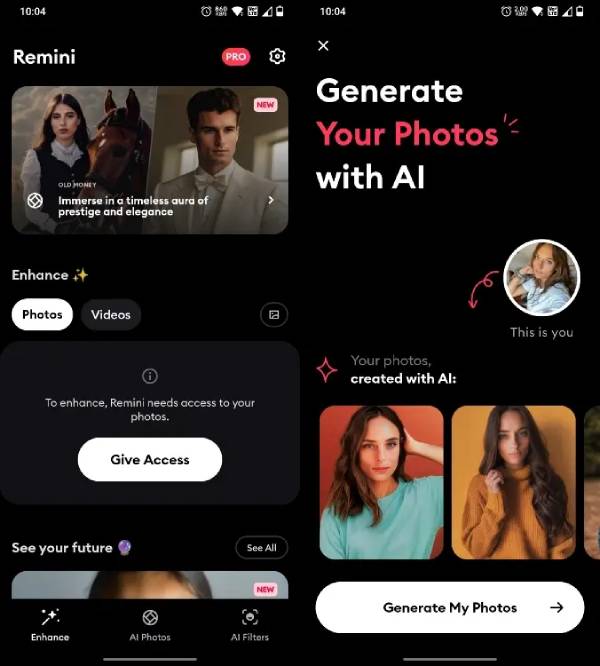
Inspect eyes, teeth, hair, jewelry, and skin texture before keeping the result. Face-restoration models may invent detail or subtly change a person’s appearance. The service processes uploaded media in the cloud; Remini’s web privacy policy says uploaded media is normally deleted automatically after 15 days, with exceptions when a requested feature requires otherwise. Review the current Remini privacy policy before uploading a sensitive family photo.
2. Pixelcut: product images and background work
Pixelcut combines an image upscaler with tools for removing or replacing a background, erasing objects, expanding a canvas, and preparing product images. Its focused web tools are approachable when you need an online result without learning a full desktop editor.
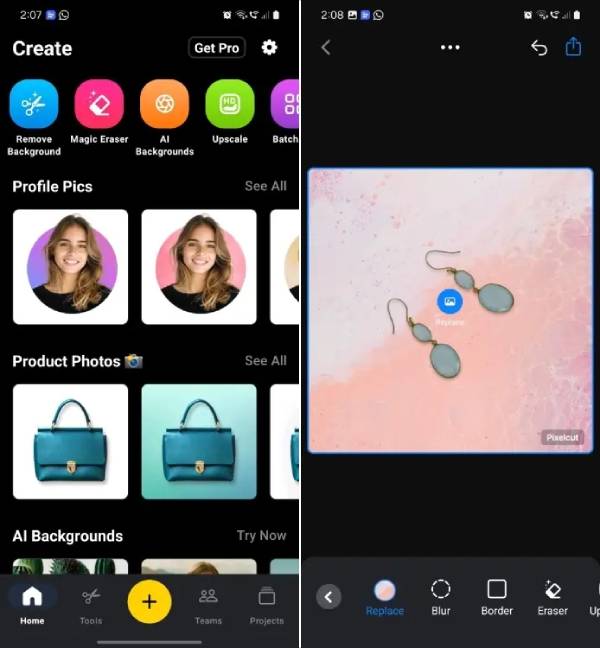
The Pixelcut image upscaler can be tested on a single image in a browser. Batch processing and some higher-end options are tied to paid access. For product work, check the generated outline at hair, glass, fabric, and reflective edges; automatic background removal often needs a second pass in those areas.
3. Pixelup: mobile restoration and animation
Pixelup is aimed at phone users who want to sharpen a portrait, colorize an old black-and-white image, or animate a still face. The guided workflow is easier than manual retouching, and a trial edit can show whether its restoration style suits the source.
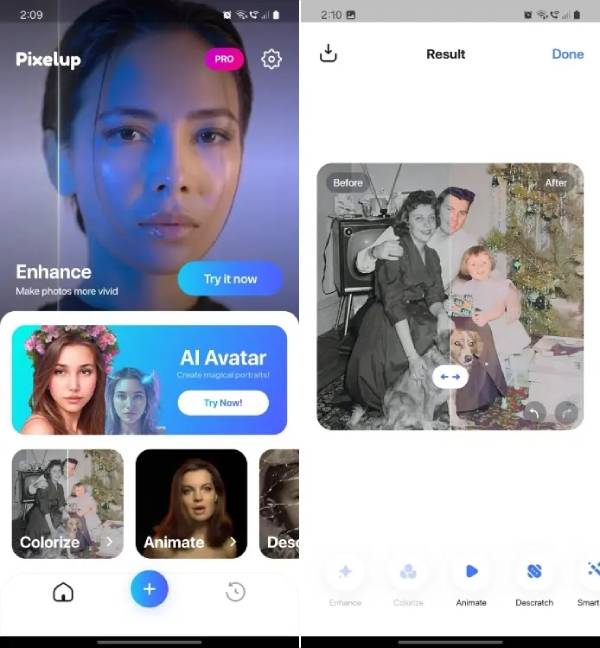
Colorization is an interpretation, not a historical record: clothing, skin tones, and backgrounds may receive plausible but incorrect colors. App availability, ads, export limits, and subscriptions can change, so confirm the publisher and purchase screen in your device’s app store before subscribing.
4. Clipdrop: a collection of fast browser tools
Clipdrop is useful when you need a specific operation rather than a conventional editor. Its web tools include Cleanup, background removal, image upscaling, Relight, Text Remover, and Uncrop. Uncrop extends the canvas by generating new material outside the original frame; it does not reveal what was actually beyond the camera’s view.
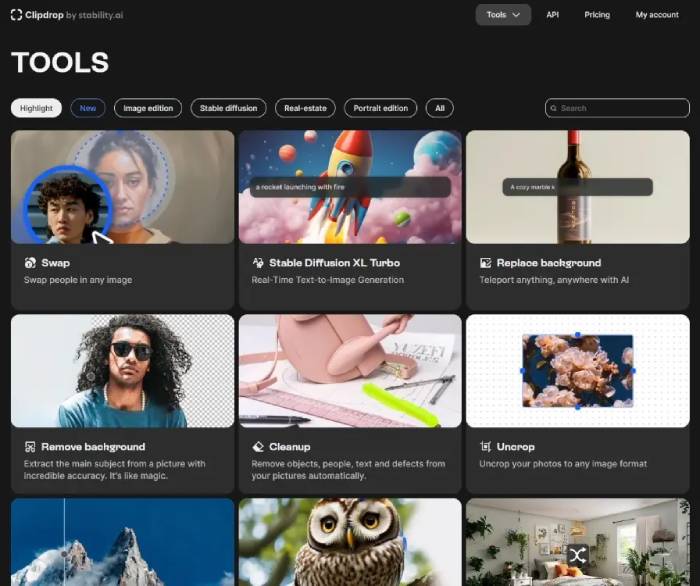
The service is convenient for mockups and social graphics, but it is not completely unrestricted: free accounts have tool-specific quotas or resolution limits. Check the current options on the Clipdrop tools page. Look closely at repeated patterns, hands, signage, shadows, and perspective in generated areas.
5. Lensa: portraits and stylized selfies
Lensa concentrates on portrait adjustments, including skin retouching, background blur, color treatment, and stylized avatars. It is a reasonable choice when the intended result is a polished social image rather than a faithful restoration.
Use face reshaping and skin smoothing sparingly. A strong setting can remove natural texture or change recognizable features. Avatar generation may also require uploading multiple portraits, so read the current privacy and data-retention information shown by the app before submitting them. The developer’s Prisma Labs site provides the official product links.
6. PhotoApp: one-tap enhancement on a phone
PhotoApp packages common mobile actions such as sharpening, colorizing, scratch reduction, portrait enhancement, and object cleanup. It may be convenient for casual scans or images intended for a small screen.
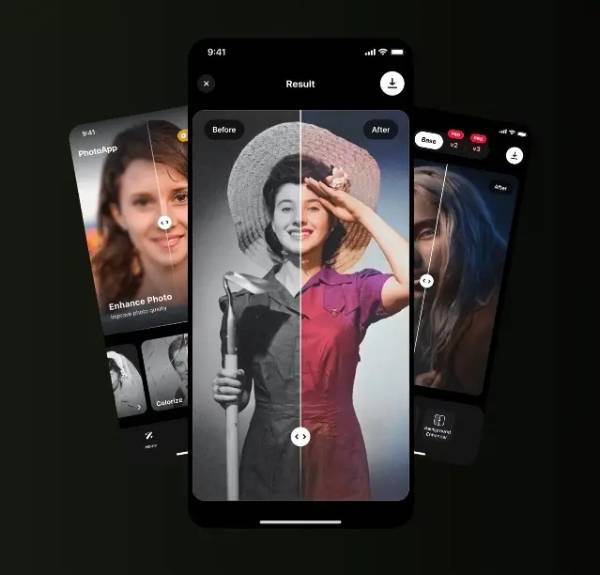
Search results and app stores contain multiple products with similar names. Verify the developer, privacy label, recent reviews, trial length, and renewal price rather than installing by name alone. Preserve the original scan because automated scratch removal can erase real lines or small objects along with damage.
7. Fotor: an all-purpose online editor
Fotor combines conventional adjustments with one-click enhancement, upscaling, background removal, portrait retouching, and old-photo restoration. It suits someone who wants a general editor in a browser or mobile app instead of switching between several single-purpose sites.
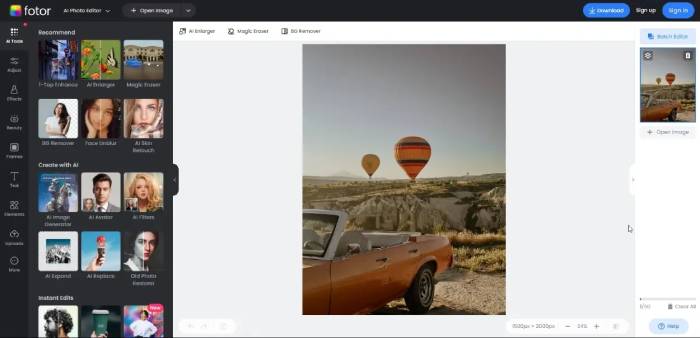
The Fotor AI image enhancer can reduce noise and improve apparent sharpness, but paid features, credits, watermarks, and export limits depend on the current plan. Use the before-and-after view at 100% zoom; one-click processing can over-sharpen edges or smooth skin.
8. Let’s Enhance: upscaling for larger output
Let’s Enhance is primarily a browser-based upscaler. It offers models for different source types and can combine enlargement with noise reduction, sharpening, and color or lighting correction. This makes it useful for product images, digital art, old scans, and files that need more pixels for a print layout.
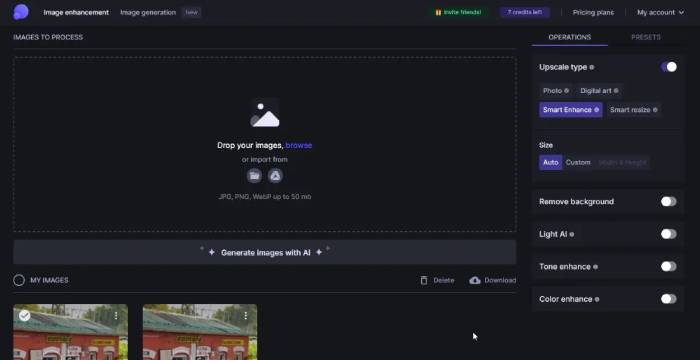
The workflow uses cloud processing and credits. Output limits differ between free and paid accounts, so confirm them on the Let’s Enhance site. More pixels do not guarantee more real detail: test text, fine fabric, foliage, and faces before sending an enlarged file to print.
9. Adobe Photoshop: AI with manual control
Photoshop is the strongest option here when an automatic result needs precise correction. Generative Fill can add, remove, or replace selected content, while Generative Expand creates material around an enlarged canvas. Selection tools, masks, layers, and conventional retouching remain available to correct the AI output non-destructively.
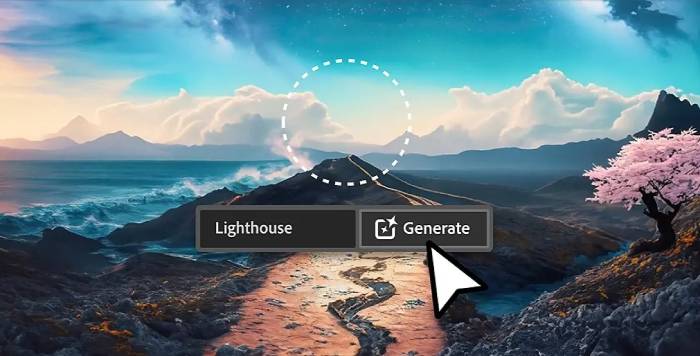
These tools are better for controlled editing than for proving what an original scene contained. Adobe’s Generative Fill overview explains the current workflow. Availability can depend on the Photoshop version, platform, account, region, and plan.
10. Topaz Photo: desktop sharpening and noise reduction
Topaz Photo is aimed at photographers who want dedicated sharpening, denoising, focus recovery, and upscaling. A desktop workflow can keep core image processing on the computer, although model downloads, updates, licensing, or optional online services may still use an internet connection.
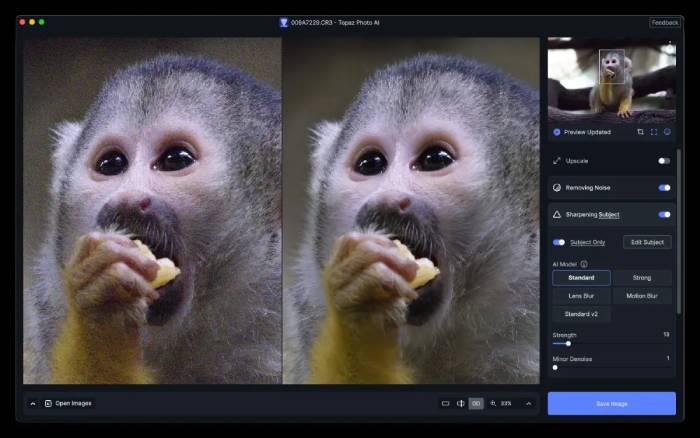
Its automated suggestions are a starting point rather than a guarantee. Compare detail in hair, feathers, distant faces, and high-ISO grain, then reduce settings that produce halos or plastic texture. Check current compatibility and requirements on the Topaz Photo product page before buying.
How to choose and test an AI photo enhancer
- Match the tool to the task. Use portrait-focused software for casual face restoration, an upscaler for output size, and a layer-based editor for exact object or background work.
- Test difficult details. Try one portrait, one low-light image, one file with text, and one image with complex edges. A tool that wins on a face may fail on lettering or foliage.
- Judge at actual size. View the export at 100% and at its intended display or print size. Excessive sharpening can look impressive when zoomed out but create halos close up.
- Keep the source. Save enhancements as new files. Do not overwrite the only copy of a family scan or professional photograph.
- Check privacy and cost. Cloud tools receive the uploaded image. Review retention, model-training choices, credit rules, watermarks, renewal terms, and commercial-use conditions.
What AI enhancement cannot safely do
An enhancer can make a photo more usable, but it cannot reliably reconstruct facts that were never recorded. Do not treat generated facial detail, license-plate characters, document text, or expanded scenery as evidence. Avoid AI alteration for identity documents, medical or scientific images, and other situations where fidelity matters more than appearance.
For most people, the best first step is to test the same image in two tools: a fast cloud enhancer and an editor that provides manual control. Choose the result that remains believable at normal viewing size, not simply the one with the strongest sharpening.
Related Articles
 6 Problems With One-Click AI Photo Enhancement Tools7 minutes read
 4 Popular Image Improvement AI Tools Worth Trying6 minutes read
 YouCam Perfect -- Photo Editor5 minutes read
 8 Free AI Image Upscaling Tools7 minutes read
 Best AI Image Upscalers: 5 Tools Compared12 minutes read
 How to Edit and Enhance Photos on Mobile with Photoshop Touch6 minutes read
Reader Comments 0
Sign in with email or Google to join the discussion.